
ClipFlow
Small video jobs, without a timeline
About ClipFlow
ClipFlow is a streamlined video editing tool designed for quick, small-scale video tasks that don't require complex timelines. Its intuitive interface allows users to effortlessly trim, join, compress, reverse, filter, caption, mute, blur, or convert video clips. The latest version, 1.9, introduces partial reverse functionality and 13 new filter styles, enhancing creative options. Most processing is handled locally on the device, ensuring faster performance and greater privacy. This makes ClipFlow particularly appealing to content creators, social media managers, and casual users who need efficient editing without the steep learning curve or heavy software overhead. Its focus on simple, targeted edits makes it a handy tool for quick video modifications and refinements, especially on mobile devices or in on-the-go scenarios.
Screenshots
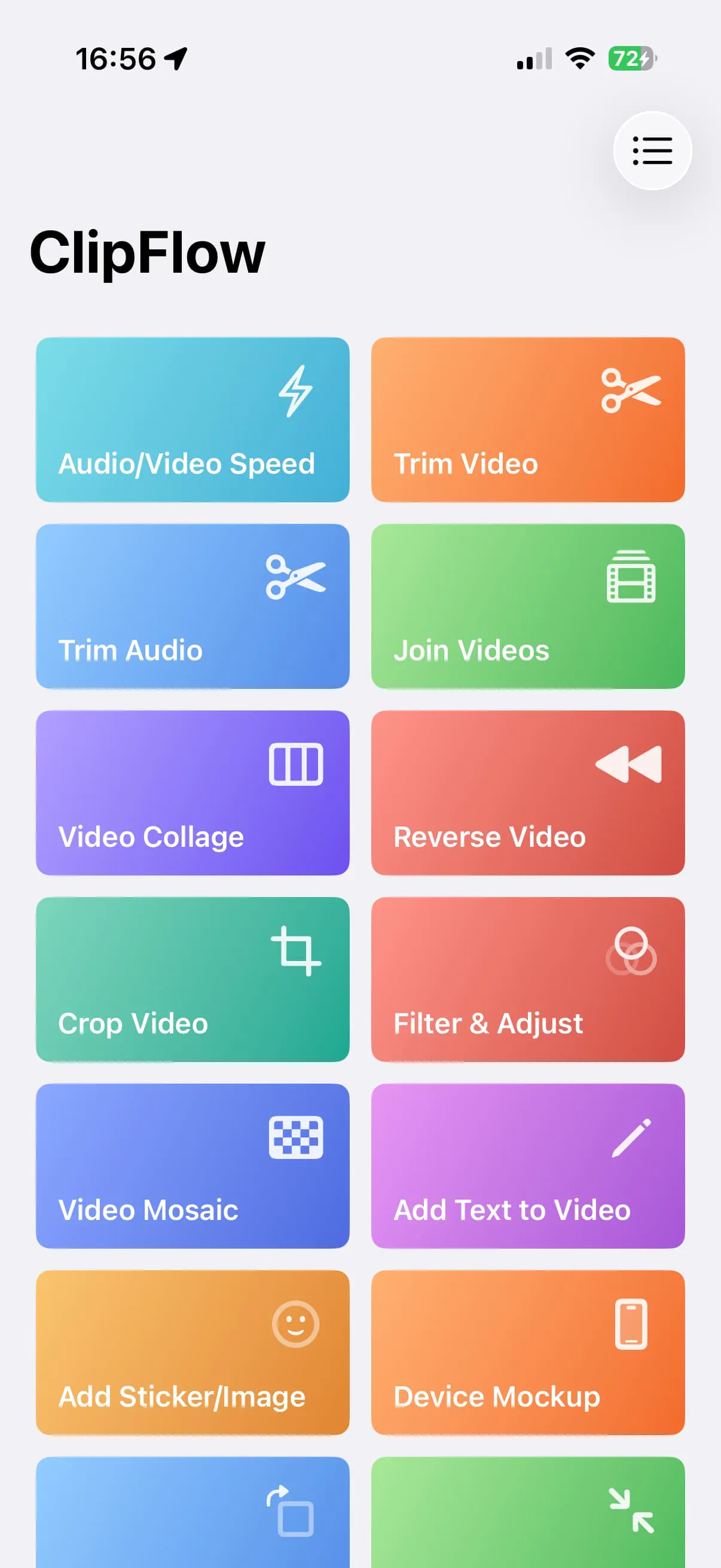
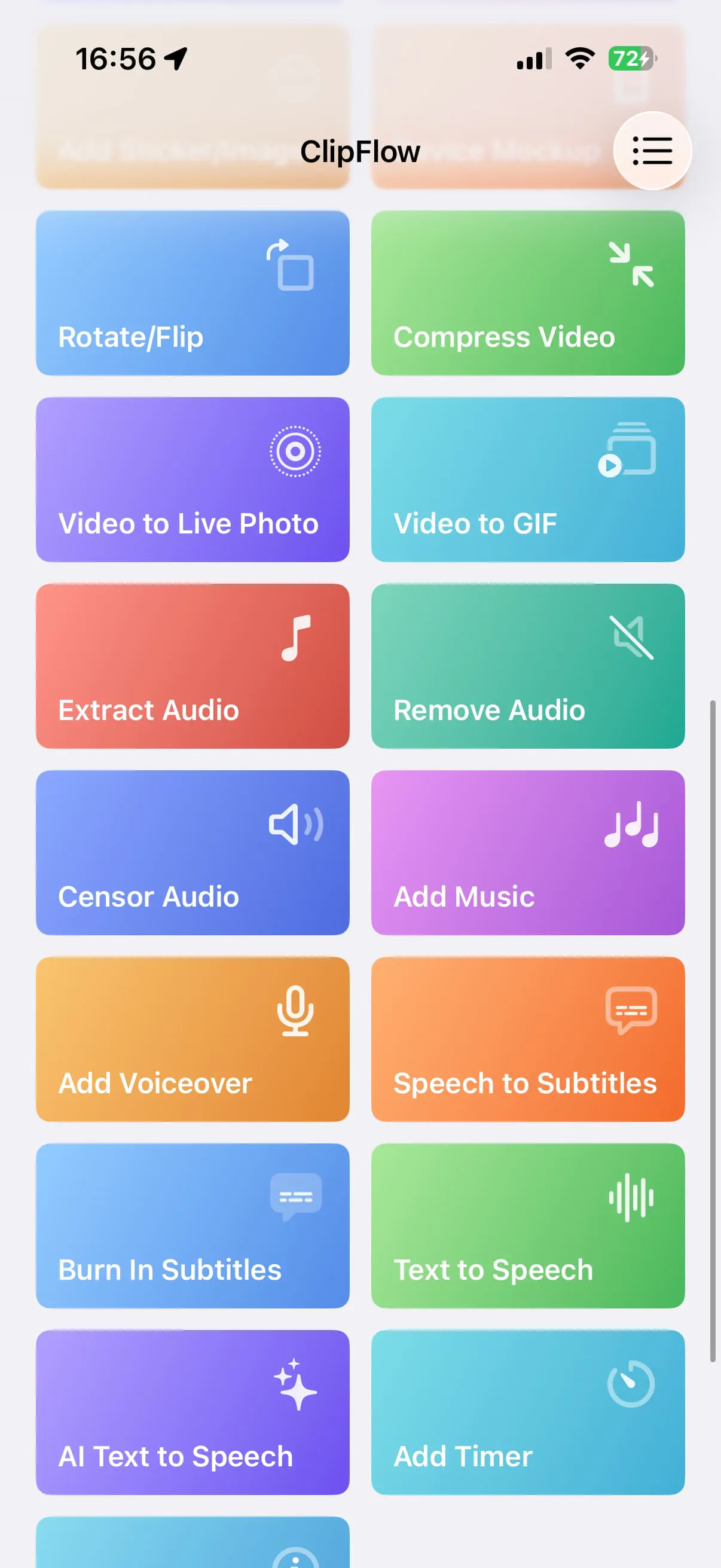
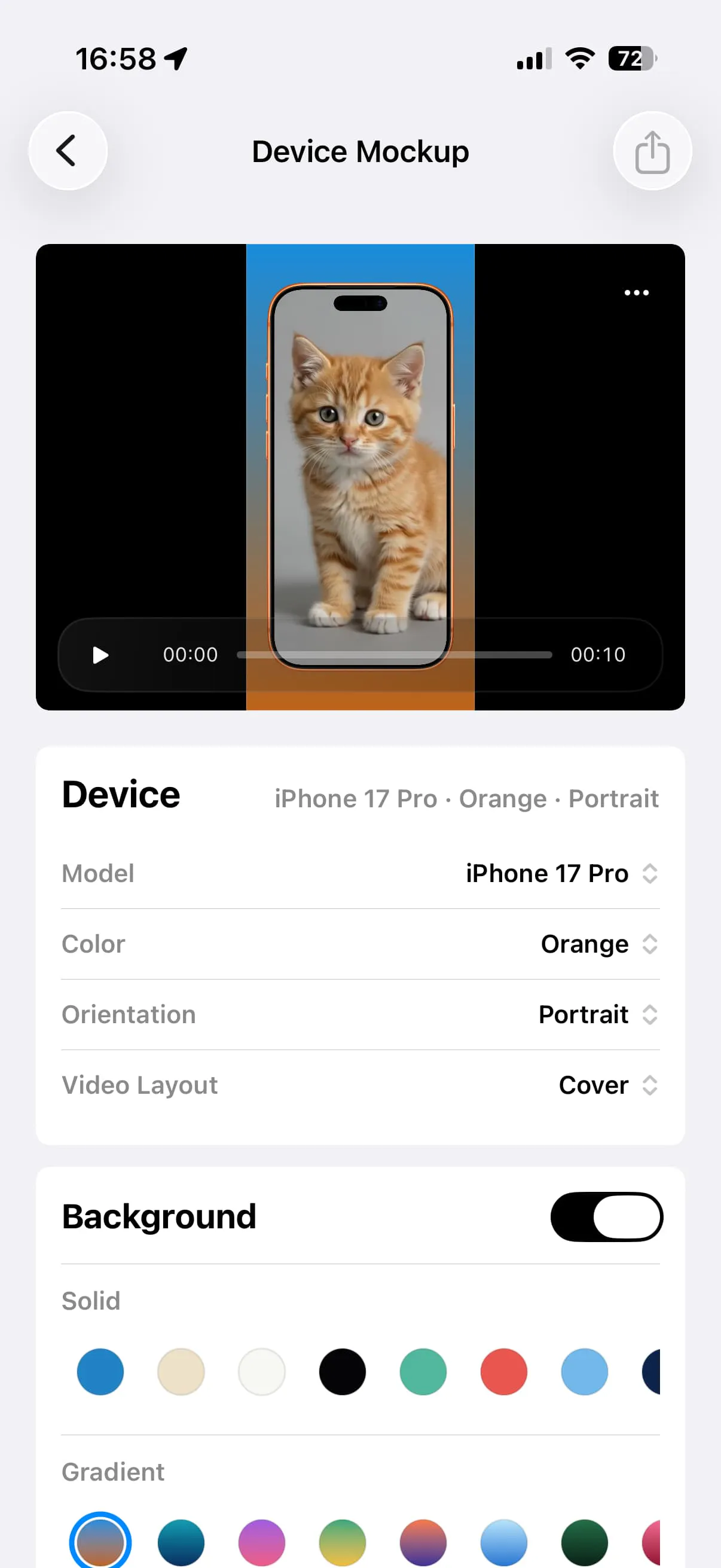
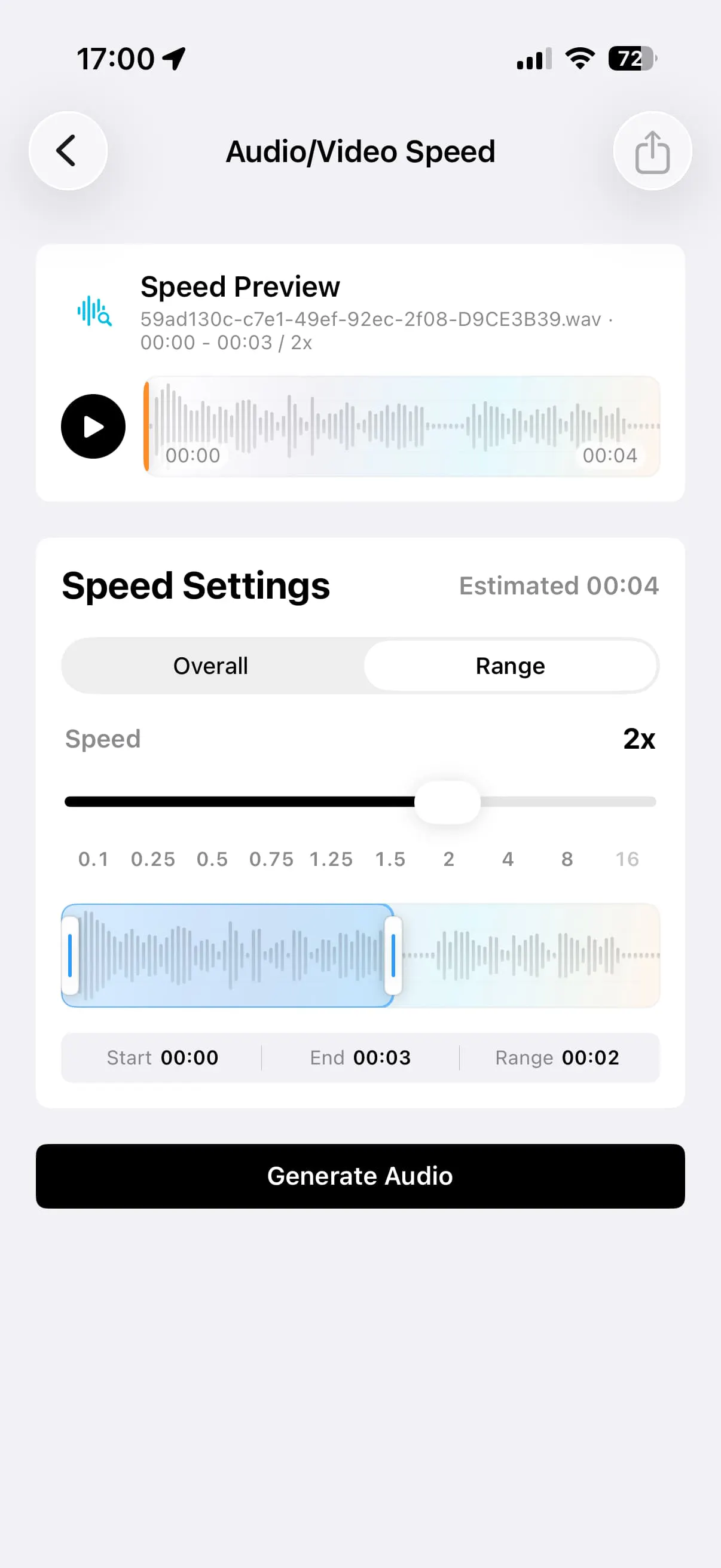
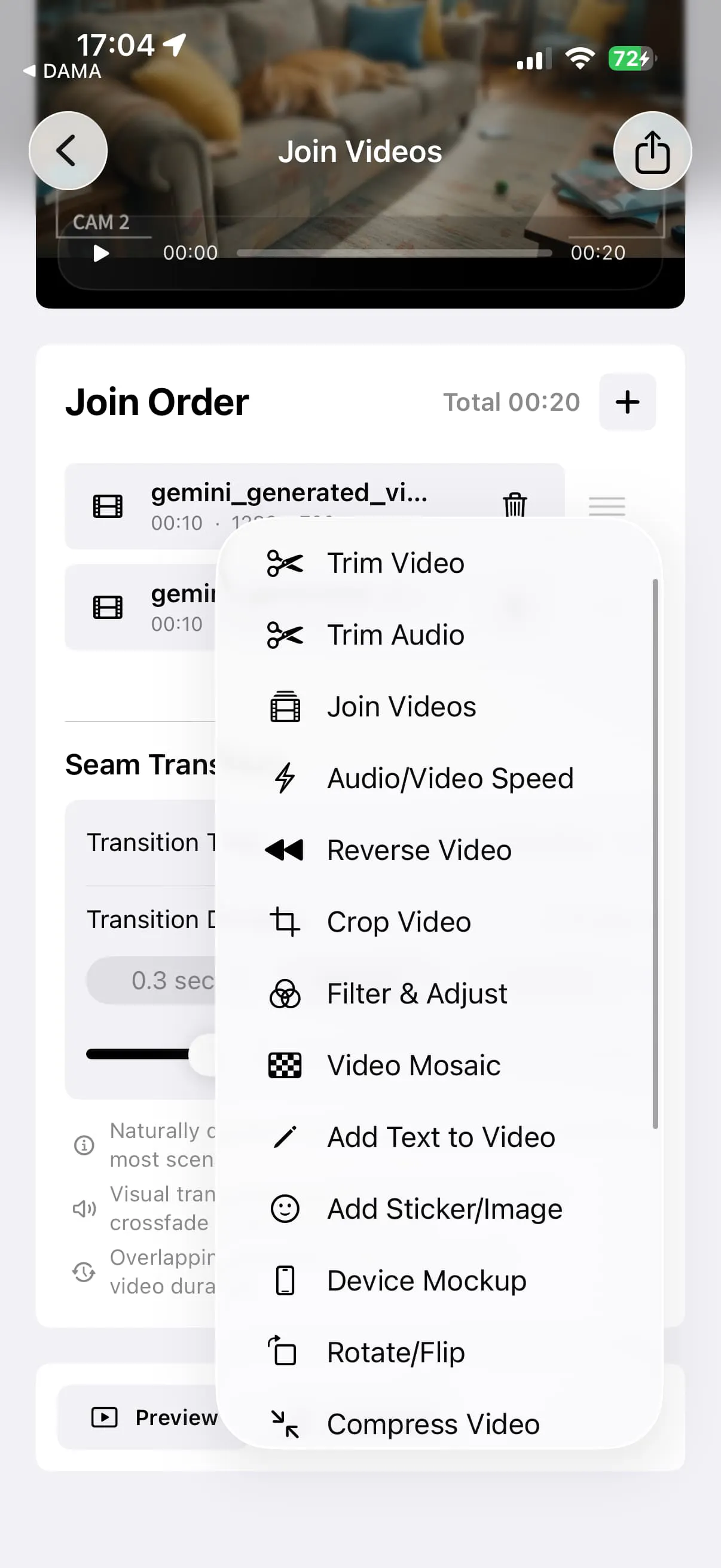
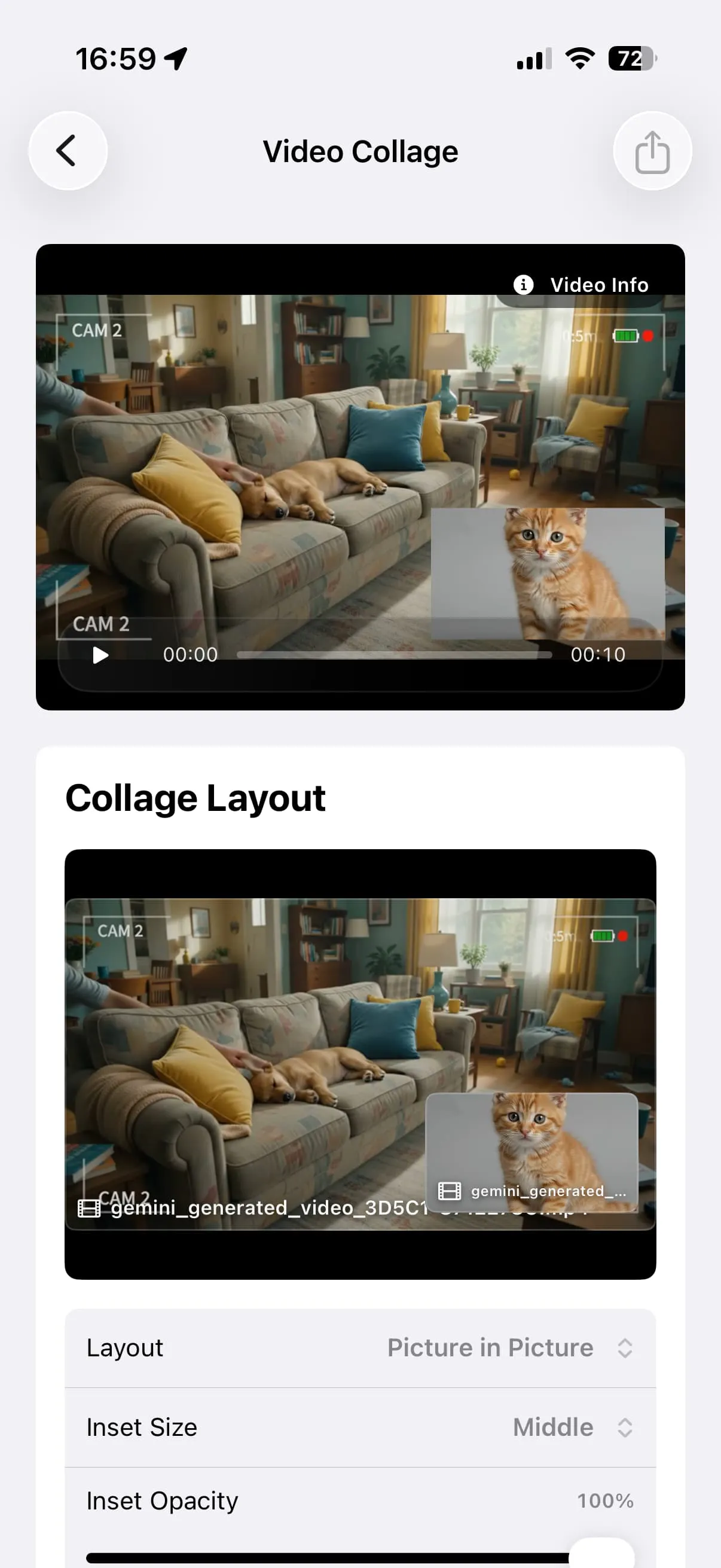
+4 more screenshots
Pros
- ✓User-friendly interface tailored for quick edits
- ✓Most processing occurs locally, ensuring privacy and speed
- ✓Supports a variety of editing functions in one app
- ✓New features like partial reverse and multiple filters enhance creativity
- ✓Ideal for small video jobs without complex timelines
Cons
- ✗Limited to small, simple edits; not suitable for complex projects
- ✗Lacks advanced features found in professional video editors
- ✗No free tier or detailed pricing info available publicly
Use Cases
Pricing
Likely operates on a freemium model, offering basic functionalities for free with premium features or full access available via paid plans. Specific pricing details are not publicly disclosed at this time.

Similar Tools in Developer Tools




Embed Badge
Add this badge to your website to show that ClipFlow is featured on Visalytica.
<a href="https://www.visalytica.com/tool/clipflow" target="_blank" rel="noopener noreferrer" style="display:inline-flex;align-items:center;gap:6px;padding:6px 14px;background:#7c3aed;color:#fff;border-radius:8px;font-family:-apple-system,system-ui,sans-serif;font-size:13px;font-weight:600;text-decoration:none;transition:background .2s" onmouseover="this.style.background='#6d28d9'" onmouseout="this.style.background='#7c3aed'"><svg width="14" height="14" viewBox="0 0 24 24" fill="none" stroke="currentColor" stroke-width="2.5" stroke-linecap="round" stroke-linejoin="round"><path d="M12 20V10"/><path d="M18 20V4"/><path d="M6 20v-4"/></svg>Featured on Visalytica</a>