
ClipDone
Automatic short-form video editing
About ClipDone
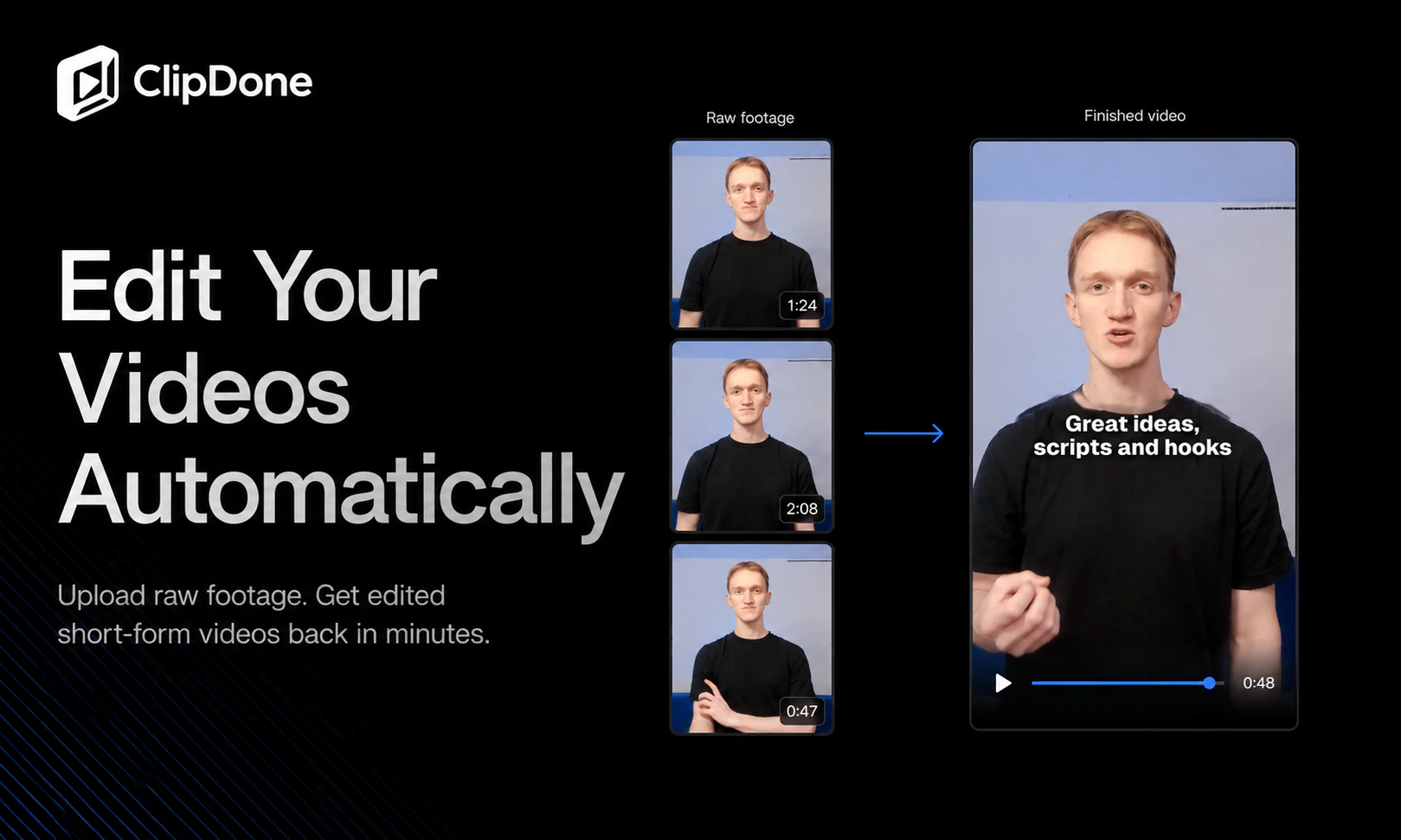
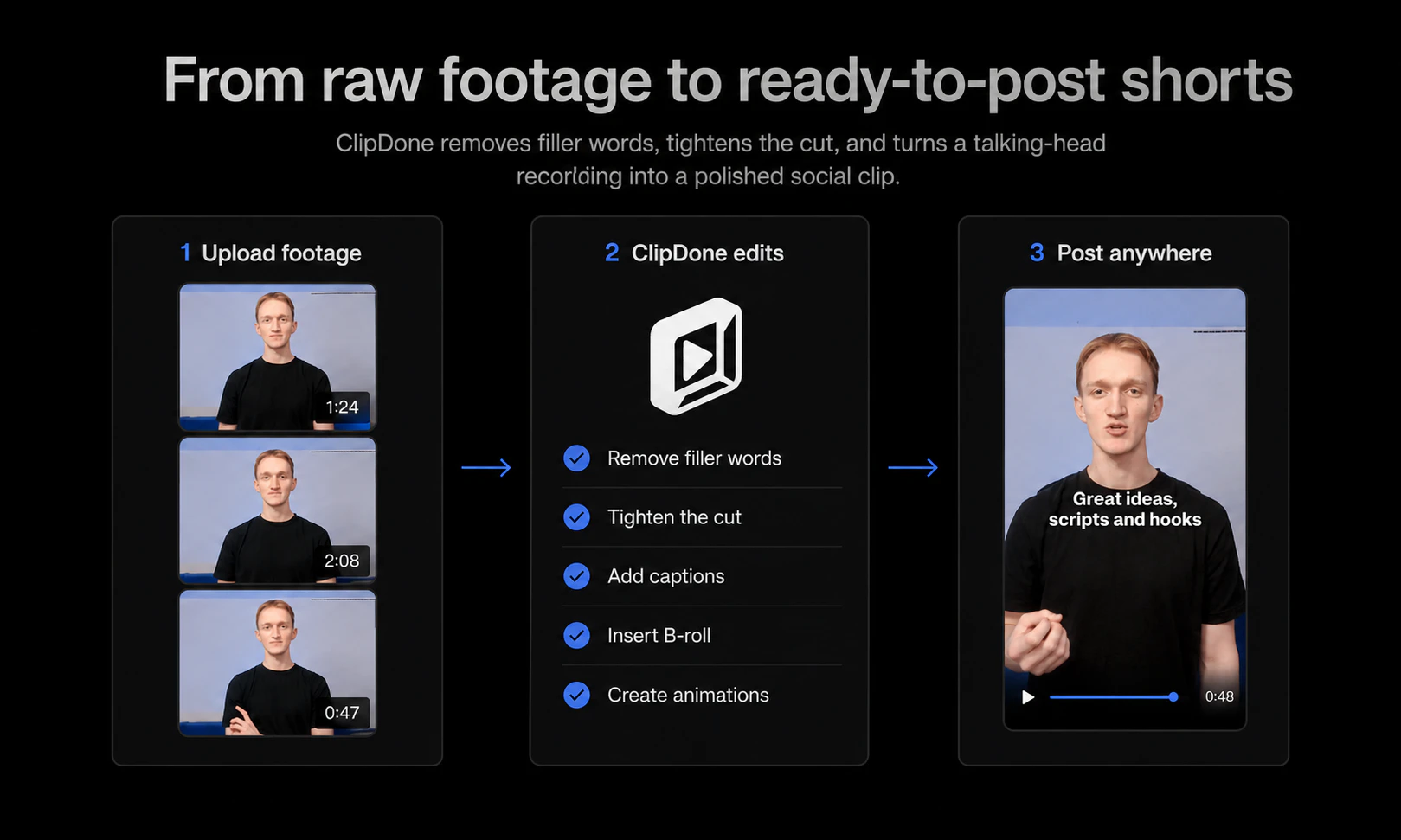
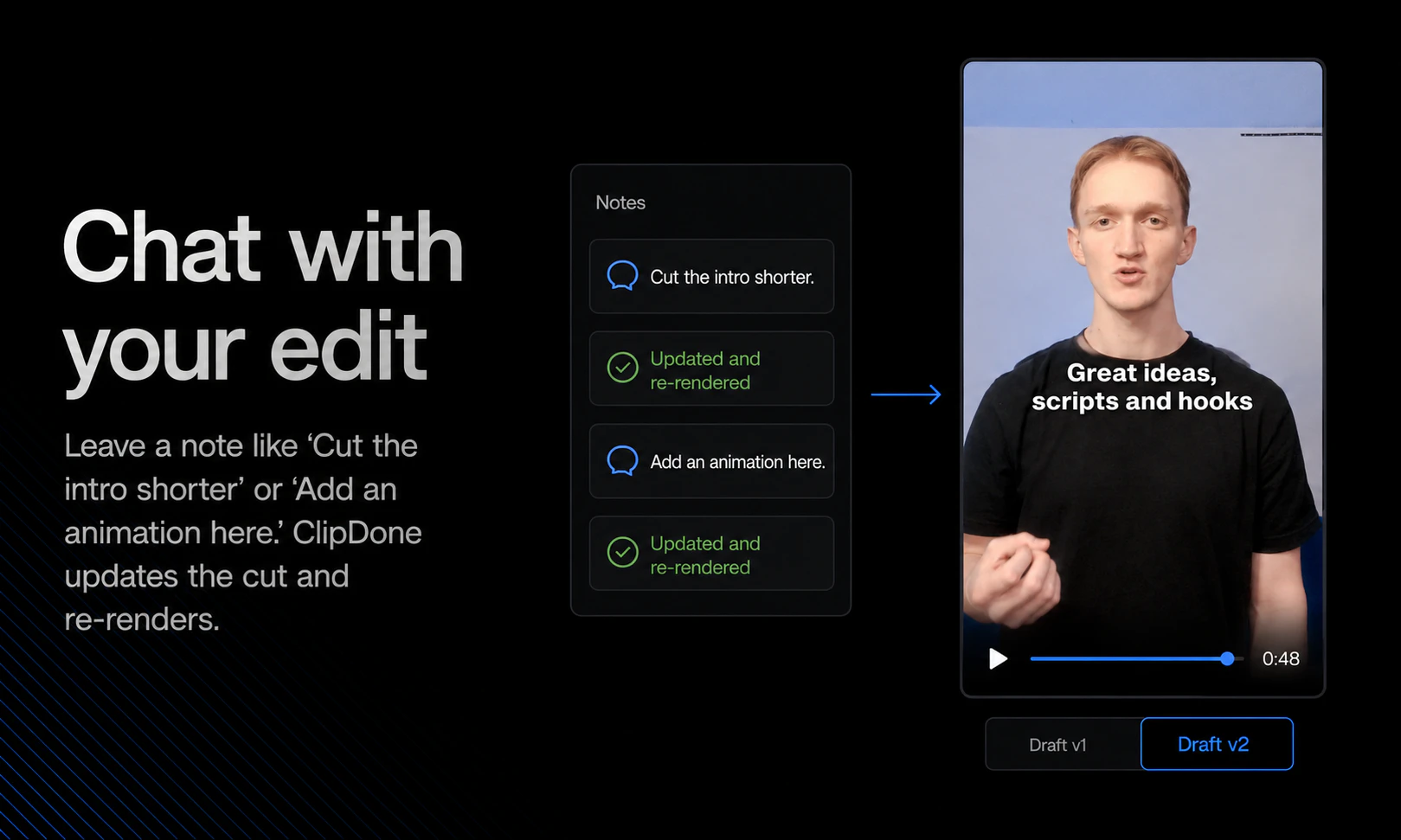
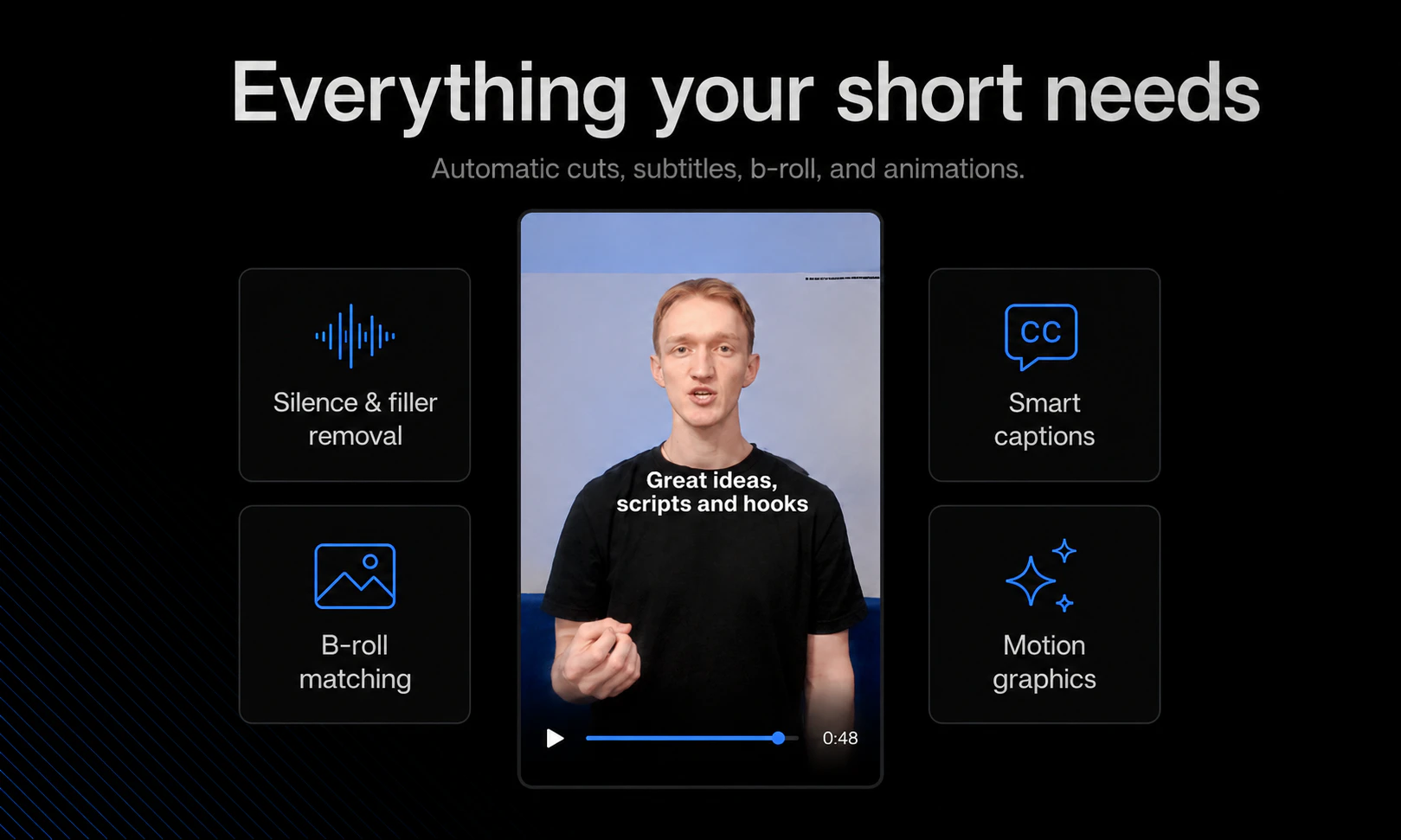
ClipDone is an innovative AI-powered tool designed to streamline the creation of short-form videos, making content production faster and more accessible. Ideal for marketers, social media managers, and content creators, it automates the editing process by transforming raw footage into polished, engaging clips suitable for platforms like TikTok, Instagram Reels, and YouTube Shorts. Users simply upload their footage, and ClipDone handles the rest—adding subtitles, b-roll, animations, and seamless edits. What sets ClipDone apart is its ability to produce professional-quality videos with minimal effort, reducing both time and costs associated with manual editing. Its AI-driven approach democratizes video content creation, empowering even those without editing skills to generate captivating videos quickly.
Screenshots
Pros
- ✓Automates the entire editing process, saving time and effort
- ✓Adds subtitles, b-roll, and animations automatically
- ✓User-friendly with minimal technical expertise required
- ✓Ideal for fast-paced social media content creation
Cons
- ✗Limited customization options compared to manual editing
- ✗Dependent on AI accuracy, which may vary with complex footage
- ✗Potential limitations for highly specific editing styles
Use Cases
Pricing
Likely offers a freemium model with basic features available for free, with paid plans starting around $10-$30/month for additional functionalities and higher usage limits. Exact pricing details are not specified.
Quick Info
Topics
Makers

Moritz
Similar Tools in Developer Tools




Embed Badge
Add this badge to your website to show that ClipDone is featured on Visalytica.
<a href="https://www.visalytica.com/tool/clipdone" target="_blank" rel="noopener noreferrer" style="display:inline-flex;align-items:center;gap:6px;padding:6px 14px;background:#7c3aed;color:#fff;border-radius:8px;font-family:-apple-system,system-ui,sans-serif;font-size:13px;font-weight:600;text-decoration:none;transition:background .2s" onmouseover="this.style.background='#6d28d9'" onmouseout="this.style.background='#7c3aed'"><svg width="14" height="14" viewBox="0 0 24 24" fill="none" stroke="currentColor" stroke-width="2.5" stroke-linecap="round" stroke-linejoin="round"><path d="M12 20V10"/><path d="M18 20V4"/><path d="M6 20v-4"/></svg>Featured on Visalytica</a>