
ClipDiary
Beautiful video journaling, on your Mac
About ClipDiary
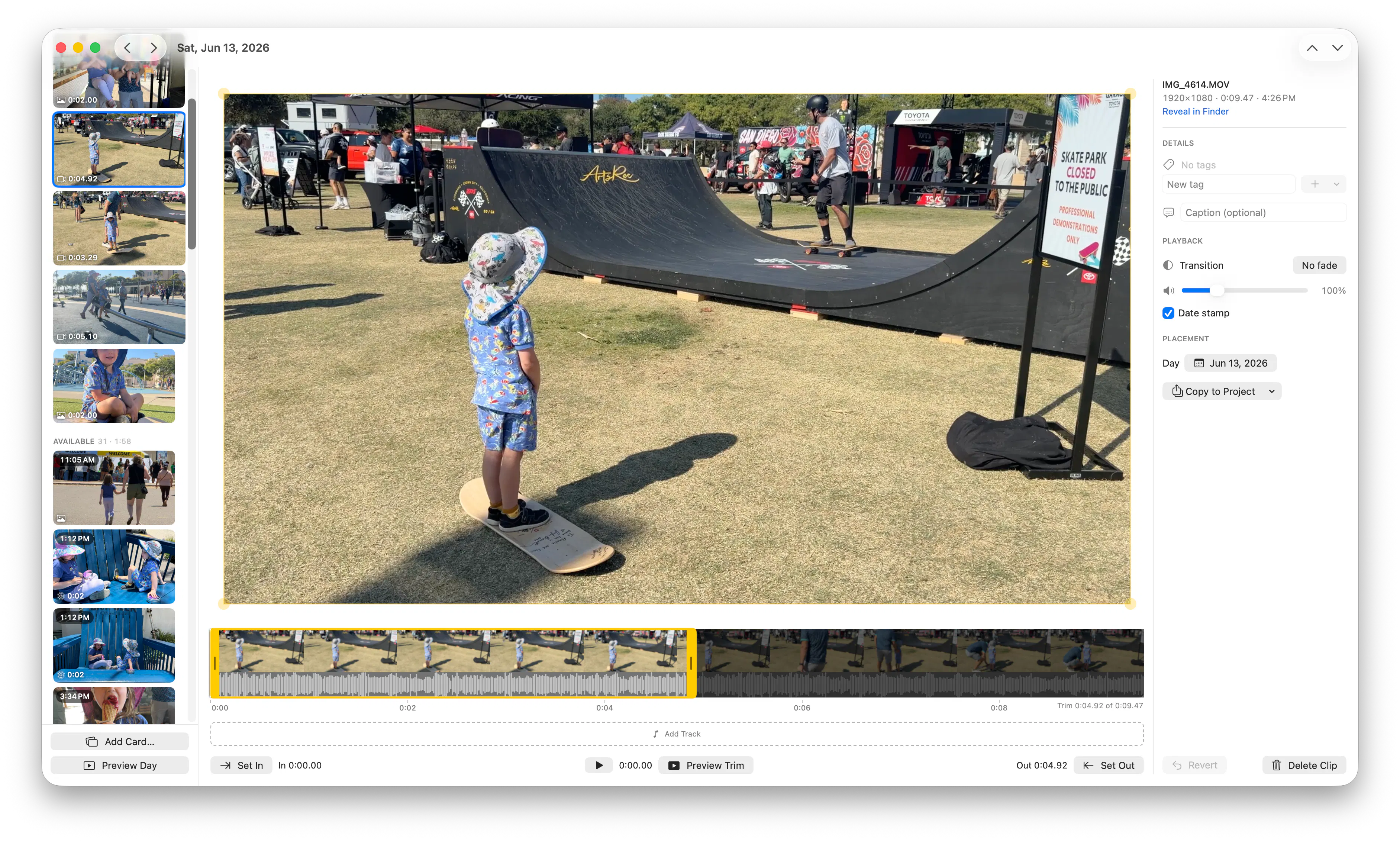
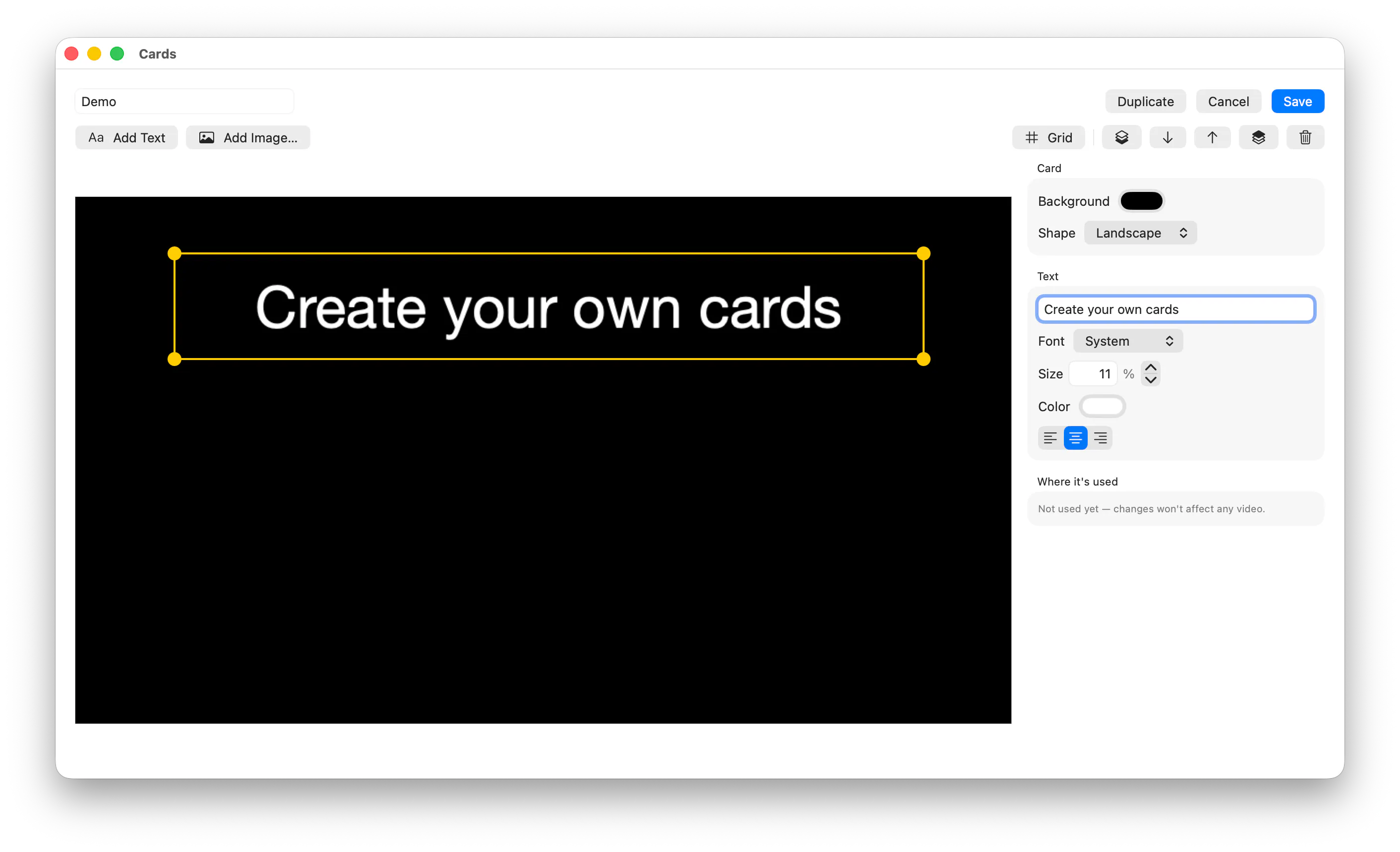
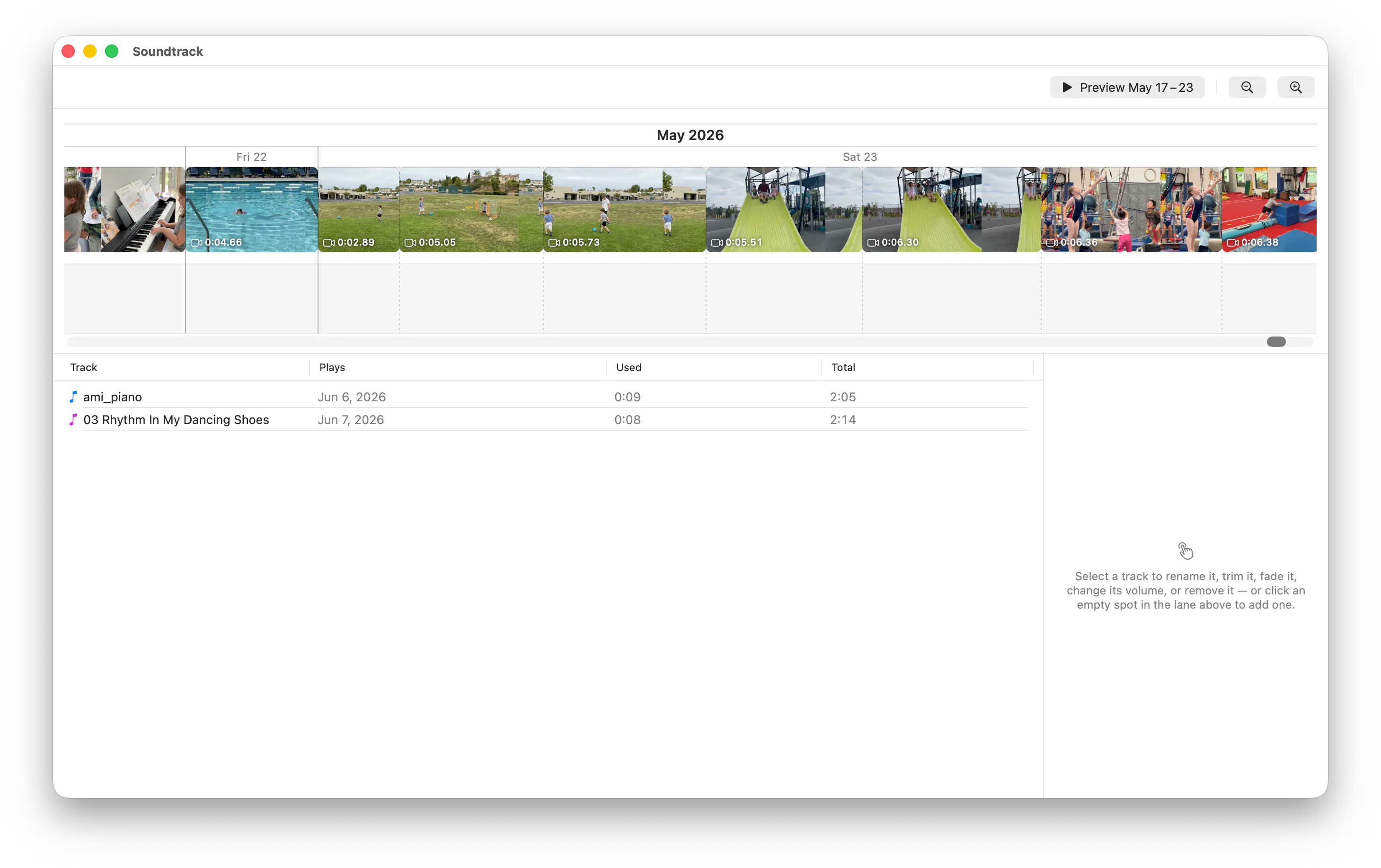
ClipDiary is a sleek, free native Mac application designed for video journaling enthusiasts who want to preserve their memories in a simple yet visually appealing format. Unlike traditional journaling apps, ClipDiary allows users to compile their everyday video clips into a cohesive memory video, complete with filmstrip trimming and soundtrack options. Its no-account, no-cloud approach ensures privacy and ease of use, making it ideal for those who prefer local storage over cloud services. With support for any-length clips, it caters to both quick snippets and longer recordings, providing flexibility for various types of content. Whether capturing family moments, travel highlights, or daily reflections, users can craft personalized video diaries effortlessly, making ClipDiary a compelling alternative to apps like 1 Second Everyday but with greater flexibility and local control.
Screenshots
Pros
- ✓Native Mac app with a clean, user-friendly interface
- ✓No account or cloud required, ensuring privacy and local storage
- ✓Supports clips of any length, accommodating diverse video content
- ✓Features filmstrip trimming and soundtrack options for customization
- ✓Free to use, making it accessible for all users
Cons
- ✗Limited to Mac, no Windows or mobile versions available
- ✗Lacks cloud backup or sharing options, which may be a drawback for some users
- ✗May require manual management of video files for organization
Use Cases
Pricing
ClipDiary appears to be a free application, emphasizing privacy and local storage without ads or subscriptions. As it is described as a free Mac app, it likely offers all core features at no cost, with possible optional upgrades or future paid features not currently indicated.
Quick Info
Topics
Makers

Alejandro Marcu
Alternatives
Similar Tools in Developer Tools




Embed Badge
Add this badge to your website to show that ClipDiary is featured on Visalytica.
<a href="https://www.visalytica.com/tool/clipdiary" target="_blank" rel="noopener noreferrer" style="display:inline-flex;align-items:center;gap:6px;padding:6px 14px;background:#7c3aed;color:#fff;border-radius:8px;font-family:-apple-system,system-ui,sans-serif;font-size:13px;font-weight:600;text-decoration:none;transition:background .2s" onmouseover="this.style.background='#6d28d9'" onmouseout="this.style.background='#7c3aed'"><svg width="14" height="14" viewBox="0 0 24 24" fill="none" stroke="currentColor" stroke-width="2.5" stroke-linecap="round" stroke-linejoin="round"><path d="M12 20V10"/><path d="M18 20V4"/><path d="M6 20v-4"/></svg>Featured on Visalytica</a>