
CleanShot 5.0 with Studio Mode
Mac-native app for screenshots, recordings and collaboration
About CleanShot 5.0 with Studio Mode
CleanShot 5.0 with Studio Mode is a comprehensive Mac-native toolkit designed for capturing, recording, and collaborating on visual content. It caters to designers, developers, marketers, and remote teams who need high-quality screenshots and videos for presentations, tutorials, or documentation. The standout feature, Studio Mode, transforms basic screen recordings into polished, professional-grade videos, enabling users to add annotations, overlays, and edits directly within the app. What sets CleanShot apart is its all-in-one approach, combining screenshot capture, screen recording, and advanced editing without requiring a subscription, making it accessible and cost-effective for individual users and teams alike.
Screenshots
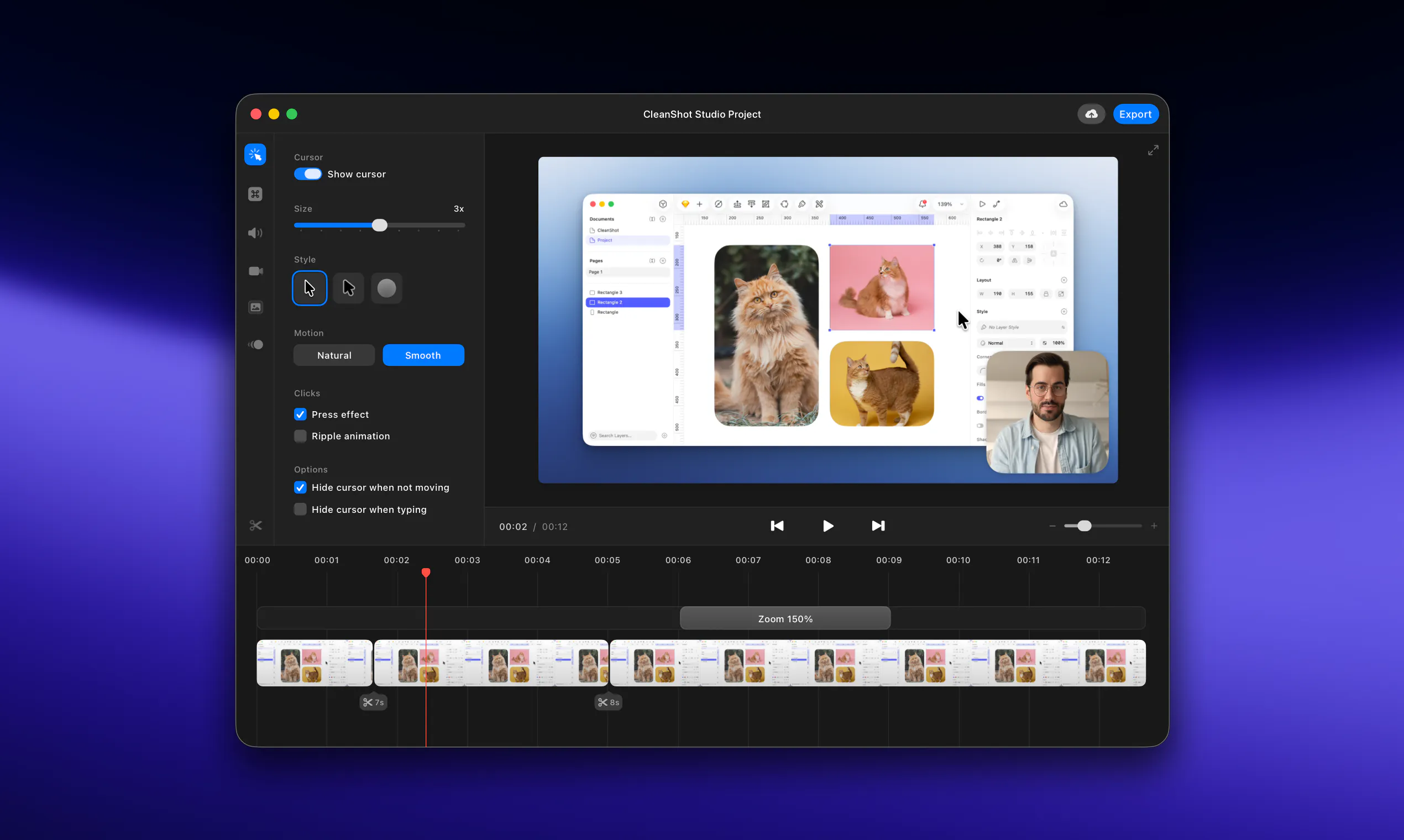
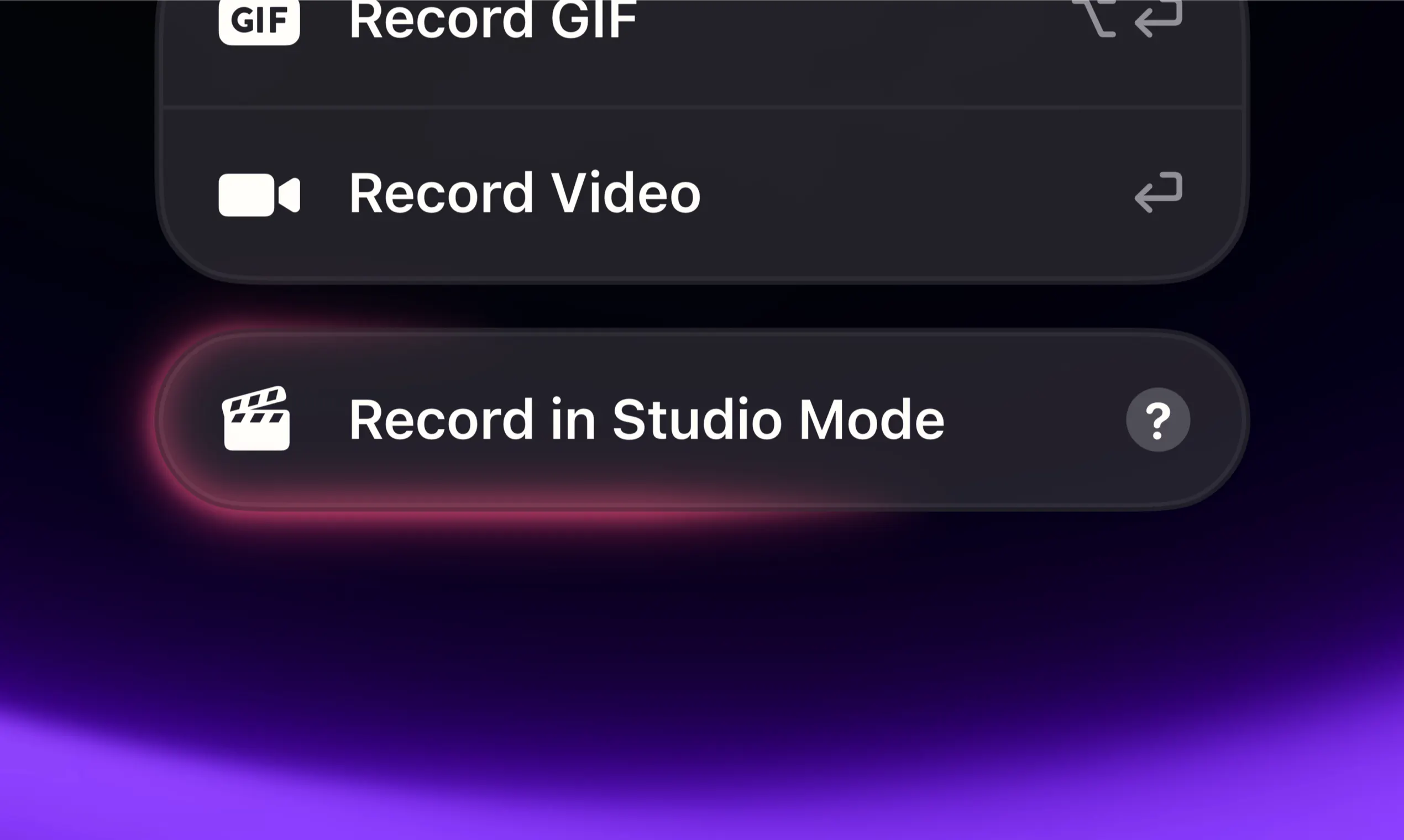
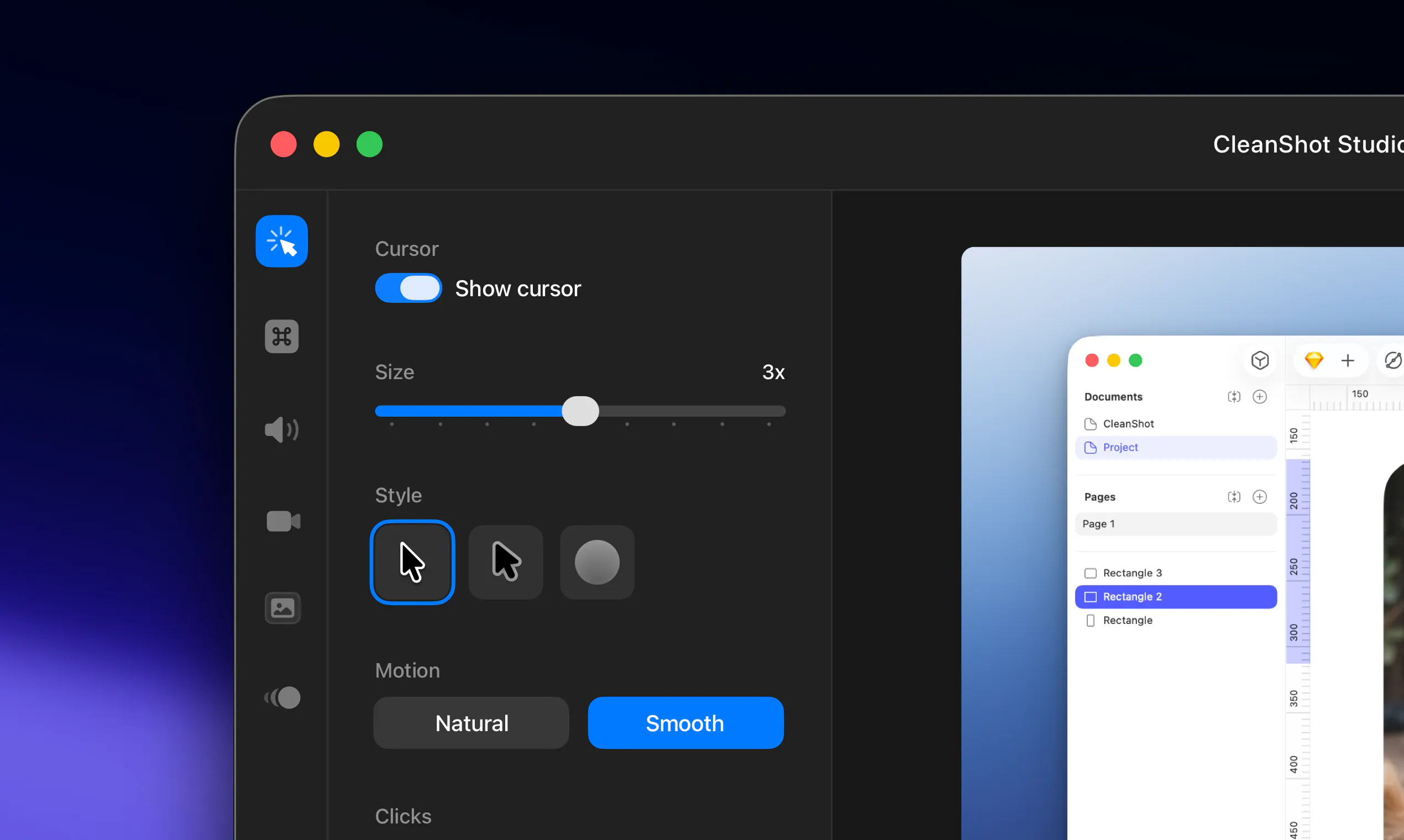
Pros
- ✓Mac-native with smooth integration and performance
- ✓Studio Mode for professional-quality video editing
- ✓No subscription required, one-time purchase
- ✓Versatile for screenshots, recordings, and collaboration
- ✓User-friendly interface suitable for various workflows
Cons
- ✗Limited information on advanced editing features compared to dedicated video editors
- ✗No details provided on collaboration tools or cloud storage options
- ✗Vague on the range of export formats and integrations
Use Cases
Pricing
Pricing not verified
Quick Info
Topics
Makers

Luke Oslizlo
@lukaszmtwAlternatives
Similar Tools in Productivity




Embed Badge
Add this badge to your website to show that CleanShot 5.0 with Studio Mode is featured on Visalytica.
<a href="https://www.visalytica.com/tool/cleanshot-5-0-with-studio-mode" target="_blank" rel="noopener noreferrer" style="display:inline-flex;align-items:center;gap:6px;padding:6px 14px;background:#7c3aed;color:#fff;border-radius:8px;font-family:-apple-system,system-ui,sans-serif;font-size:13px;font-weight:600;text-decoration:none;transition:background .2s" onmouseover="this.style.background='#6d28d9'" onmouseout="this.style.background='#7c3aed'"><svg width="14" height="14" viewBox="0 0 24 24" fill="none" stroke="currentColor" stroke-width="2.5" stroke-linecap="round" stroke-linejoin="round"><path d="M12 20V10"/><path d="M18 20V4"/><path d="M6 20v-4"/></svg>Featured on Visalytica</a>