
ClaudeUsageBar
Know exactly how much Claude you have left at a glance
About ClaudeUsageBar
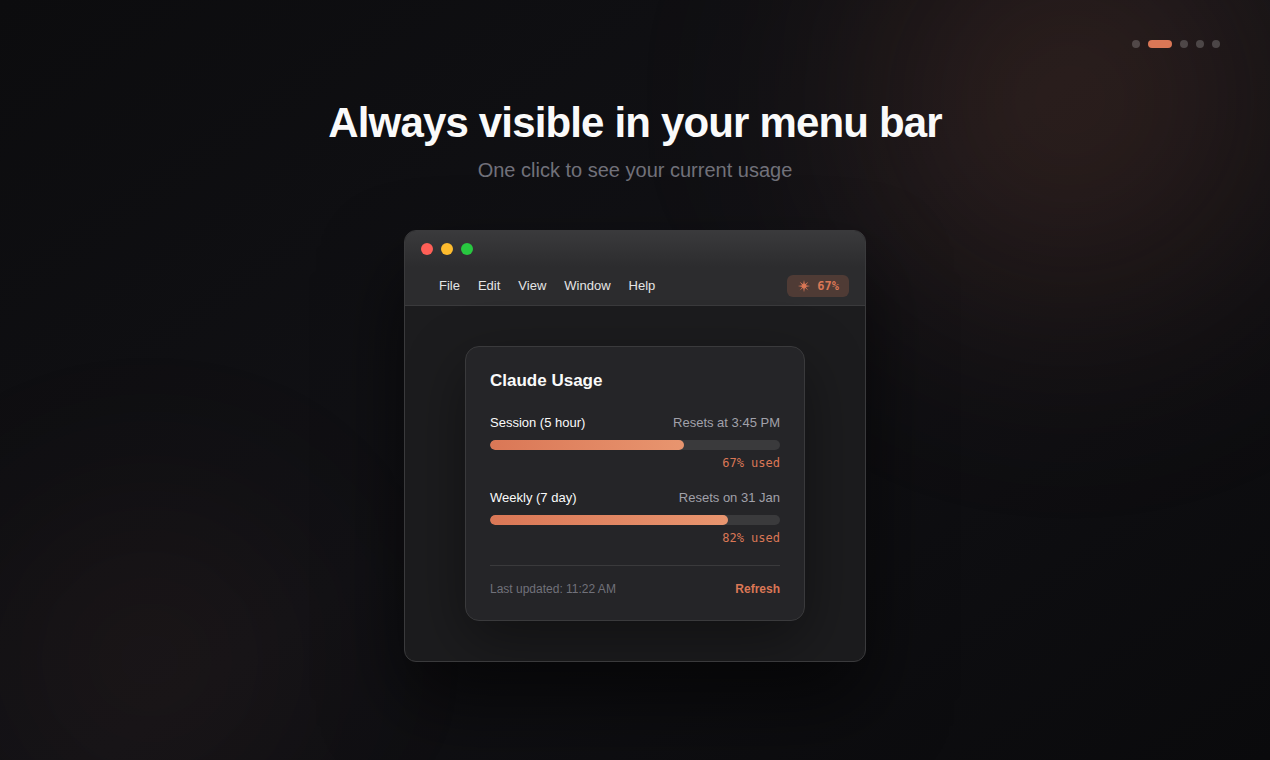
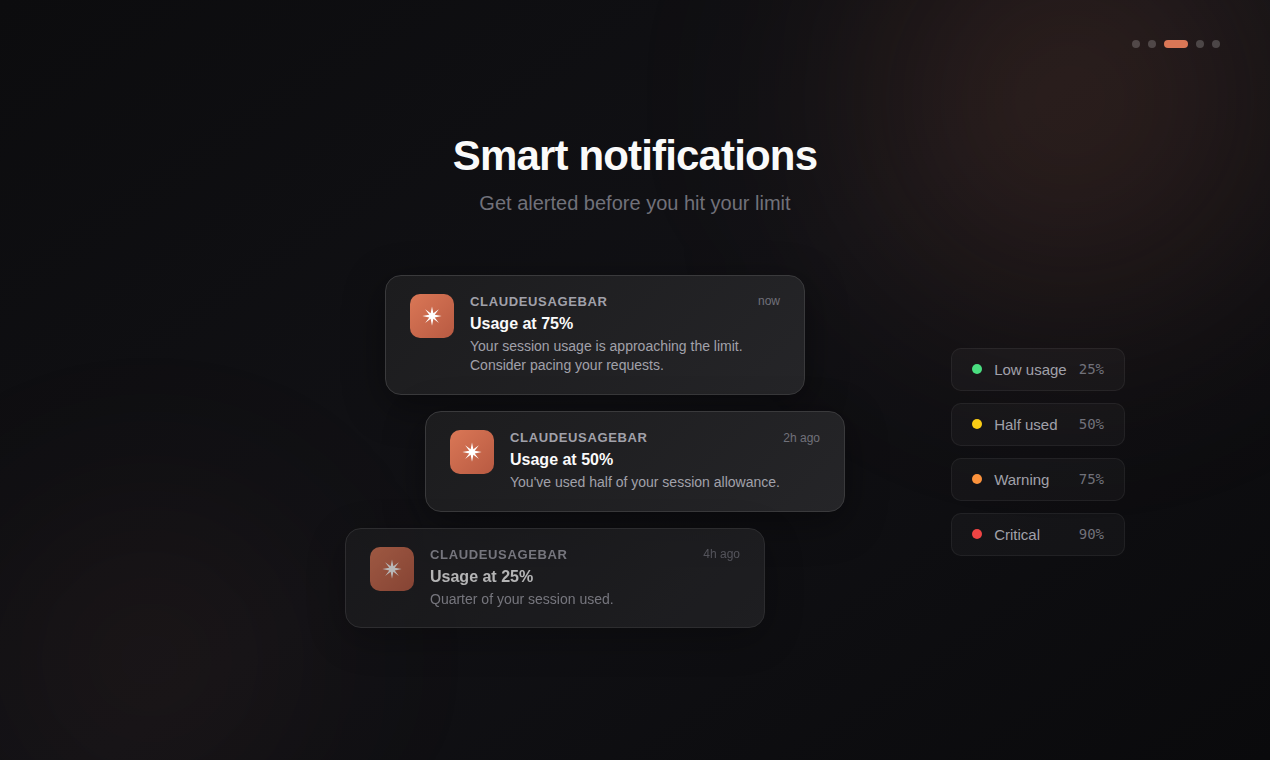
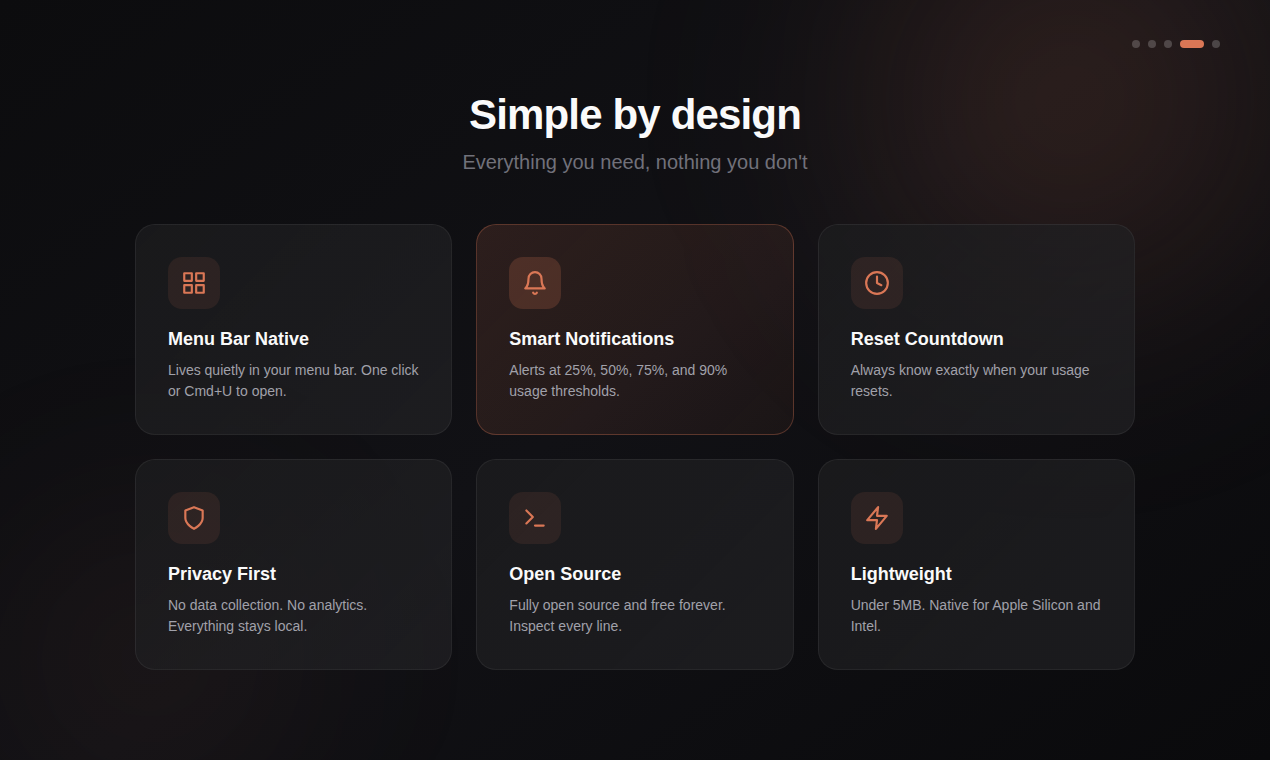
ClaudeUsageBar is a sleek, open-source macOS menu bar application designed to help users monitor their Claude AI usage efficiently. By providing a real-time percentage display of remaining usage, it ensures users stay within their limits without the hassle of manually checking. Its lightweight and native design means it runs smoothly without draining system resources, making it ideal for developers, power users, and AI enthusiasts who rely on Claude for their projects. Privacy-conscious and open-source, ClaudeUsageBar respects user data while offering a straightforward way to track AI consumption at a glance. The app also features notifications to alert users before they hit their usage cap, preventing surprises and service interruptions, which makes it especially useful for managing quotas in professional or intensive use scenarios.
Screenshots


Pros
- ✓Open-source and free, promoting transparency and customization
- ✓Lightweight and native macOS app, ensuring smooth performance
- ✓Real-time usage tracking with visual percentage display
- ✓Notifications to prevent reaching usage limits
- ✓Easy to install and integrate into daily workflow
Cons
- ✗Limited to macOS, excluding Windows and Linux users
- ✗Focuses solely on usage monitoring without additional analytics
- ✗Requires manual setup for API keys and notifications
Use Cases
Pricing
Free and open-source, with no associated costs, making it accessible for all users without subscription fees.
Quick Info
Topics
Alternatives
Similar Tools in AI Assistants




Embed Badge
Add this badge to your website to show that ClaudeUsageBar is featured on Visalytica.
<a href="https://www.visalytica.com/tool/claudeusagebar" target="_blank" rel="noopener noreferrer" style="display:inline-flex;align-items:center;gap:6px;padding:6px 14px;background:#7c3aed;color:#fff;border-radius:8px;font-family:-apple-system,system-ui,sans-serif;font-size:13px;font-weight:600;text-decoration:none;transition:background .2s" onmouseover="this.style.background='#6d28d9'" onmouseout="this.style.background='#7c3aed'"><svg width="14" height="14" viewBox="0 0 24 24" fill="none" stroke="currentColor" stroke-width="2.5" stroke-linecap="round" stroke-linejoin="round"><path d="M12 20V10"/><path d="M18 20V4"/><path d="M6 20v-4"/></svg>Featured on Visalytica</a>