
Claude Usage Tracker
See Claude costs by project, across every AI tool
About Claude Usage Tracker
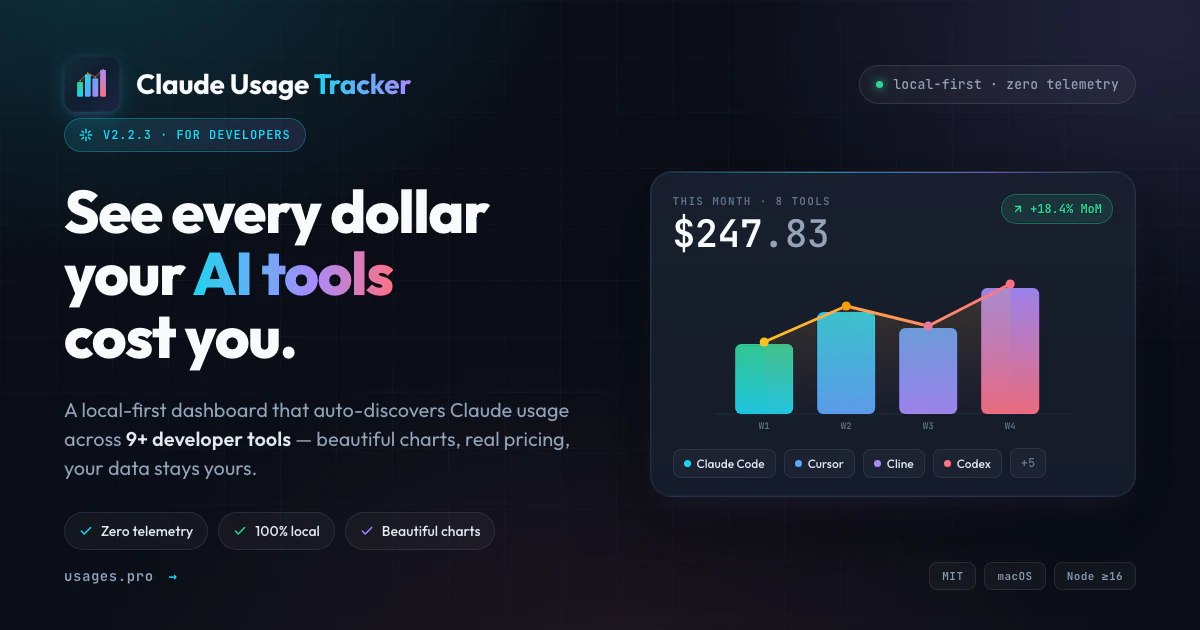
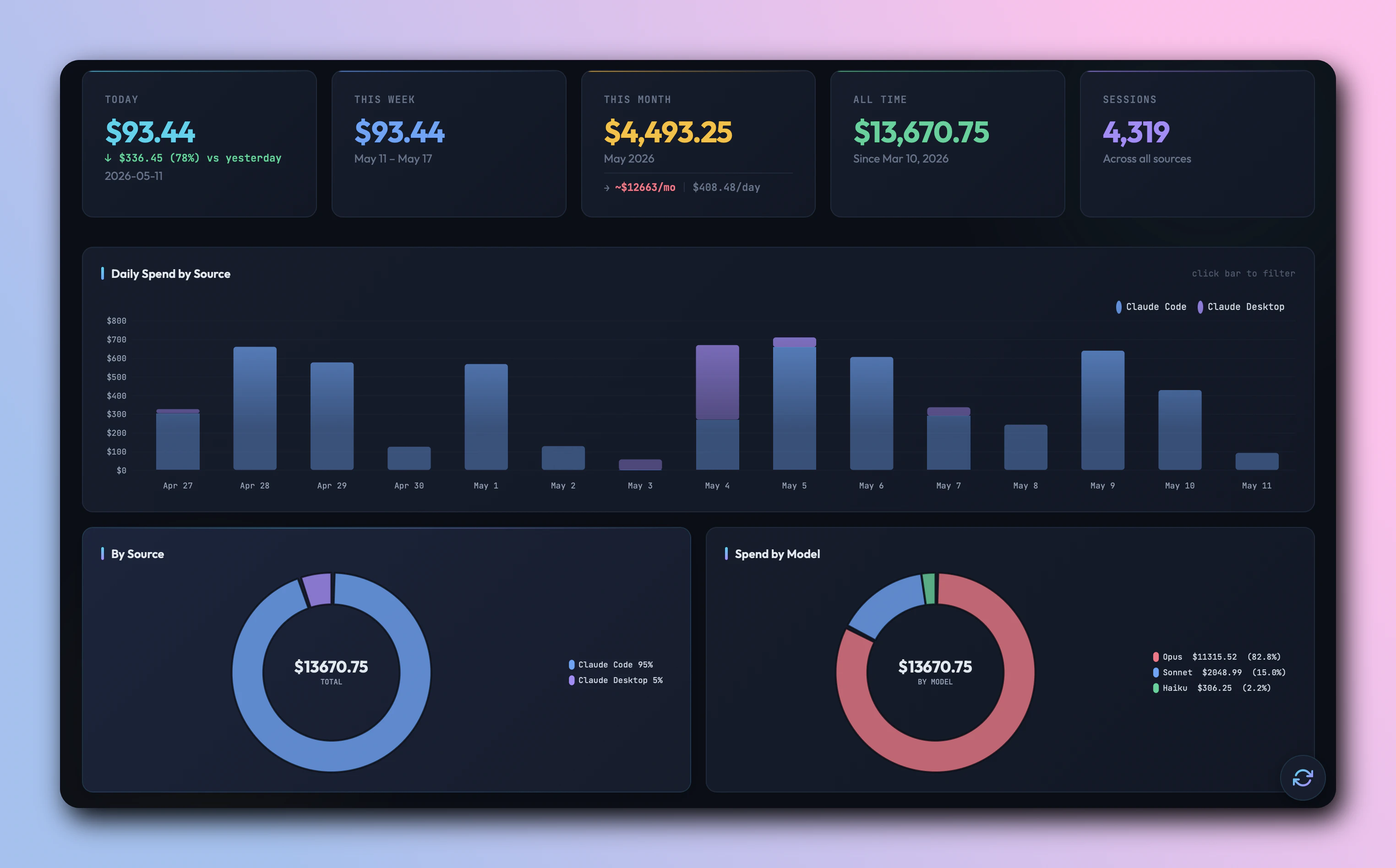
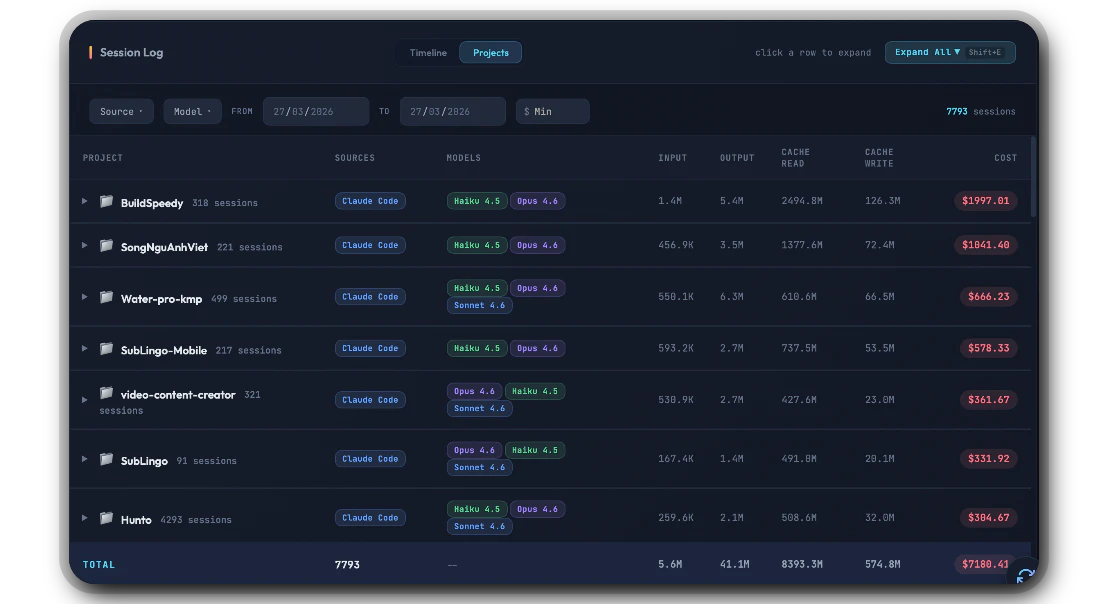
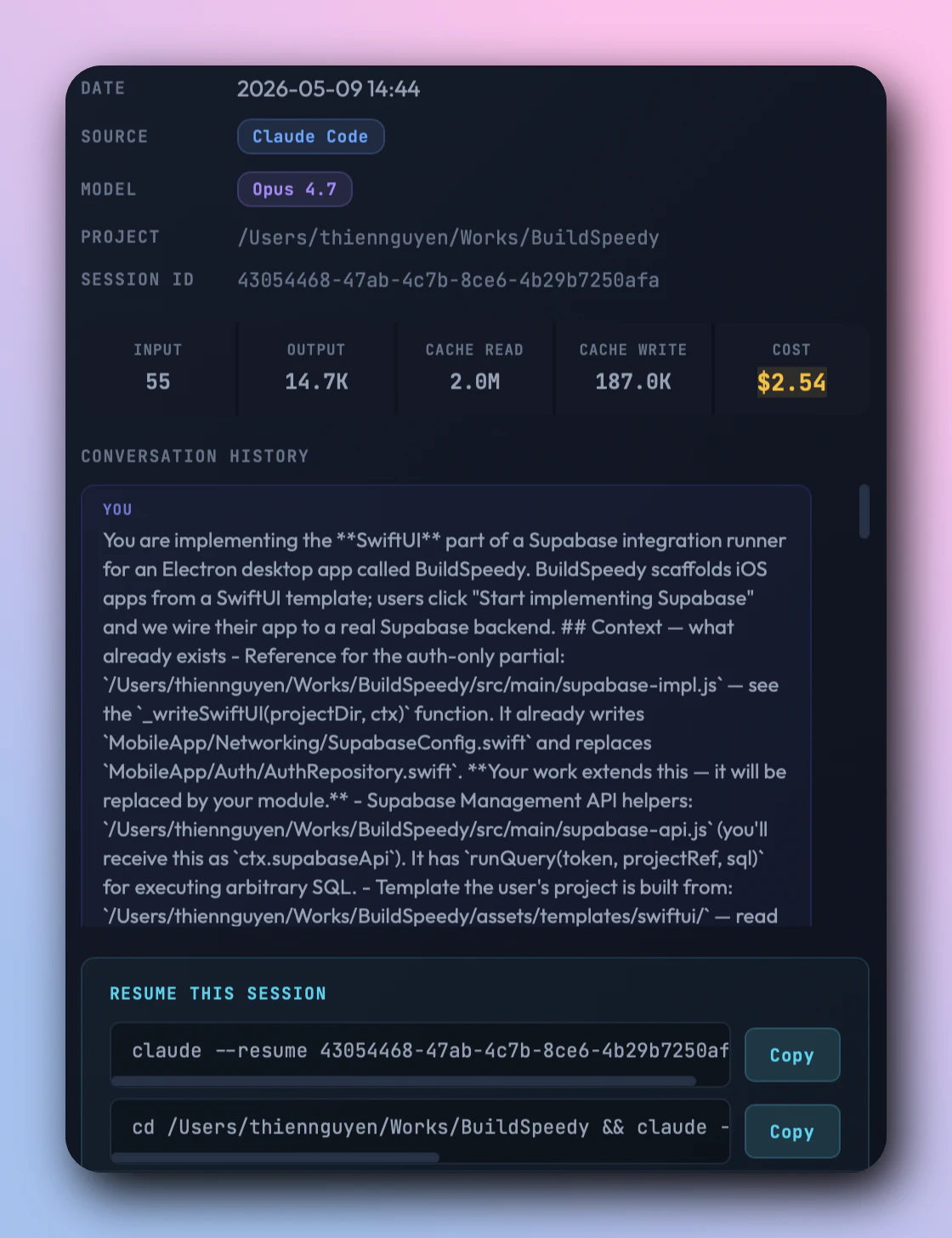
Claude Usage Tracker is a powerful tool designed for developers and AI enthusiasts who want to monitor and manage their Claude AI usage efficiently. Its core feature, Project Mode, allows users to group local Claude sessions by working directory, providing clear visibility into how different projects impact their AI budget across various Claude-powered tools such as Claude Code, Cursor, Windsurf, and others. The tool offers detailed session breakdowns, filtering options by tool, model, date, and cost, as well as the ability to compare API-equivalent spend, helping users optimize their AI expenditure. Its local-first approach ensures user privacy by avoiding cloud accounts, telemetry, or data sharing, making it suitable for security-conscious teams and individual developers alike. Whether you're managing multiple projects or aiming to optimize costs, Claude Usage Tracker provides an intuitive and comprehensive solution to understand and control AI costs effectively.
Screenshots
Pros
- ✓Local-first design ensures privacy and security
- ✓Detailed project and session-level cost tracking
- ✓Supports multiple Claude tools and models
- ✓User-friendly interface with filtering and comparison features
- ✓No account or cloud dependencies
Cons
- ✗Limited to Claude-based tools, not a universal AI cost tracker
- ✗May require some configuration for optimal session grouping
- ✗Currently lacks advanced automation or alert features
Use Cases
Pricing
Likely operates on a freemium model with core features available for free and potential premium plans for advanced analytics or support, though specific details are not publicly specified.
Quick Info
Topics
Alternatives
Similar Tools in Developer Tools




Embed Badge
Add this badge to your website to show that Claude Usage Tracker is featured on Visalytica.
<a href="https://www.visalytica.com/tool/claude-usage-tracker-1148498" target="_blank" rel="noopener noreferrer" style="display:inline-flex;align-items:center;gap:6px;padding:6px 14px;background:#7c3aed;color:#fff;border-radius:8px;font-family:-apple-system,system-ui,sans-serif;font-size:13px;font-weight:600;text-decoration:none;transition:background .2s" onmouseover="this.style.background='#6d28d9'" onmouseout="this.style.background='#7c3aed'"><svg width="14" height="14" viewBox="0 0 24 24" fill="none" stroke="currentColor" stroke-width="2.5" stroke-linecap="round" stroke-linejoin="round"><path d="M12 20V10"/><path d="M18 20V4"/><path d="M6 20v-4"/></svg>Featured on Visalytica</a>