
Claude Usage Meter
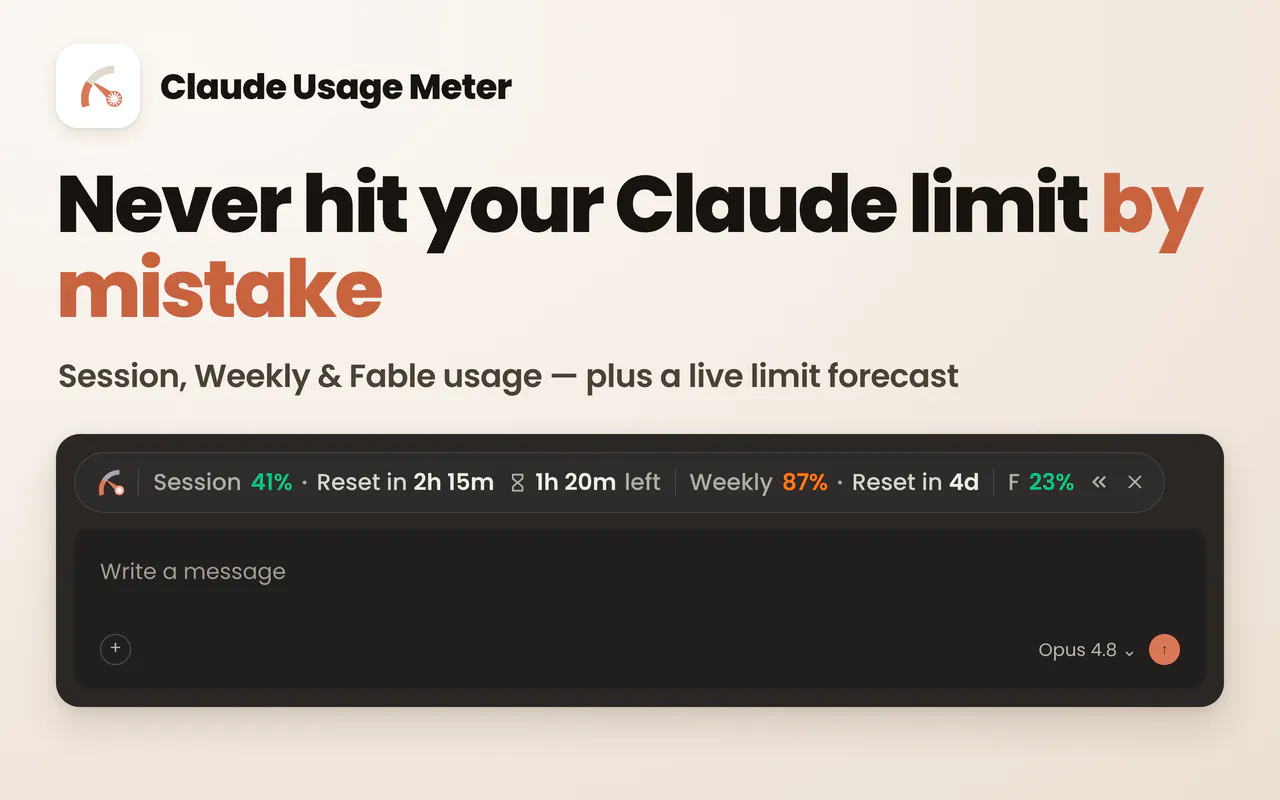
Never hit your Claude limit by surprise.
About Claude Usage Meter
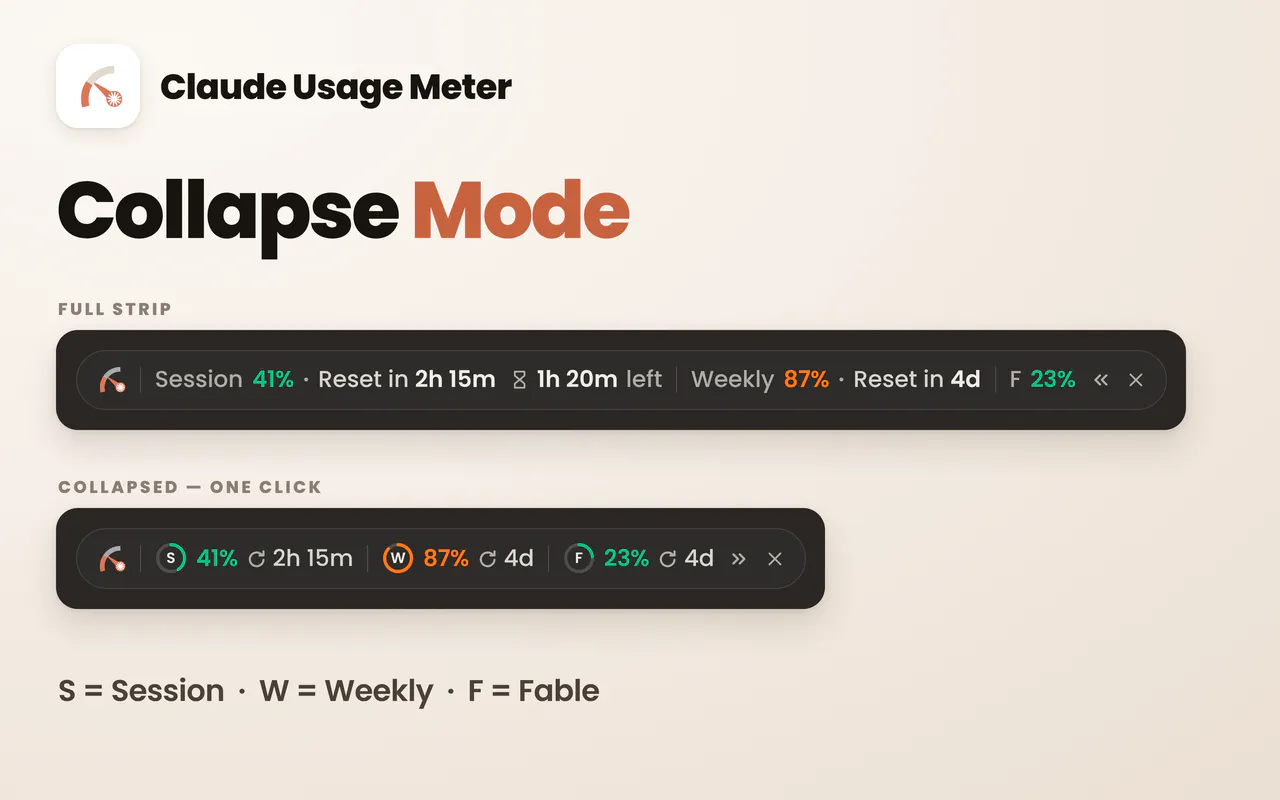
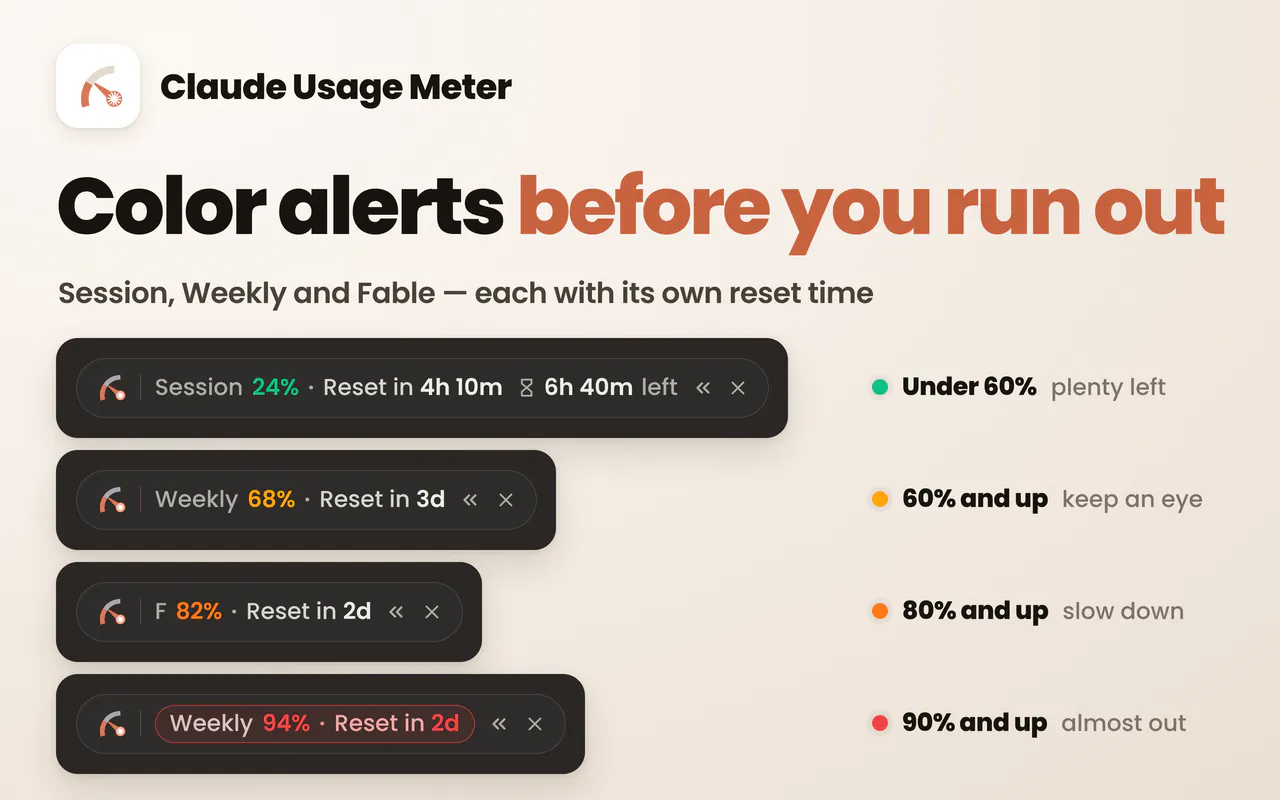
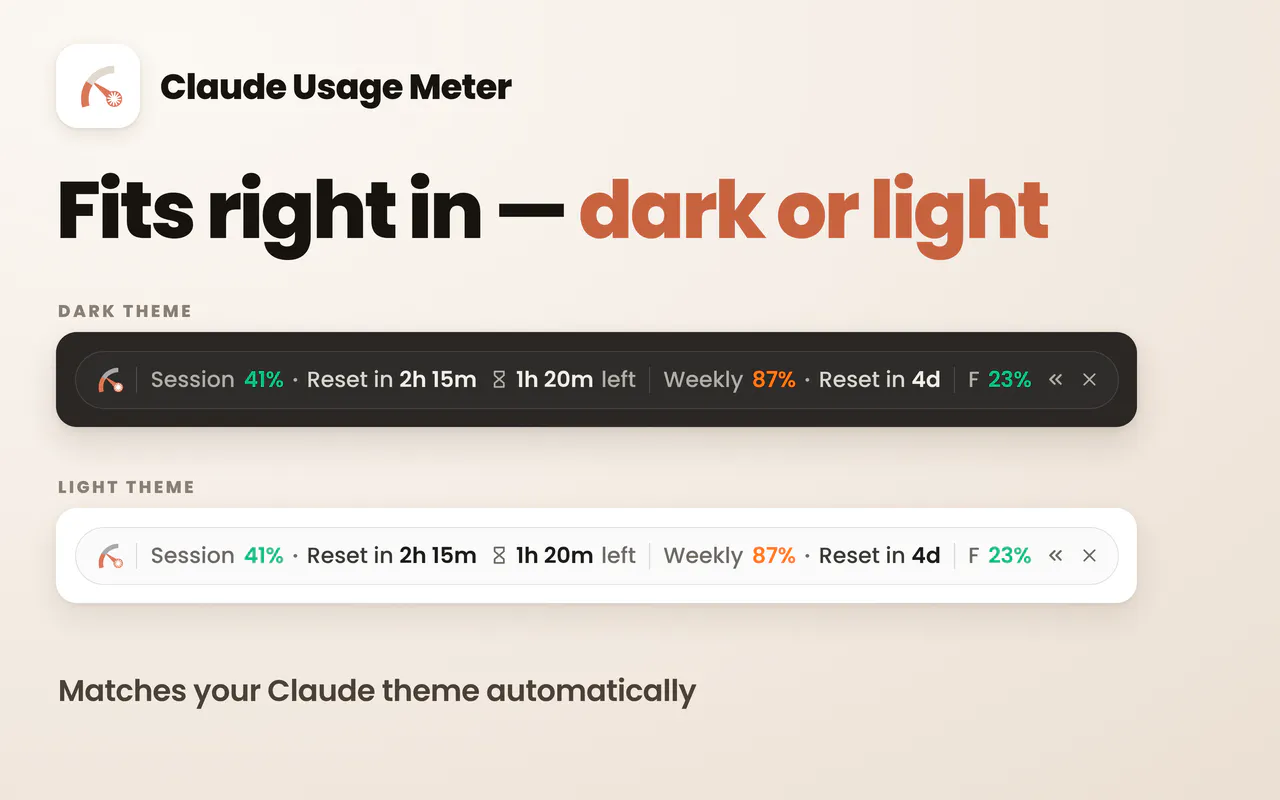
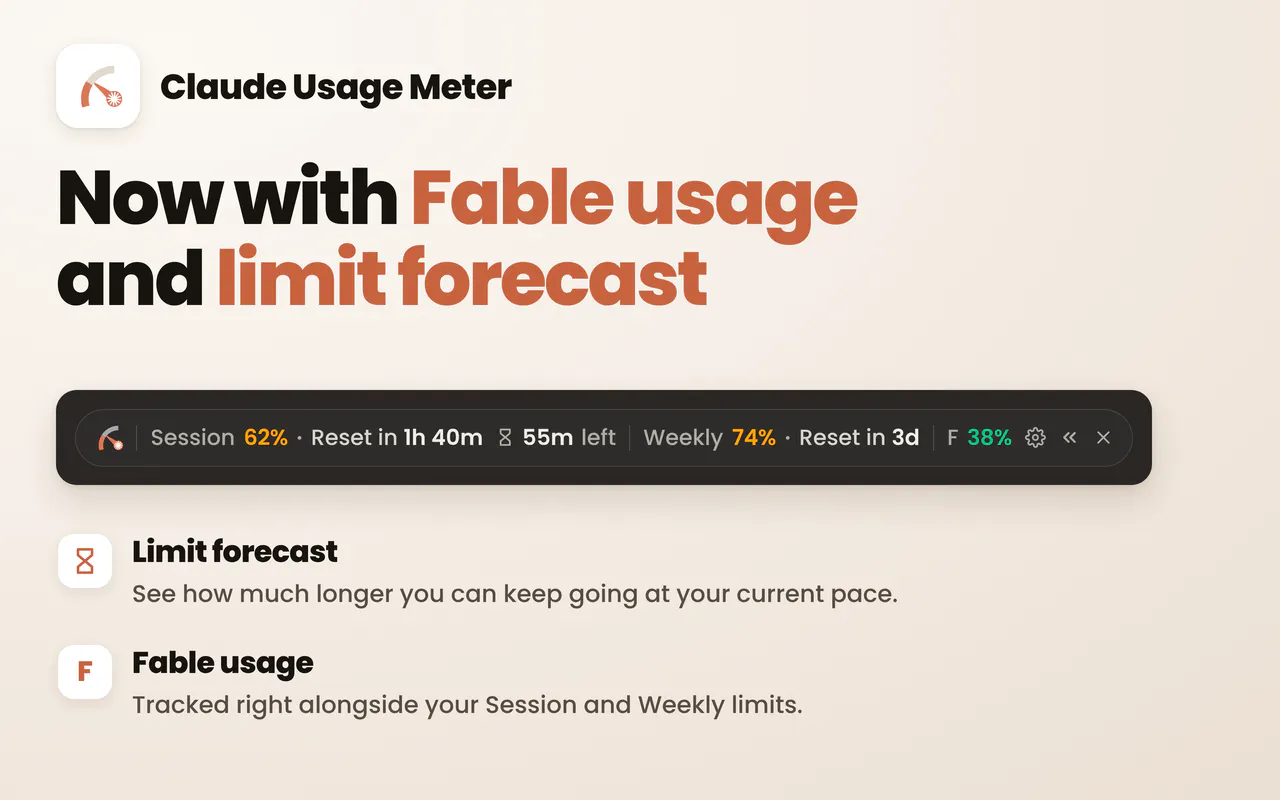
Claude Usage Meter is a handy Chrome extension designed to help users monitor their usage of Claude.ai seamlessly. Positioned above the Claude chat box, it provides real-time insights into how much of your Claude quota you've consumed and indicates when your usage resets. This tool is particularly valuable for developers, productivity enthusiasts, and teams relying heavily on Claude.ai for their workflows, ensuring they never unexpectedly hit their limits. Its unobtrusive placement and straightforward interface make it easy to keep track of your usage without disrupting your chat experience. By offering transparency into your Claude utilization, the Usage Meter helps users plan and optimize their AI interactions more effectively, reducing surprises and potential throttling.
Screenshots
Pros
- ✓Real-time usage tracking displayed directly above the Claude chat box
- ✓Simple and unobtrusive interface that integrates seamlessly
- ✓Helps prevent unexpected usage limits or resets
- ✓Easy to install and use for both individual and team workflows
Cons
- ✗Limited functionality beyond usage monitoring
- ✗Dependent on Chrome extension compatibility
- ✗No detailed analytics or historical data provided
Use Cases
Pricing
Pricing not verified
Quick Info
Topics
Makers

Sanjay Kumar
@SanjayKumaarrAlternatives
Similar Tools in Developer Tools




Embed Badge
Add this badge to your website to show that Claude Usage Meter is featured on Visalytica.
<a href="https://www.visalytica.com/tool/claude-usage-meter" target="_blank" rel="noopener noreferrer" style="display:inline-flex;align-items:center;gap:6px;padding:6px 14px;background:#7c3aed;color:#fff;border-radius:8px;font-family:-apple-system,system-ui,sans-serif;font-size:13px;font-weight:600;text-decoration:none;transition:background .2s" onmouseover="this.style.background='#6d28d9'" onmouseout="this.style.background='#7c3aed'"><svg width="14" height="14" viewBox="0 0 24 24" fill="none" stroke="currentColor" stroke-width="2.5" stroke-linecap="round" stroke-linejoin="round"><path d="M12 20V10"/><path d="M18 20V4"/><path d="M6 20v-4"/></svg>Featured on Visalytica</a>