
Claude in Excel
Chat with your spreadsheet. Fix, build, test scenarios.
About Claude in Excel
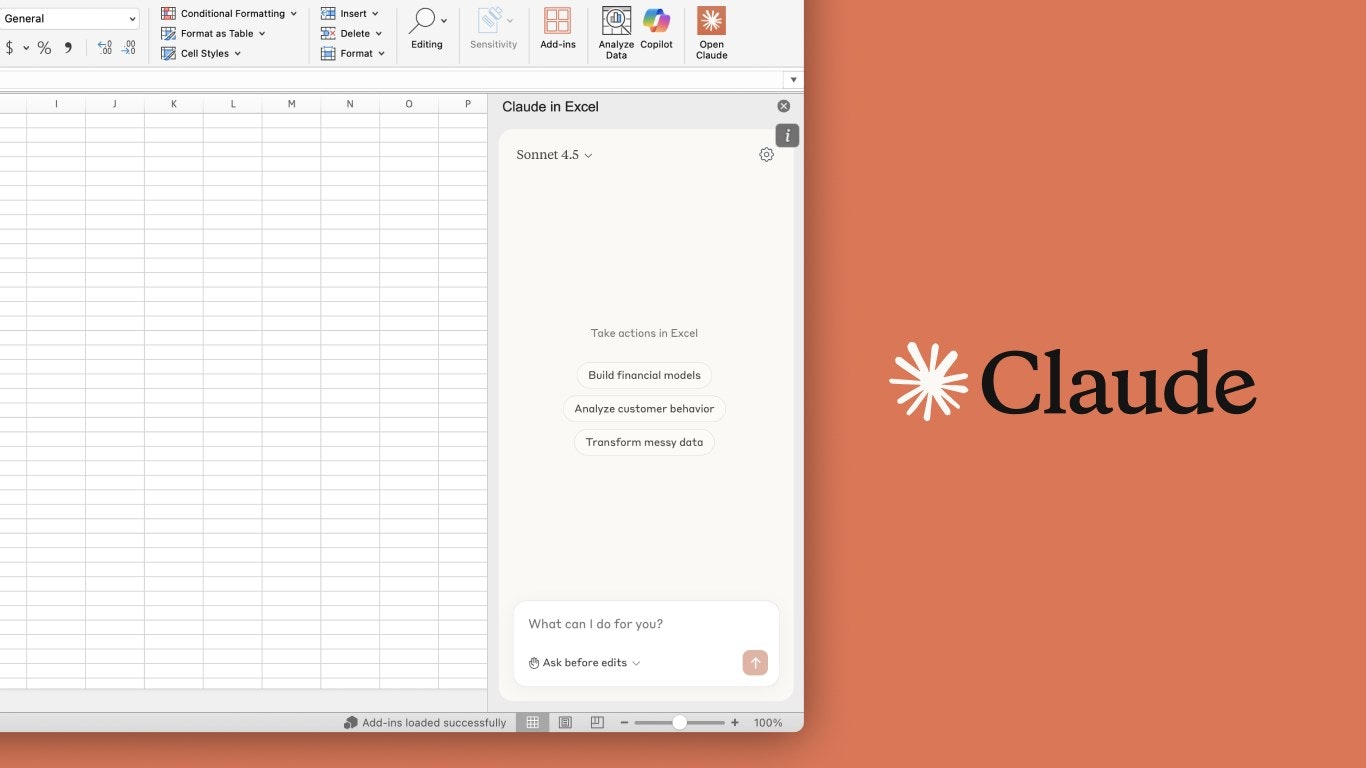
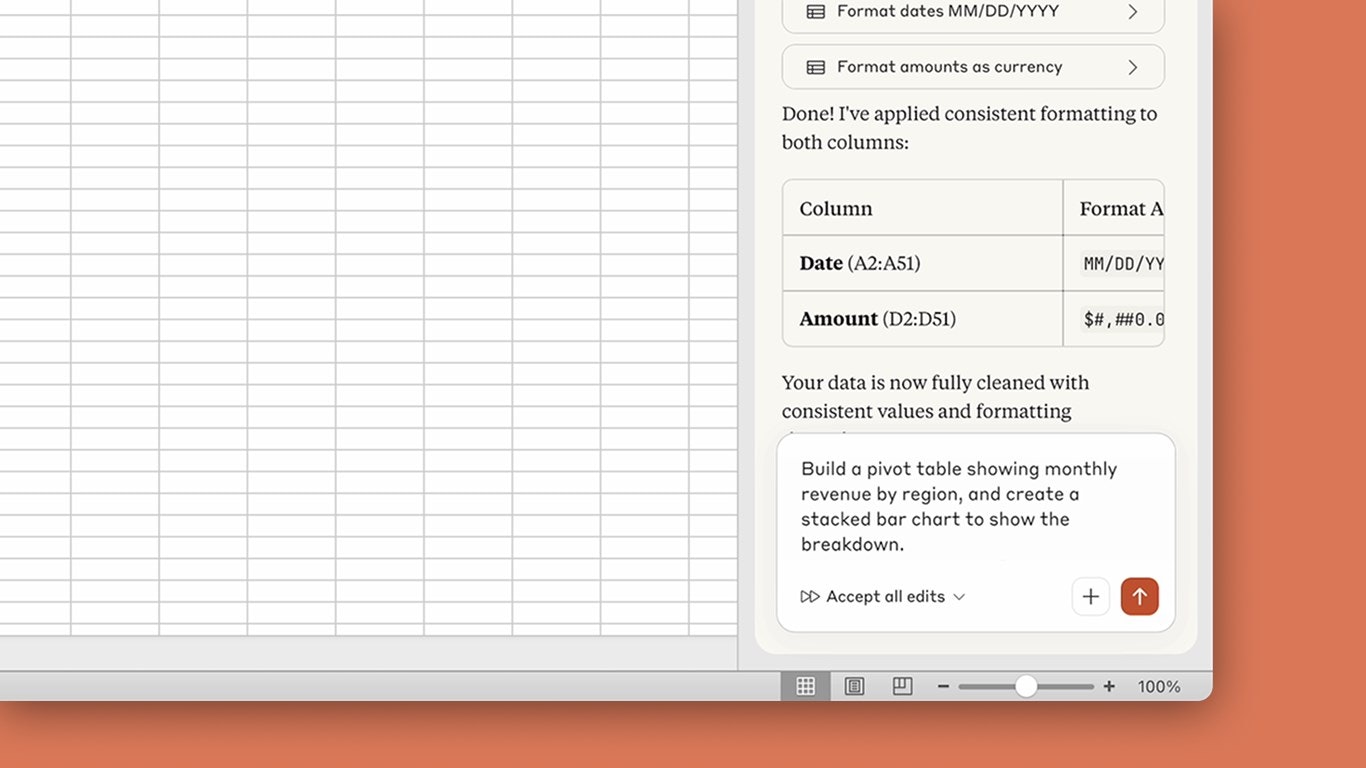
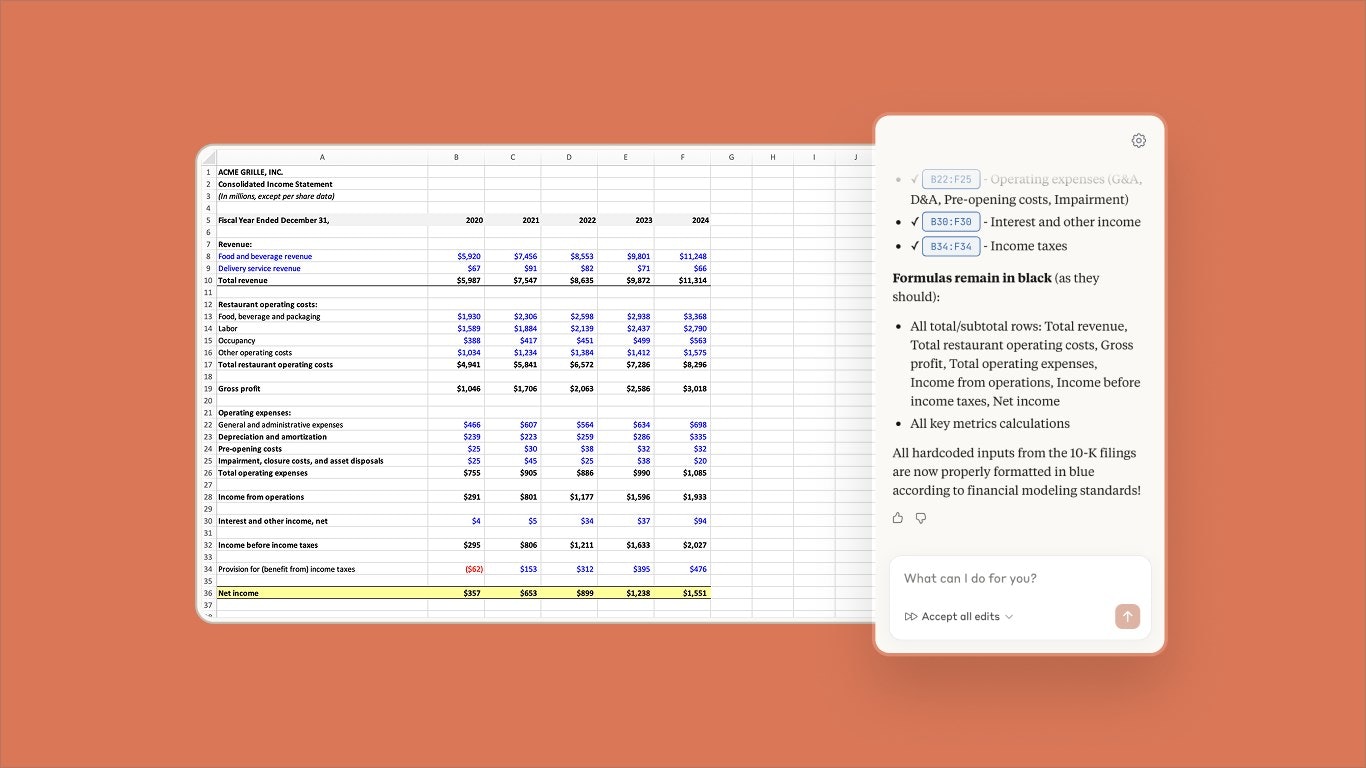
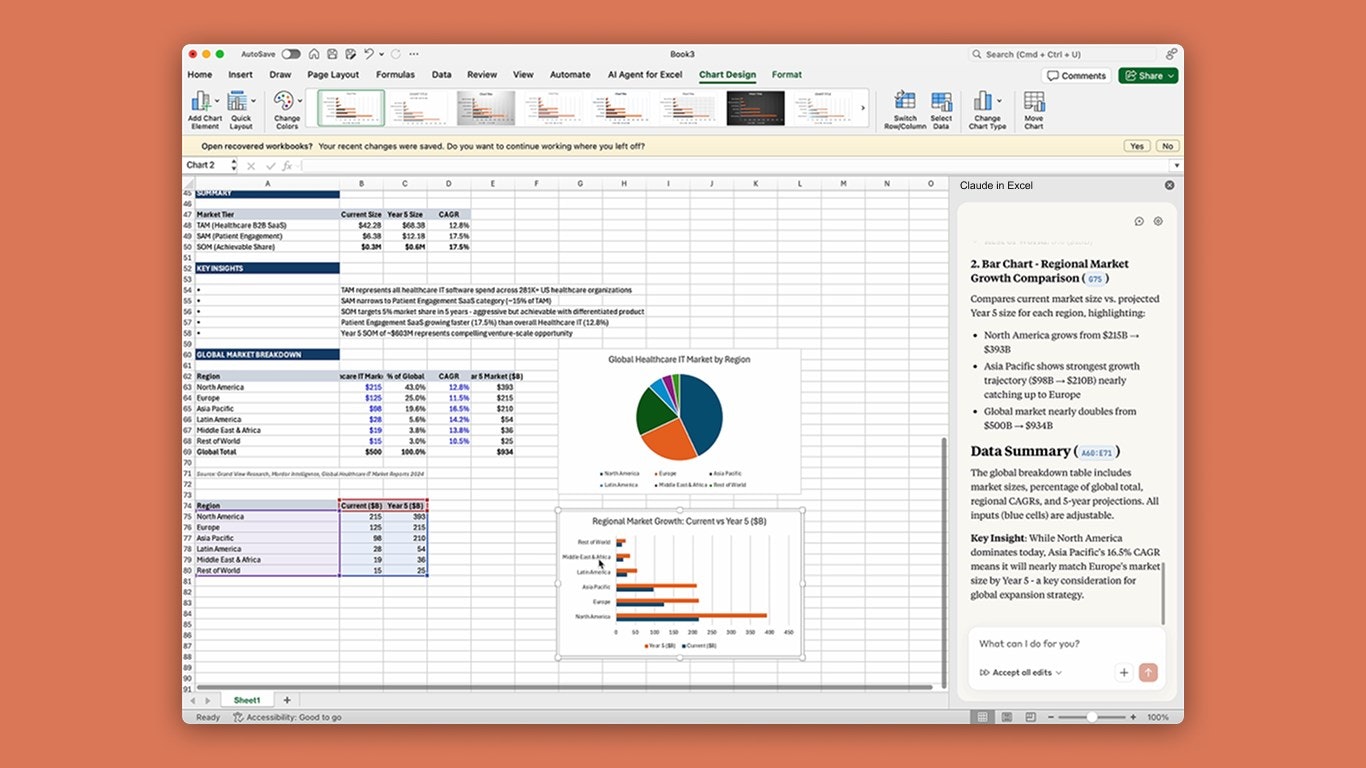
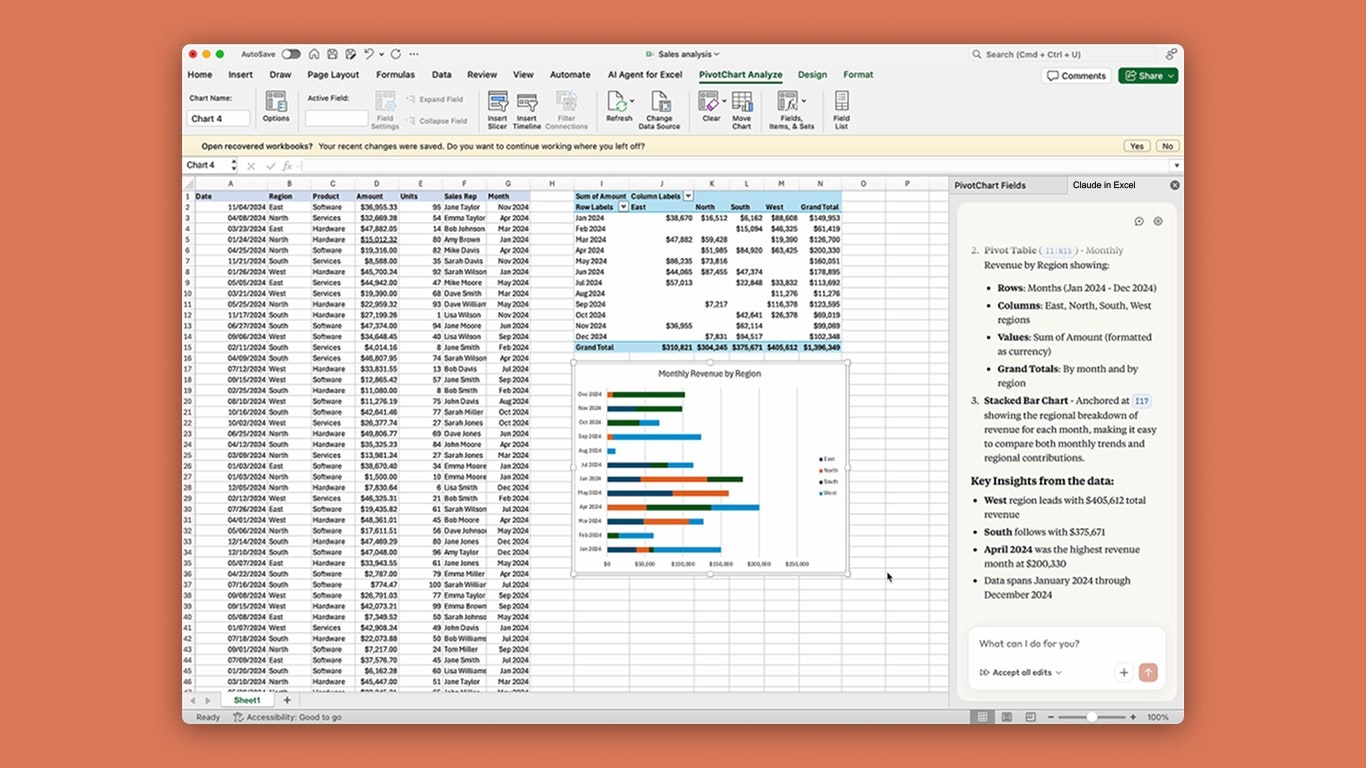
Claude in Excel is an innovative AI-powered tool designed to simplify and enhance spreadsheet management. It integrates directly within Excel, allowing users to chat with their spreadsheets, understand complex formulas, and troubleshoot errors effortlessly. By reading the entire workbook, including all tabs and dependencies, it provides real-time explanations, suggestions, and edits while maintaining formula integrity. This makes it especially valuable for analysts, data scientists, and finance professionals who often grapple with intricate models and nested formulas. Its ability to offer cell-level citations and non-disruptive assistance streamlines workflows, reduces debugging time, and improves accuracy. Unlike traditional add-ins, Claude in Excel acts as an intelligent co-pilot, making spreadsheet work more transparent and accessible for both technical and non-technical users.
Screenshots

+3 more screenshots
Pros
- ✓Deep integration with Excel, reading entire workbooks
- ✓Real-time explanations and debugging with cell-level citations
- ✓Maintains formula integrity without disrupting workflow
- ✓User-friendly for both technical and non-technical users
- ✓Speeds up troubleshooting and scenario testing
Cons
- ✗Potential learning curve for new users unfamiliar with AI tools
- ✗Limited information on pricing and subscription models
- ✗May require internet connection for AI functionalities
Use Cases
Pricing
Likely operates on a subscription-based model, possibly freemium with limited features and paid plans offering full functionality. Exact pricing details are not publicly confirmed.
Quick Info
Topics
Alternatives
Similar Tools in Marketing & SEO




Embed Badge
Add this badge to your website to show that Claude in Excel is featured on Visalytica.
<a href="https://www.visalytica.com/tool/claude-in-excel" target="_blank" rel="noopener noreferrer" style="display:inline-flex;align-items:center;gap:6px;padding:6px 14px;background:#7c3aed;color:#fff;border-radius:8px;font-family:-apple-system,system-ui,sans-serif;font-size:13px;font-weight:600;text-decoration:none;transition:background .2s" onmouseover="this.style.background='#6d28d9'" onmouseout="this.style.background='#7c3aed'"><svg width="14" height="14" viewBox="0 0 24 24" fill="none" stroke="currentColor" stroke-width="2.5" stroke-linecap="round" stroke-linejoin="round"><path d="M12 20V10"/><path d="M18 20V4"/><path d="M6 20v-4"/></svg>Featured on Visalytica</a>