
Claude Code NO_FLICKER Mode
Mouse support and flicker-free rendering for Claude Code
About Claude Code NO_FLICKER Mode
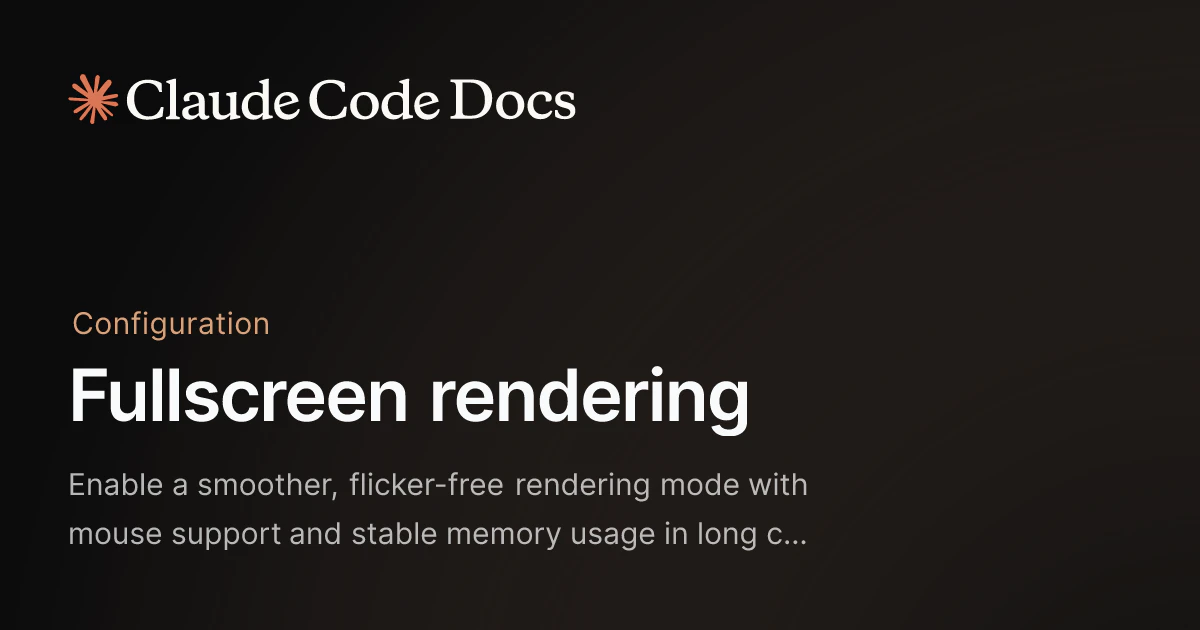
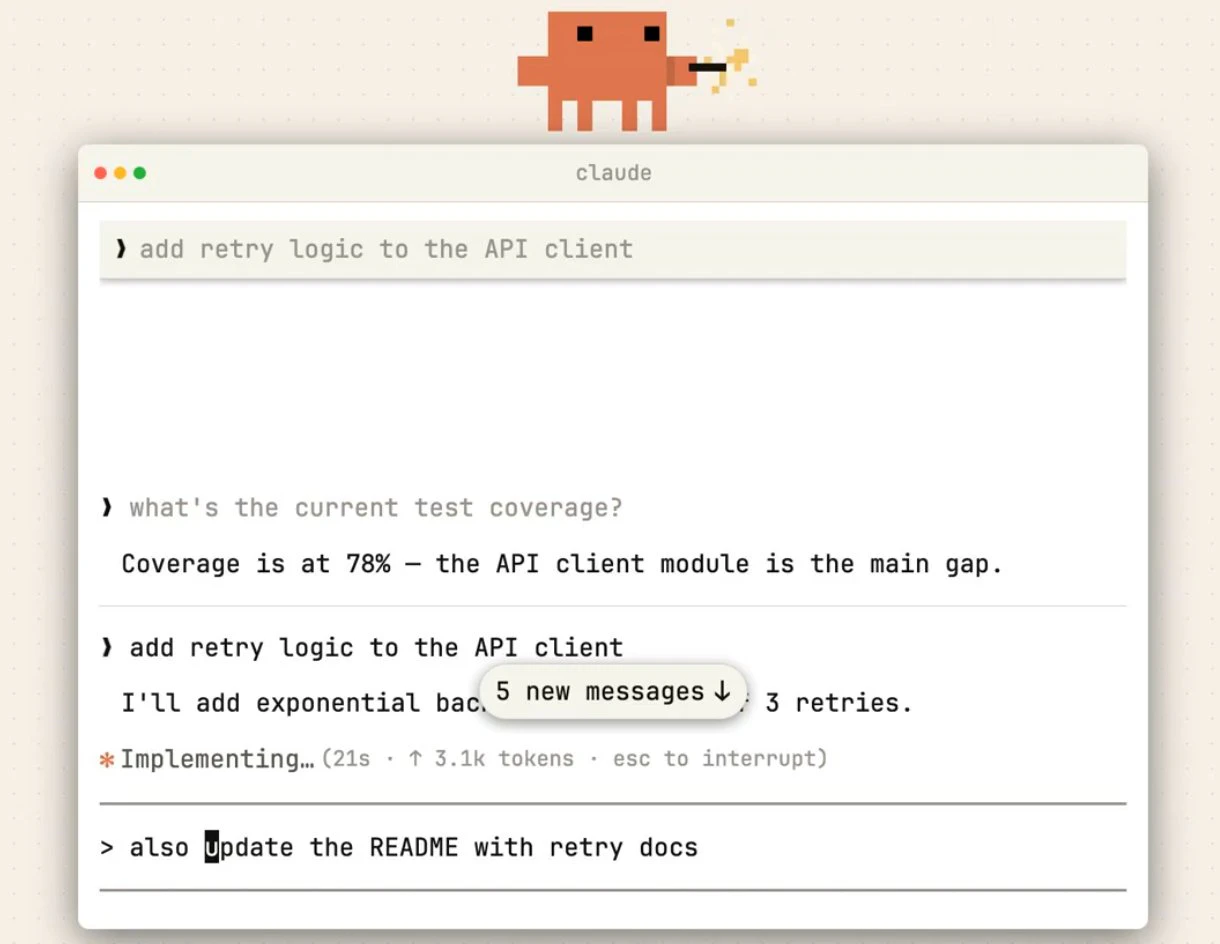
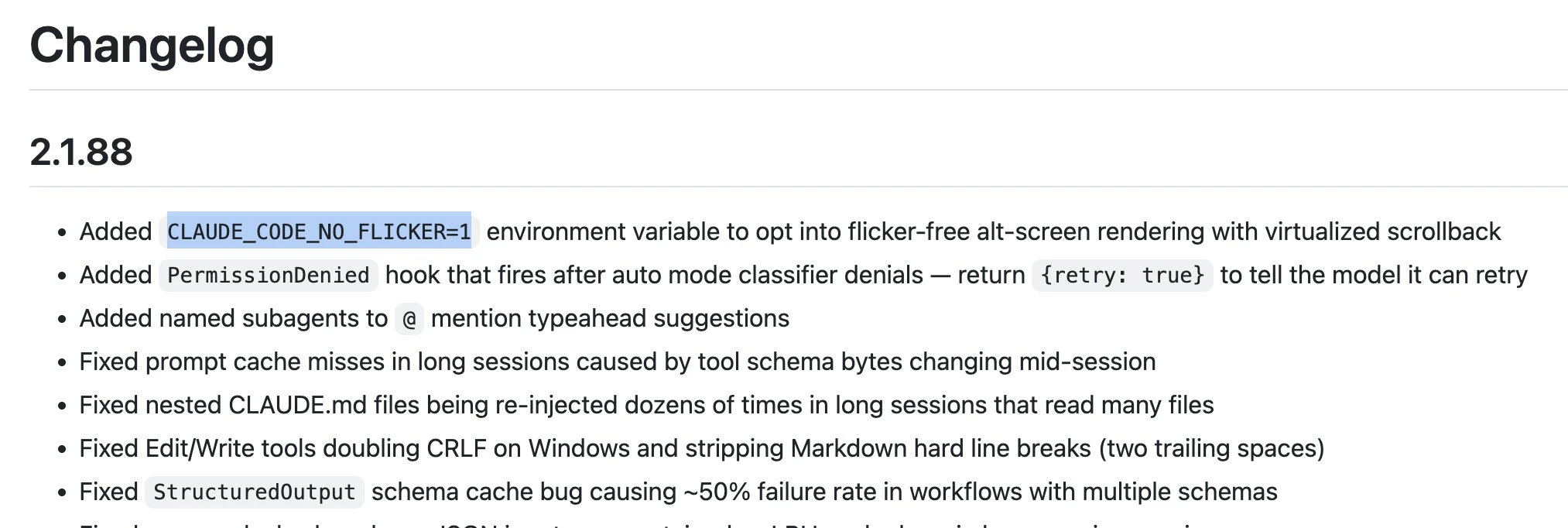
Claude Code NO_FLICKER Mode is a specialized rendering enhancement designed for developers working within Claude Code integrated into environments like VS Code, tmux, or iTerm2. Its primary features include virtualising the viewport to provide a smoother visual experience, eliminating flicker during code updates, and adding mouse support for improved interaction. Additionally, it maintains a flat memory footprint even during long sessions, making it ideal for developers who need reliable, high-performance code editing without visual distractions. By optimizing rendering and user interaction, this tool helps developers focus more on their work and less on technical hiccups during intense coding sessions. Its opt-in nature allows users to choose when to enable these enhancements, providing flexibility tailored to individual workflows.
Screenshots
Pros
- ✓Flicker-free rendering for seamless visual experience
- ✓Enhanced mouse support for improved navigation
- ✓Virtualized viewport reduces lag and improves performance
- ✓Maintains low memory footprint during long sessions
- ✓Compatible with popular terminal environments like VS Code, tmux, and iTerm2
Cons
- ✗Requires manual opt-in, which may not suit all workflows
- ✗Limited information on pricing and availability
- ✗Primarily targeted at advanced users familiar with terminal and IDE integrations
Use Cases
Pricing
Likely offered as a free or freemium add-on for Claude Code users, with potential paid plans for advanced features or enterprise use. Exact pricing details are not specified but may follow typical SaaS models with free trials or tiers.
Quick Info
Topics
Alternatives
Similar Tools in Developer Tools




Embed Badge
Add this badge to your website to show that Claude Code NO_FLICKER Mode is featured on Visalytica.
<a href="https://www.visalytica.com/tool/claude-code-no-flicker-mode" target="_blank" rel="noopener noreferrer" style="display:inline-flex;align-items:center;gap:6px;padding:6px 14px;background:#7c3aed;color:#fff;border-radius:8px;font-family:-apple-system,system-ui,sans-serif;font-size:13px;font-weight:600;text-decoration:none;transition:background .2s" onmouseover="this.style.background='#6d28d9'" onmouseout="this.style.background='#7c3aed'"><svg width="14" height="14" viewBox="0 0 24 24" fill="none" stroke="currentColor" stroke-width="2.5" stroke-linecap="round" stroke-linejoin="round"><path d="M12 20V10"/><path d="M18 20V4"/><path d="M6 20v-4"/></svg>Featured on Visalytica</a>