
Claude Artifact Player
Run Claude artifacts locally
About Claude Artifact Player
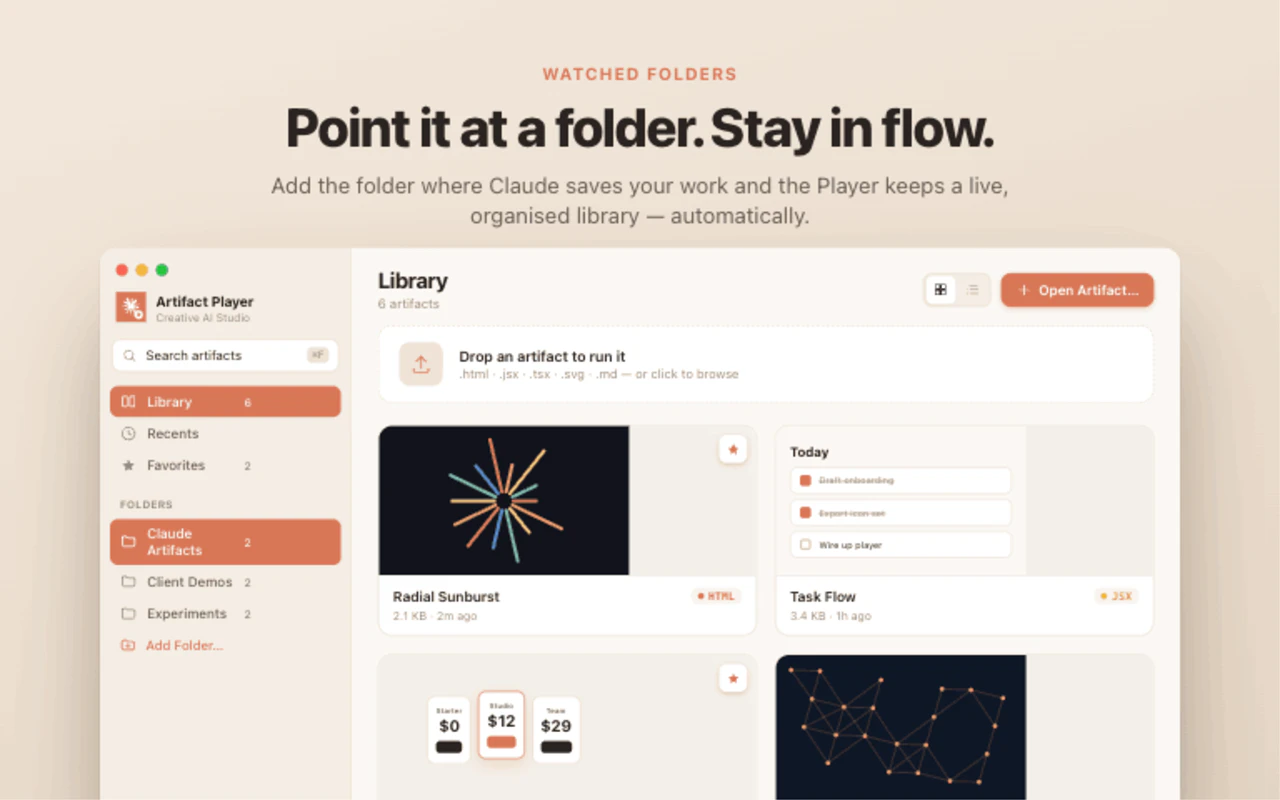
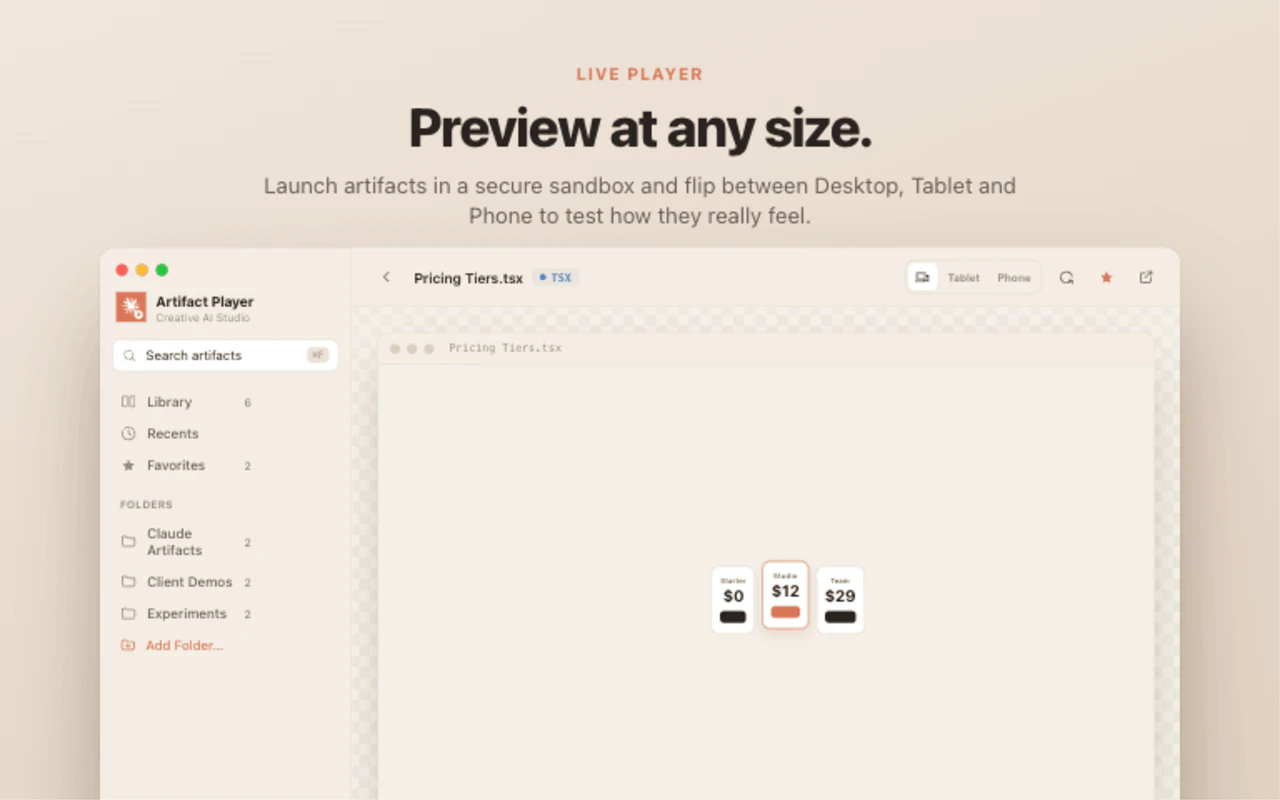
Claude Artifact Player is a powerful desktop application designed for users who want to run their Claude AI artifacts directly on their Mac without relying on a browser or cloud services. It enables seamless offline execution of interactive files generated by Claude's Artifacts feature, such as HTML pages, React JSX components, and TypeScript TSX files. This tool is ideal for developers, AI enthusiasts, and productivity-focused users who value privacy, speed, and local control over their AI artifacts. Its native Mac integration ensures instant playback and a smooth experience, eliminating latency and dependency on internet connectivity. By facilitating local execution, Claude Artifact Player enhances security and privacy while providing a streamlined way to interact with AI-generated content, making it a unique offering in the AI tools ecosystem.
Screenshots

Pros
- ✓Enables offline, local execution of Claude artifacts for enhanced privacy
- ✓No browser or cloud dependency ensures faster, more secure interactions
- ✓Supports multiple artifact formats including HTML, React JSX, and TypeScript TSX
- ✓Native Mac application with instant playback for improved user experience
Cons
- ✗Limited to Mac users, lacking cross-platform support
- ✗Requires some technical familiarity with AI artifacts and development files
- ✗Still relatively niche with limited user base and community support
Use Cases
Pricing
Likely offered as a paid desktop application with a one-time purchase or subscription model, given its specialized offline capabilities. Specific pricing details are not publicly available at this time.
Quick Info
Topics
Makers

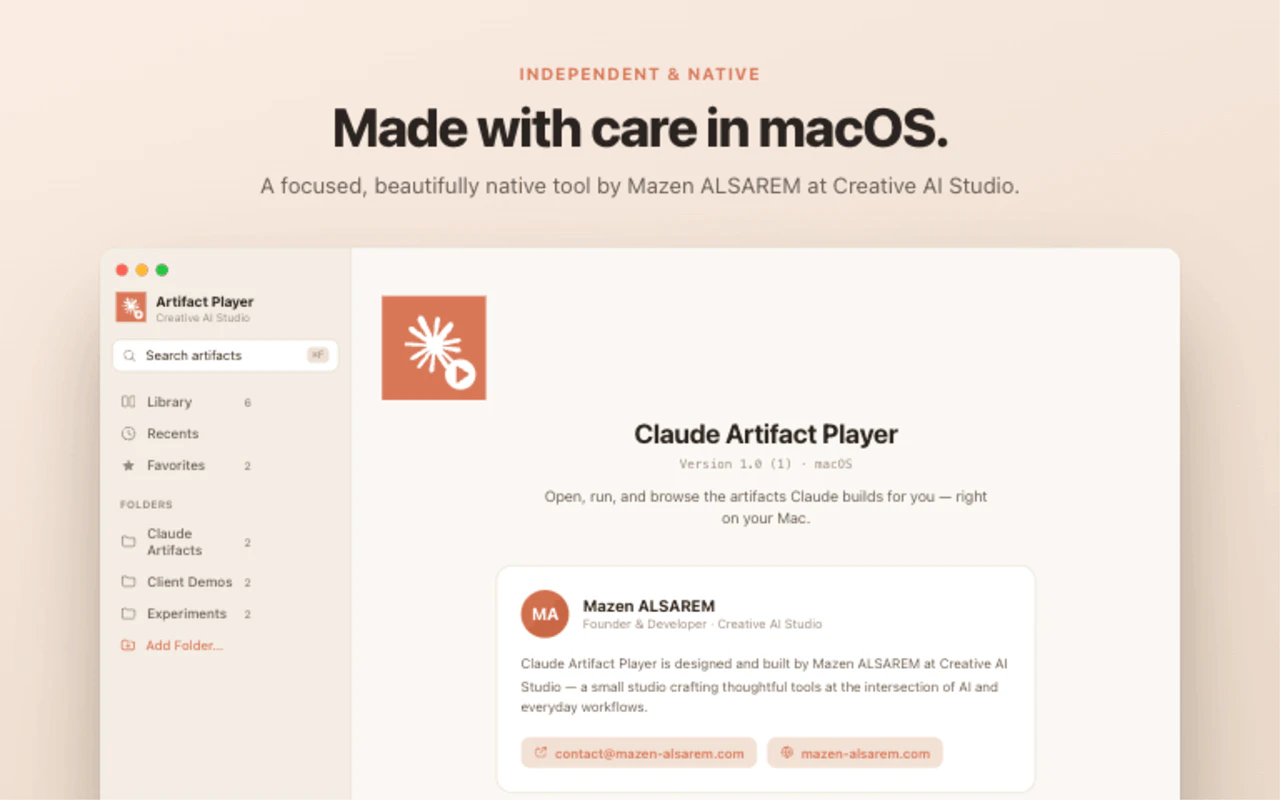
Mazen ALSAREM
Alternatives
Similar Tools in AI Image & Design




Embed Badge
Add this badge to your website to show that Claude Artifact Player is featured on Visalytica.
<a href="https://www.visalytica.com/tool/claude-artifact-player" target="_blank" rel="noopener noreferrer" style="display:inline-flex;align-items:center;gap:6px;padding:6px 14px;background:#7c3aed;color:#fff;border-radius:8px;font-family:-apple-system,system-ui,sans-serif;font-size:13px;font-weight:600;text-decoration:none;transition:background .2s" onmouseover="this.style.background='#6d28d9'" onmouseout="this.style.background='#7c3aed'"><svg width="14" height="14" viewBox="0 0 24 24" fill="none" stroke="currentColor" stroke-width="2.5" stroke-linecap="round" stroke-linejoin="round"><path d="M12 20V10"/><path d="M18 20V4"/><path d="M6 20v-4"/></svg>Featured on Visalytica</a>