
Clamshell
Close your MacBook. Keep the work running.
About Clamshell
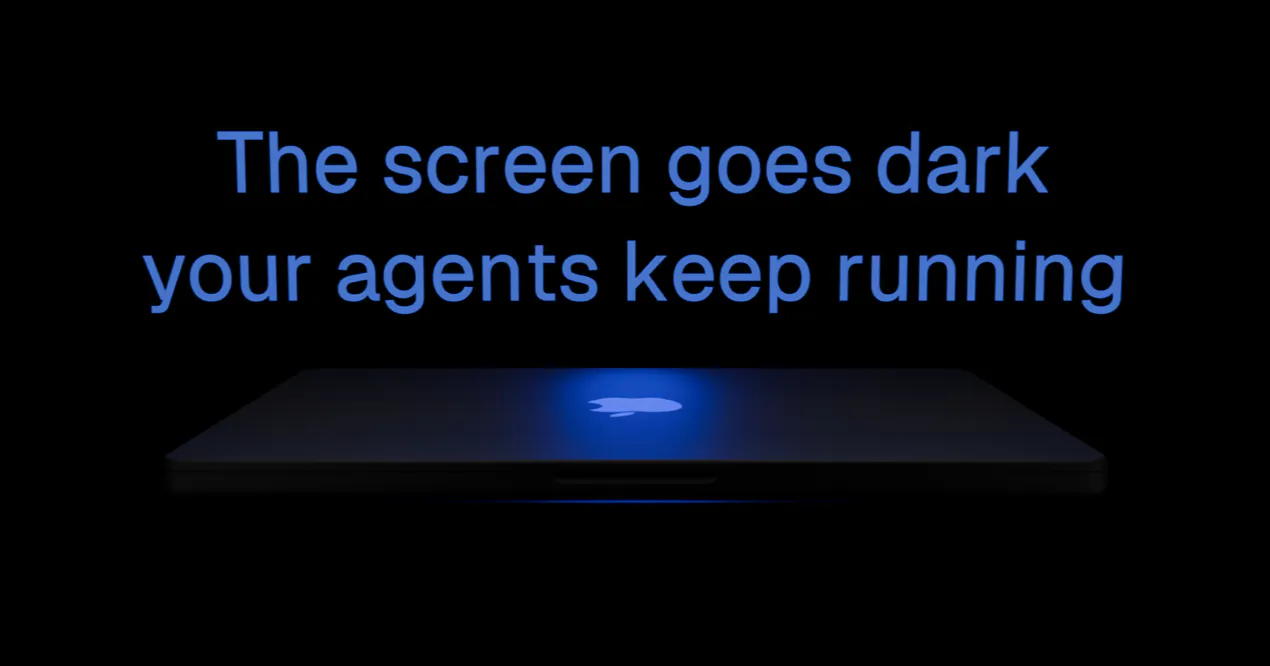
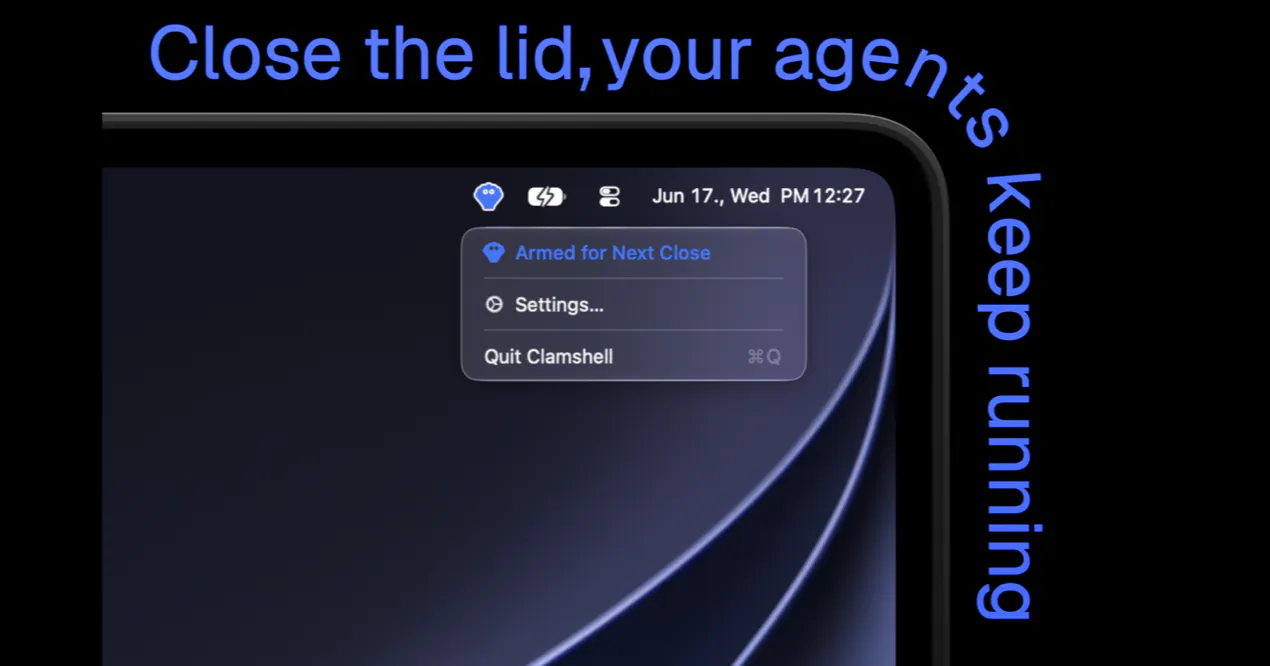
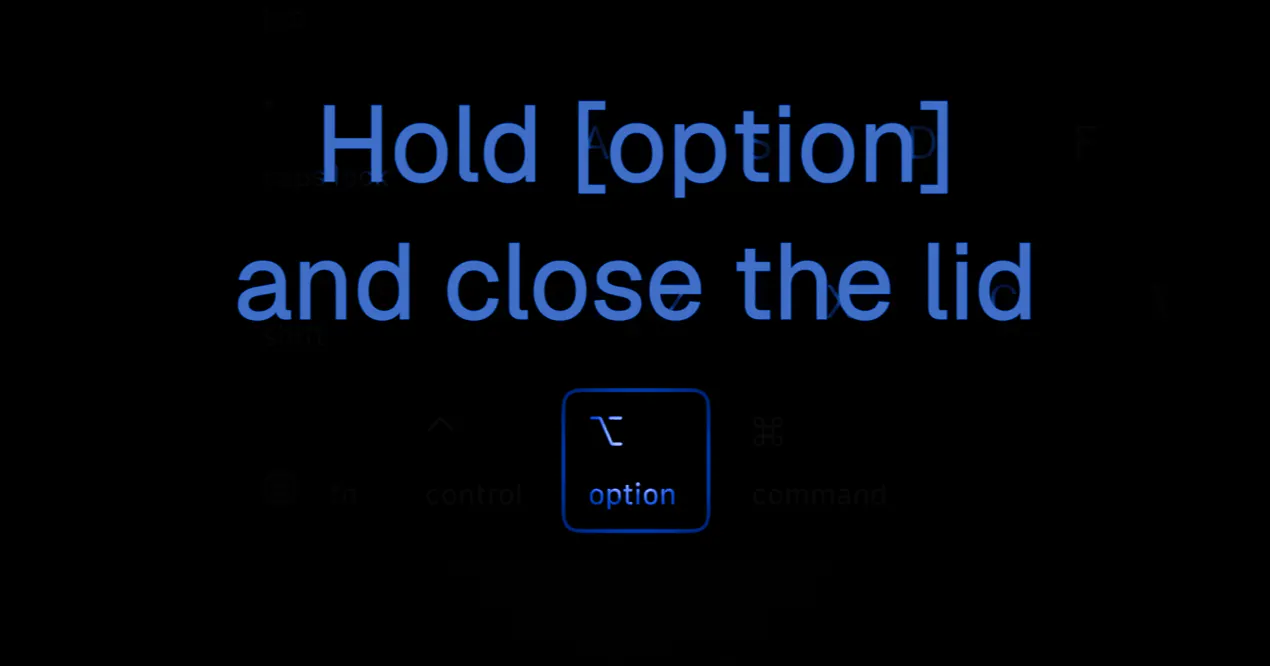
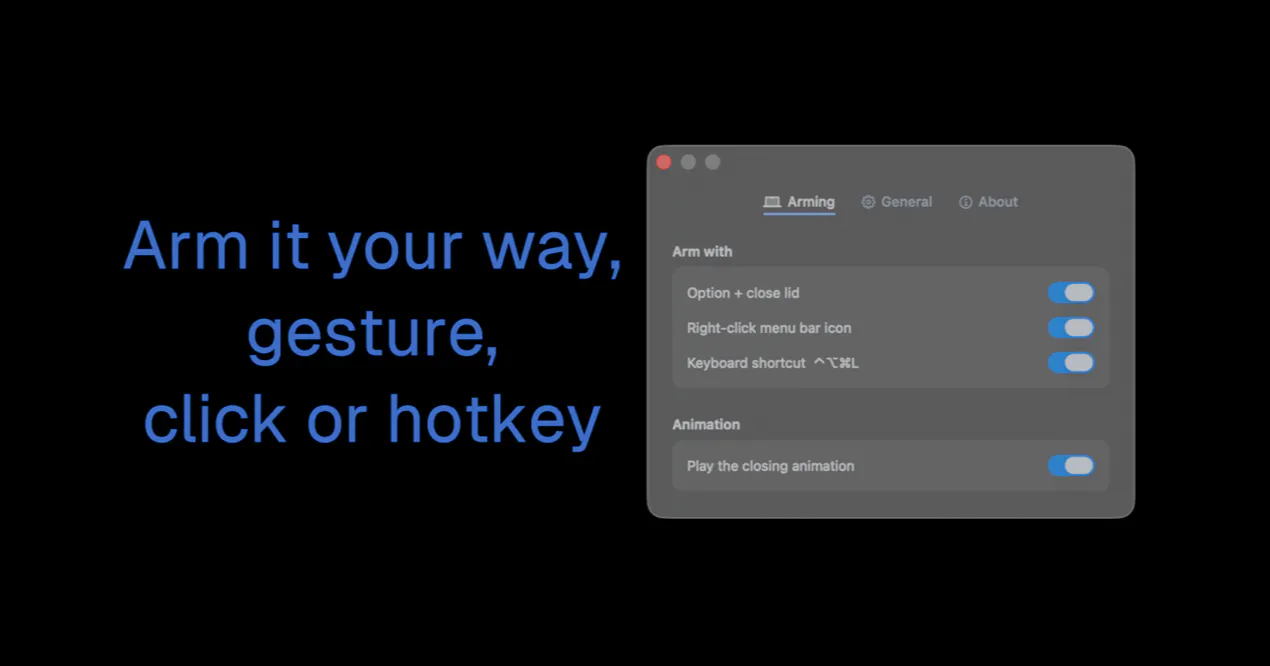
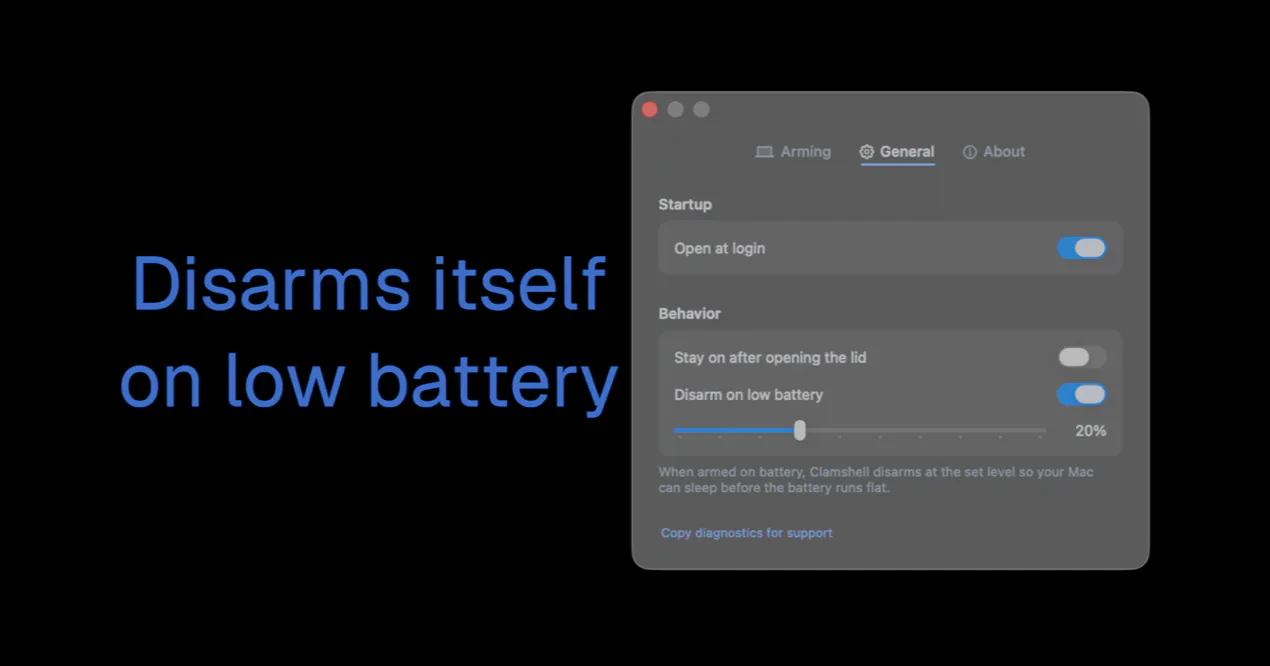
Clamshell is a innovative macOS utility designed for users who frequently close their MacBook lid without interrupting ongoing tasks. Traditionally, closing the lid puts the MacBook to sleep, halting processes like downloads, builds, or background agents. Clamshell addresses this by allowing the user to close the lid while keeping all work running seamlessly—no need for monitor connections, sudo commands, or admin setup. Its simplicity and ease of use make it ideal for developers, power users, and anyone who wants to maintain productivity without interruption. The tool’s straightforward approach ensures users can focus on their tasks without worrying about accidental sleeps or process disruptions, making it a game-changer for multitasking and long-running activities on MacBook hardware.
Screenshots

Pros
- ✓Keeps MacBook running when lid is closed without additional setup
- ✓No need for monitor connections or admin privileges
- ✓Simple, user-friendly interface
- ✓Ideal for developers and power users managing long tasks
- ✓Reduces interruptions during important processes
Cons
- ✗Limited to macOS, so not cross-platform
- ✗Potential security concerns if used without proper caution
- ✗Lack of advanced customization options
Use Cases
Pricing
Likely offered as a paid app with a one-time purchase or subscription model, given its utility and simplicity. No free tier information is available, but it may offer a trial period for evaluation.
Quick Info
Topics
Makers

Matyas
Alternatives
Similar Tools in Productivity




Embed Badge
Add this badge to your website to show that Clamshell is featured on Visalytica.
<a href="https://www.visalytica.com/tool/clamshell" target="_blank" rel="noopener noreferrer" style="display:inline-flex;align-items:center;gap:6px;padding:6px 14px;background:#7c3aed;color:#fff;border-radius:8px;font-family:-apple-system,system-ui,sans-serif;font-size:13px;font-weight:600;text-decoration:none;transition:background .2s" onmouseover="this.style.background='#6d28d9'" onmouseout="this.style.background='#7c3aed'"><svg width="14" height="14" viewBox="0 0 24 24" fill="none" stroke="currentColor" stroke-width="2.5" stroke-linecap="round" stroke-linejoin="round"><path d="M12 20V10"/><path d="M18 20V4"/><path d="M6 20v-4"/></svg>Featured on Visalytica</a>