
Chime
Private SMS categorization that never leaves your device
About Chime
Chime is a privacy-focused SMS organization tool designed for Android users who want to keep their messaging tidy without sacrificing privacy. It automatically categorizes incoming texts into distinct groups such as OTPs, deliveries, promotions, banking, and personal messages, helping users quickly find what they need without sifting through clutter. The standout feature of Chime is its on-device processing, ensuring that all message sorting happens locally without uploading data to the cloud. This guarantees user privacy, making it ideal for those who prioritize confidentiality and data security. With a simple setup process, Chime provides an immediate, organized inbox that enhances messaging efficiency while respecting user privacy. Its lightweight approach makes it suitable for anyone looking for a smarter, clutter-free messaging experience on their mobile device.
Screenshots
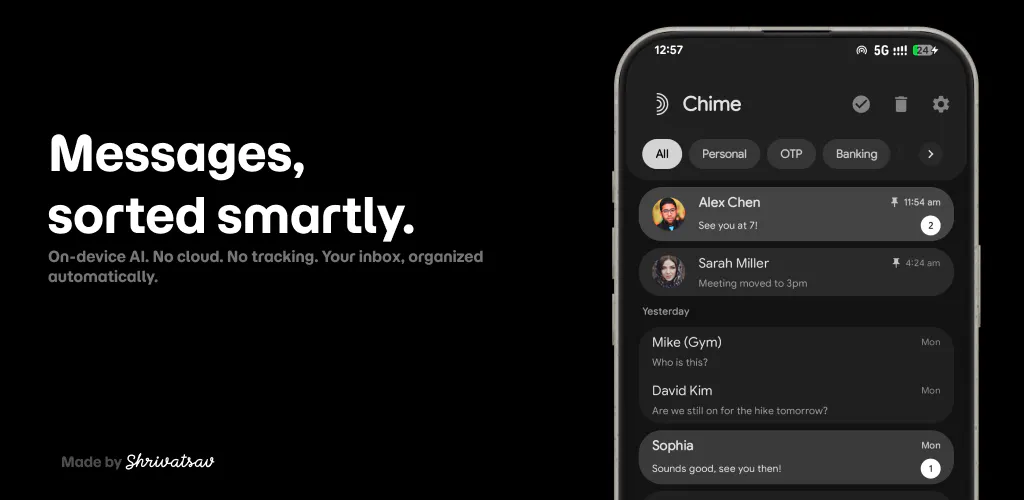
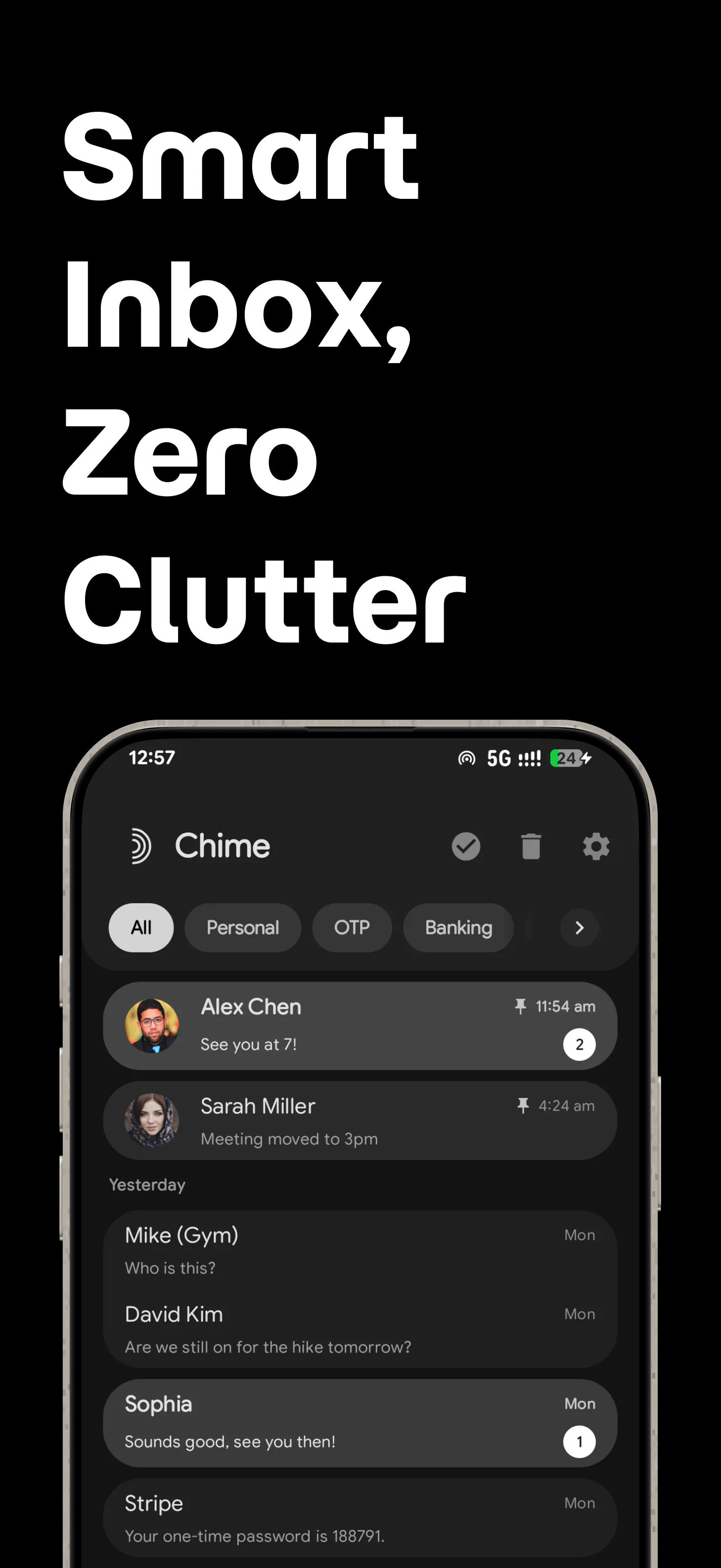
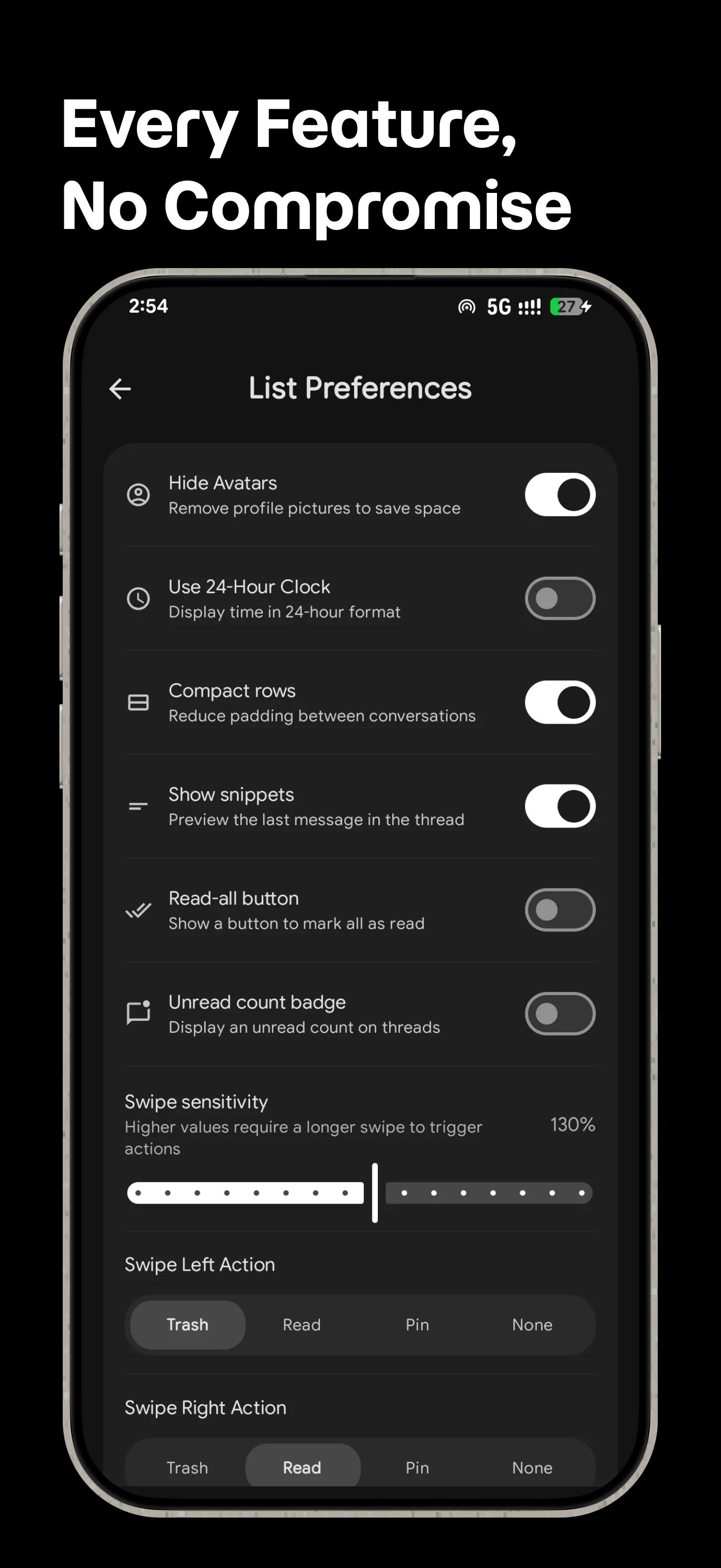
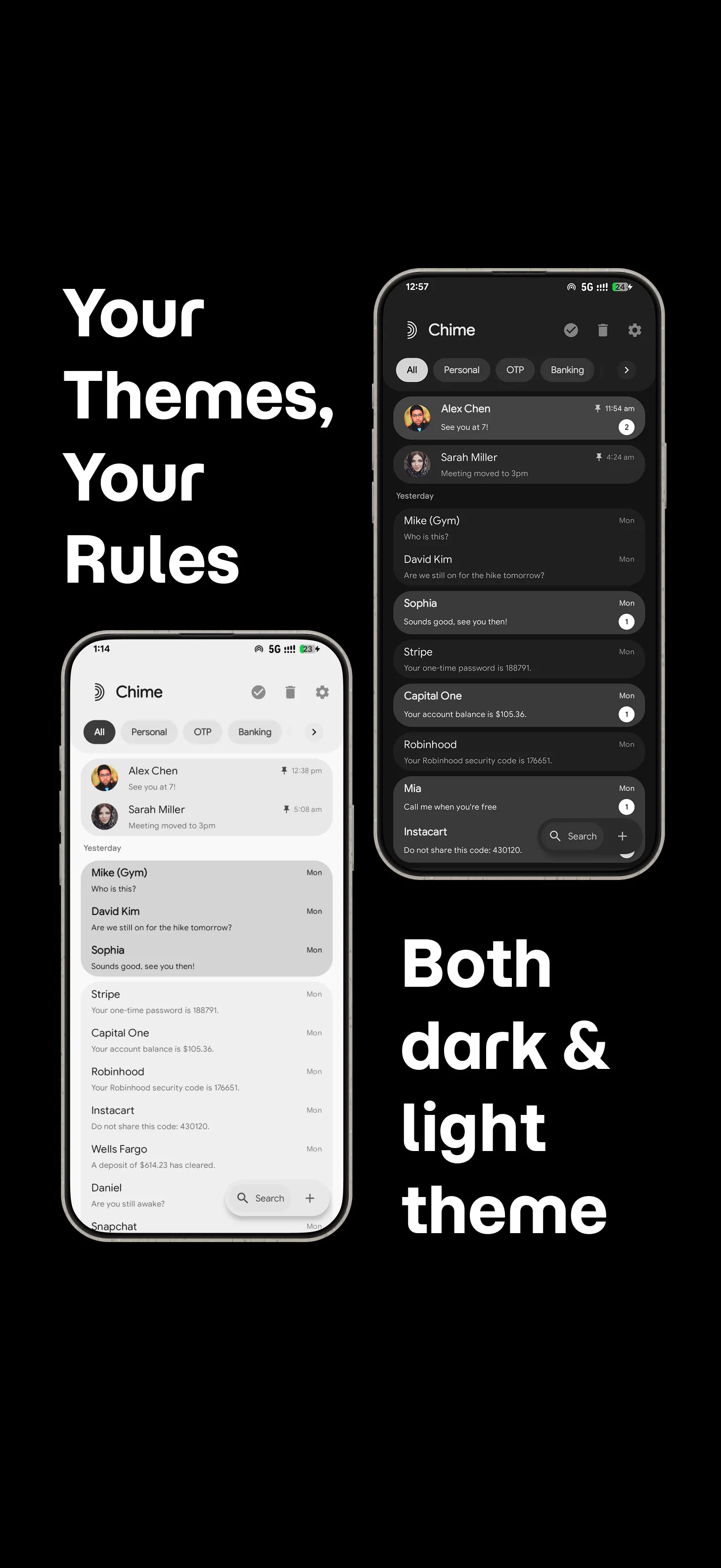
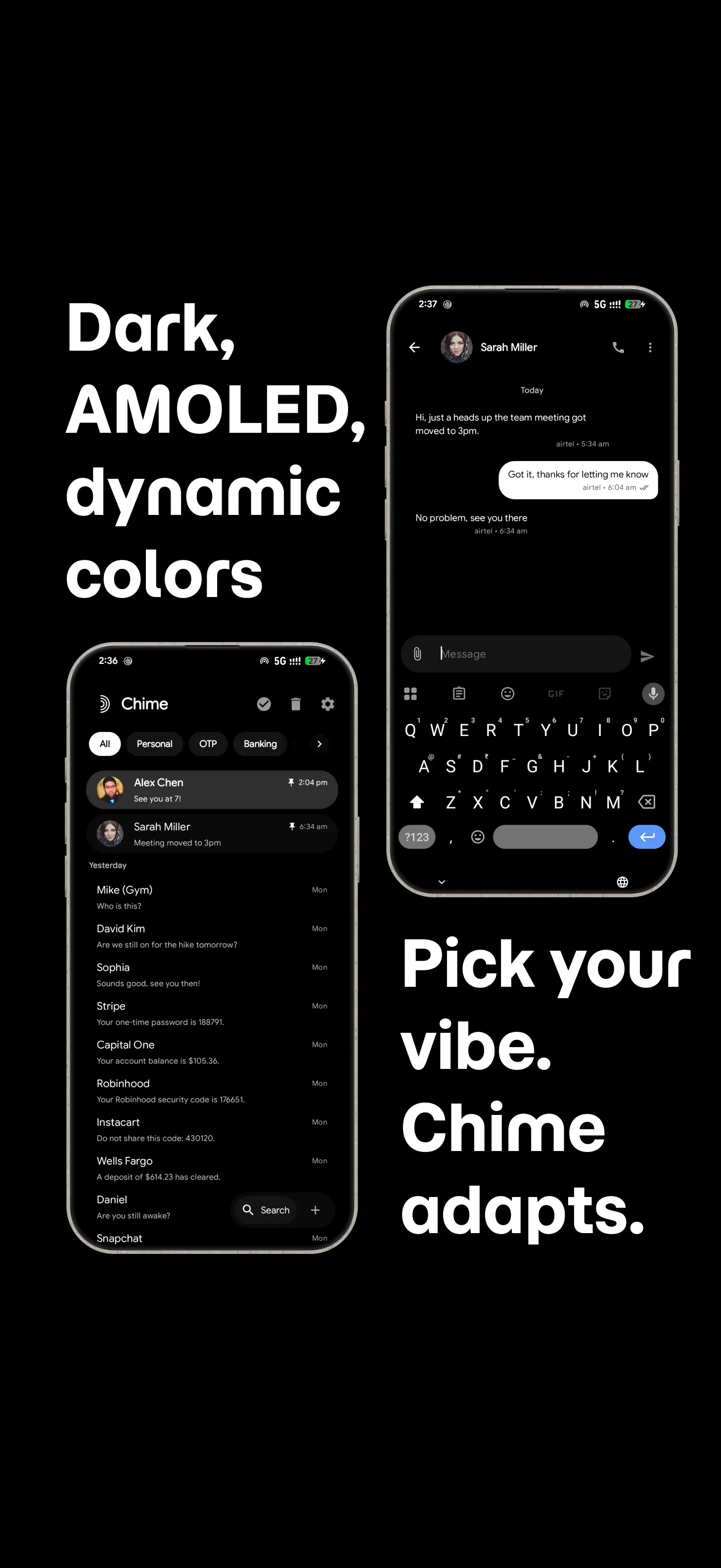
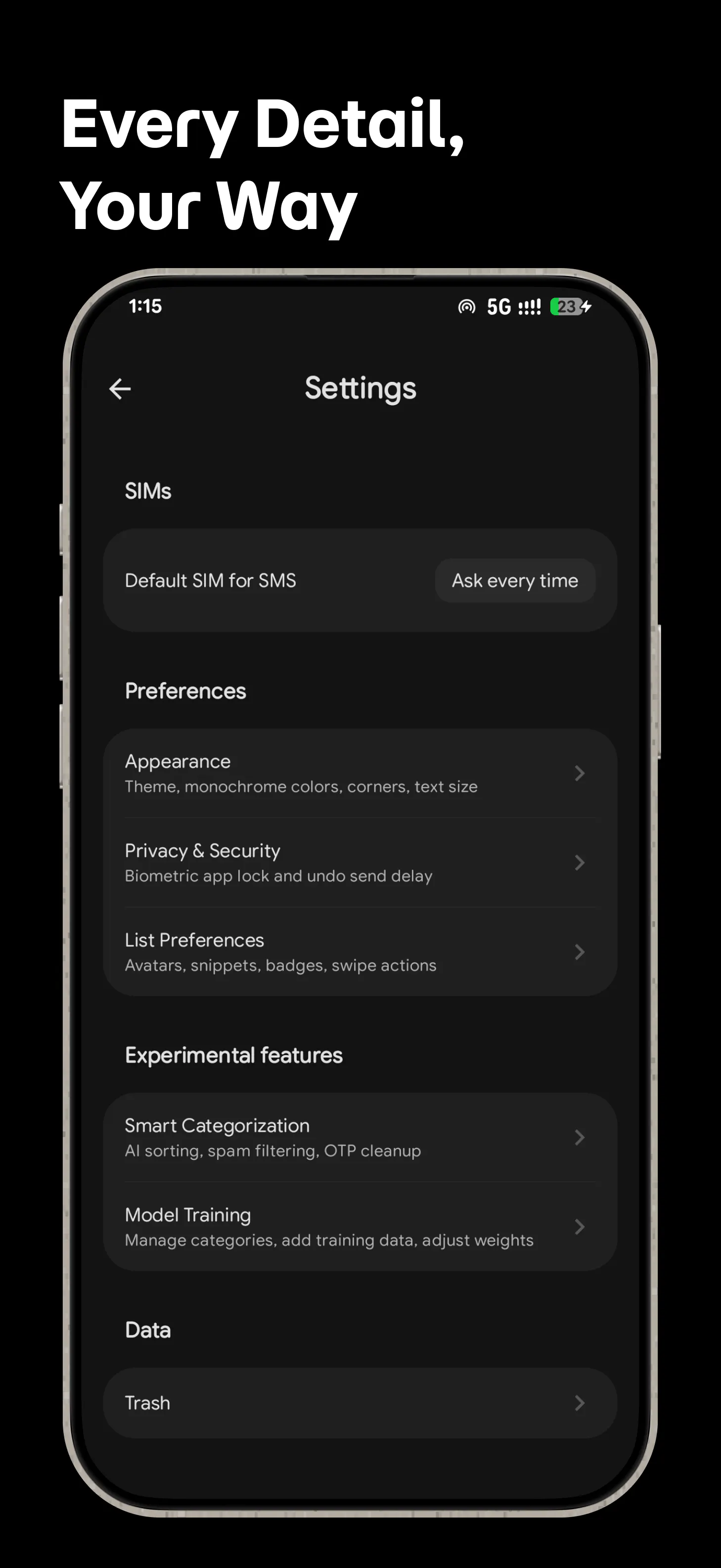
+3 more screenshots
Pros
- ✓On-device message categorization enhances privacy and security
- ✓Automatic sorting reduces inbox clutter and improves efficiency
- ✓No need for accounts, cloud storage, or data harvesting
- ✓Easy setup with instant organization
- ✓Supports multiple message categories tailored to user needs
Cons
- ✗Limited to Android devices; not available for iOS
- ✗Features are focused solely on message sorting, lacking additional messaging tools
- ✗Dependent on device processing power for performance
Use Cases
Pricing
Pricing not verified
Quick Info
Topics
Makers

Sharan Shrivatsav
Similar Tools in AI Assistants




Embed Badge
Add this badge to your website to show that Chime is featured on Visalytica.
<a href="https://www.visalytica.com/tool/chime" target="_blank" rel="noopener noreferrer" style="display:inline-flex;align-items:center;gap:6px;padding:6px 14px;background:#7c3aed;color:#fff;border-radius:8px;font-family:-apple-system,system-ui,sans-serif;font-size:13px;font-weight:600;text-decoration:none;transition:background .2s" onmouseover="this.style.background='#6d28d9'" onmouseout="this.style.background='#7c3aed'"><svg width="14" height="14" viewBox="0 0 24 24" fill="none" stroke="currentColor" stroke-width="2.5" stroke-linecap="round" stroke-linejoin="round"><path d="M12 20V10"/><path d="M18 20V4"/><path d="M6 20v-4"/></svg>Featured on Visalytica</a>