
ChatPilot
Bulk delete, archive & timestamp your ChatGPT conversations
About ChatPilot
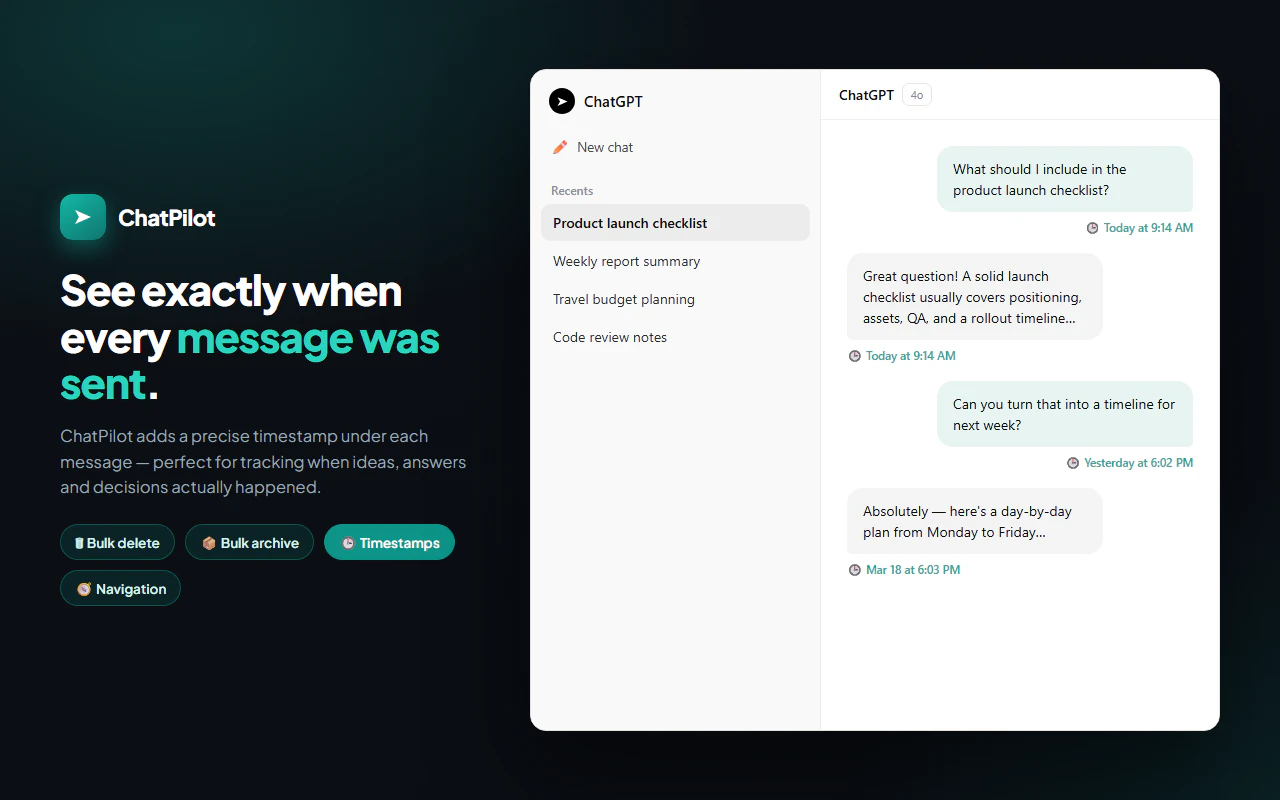
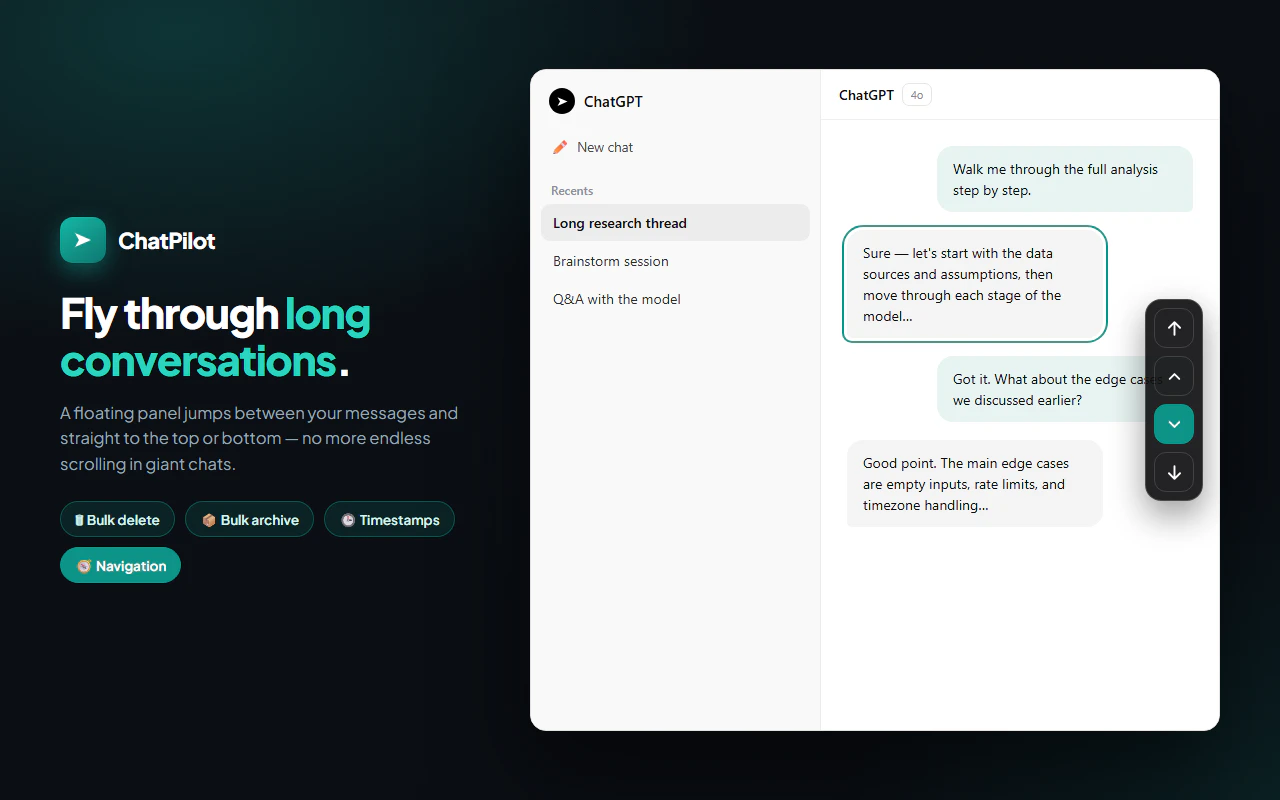
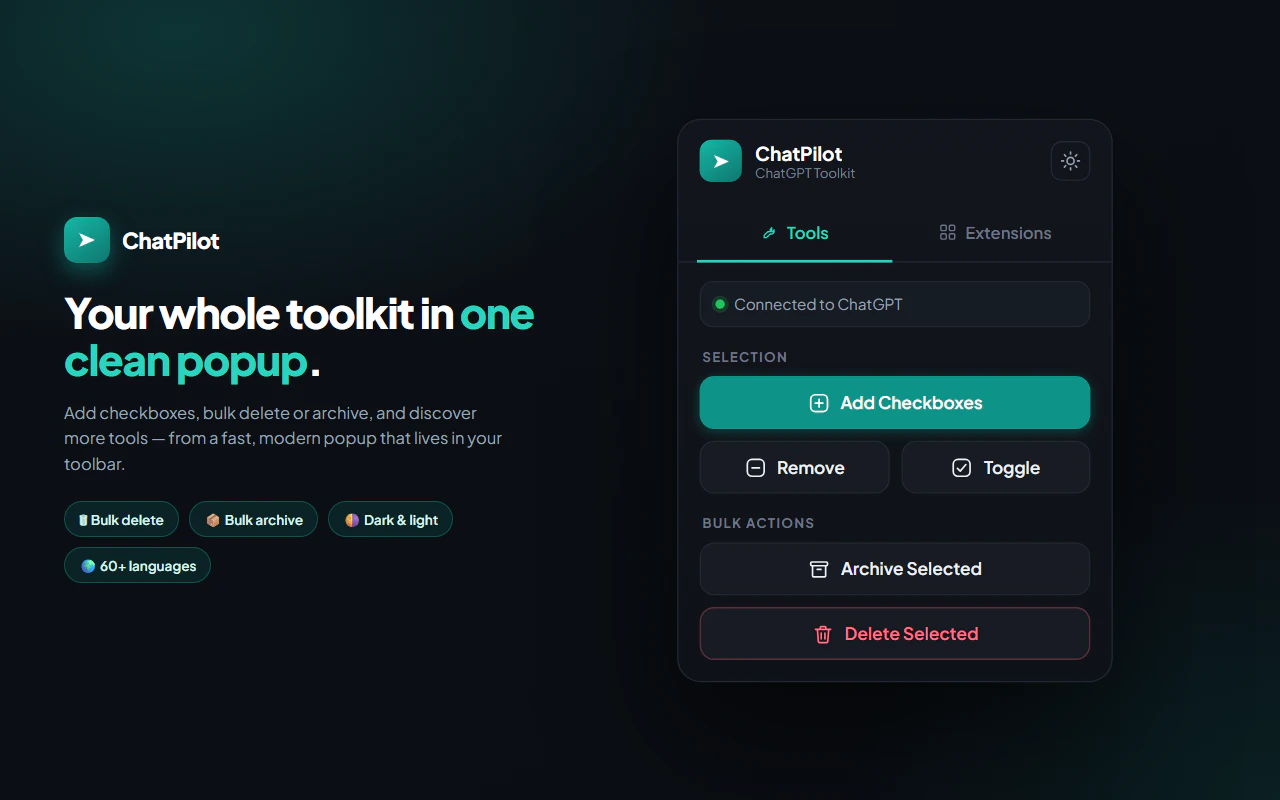
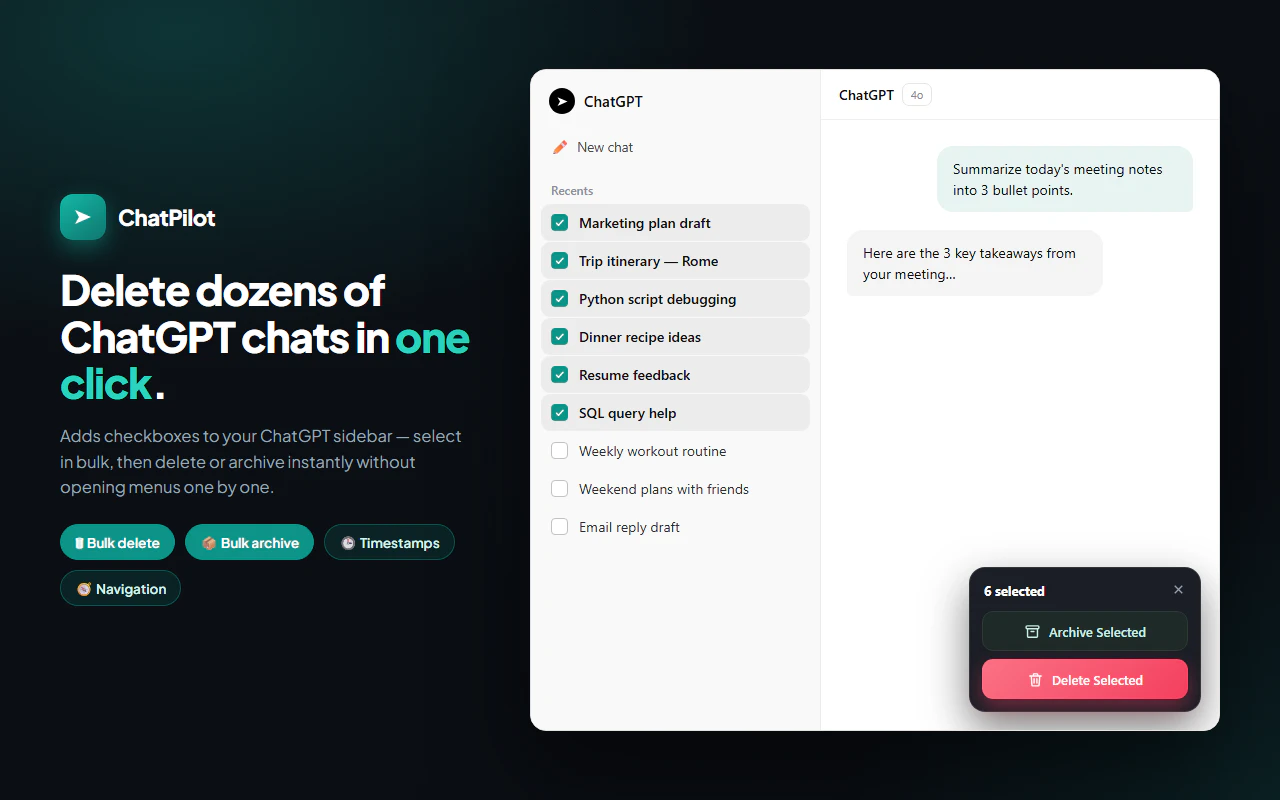
ChatPilot is a lightweight Chrome extension designed to enhance the management of ChatGPT conversations. It addresses common limitations by enabling users to bulk delete or archive multiple chats at once, eliminating the tedious process of clicking through conversations individually. Additionally, ChatPilot introduces timestamping features, allowing users to see exactly when each chat occurred, which improves organization and retrieval. Its intuitive interface makes it accessible for anyone looking to tidy up their ChatGPT history quickly and efficiently. Ideal for power users, researchers, students, or professionals managing numerous chat sessions, ChatPilot offers a seamless way to keep your chat history clean and organized without adding complexity to your workflow. Its focus on simplicity combined with powerful management tools makes it a valuable extension for anyone relying heavily on ChatGPT for daily tasks.
Screenshots

Pros
- ✓Enables bulk deletion and archiving of conversations, saving time
- ✓Adds timestamps to help organize and locate chats easily
- ✓Lightweight and easy to install as a Chrome extension
- ✓Improves overall chat management and organization
- ✓User-friendly interface suitable for all levels
Cons
- ✗Limited to Chrome browser, not available as a standalone app
- ✗Features may be basic compared to full-fledged chat management tools
- ✗Lacks advanced filtering or search capabilities
Use Cases
Pricing
Likely a free extension with possible premium features or plans; specific pricing details are not provided but typically such tools are freemium-based or free to use.
Quick Info
Topics
Alternatives
Similar Tools in Productivity




Embed Badge
Add this badge to your website to show that ChatPilot is featured on Visalytica.
<a href="https://www.visalytica.com/tool/chatpilot" target="_blank" rel="noopener noreferrer" style="display:inline-flex;align-items:center;gap:6px;padding:6px 14px;background:#7c3aed;color:#fff;border-radius:8px;font-family:-apple-system,system-ui,sans-serif;font-size:13px;font-weight:600;text-decoration:none;transition:background .2s" onmouseover="this.style.background='#6d28d9'" onmouseout="this.style.background='#7c3aed'"><svg width="14" height="14" viewBox="0 0 24 24" fill="none" stroke="currentColor" stroke-width="2.5" stroke-linecap="round" stroke-linejoin="round"><path d="M12 20V10"/><path d="M18 20V4"/><path d="M6 20v-4"/></svg>Featured on Visalytica</a>