
ChatMirror
Turn long ChatGPT conversations into readable archives
About ChatMirror
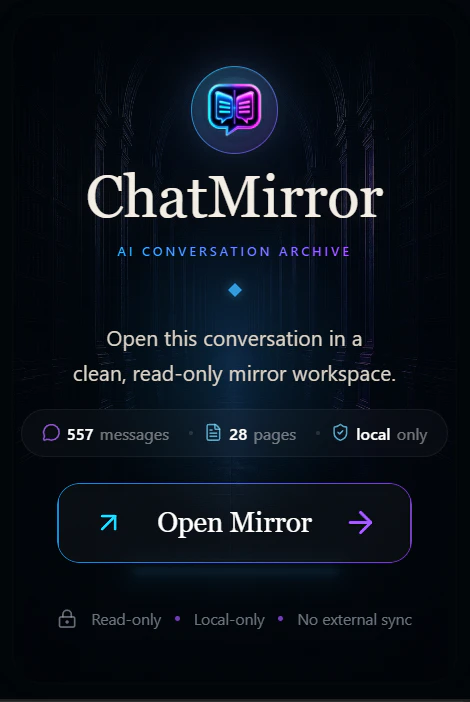
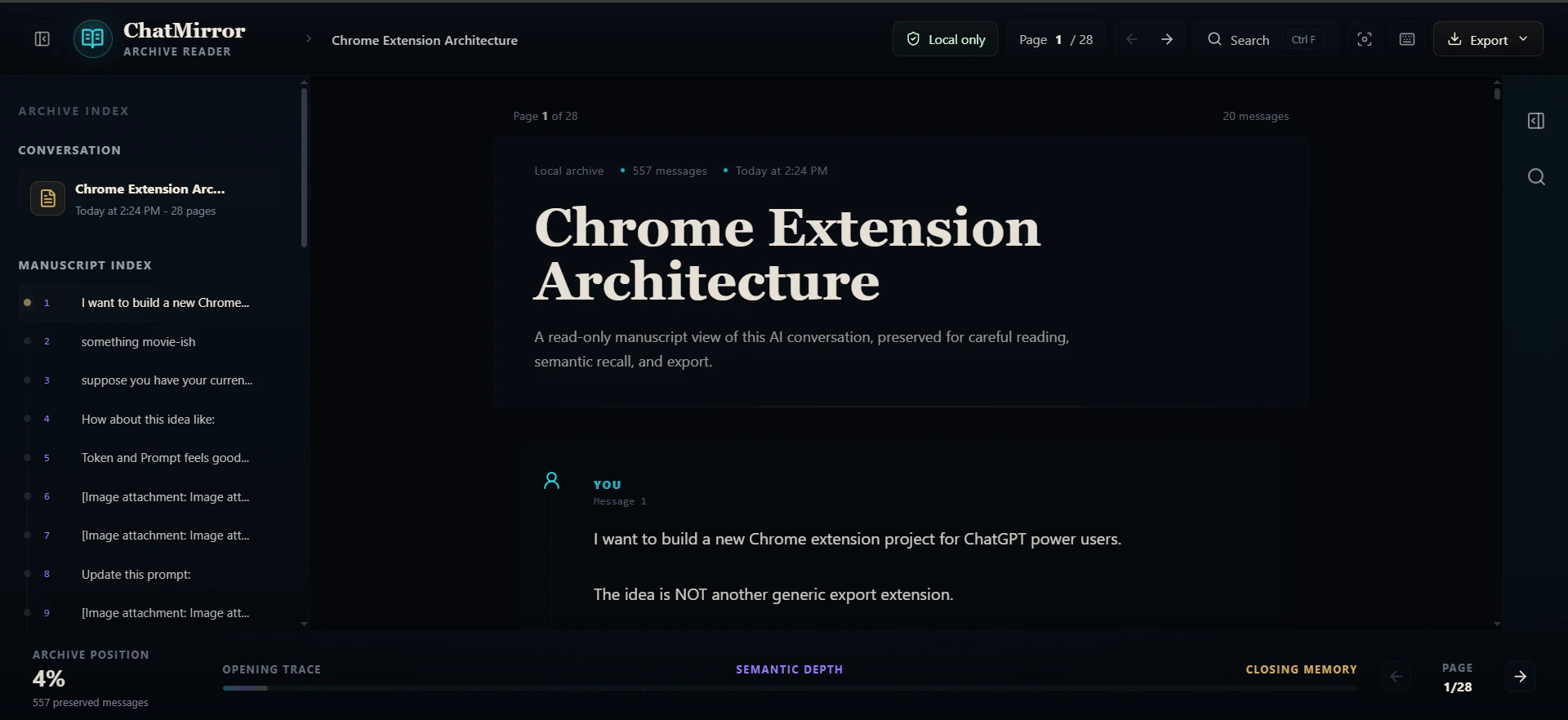
ChatMirror is a Chrome extension designed to address the challenge of revisiting long ChatGPT conversations. As chats grow extensive, important prompts, code snippets, and decisions tend to get lost in endless scrolling, making it difficult to reference past interactions efficiently. ChatMirror transforms these lengthy conversations into a clean, readable, archive-style workspace with features like pagination, full-text search, export options, keyboard navigation, and local-only storage for privacy and security. Its focus on simplicity and user-friendly navigation makes it ideal for developers, researchers, and AI enthusiasts who frequently rely on ChatGPT for detailed workflows and brainstorming sessions. By offering a structured, easily accessible archive, ChatMirror enhances productivity and ensures critical information is preserved and retrievable at any time.
Screenshots
Pros
- ✓Transforms lengthy conversations into organized, readable archives
- ✓Supports search, export, and keyboard navigation for ease of use
- ✓Local-only storage enhances privacy and data security
- ✓Easy to install as a Chrome extension, no complex setup
- ✓Ideal for developers, researchers, and power users needing quick access to past chats
Cons
- ✗Limited to Chrome browser, no cross-platform apps yet
- ✗Features depend on ChatGPT conversation exports or saving, might require manual steps
- ✗No integrated AI capabilities; purely an archive tool
Use Cases
Pricing
Likely offers a free version, given its nature as a Chrome extension, with potential premium features or export options available via paid plans. Specific pricing details are not publicly confirmed.
Quick Info
Topics
Alternatives
Similar Tools in Customer Support




Embed Badge
Add this badge to your website to show that ChatMirror is featured on Visalytica.
<a href="https://www.visalytica.com/tool/chatmirror" target="_blank" rel="noopener noreferrer" style="display:inline-flex;align-items:center;gap:6px;padding:6px 14px;background:#7c3aed;color:#fff;border-radius:8px;font-family:-apple-system,system-ui,sans-serif;font-size:13px;font-weight:600;text-decoration:none;transition:background .2s" onmouseover="this.style.background='#6d28d9'" onmouseout="this.style.background='#7c3aed'"><svg width="14" height="14" viewBox="0 0 24 24" fill="none" stroke="currentColor" stroke-width="2.5" stroke-linecap="round" stroke-linejoin="round"><path d="M12 20V10"/><path d="M18 20V4"/><path d="M6 20v-4"/></svg>Featured on Visalytica</a>