
ChatFolders
Folders for your AI chats with ChatGPT Claude, Gemini & Grok
About ChatFolders
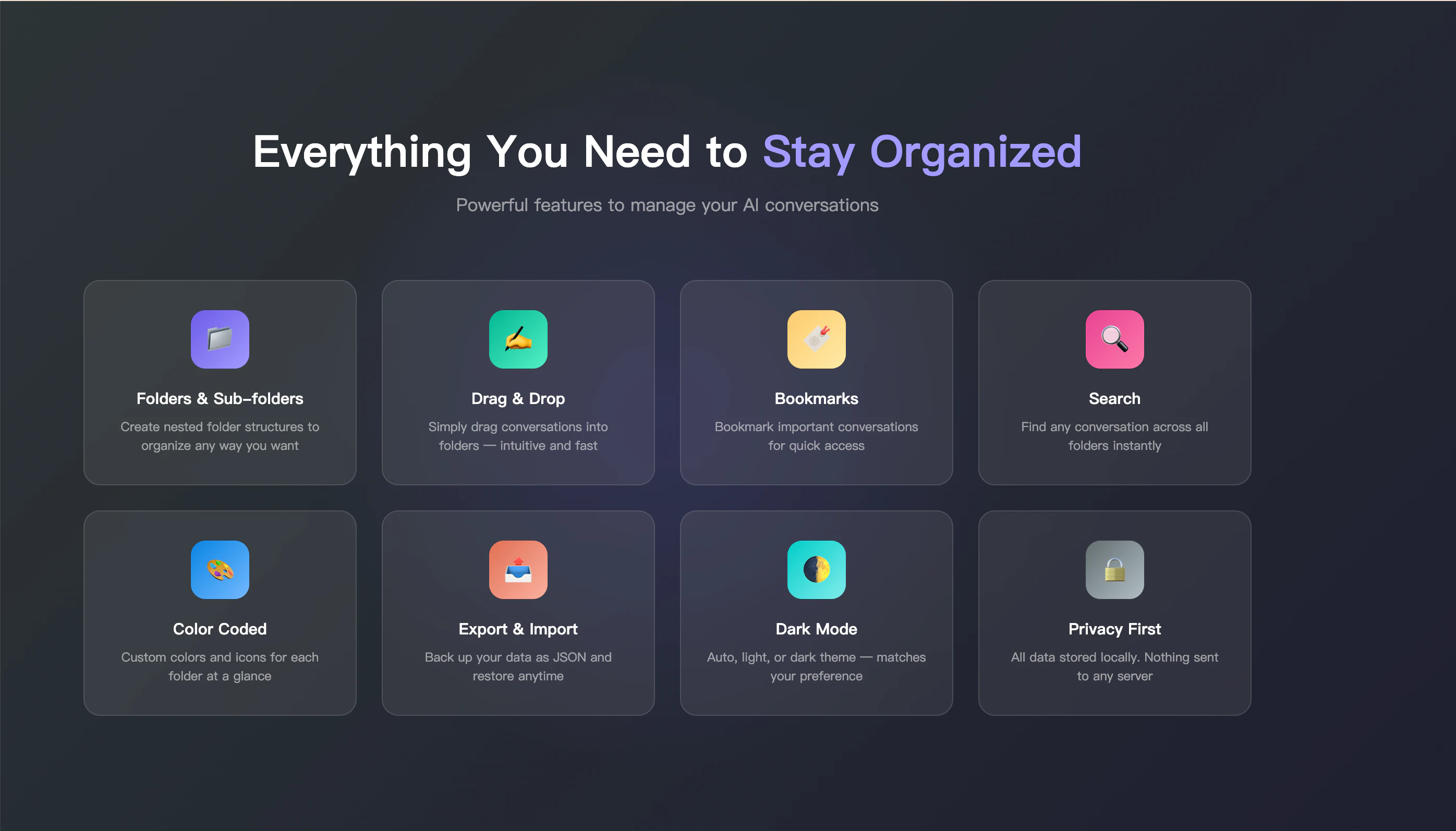
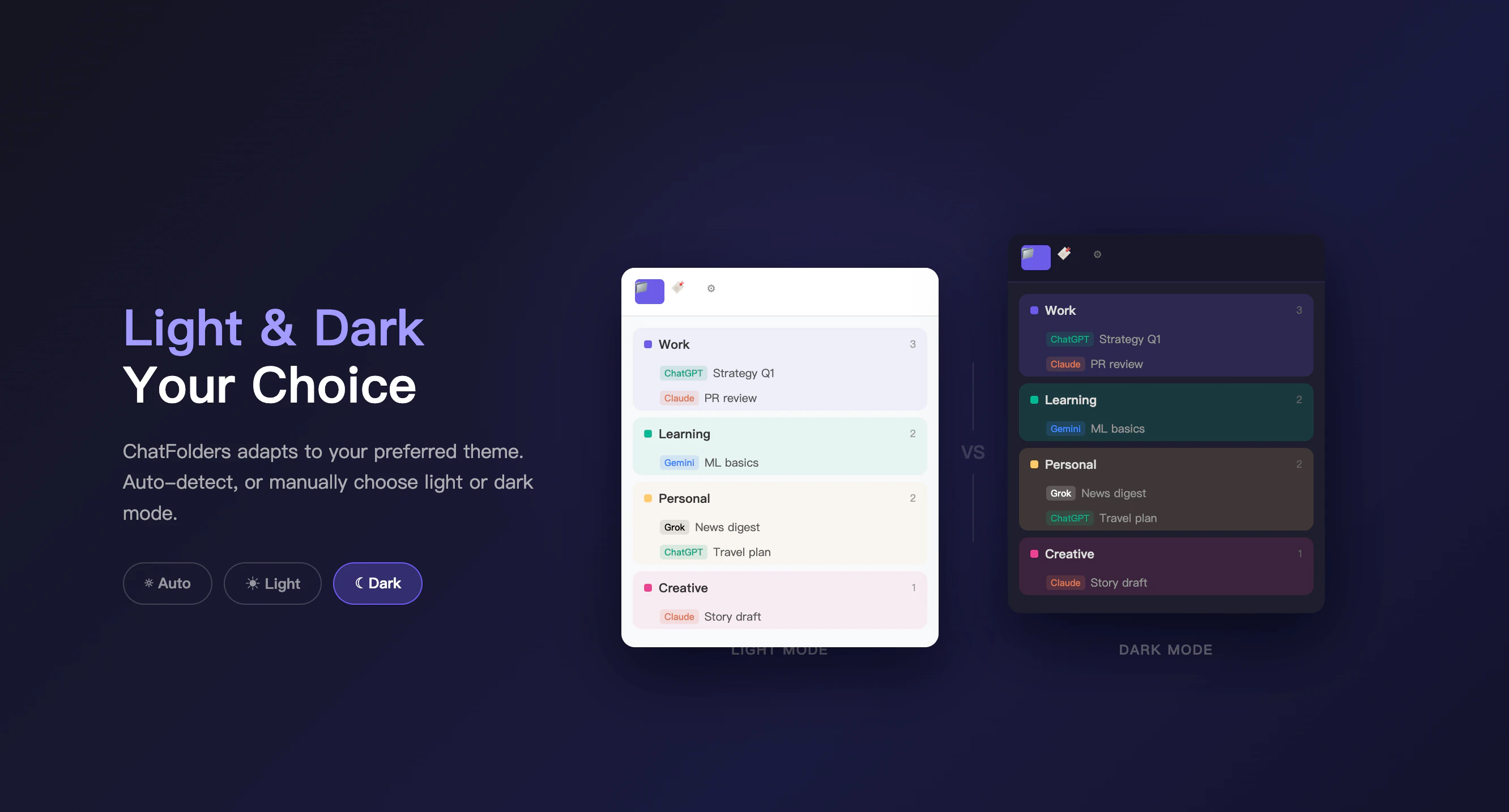
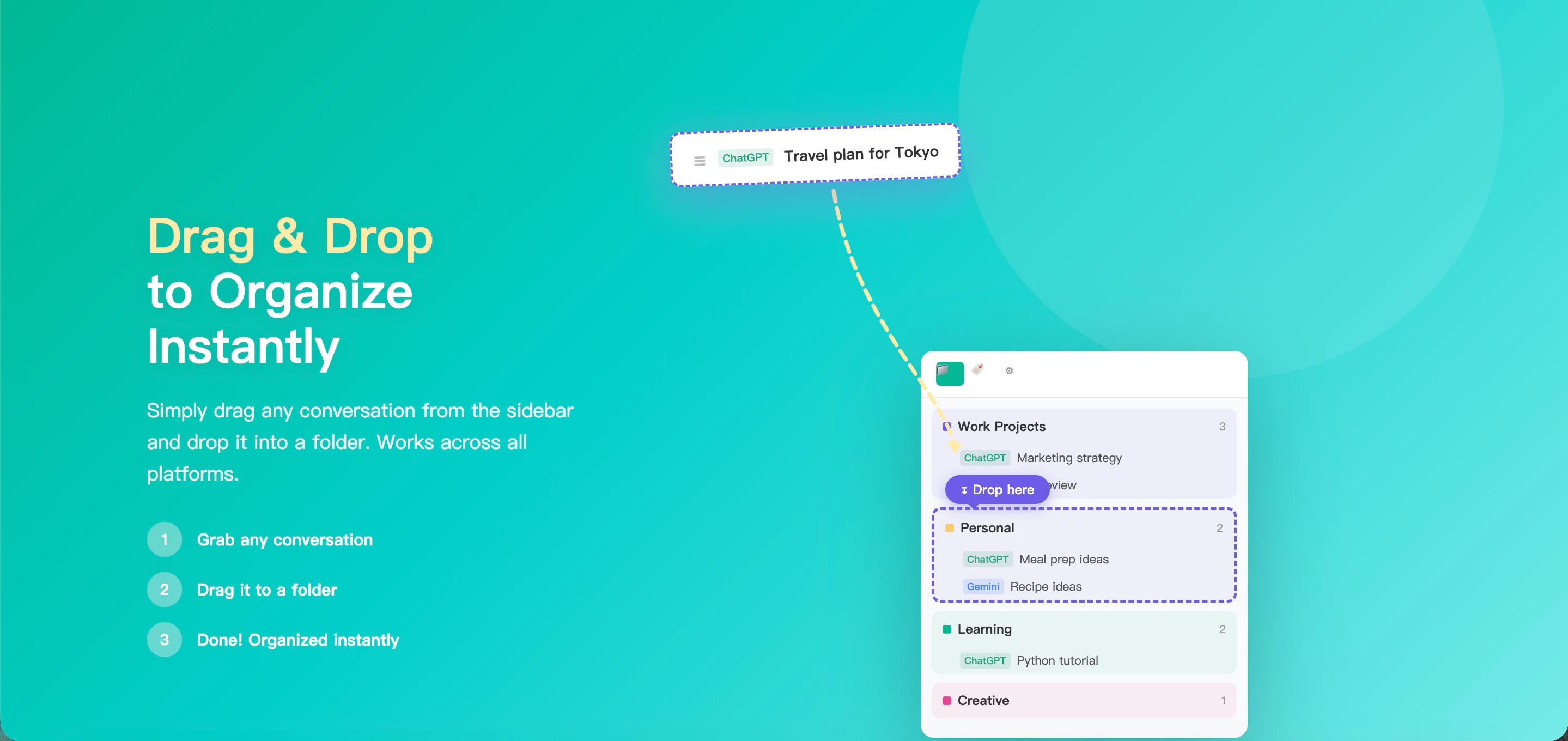
ChatFolders is a powerful browser extension designed to organize and manage AI chat conversations across multiple platforms, including ChatGPT, Claude, Gemini, and Grok. It provides users with a simple yet effective way to categorize chats into customizable, color-coded folders, making it easier to find and revisit important discussions. The extension offers features like drag-and-drop organization, bookmarking, tagging, and robust search capabilities, all aimed at enhancing productivity and reducing the chaos of endless scrolling. Its auto-rules system automatically sorts new chats into designated folders, saving users valuable time. What sets ChatFolders apart is its local-first approach—all data stays within the browser, ensuring privacy and eliminating reliance on cloud storage or accounts. Free to try with a limited number of folders, users can upgrade for unlimited folders, subfolders, syncing, and more, making it suitable for both casual users and power users who need advanced organization tools in their AI workflows.
Screenshots


Pros
- ✓Intuitive folder and tagging system for easy chat organization
- ✓Local-first data storage enhances privacy and security
- ✓Auto-rules for automatic chat sorting save time
- ✓Supports multiple AI platforms in one extension
- ✓Free tier with basic features; affordable upgrades available
Cons
- ✗Limited features in the free version (only 5 folders)
- ✗Requires browser extension installation, which may not suit all users
- ✗Advanced features like sync and subfolders require payment
Use Cases
Pricing
ChatFolders offers a free version with 5 folders, with paid plans available to unlock unlimited folders, subfolders, sync, and additional features. The pricing model appears to be a freemium approach, typical for browser extensions of this nature.
Quick Info
Topics
Alternatives
Similar Tools in AI Assistants




Embed Badge
Add this badge to your website to show that ChatFolders is featured on Visalytica.
<a href="https://www.visalytica.com/tool/chatfolders" target="_blank" rel="noopener noreferrer" style="display:inline-flex;align-items:center;gap:6px;padding:6px 14px;background:#7c3aed;color:#fff;border-radius:8px;font-family:-apple-system,system-ui,sans-serif;font-size:13px;font-weight:600;text-decoration:none;transition:background .2s" onmouseover="this.style.background='#6d28d9'" onmouseout="this.style.background='#7c3aed'"><svg width="14" height="14" viewBox="0 0 24 24" fill="none" stroke="currentColor" stroke-width="2.5" stroke-linecap="round" stroke-linejoin="round"><path d="M12 20V10"/><path d="M18 20V4"/><path d="M6 20v-4"/></svg>Featured on Visalytica</a>