
Channels SDK
Agents in Slack & Teams without the production headaches.
About Channels SDK
Channels SDK offers a seamless way to embed AI agents directly into popular communication platforms like Slack, Teams, Discord, and WhatsApp, eliminating the need for separate websites or complex integrations. Designed for teams and developers seeking to enhance collaboration with AI-powered assistance, it enables users to interact with their existing agents within the chat environment—tagging and replying in threads, rather than switching contexts. Its unique strength lies in enabling rich message content, including buttons, forms, and charts, directly inside chat threads, providing a more interactive and engaging experience. Moreover, Channels SDK works effortlessly with existing AI agents without requiring rewrites, making deployment straightforward. Being open source and free to use, it is particularly appealing for developers aiming to customize and extend functionality while keeping costs low.
Screenshots
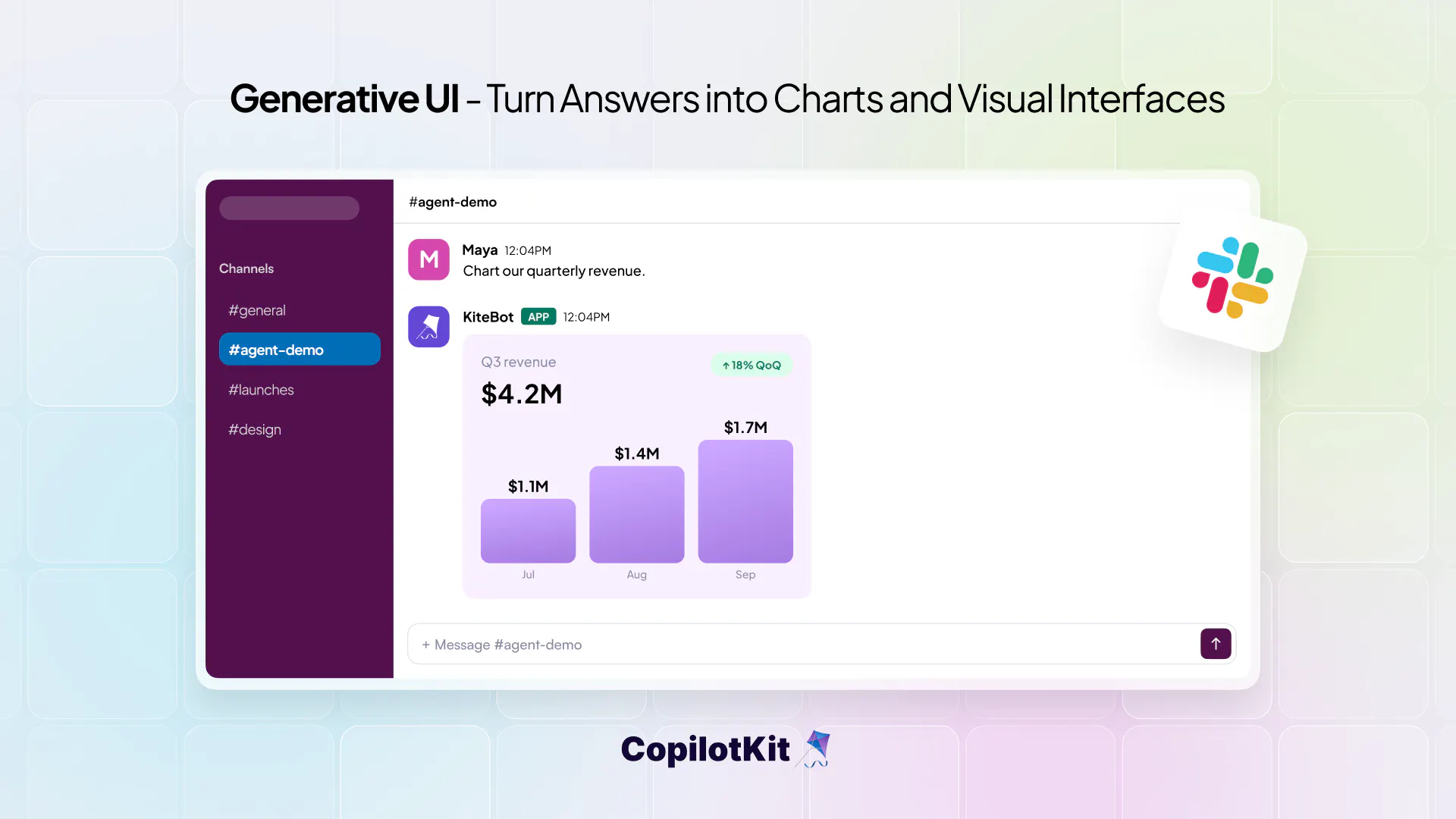
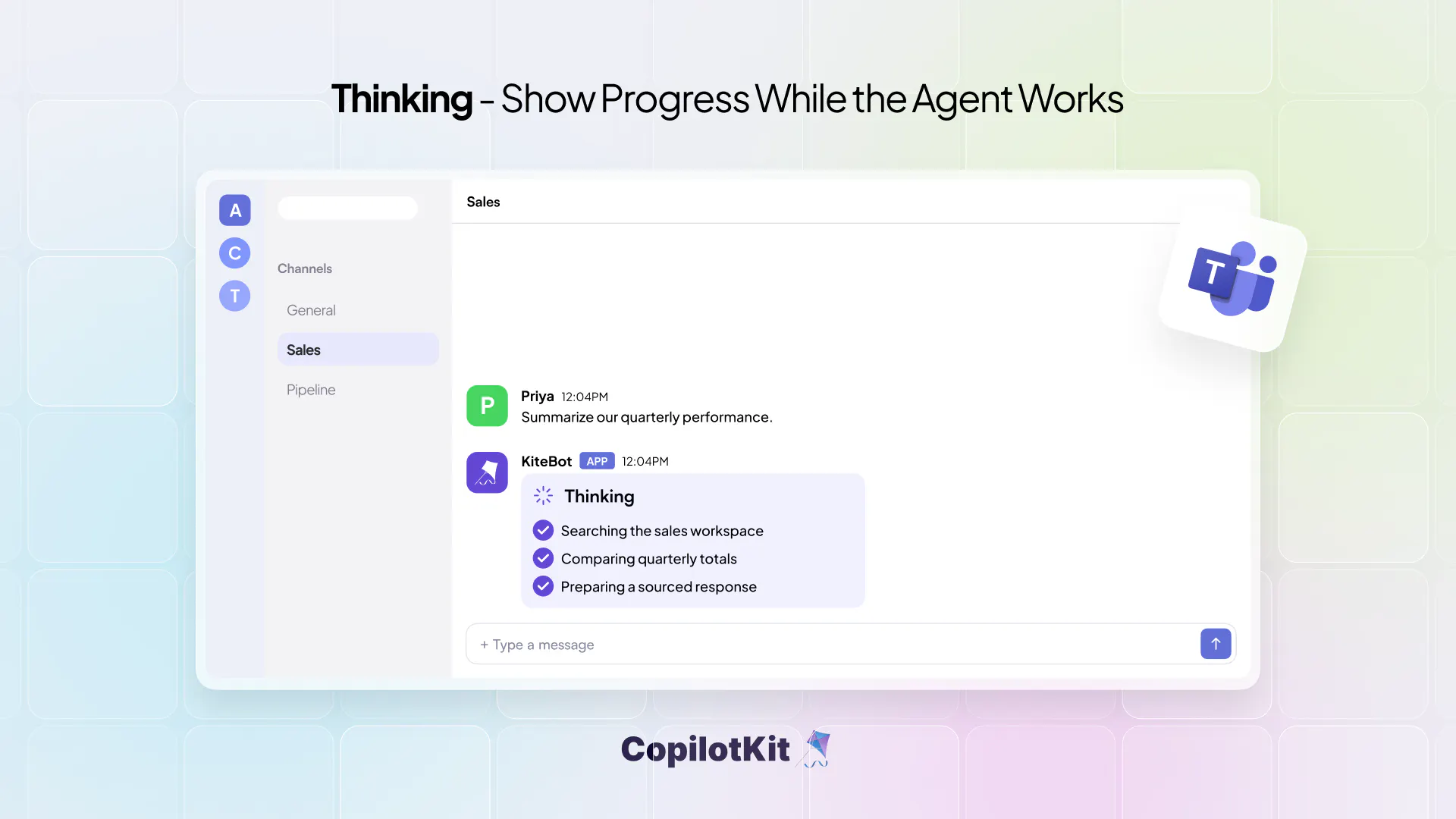
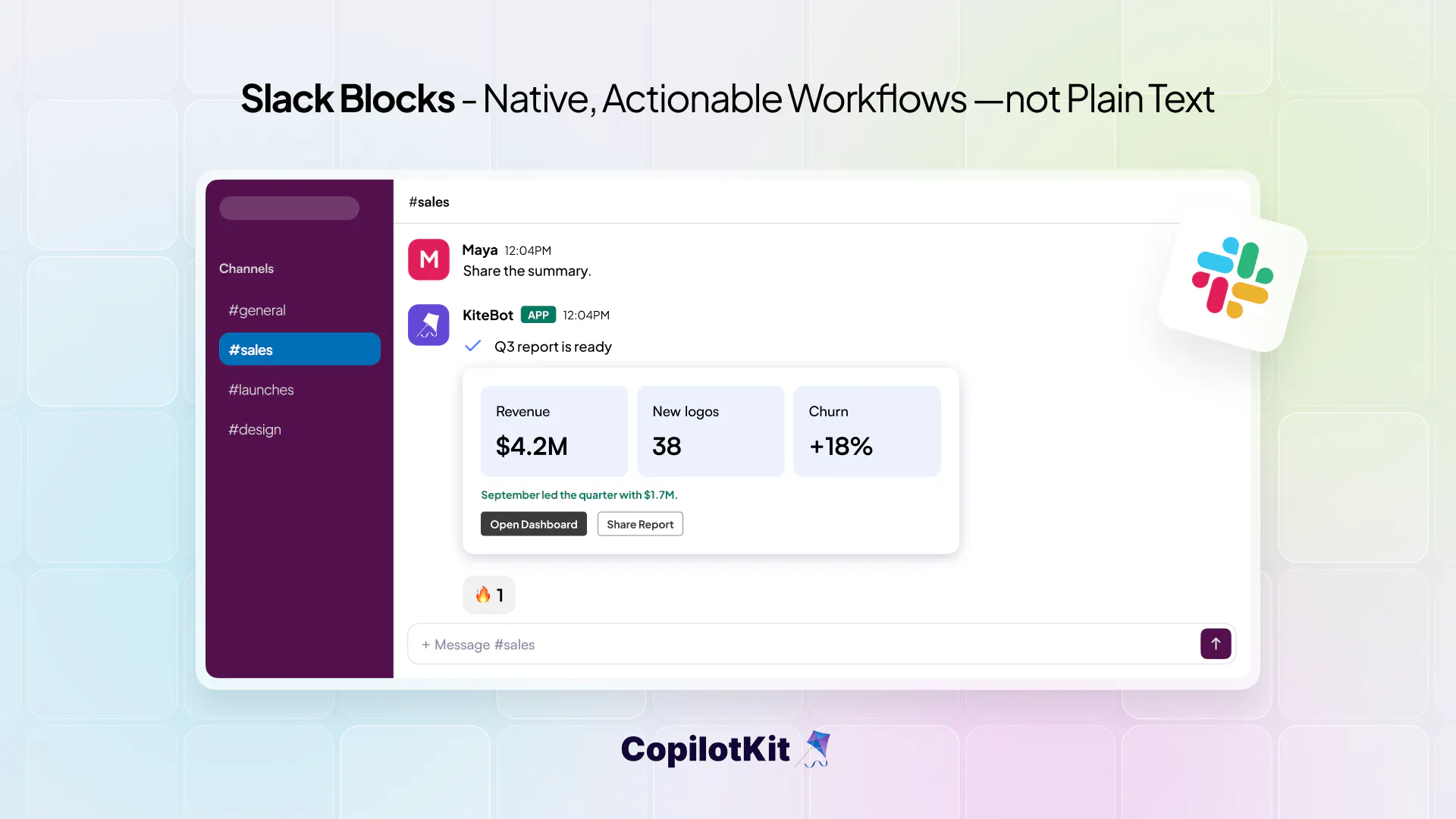
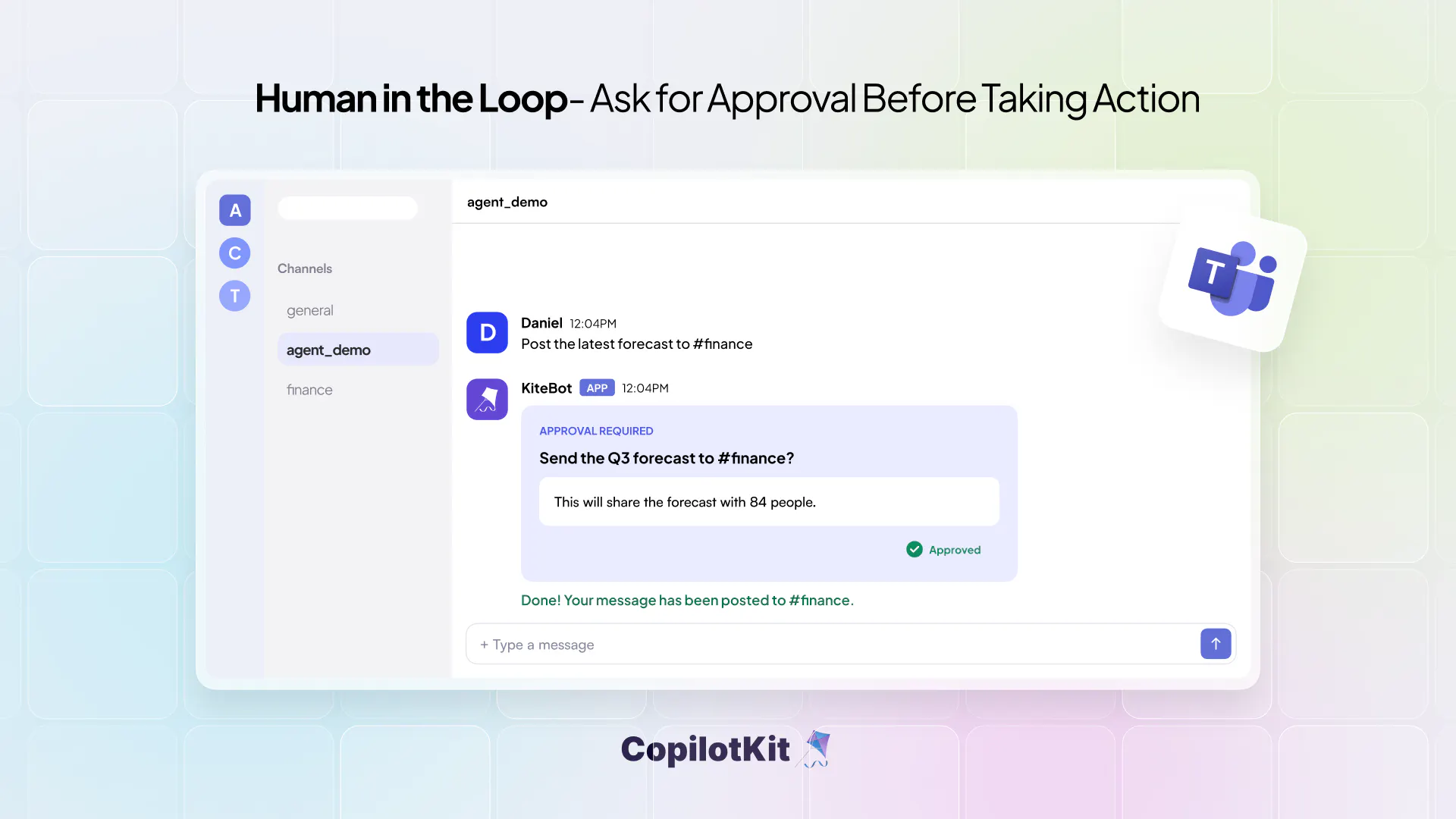
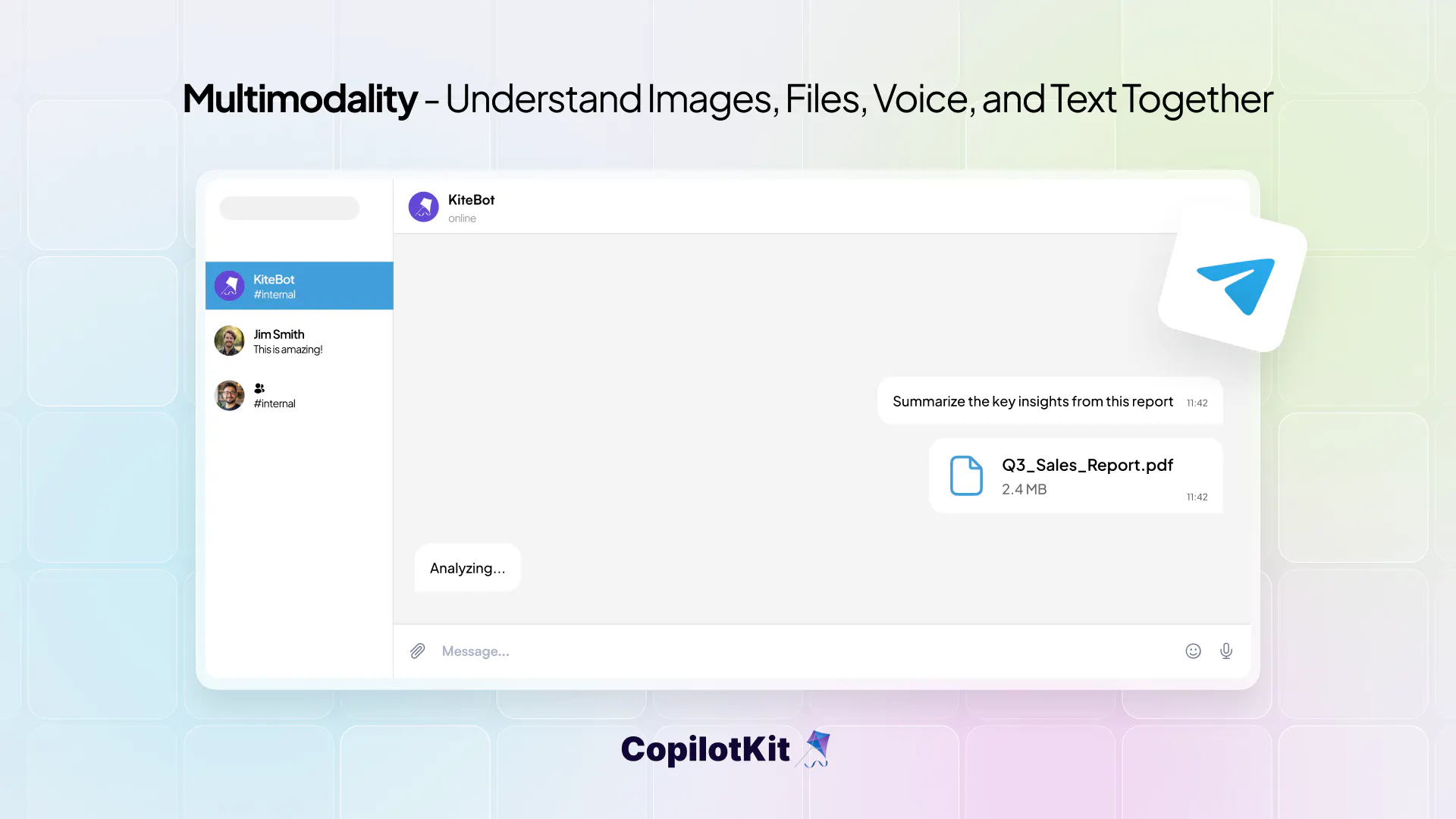
+3 more screenshots
Pros
- ✓Integrates AI agents seamlessly into popular messaging platforms
- ✓Supports rich interactive content like buttons, forms, and charts
- ✓No need to rewrite existing AI agents, ensuring quick deployment
- ✓Open source and free to use, lowering barriers to entry
- ✓Enhances team collaboration without switching apps
Cons
- ✗May require some technical knowledge to set up and customize
- ✗Limited information on advanced enterprise features or scalability
- ✗No clear details on dedicated support or SLAs
Use Cases
Pricing
Likely free and open source, with optional paid support or enterprise features possibly available, but specific pricing details are not publicly specified.
Quick Info
Topics
Makers

Eli Berman
Alternatives
Similar Tools in Developer Tools




Embed Badge
Add this badge to your website to show that Channels SDK is featured on Visalytica.
<a href="https://www.visalytica.com/tool/channels-sdk" target="_blank" rel="noopener noreferrer" style="display:inline-flex;align-items:center;gap:6px;padding:6px 14px;background:#7c3aed;color:#fff;border-radius:8px;font-family:-apple-system,system-ui,sans-serif;font-size:13px;font-weight:600;text-decoration:none;transition:background .2s" onmouseover="this.style.background='#6d28d9'" onmouseout="this.style.background='#7c3aed'"><svg width="14" height="14" viewBox="0 0 24 24" fill="none" stroke="currentColor" stroke-width="2.5" stroke-linecap="round" stroke-linejoin="round"><path d="M12 20V10"/><path d="M18 20V4"/><path d="M6 20v-4"/></svg>Featured on Visalytica</a>