
CAVOK: Study Buddy
Private AI that answers only from your own textbook
About CAVOK: Study Buddy
CAVOK: Study Buddy is a dedicated Mac application designed for students seeking a personalized AI tutoring experience. By allowing users to upload their own textbooks in PDF format, it enables question answering strictly from the provided material, ensuring accurate and relevant responses. Its core strength lies in privacy and specificity; everything runs locally by default, with the option to enable cloud mode for more advanced features. The app's ability to cite exact pages enhances trust and academic integrity, making it ideal for studying, homework help, or exam preparation. Its straightforward one-time purchase model at $14.99 makes it accessible for students who prefer a cost-effective, offline solution without the need for accounts or data sharing. The emphasis on privacy and customization makes CAVOK a unique tool for learners who value control over their data and tailored educational support.
Screenshots
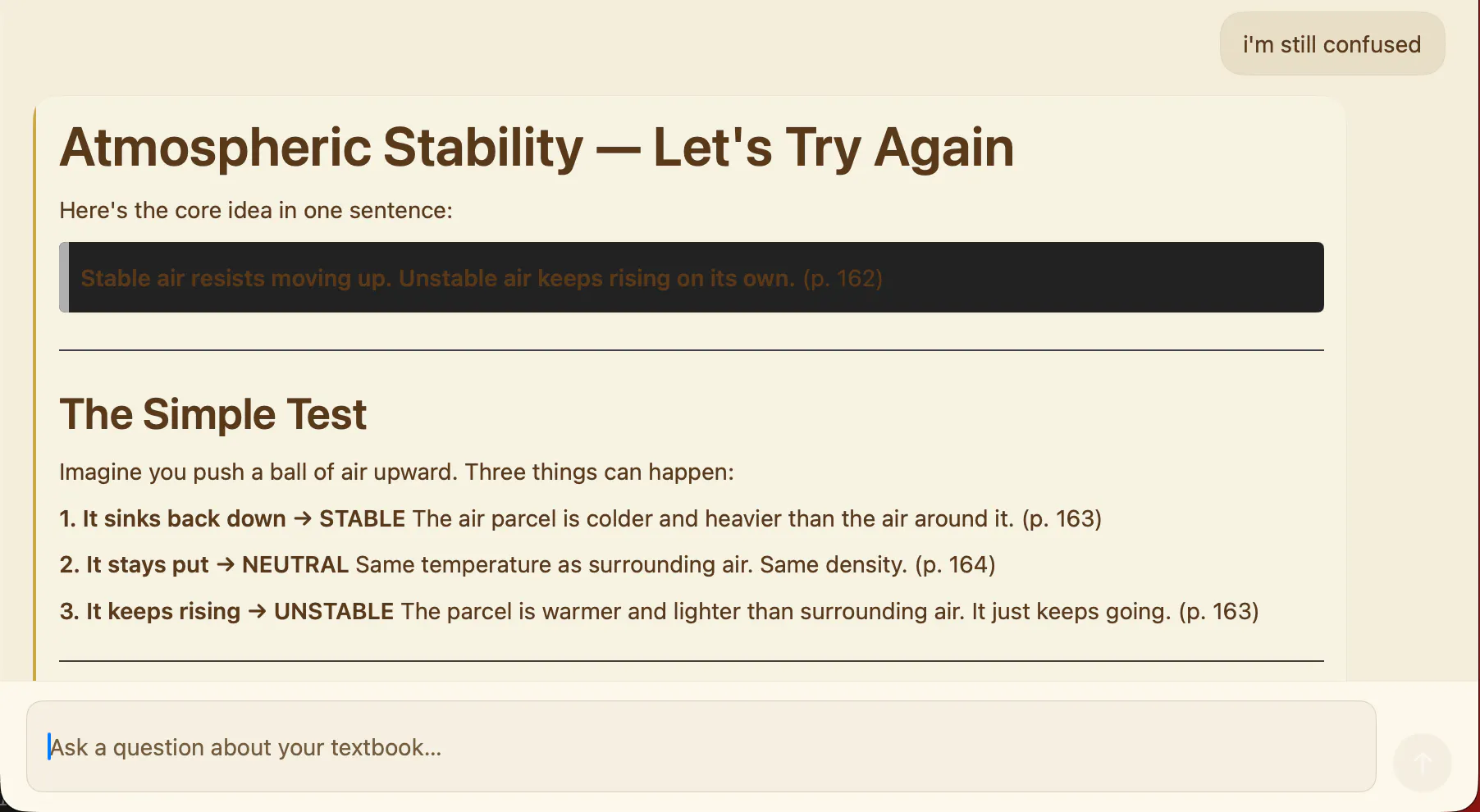
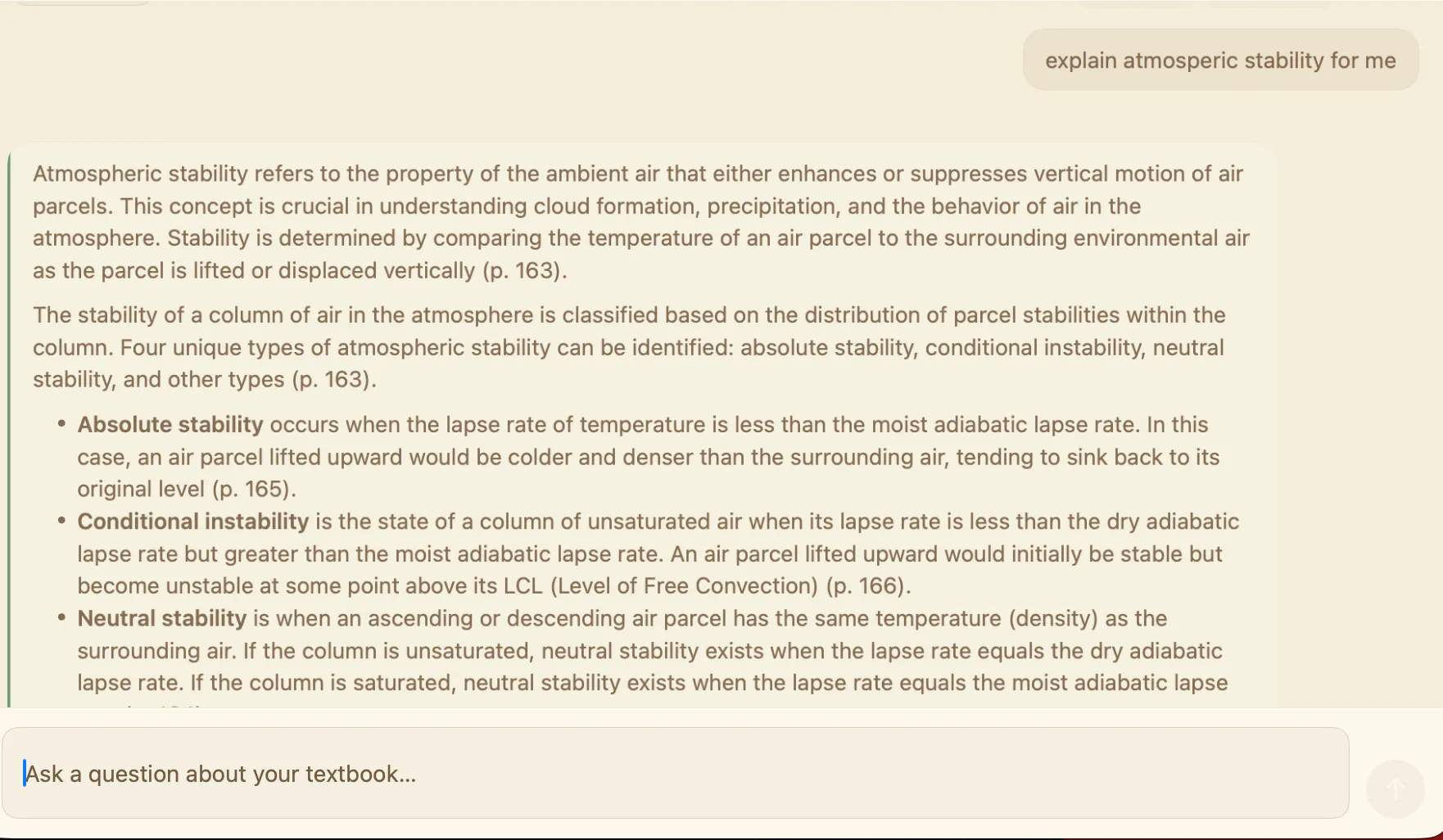

Pros
- ✓Privacy-focused with offline operation by default
- ✓Customizable with user’s own textbooks in PDF format
- ✓Exact page citations increase trust and accuracy
- ✓No account required, simple one-time purchase
- ✓Optional cloud mode for enhanced, adaptive responses
Cons
- ✗Limited to content uploaded by the user, no broader knowledge base
- ✗Requires manual PDF uploads for each textbook
- ✗Features may be basic compared to more comprehensive AI tutors
Use Cases
Pricing
The tool is offered as a one-time purchase at $14.99, providing offline functionality. An optional cloud mode with API key access offers deeper, adaptive responses, likely involving additional costs or subscription plans. Exact pricing for cloud features is not specified but may entail a separate fee.
Quick Info
Topics
Makers

John
Alternatives
Similar Tools in Education & Learning




Embed Badge
Add this badge to your website to show that CAVOK: Study Buddy is featured on Visalytica.
<a href="https://www.visalytica.com/tool/cavok-study-buddy" target="_blank" rel="noopener noreferrer" style="display:inline-flex;align-items:center;gap:6px;padding:6px 14px;background:#7c3aed;color:#fff;border-radius:8px;font-family:-apple-system,system-ui,sans-serif;font-size:13px;font-weight:600;text-decoration:none;transition:background .2s" onmouseover="this.style.background='#6d28d9'" onmouseout="this.style.background='#7c3aed'"><svg width="14" height="14" viewBox="0 0 24 24" fill="none" stroke="currentColor" stroke-width="2.5" stroke-linecap="round" stroke-linejoin="round"><path d="M12 20V10"/><path d="M18 20V4"/><path d="M6 20v-4"/></svg>Featured on Visalytica</a>