
Carousels Generator
From prompt to branded LinkedIn carousel powered by AI
About Carousels Generator
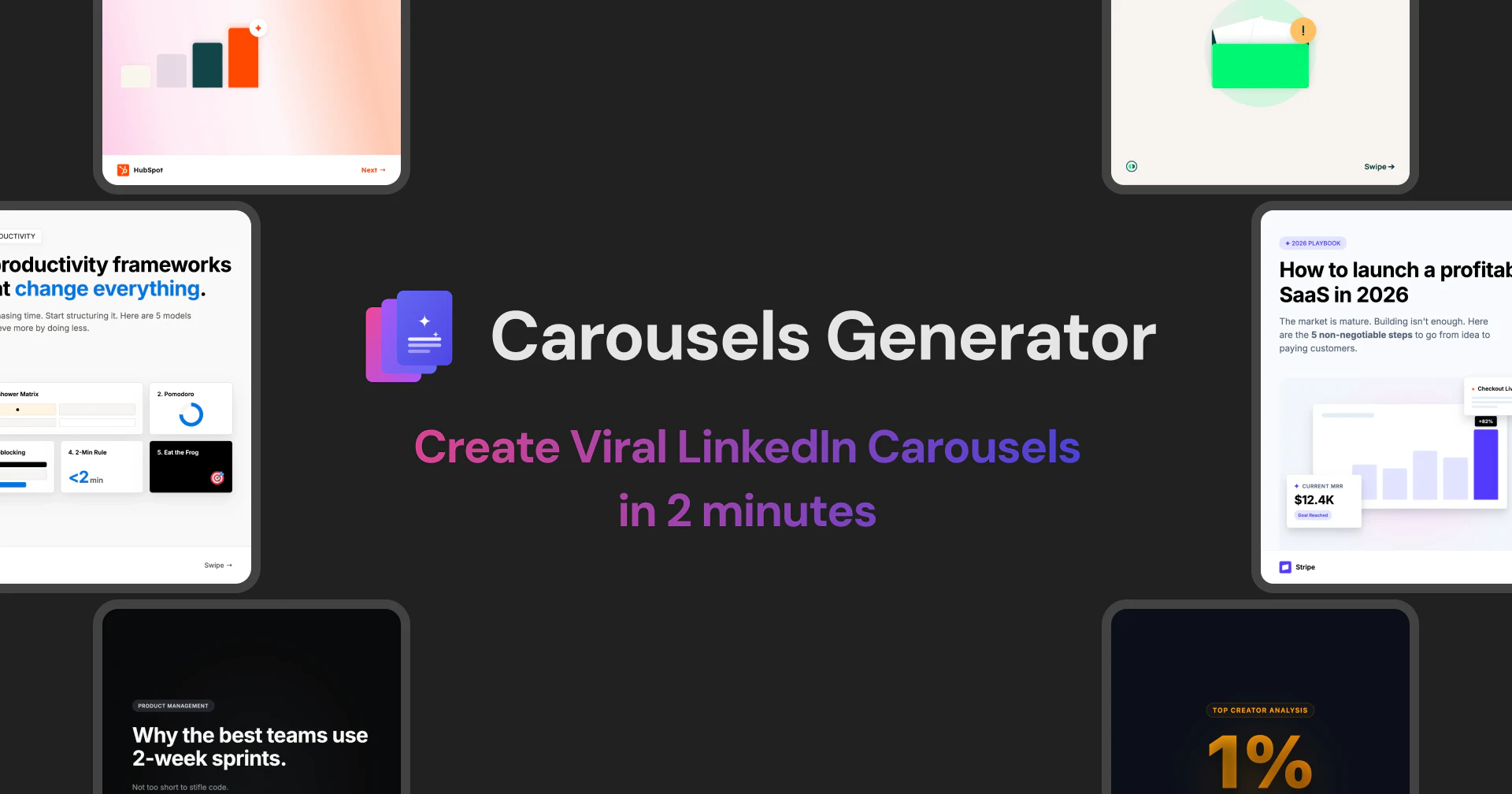
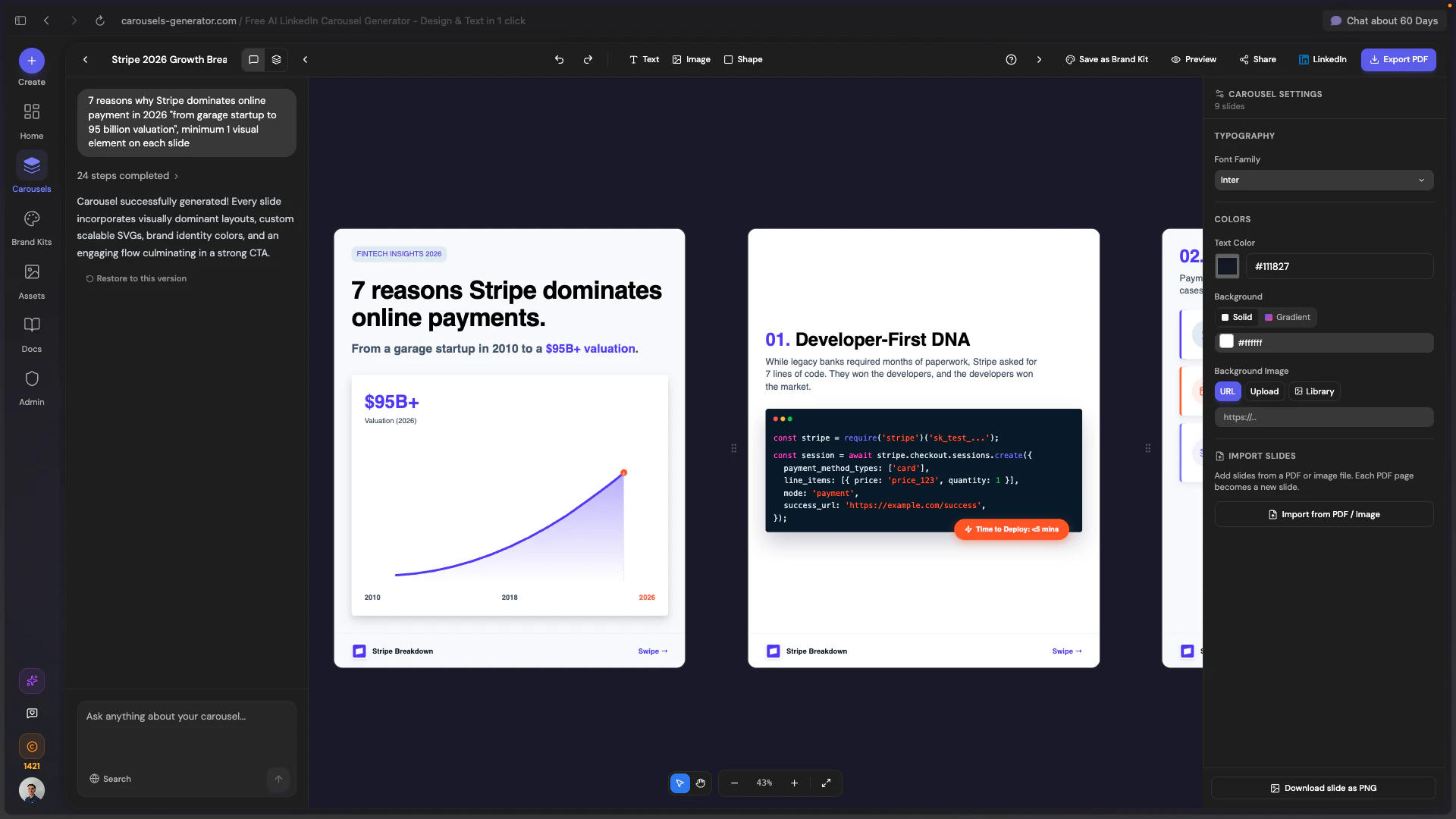
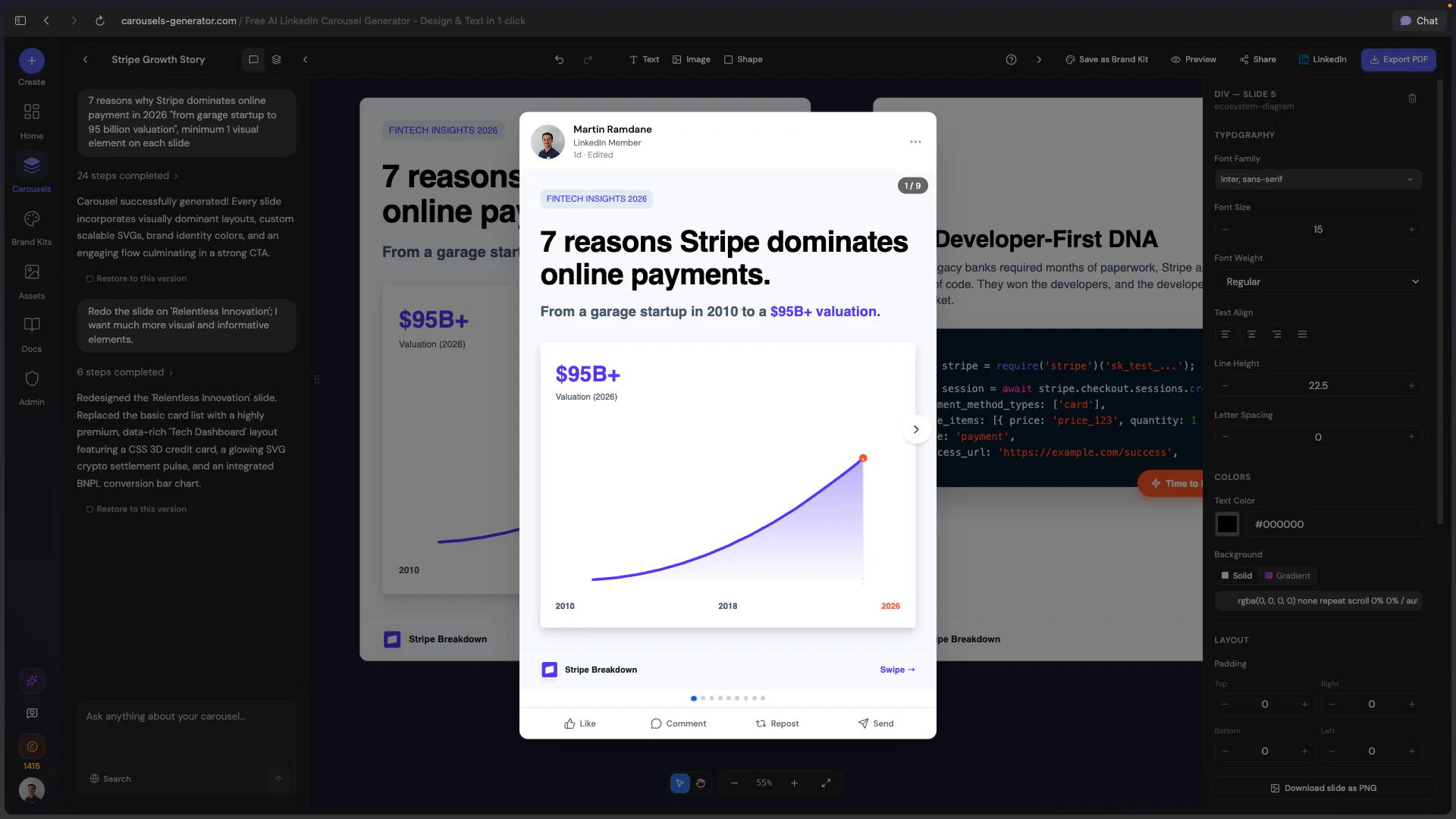
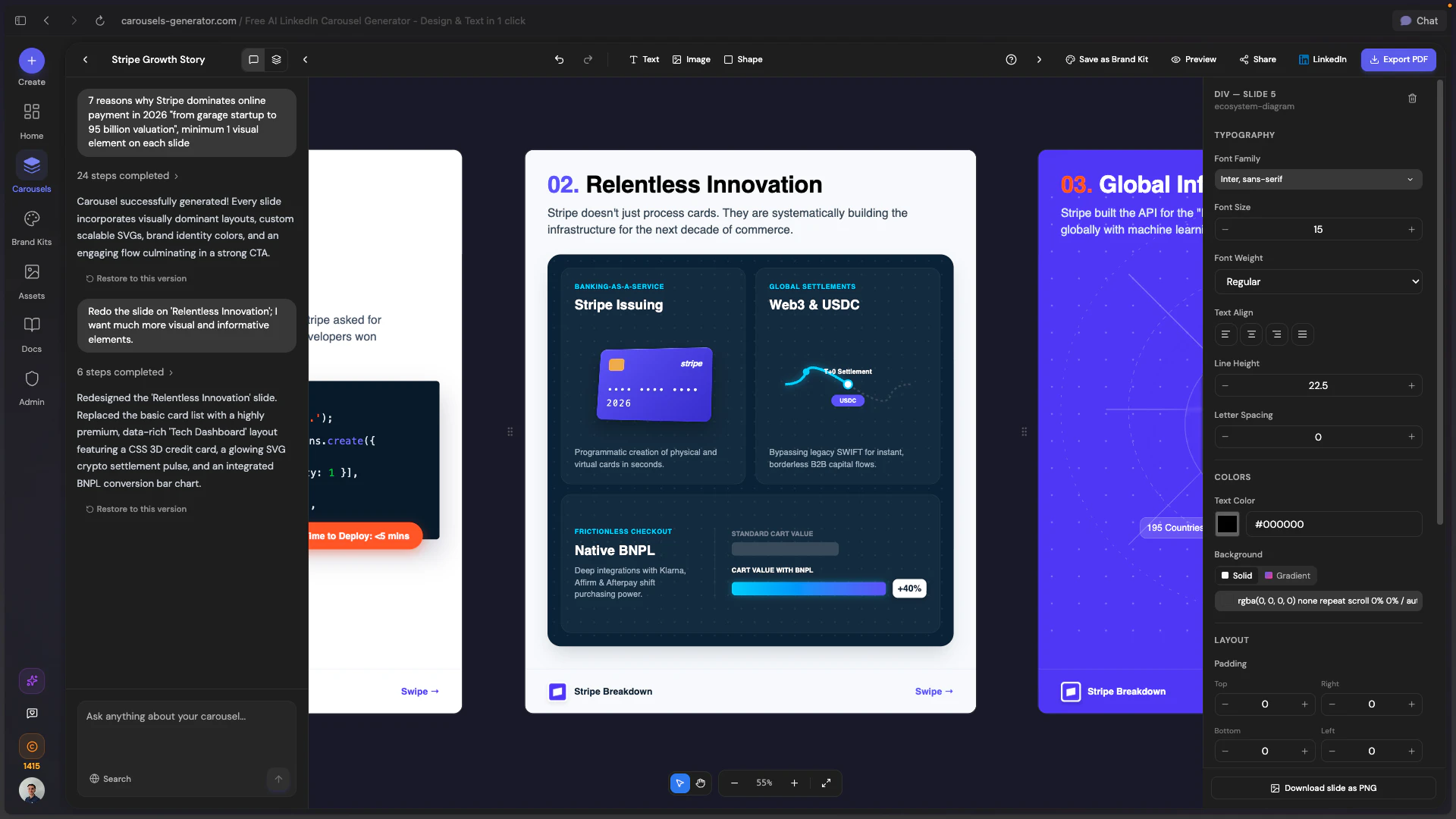
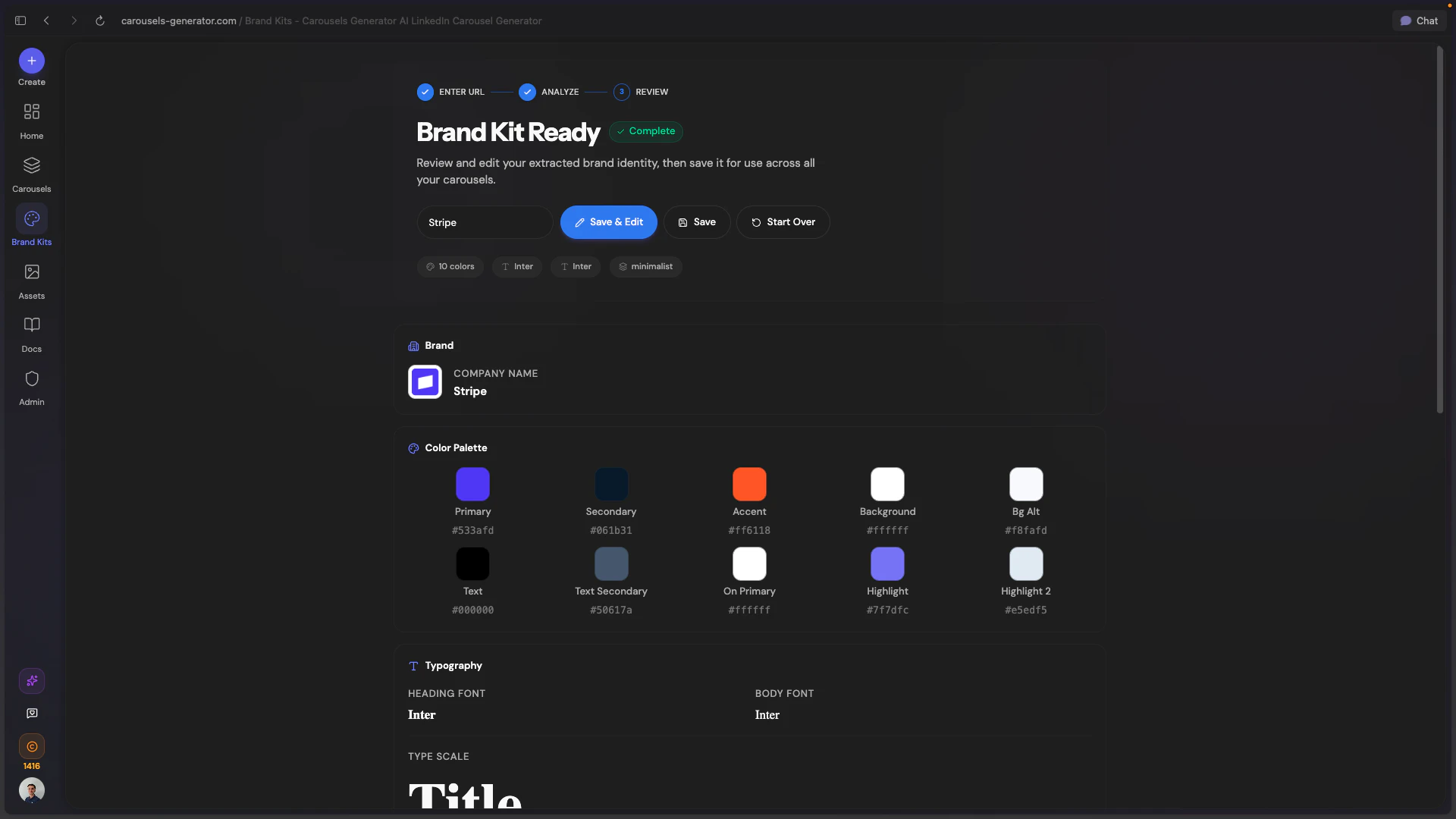
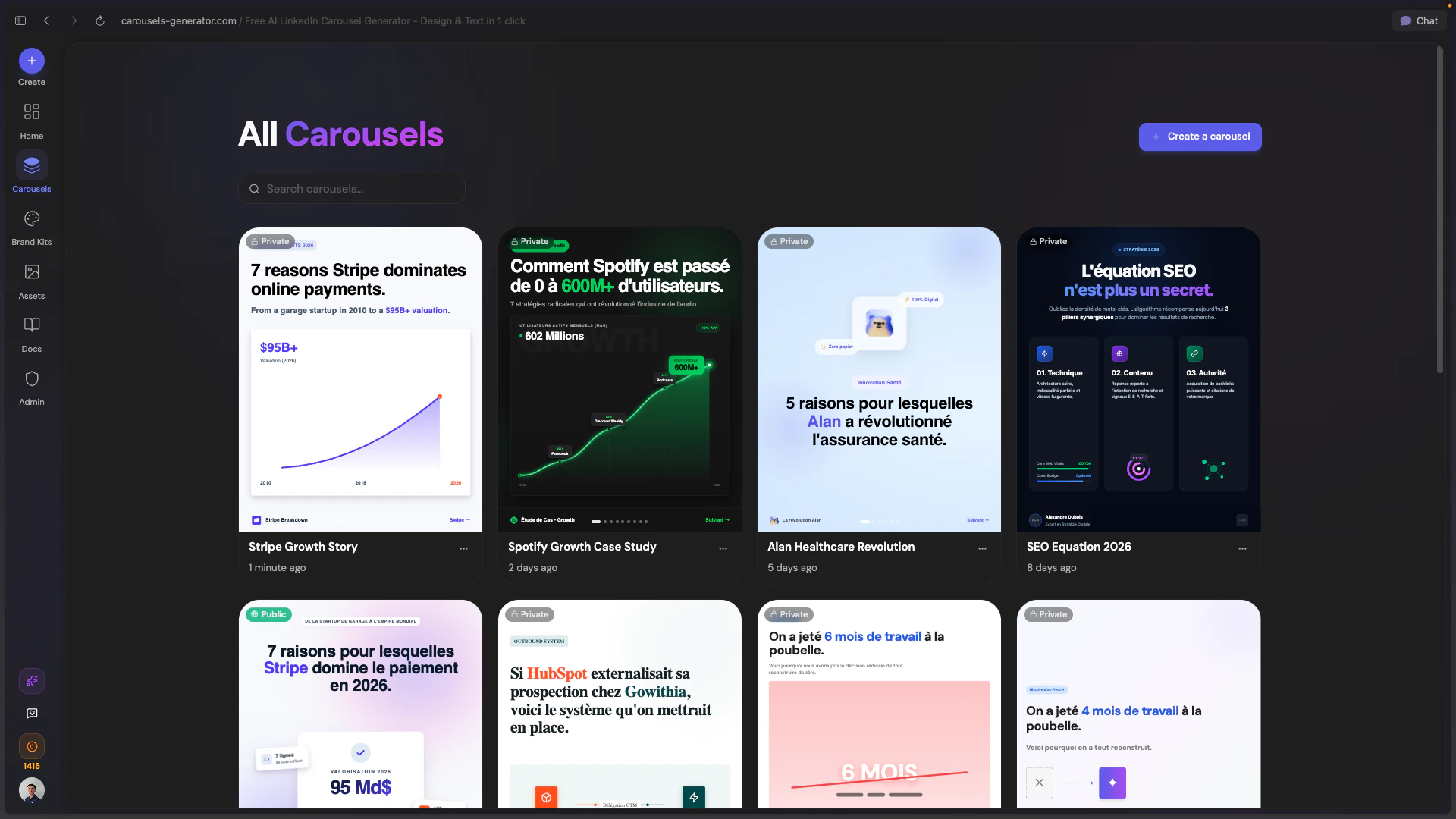
Carousels Generator is an innovative AI-powered tool designed to simplify the creation of branded LinkedIn carousels. Users can generate complete slide decks, including text and designs, based on a simple prompt. One of its standout features is the ability to auto-import a Brand Kit by pasting a website URL, which pulls in colors, fonts, and logos for consistent branding without manual effort. This makes it especially appealing to marketers, content creators, and social media managers looking for quick, professional-quality visuals without needing design skills. The platform allows editing via AI chat, exporting as PDFs, or publishing directly to LinkedIn, streamlining the entire content creation process. Its user-friendly interface and AI-driven automation make it accessible for both beginners and experienced marketers seeking to boost engagement with minimal effort.
Screenshots
Pros
- ✓Automates entire carousel creation from a simple prompt
- ✓Auto-imports brand assets for consistent branding
- ✓No design skills required, user-friendly interface
- ✓Options to edit with AI chat and publish directly to LinkedIn
- ✓Free to start, lowering entry barriers
Cons
- ✗Limited information on advanced customization options
- ✗Potentially less control over detailed design elements
- ✗No information on pricing tiers or subscription plans
Use Cases
Pricing
Likely follows a freemium model, offering a free tier with basic features and paid plans for more advanced options, export, or publishing capabilities. Exact pricing details are not specified but are typical for SaaS content creation tools.
Quick Info
Topics
Similar Tools in AI Assistants




Embed Badge
Add this badge to your website to show that Carousels Generator is featured on Visalytica.
<a href="https://www.visalytica.com/tool/carousels-generator" target="_blank" rel="noopener noreferrer" style="display:inline-flex;align-items:center;gap:6px;padding:6px 14px;background:#7c3aed;color:#fff;border-radius:8px;font-family:-apple-system,system-ui,sans-serif;font-size:13px;font-weight:600;text-decoration:none;transition:background .2s" onmouseover="this.style.background='#6d28d9'" onmouseout="this.style.background='#7c3aed'"><svg width="14" height="14" viewBox="0 0 24 24" fill="none" stroke="currentColor" stroke-width="2.5" stroke-linecap="round" stroke-linejoin="round"><path d="M12 20V10"/><path d="M18 20V4"/><path d="M6 20v-4"/></svg>Featured on Visalytica</a>