
CaptureKit
Keep your desktop clean by auto-organizing screenshots.
About CaptureKit
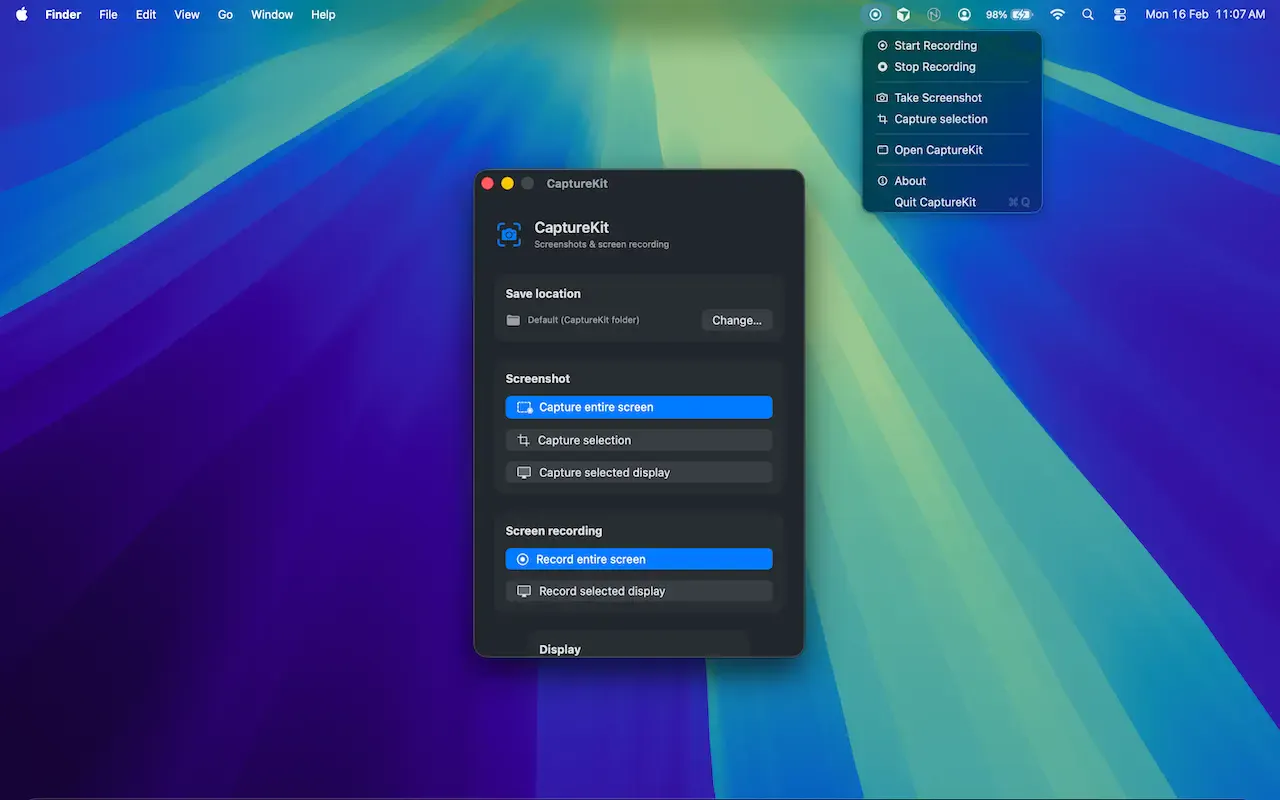
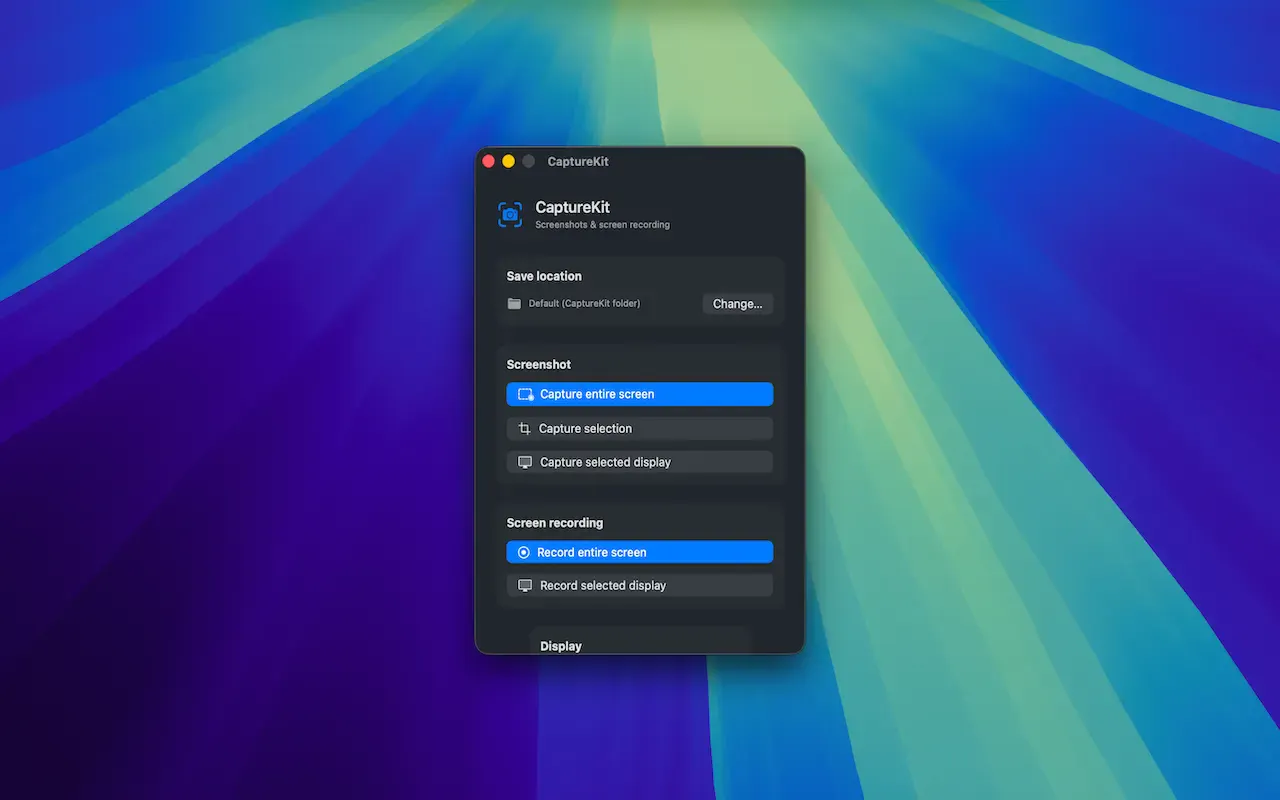
CaptureKit is a native macOS utility designed to streamline the way users manage screenshots. Instead of cluttering the desktop with multiple images, CaptureKit automatically saves every screenshot to a user-defined folder, keeping the workspace tidy and organized. Its seamless integration with macOS makes it ideal for developers, designers, content creators, and anyone who frequently captures screen content. The tool’s automation reduces manual file management, enabling users to access their images instantly and organize them by project or category with ease. By focusing on simplicity and efficiency, CaptureKit enhances productivity and helps maintain a clutter-free digital environment, making it a valuable addition to a professional’s toolkit.
Screenshots
Pros
- ✓Automatically saves screenshots to a chosen folder, reducing desktop clutter
- ✓Enhances productivity by quick organization and easy access
- ✓Native macOS support ensures smooth performance and integration
- ✓Ideal for professionals who take frequent screenshots, such as developers and designers
- ✓Simple setup and intuitive interface
Cons
- ✗Limited to macOS, not available for other platforms
- ✗Lacks advanced editing or annotation features
- ✗Vague information on pricing and licensing details
Use Cases
Pricing
Likely follows a freemium model with basic features available for free and premium options offering additional customization or storage options. Exact pricing details are not specified but are expected to be affordable for individual users and small teams.
Quick Info
Topics
Makers

Arjun Gautami
Similar Tools in AI Writing




Embed Badge
Add this badge to your website to show that CaptureKit is featured on Visalytica.
<a href="https://www.visalytica.com/tool/capturekit" target="_blank" rel="noopener noreferrer" style="display:inline-flex;align-items:center;gap:6px;padding:6px 14px;background:#7c3aed;color:#fff;border-radius:8px;font-family:-apple-system,system-ui,sans-serif;font-size:13px;font-weight:600;text-decoration:none;transition:background .2s" onmouseover="this.style.background='#6d28d9'" onmouseout="this.style.background='#7c3aed'"><svg width="14" height="14" viewBox="0 0 24 24" fill="none" stroke="currentColor" stroke-width="2.5" stroke-linecap="round" stroke-linejoin="round"><path d="M12 20V10"/><path d="M18 20V4"/><path d="M6 20v-4"/></svg>Featured on Visalytica</a>