
Capsomnia
Caps Lock keeps your Mac awake, even with the lid closed
About Capsomnia
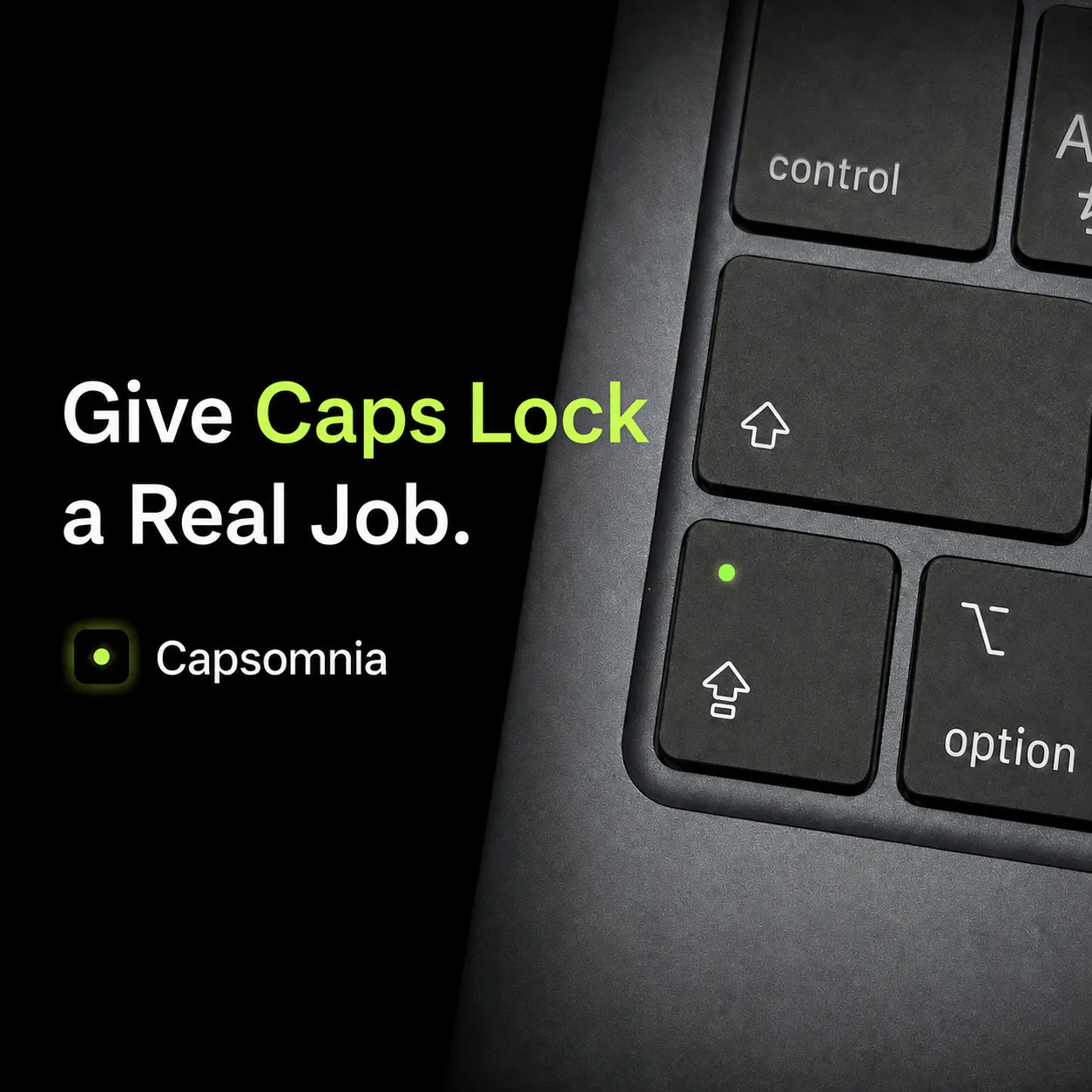
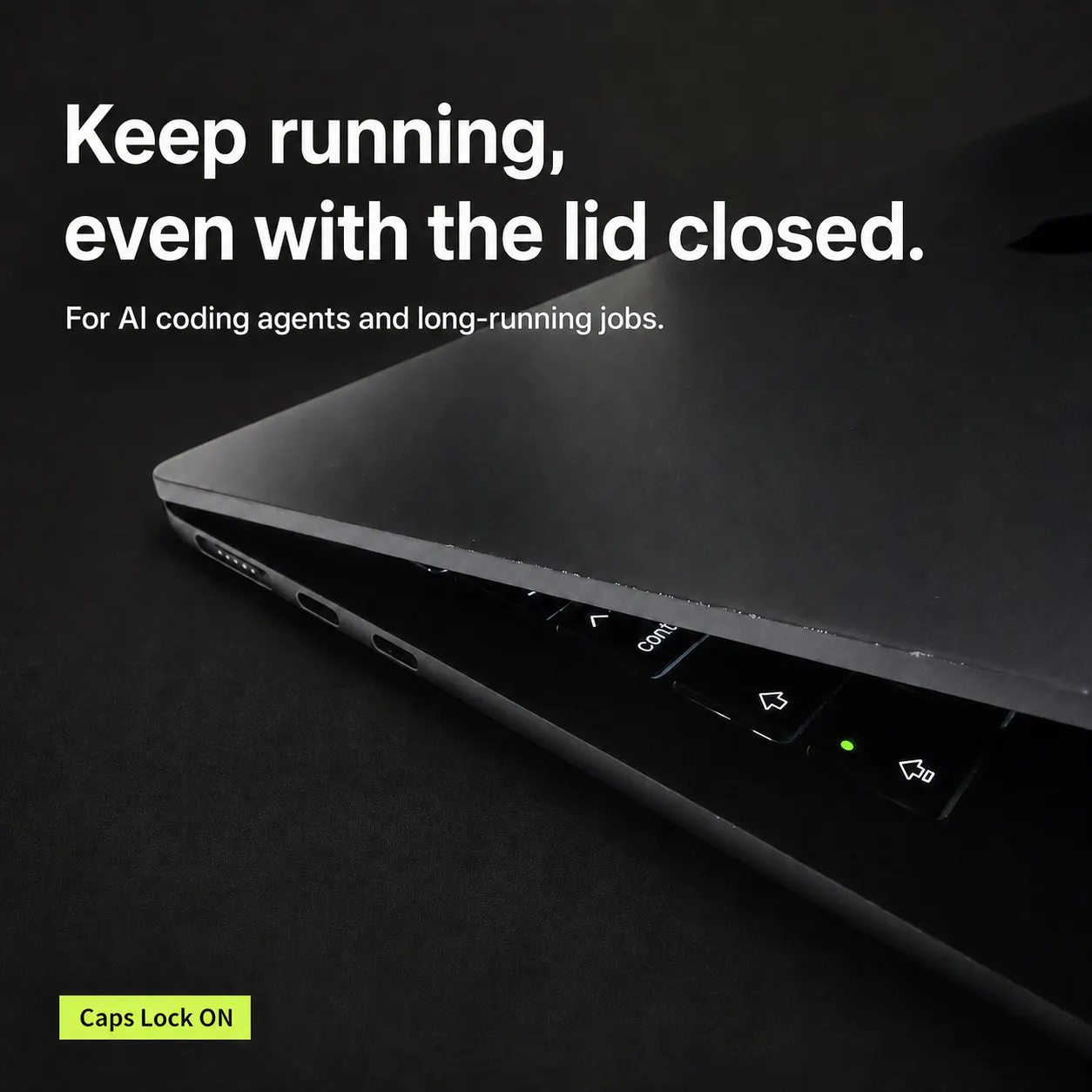
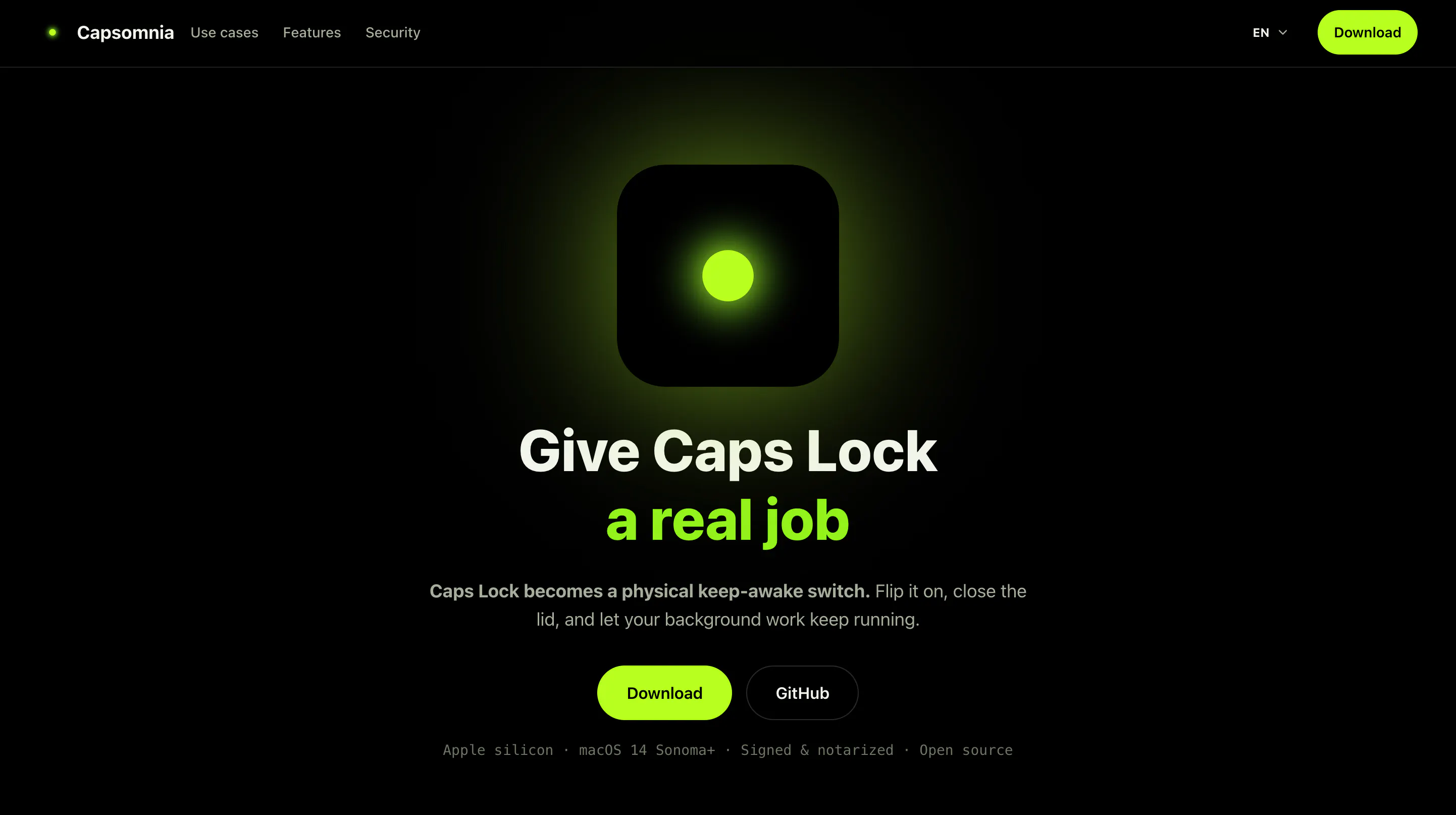
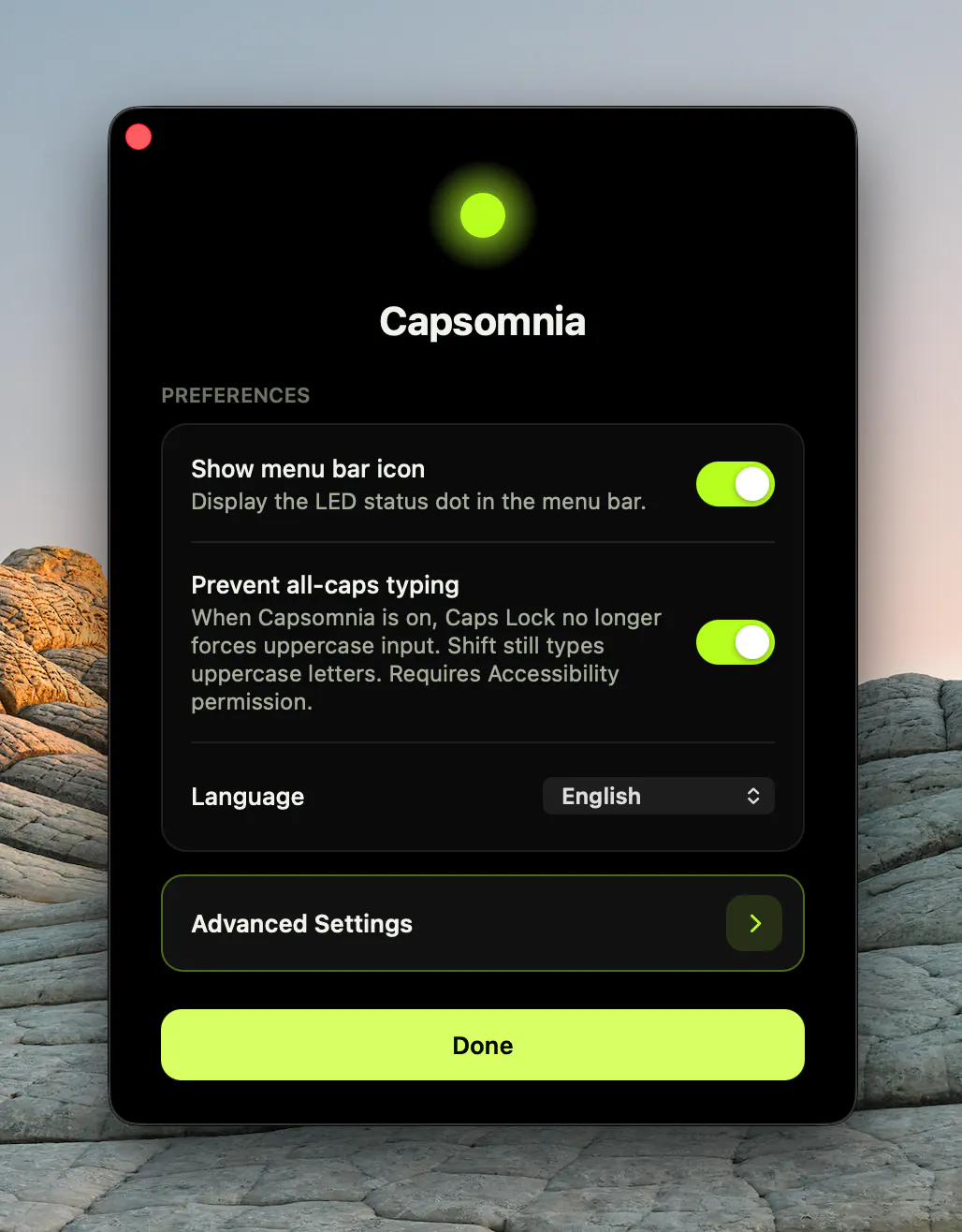
Capsomnia is a lightweight, open-source utility designed for Mac users who need to keep their laptops awake even when the lid is closed. By turning the Caps Lock key into a dedicated switch, it allows users to maintain active processes such as AI agents, SSH sessions, code builds, downloads, and other background tasks without interruption. Its simplicity and focus on a single, effective feature make it particularly appealing to developers, power users, and Mac enthusiasts who require continuous operation without the hassle of changing system settings manually. The app's design is minimalistic, showing the Caps Lock indicator to confirm active status, and it offers customization options if the default shortcut is already in use. Being signed and notarized, as well as free and open-source, adds to its appeal for those who prefer transparent, community-driven tools. The significant interest in Japan highlights its global relevance and practical utility for technical users worldwide.
Screenshots
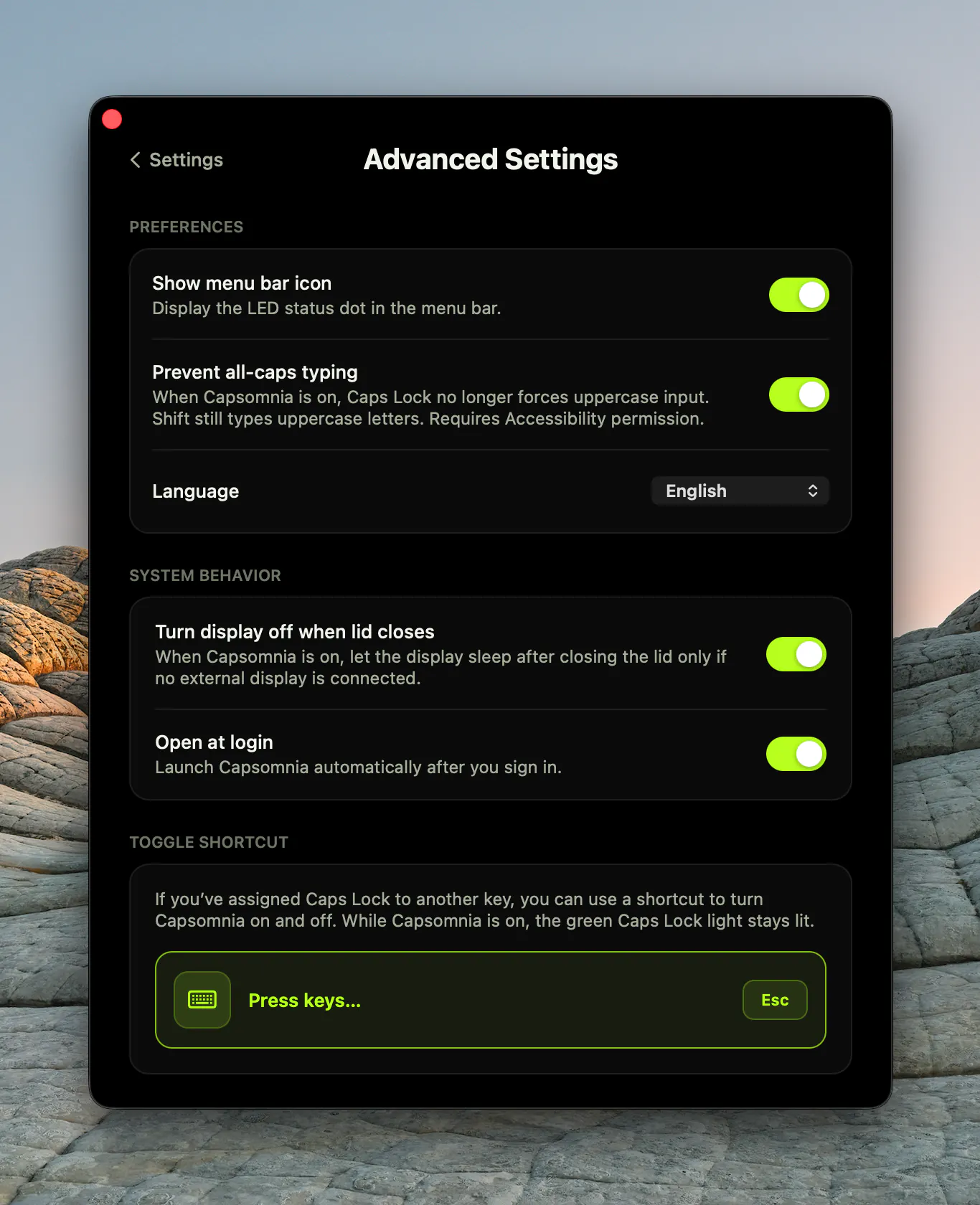
Pros
- ✓Simple and easy to use with minimal setup
- ✓Open source and free, with no telemetry or accounts required
- ✓Allows keeping MacBook awake with lid closed for uninterrupted workflows
- ✓Customizable shortcuts for activation
- ✓Significantly helps developers and power users maintain ongoing processes
Cons
- ✗Limited to Mac, no cross-platform support
- ✗Focuses solely on keeping the Mac awake via Caps Lock, may not suit all users
- ✗Requires manual configuration if default shortcut conflicts with other shortcuts
Use Cases
Pricing
Free and open source, with no paid tiers or subscriptions, making it accessible to all users without cost barriers.
Quick Info
Topics
Makers

Taketo Fujimaki(藤巻雄飛)
Alternatives
Similar Tools in Developer Tools




Embed Badge
Add this badge to your website to show that Capsomnia is featured on Visalytica.
<a href="https://www.visalytica.com/tool/capsomnia" target="_blank" rel="noopener noreferrer" style="display:inline-flex;align-items:center;gap:6px;padding:6px 14px;background:#7c3aed;color:#fff;border-radius:8px;font-family:-apple-system,system-ui,sans-serif;font-size:13px;font-weight:600;text-decoration:none;transition:background .2s" onmouseover="this.style.background='#6d28d9'" onmouseout="this.style.background='#7c3aed'"><svg width="14" height="14" viewBox="0 0 24 24" fill="none" stroke="currentColor" stroke-width="2.5" stroke-linecap="round" stroke-linejoin="round"><path d="M12 20V10"/><path d="M18 20V4"/><path d="M6 20v-4"/></svg>Featured on Visalytica</a>