
Caplio
Find, organize, and reuse every image on your Mac
About Caplio
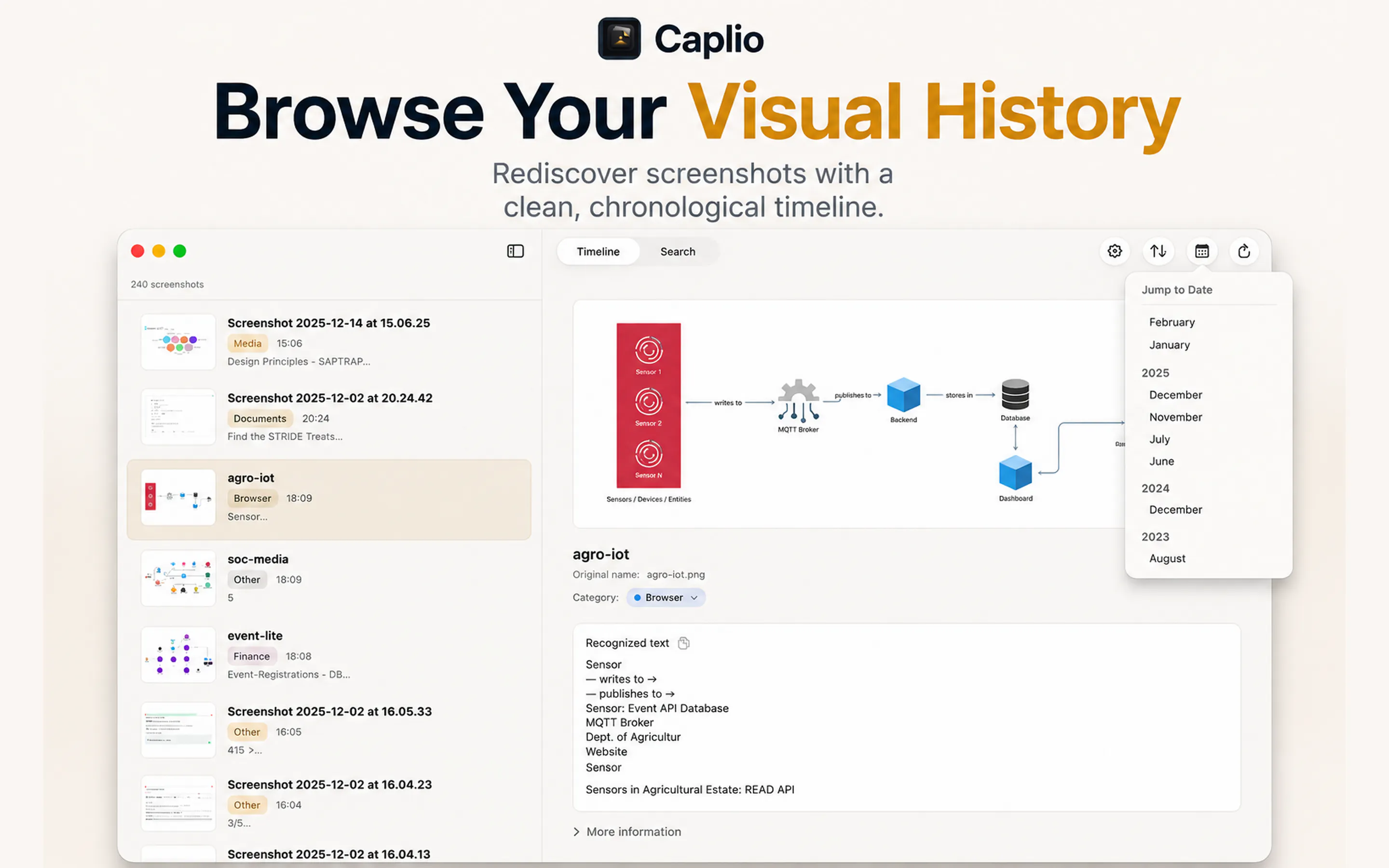
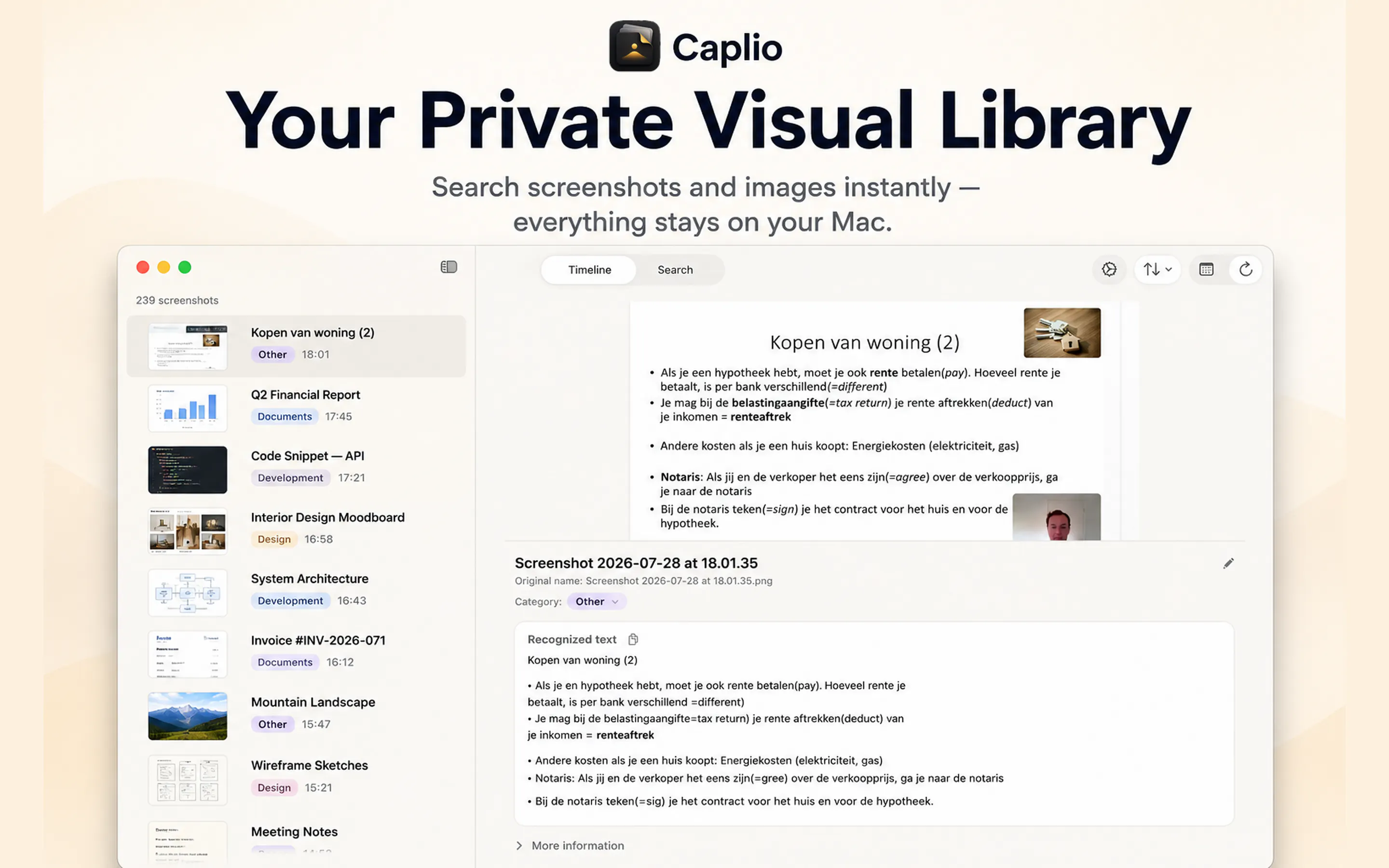
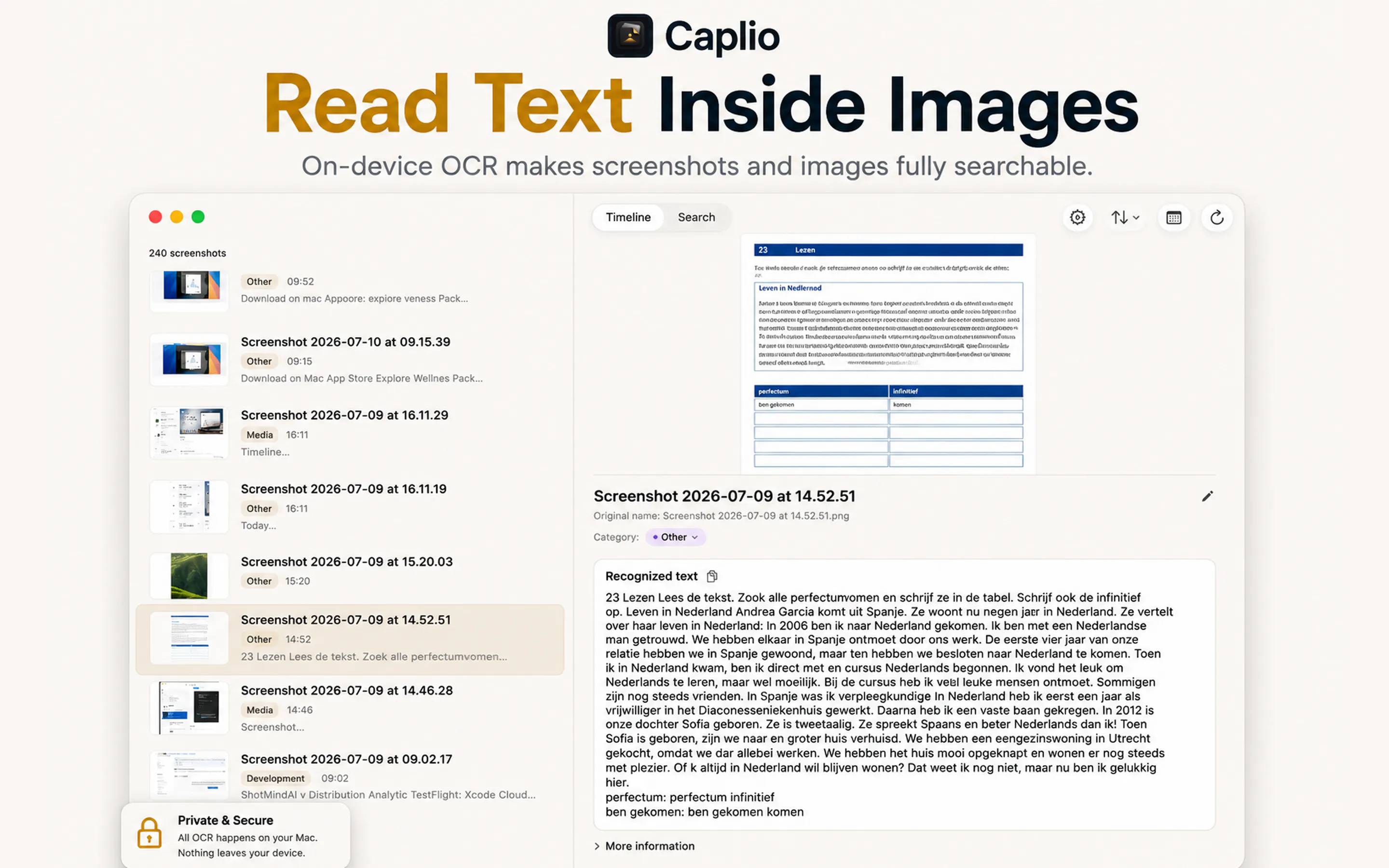
Caplio is a streamlined asset management tool designed for Mac users who frequently work with screenshots and images. It simplifies the process of organizing scattered visuals by turning them into a private, searchable library directly on the user's Mac. With automatic folder monitoring, indexing, and on-device OCR, Caplio makes it easy to find images by timeline, category, or search queries without relying on cloud services. Its lightweight nature ensures minimal system impact, and the ability to drag images into other apps enhances workflow efficiency. Ideal for designers, developers, or anyone who accumulates numerous visuals, Caplio offers a private, secure solution for managing digital assets without uploading sensitive data to the cloud.
Screenshots



+1 more screenshots
Pros
- ✓Automatic folder monitoring and indexing for seamless organization
- ✓On-device OCR ensures privacy and quick text extraction
- ✓Easy to search, browse by timeline or category
- ✓No cloud uploads, keeping images secure and private
- ✓Drag-and-drop functionality into other applications
Cons
- ✗Limited to Mac, not available on other platforms
- ✗Features may be basic for advanced asset management needs
- ✗No pricing information provided, potential cost considerations
Use Cases
Pricing
Pricing not verified
Quick Info
Topics
Makers

R Aghababa
Similar Tools in AI Image & Design




Embed Badge
Add this badge to your website to show that Caplio is featured on Visalytica.
<a href="https://www.visalytica.com/tool/caplio" target="_blank" rel="noopener noreferrer" style="display:inline-flex;align-items:center;gap:6px;padding:6px 14px;background:#7c3aed;color:#fff;border-radius:8px;font-family:-apple-system,system-ui,sans-serif;font-size:13px;font-weight:600;text-decoration:none;transition:background .2s" onmouseover="this.style.background='#6d28d9'" onmouseout="this.style.background='#7c3aed'"><svg width="14" height="14" viewBox="0 0 24 24" fill="none" stroke="currentColor" stroke-width="2.5" stroke-linecap="round" stroke-linejoin="round"><path d="M12 20V10"/><path d="M18 20V4"/><path d="M6 20v-4"/></svg>Featured on Visalytica</a>