
Capacity Desktop
A free Lovable that lives on your Mac
About Capacity Desktop
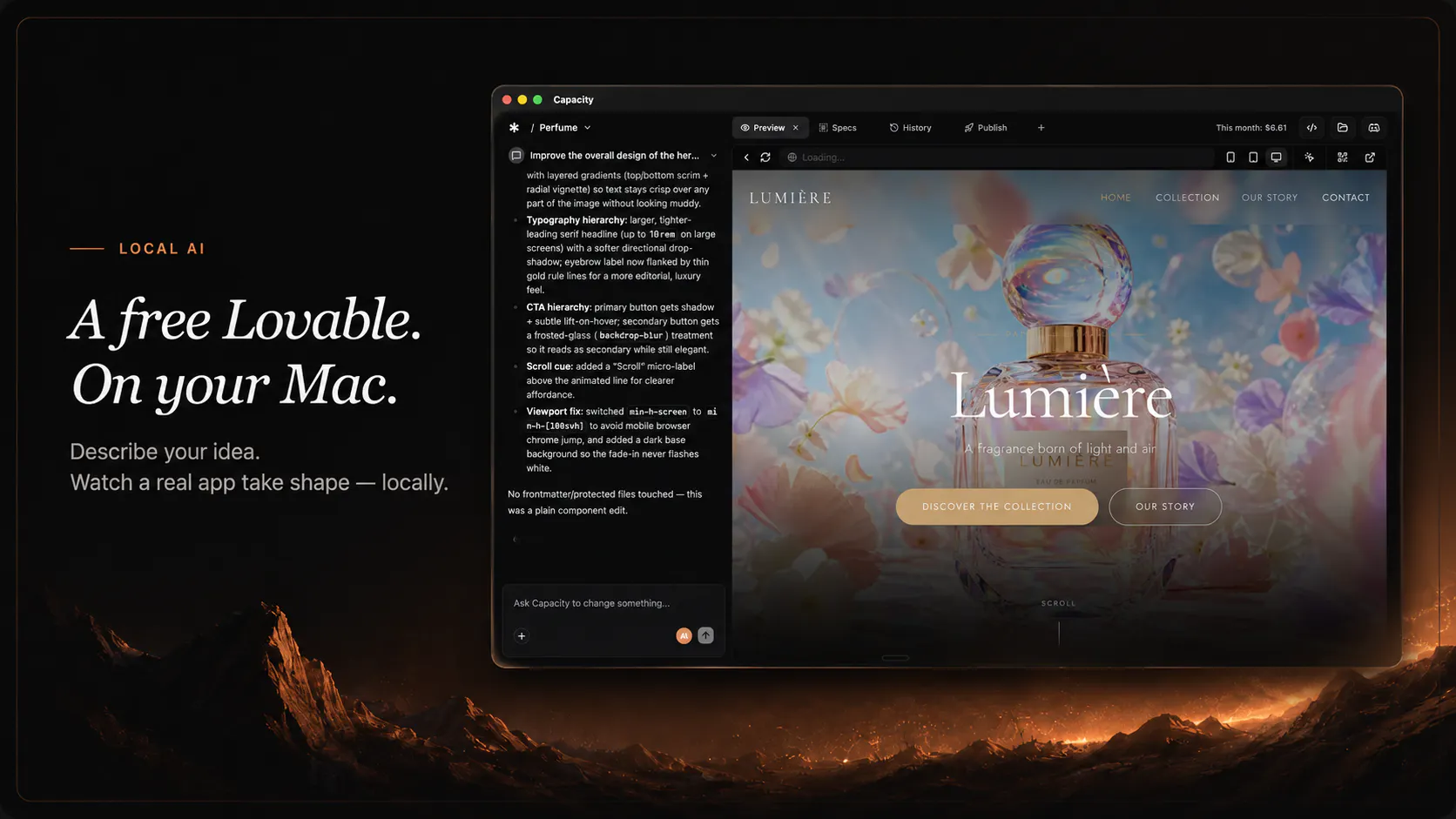
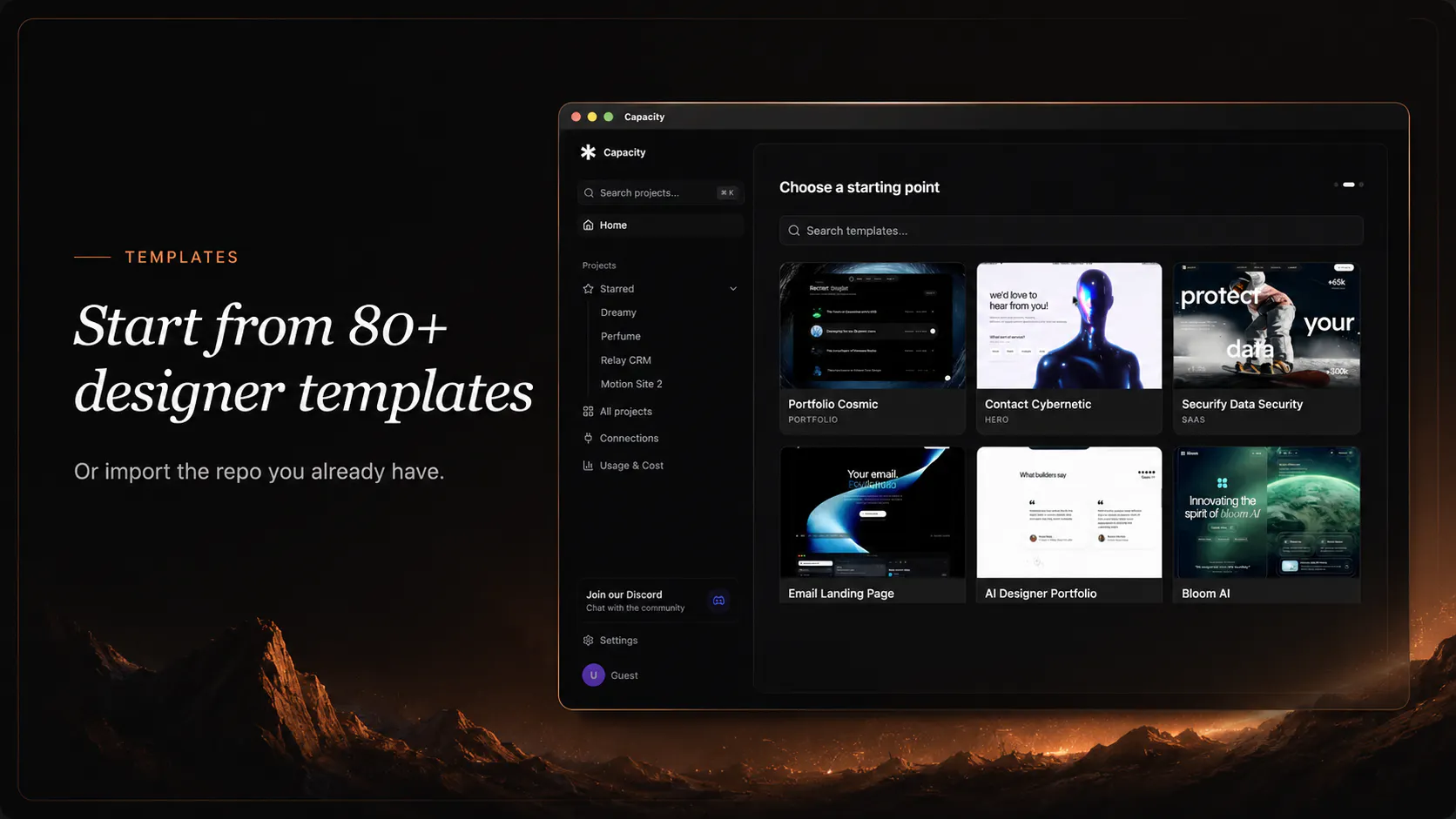
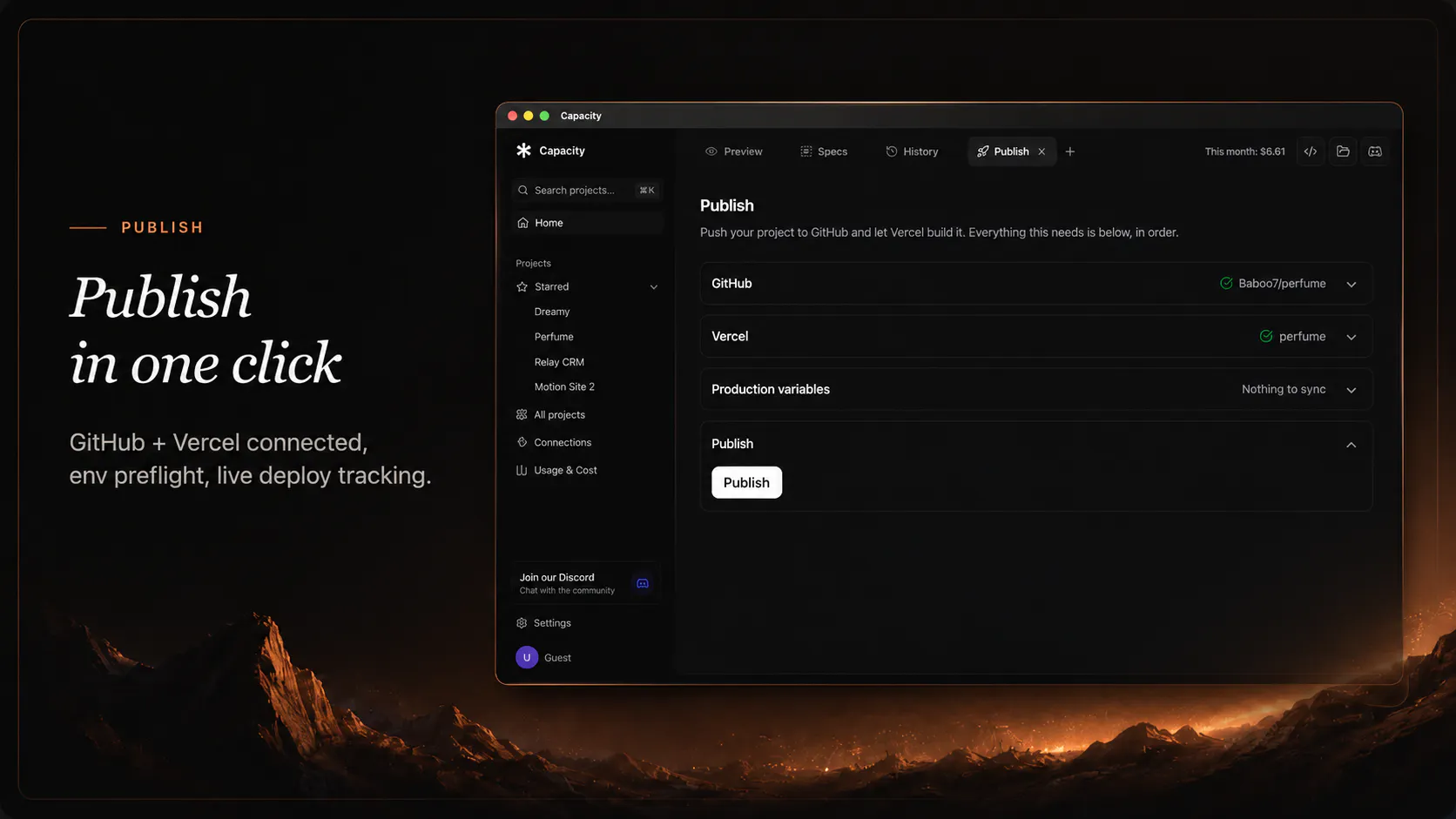
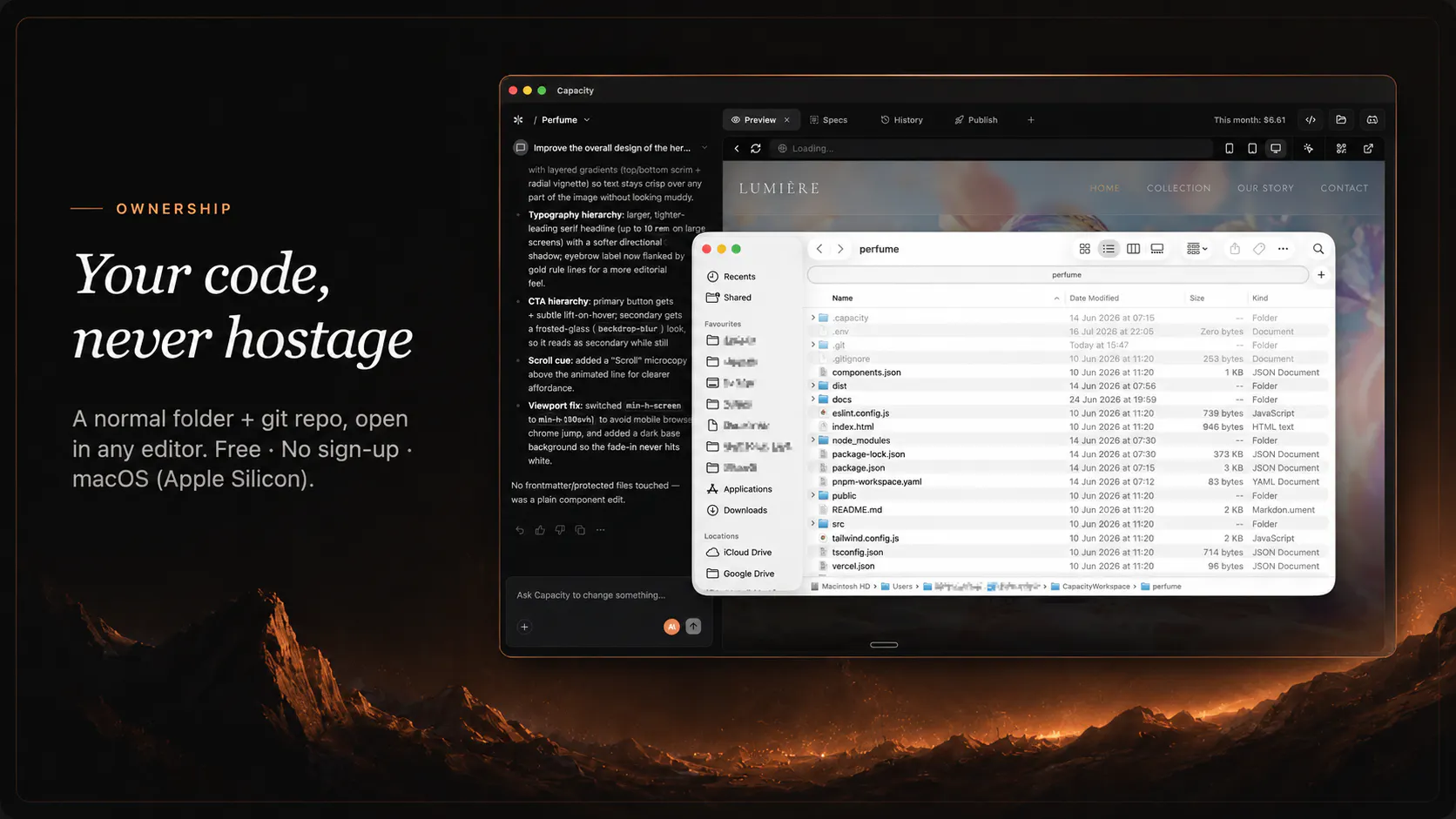
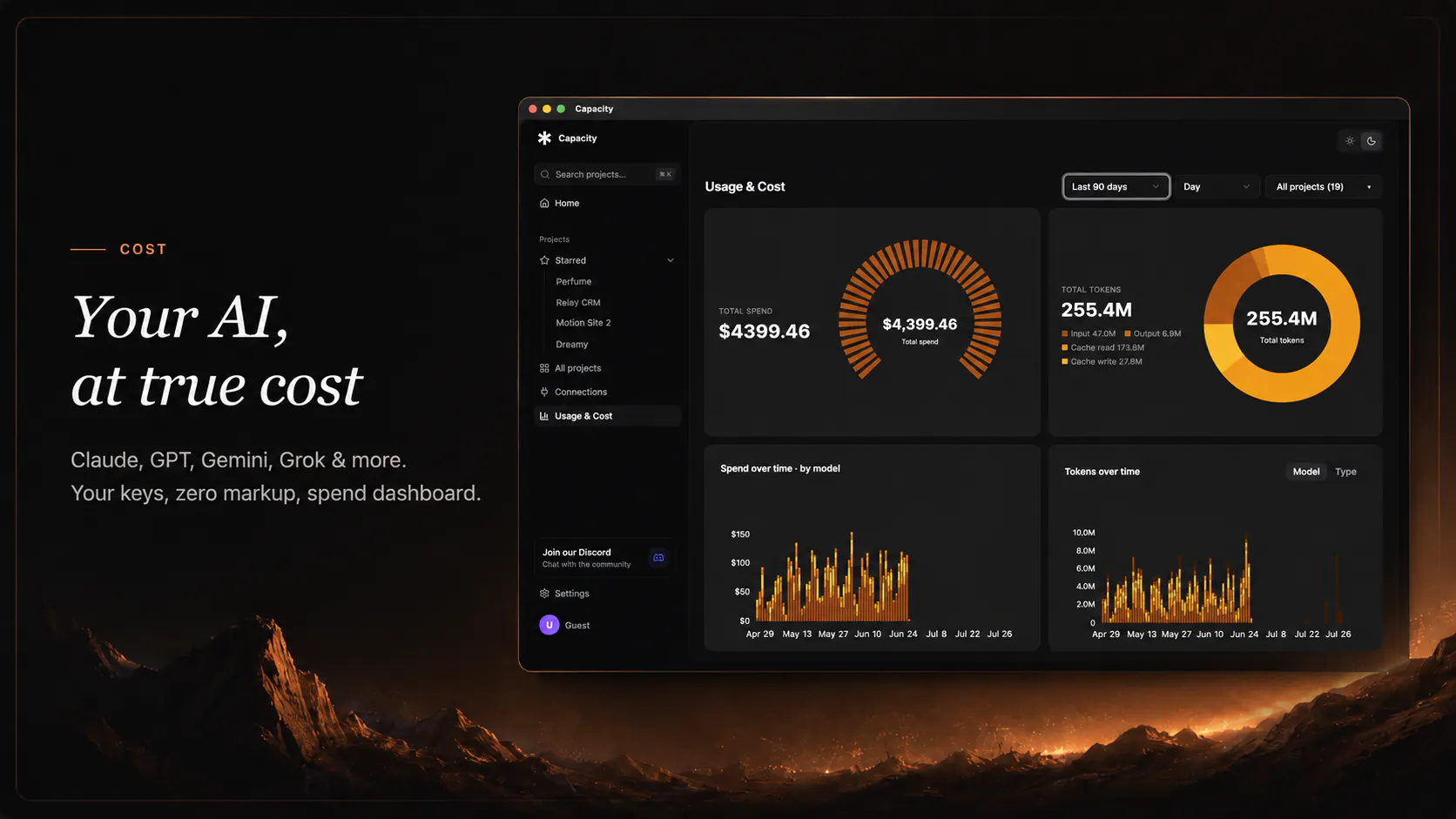
Capacity Desktop is a revolutionary Mac application that empowers users to create custom applications using natural English commands. Unlike traditional development tools, it runs locally on your Mac, ensuring full control over your code, data, and AI models without relying on external servers. Designed for developers, entrepreneurs, and hobbyists alike, Capacity Desktop simplifies app creation, making it accessible without extensive coding knowledge. Its focus on privacy and ownership is a standout feature—your projects remain on your machine, with no hidden costs or vendor lock-in. The app's compatibility with Apple Silicon Macs and its roadmap to support Windows expand its accessibility, positioning it as a versatile tool for a broad range of users interested in no-code and AI-driven development.
Screenshots

Pros
- ✓Runs locally on Mac, ensuring privacy and data control
- ✓Uses plain English to generate real applications, lowering the barrier to entry
- ✓Open-source approach with no vendor lock-in or hidden fees
- ✓Supports Apple Silicon Macs and plans for Windows compatibility
- ✓No sign-up required, free to use
Cons
- ✗Limited information on advanced features and customization options
- ✗Currently no integration with cloud services or external APIs
- ✗No community or user base yet, as it's relatively new
Use Cases
Pricing
Free to use with no sign-up or hidden costs, emphasizing local control and open-source principles. Future premium features or enterprise plans are not yet specified.

Similar Tools in Developer Tools




Embed Badge
Add this badge to your website to show that Capacity Desktop is featured on Visalytica.
<a href="https://www.visalytica.com/tool/capacity-desktop" target="_blank" rel="noopener noreferrer" style="display:inline-flex;align-items:center;gap:6px;padding:6px 14px;background:#7c3aed;color:#fff;border-radius:8px;font-family:-apple-system,system-ui,sans-serif;font-size:13px;font-weight:600;text-decoration:none;transition:background .2s" onmouseover="this.style.background='#6d28d9'" onmouseout="this.style.background='#7c3aed'"><svg width="14" height="14" viewBox="0 0 24 24" fill="none" stroke="currentColor" stroke-width="2.5" stroke-linecap="round" stroke-linejoin="round"><path d="M12 20V10"/><path d="M18 20V4"/><path d="M6 20v-4"/></svg>Featured on Visalytica</a>