
Cantrip AI
Write a min-app into existence. Draw a glyph to cast it.
About Cantrip AI
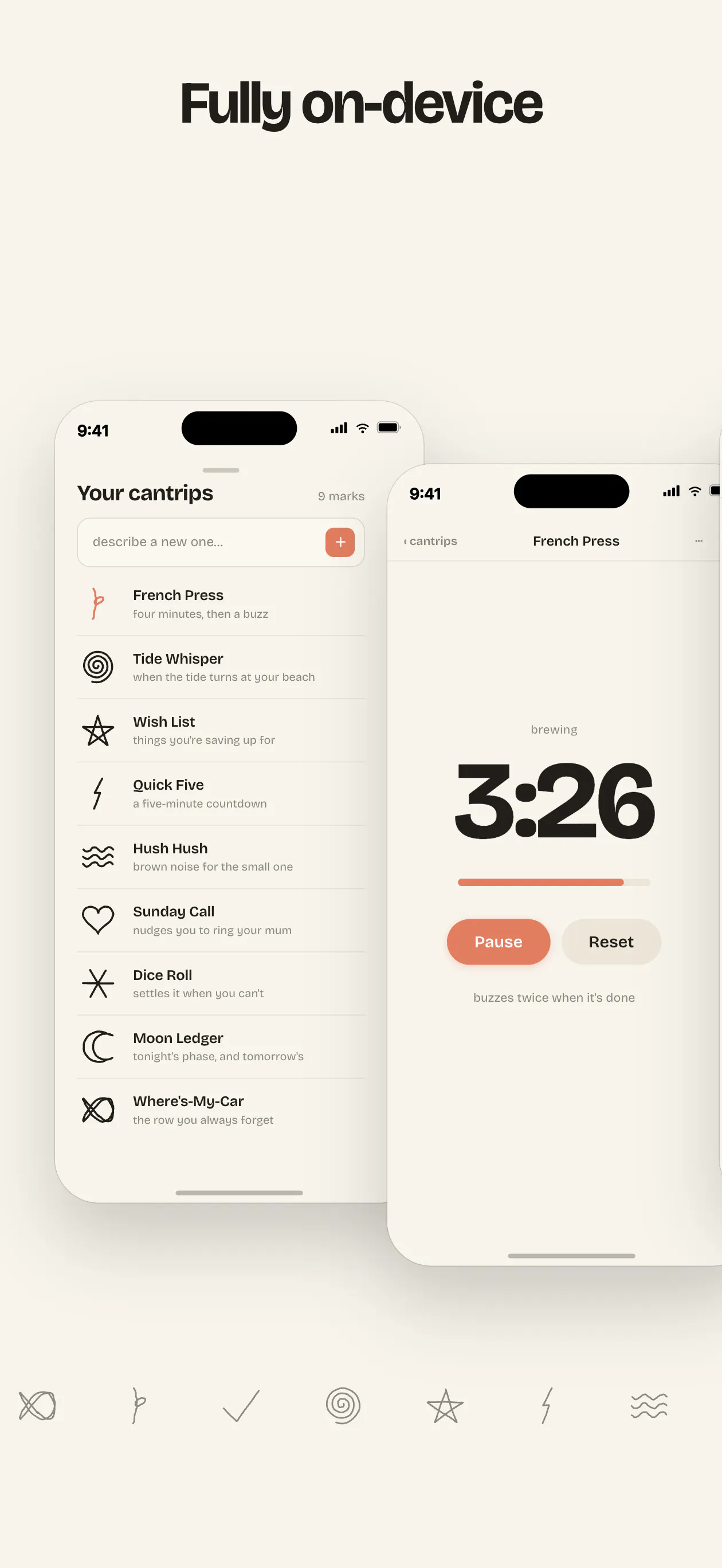
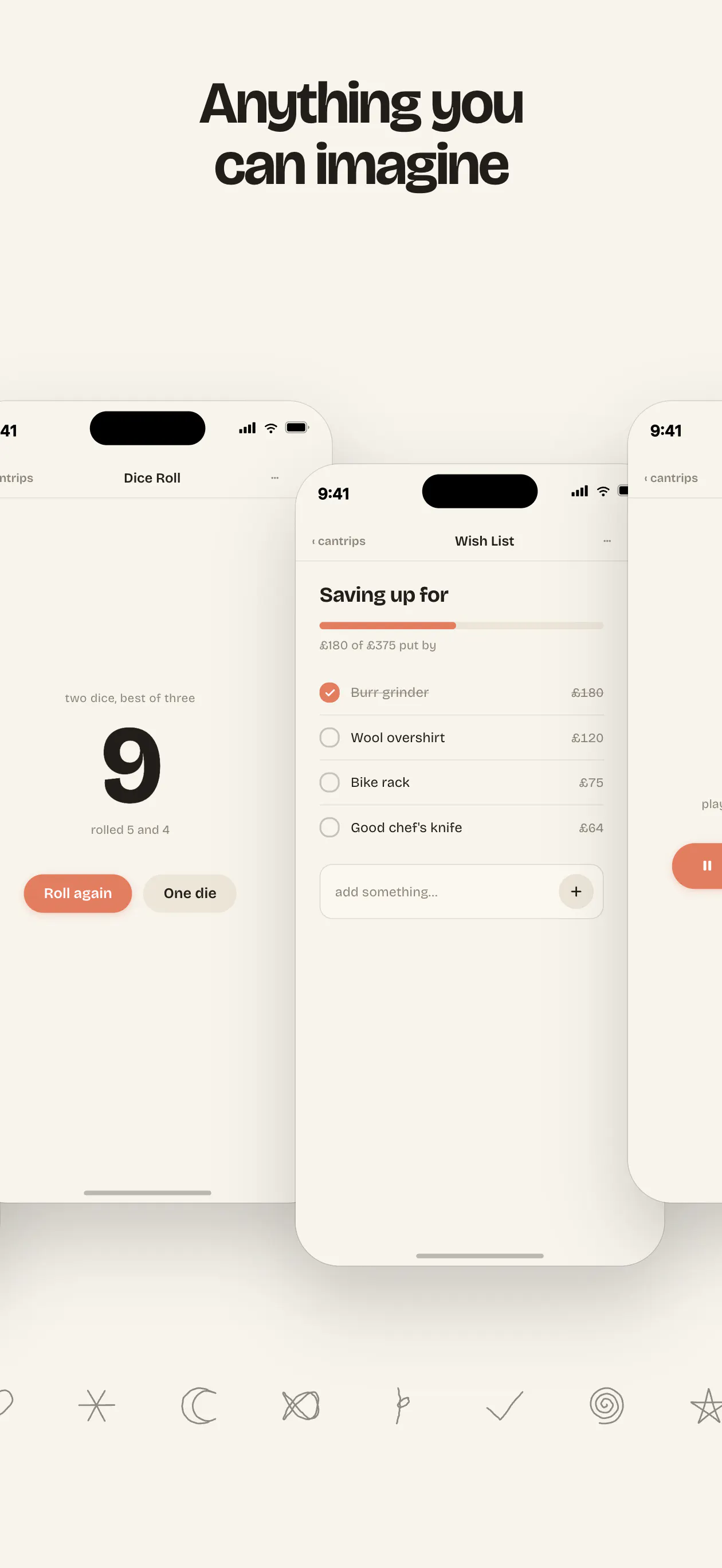
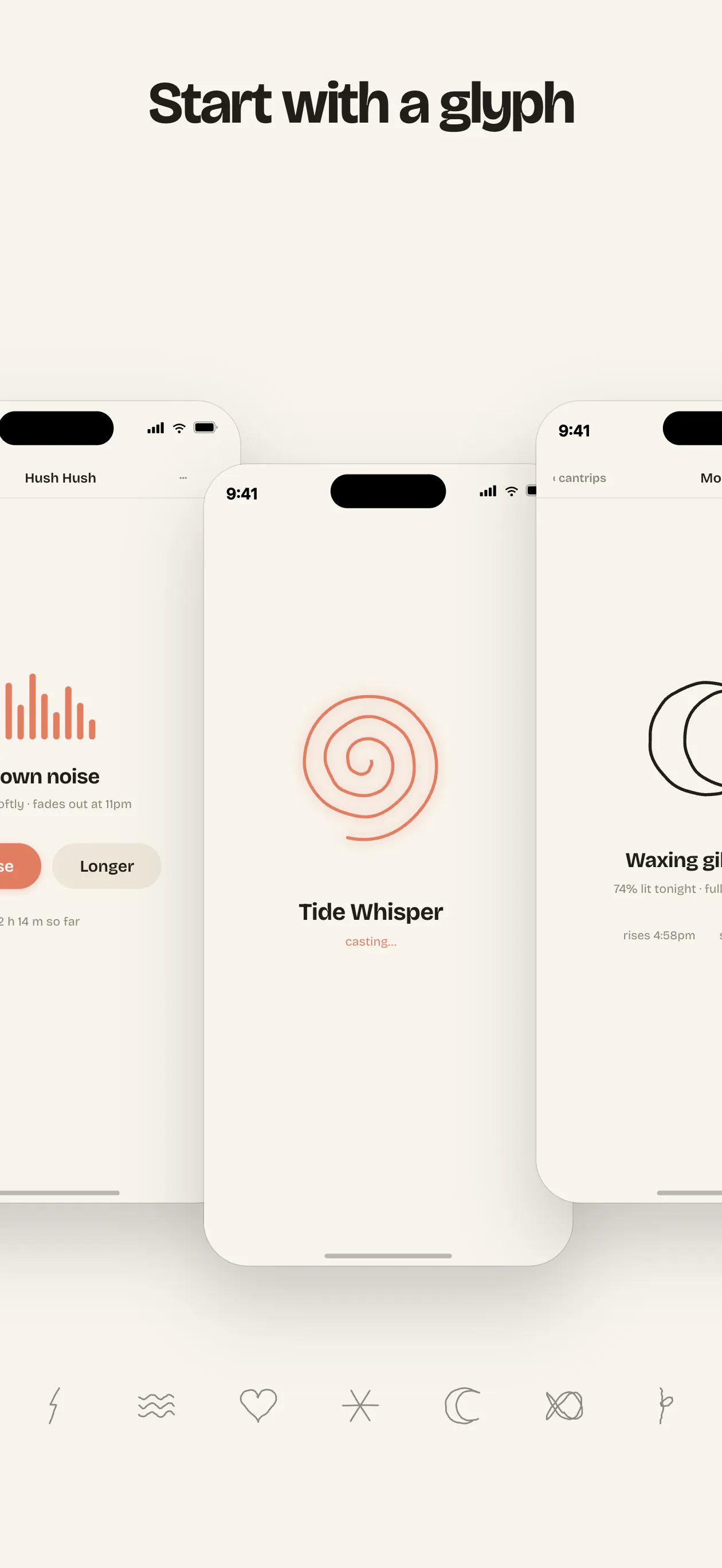
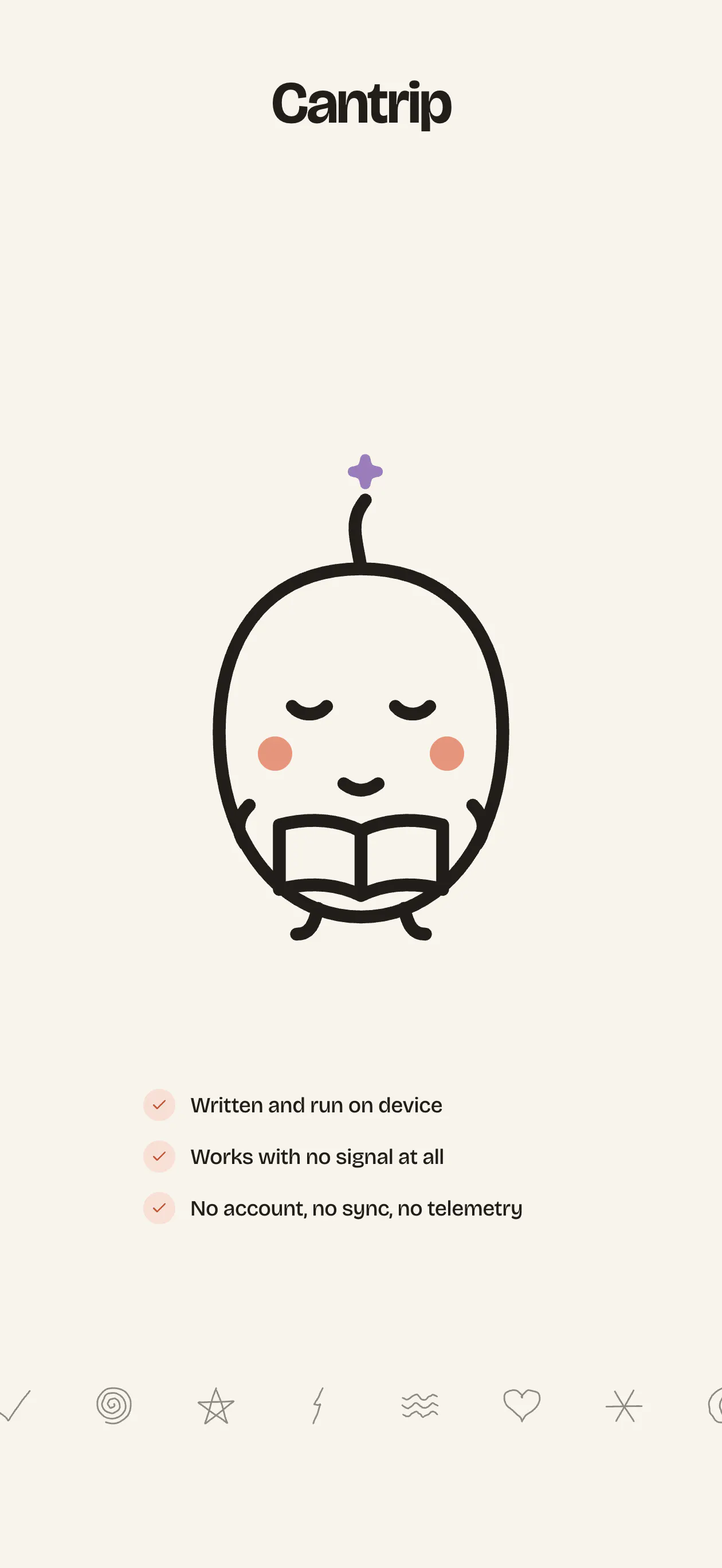
Cantrip AI is a unique and innovative tool designed for those who love creating personalized, small-scale applications on the fly. It allows users to describe simple apps—such as a stretch timer that hums or a coffee tally—and then, with the help of AI, it constructs the app offline on your device. What sets Cantrip AI apart is its intuitive glyph-based interface: users draw a glyph to open their app, making access both personal and effortlessly quick. The home screen functions as a canvas where scratch marks summon the app, and nothing leaves the device, ensuring privacy and customization. Users can also modify their apps through simple prompts, making each 'cantrip' a truly personal and adaptable mini-application. Perfect for creative individuals, productivity enthusiasts, and anyone who values quick, custom tools that are easy to create and modify on the spot.
Screenshots
Pros
- ✓Creates personalized mini-apps offline without cloud reliance
- ✓Intuitive glyph-based access system for quick retrieval
- ✓Highly customizable and easy to modify through prompts
- ✓No templates or templates needed, encouraging creativity
- ✓Maintains privacy by keeping everything on the device
Cons
- ✗Limited to small, simple applications due to scope
- ✗New platform, so may lack extensive features or integrations
- ✗Potential learning curve for users unfamiliar with glyph drawing
Use Cases
Pricing
Pricing not verified
Quick Info
Topics
Makers

Adiv Maimon
Alternatives
Similar Tools in AI Assistants




Embed Badge
Add this badge to your website to show that Cantrip AI is featured on Visalytica.
<a href="https://www.visalytica.com/tool/cantrip-ai" target="_blank" rel="noopener noreferrer" style="display:inline-flex;align-items:center;gap:6px;padding:6px 14px;background:#7c3aed;color:#fff;border-radius:8px;font-family:-apple-system,system-ui,sans-serif;font-size:13px;font-weight:600;text-decoration:none;transition:background .2s" onmouseover="this.style.background='#6d28d9'" onmouseout="this.style.background='#7c3aed'"><svg width="14" height="14" viewBox="0 0 24 24" fill="none" stroke="currentColor" stroke-width="2.5" stroke-linecap="round" stroke-linejoin="round"><path d="M12 20V10"/><path d="M18 20V4"/><path d="M6 20v-4"/></svg>Featured on Visalytica</a>