
Calnio
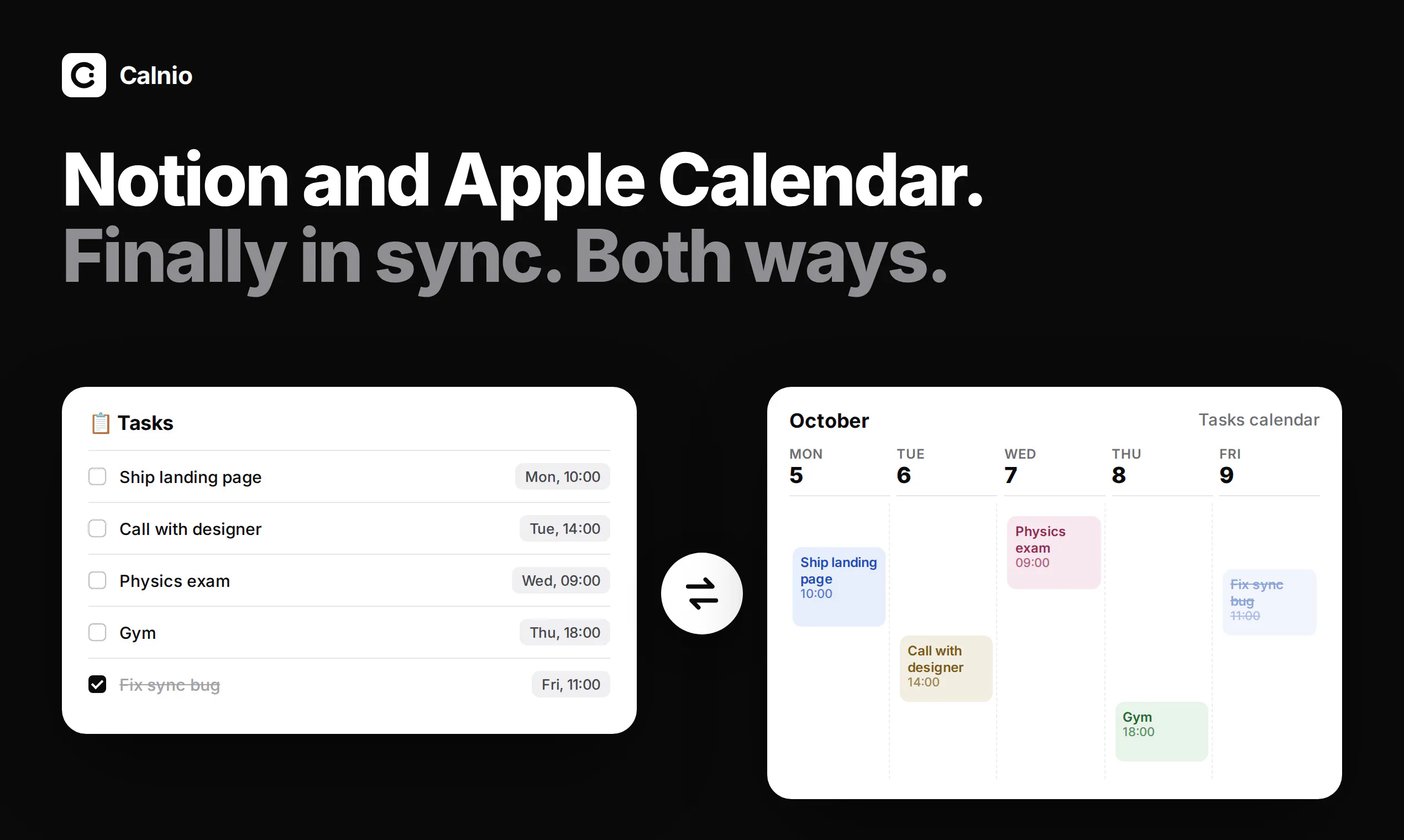
Two-way sync between Notion and Apple Calendar
About Calnio
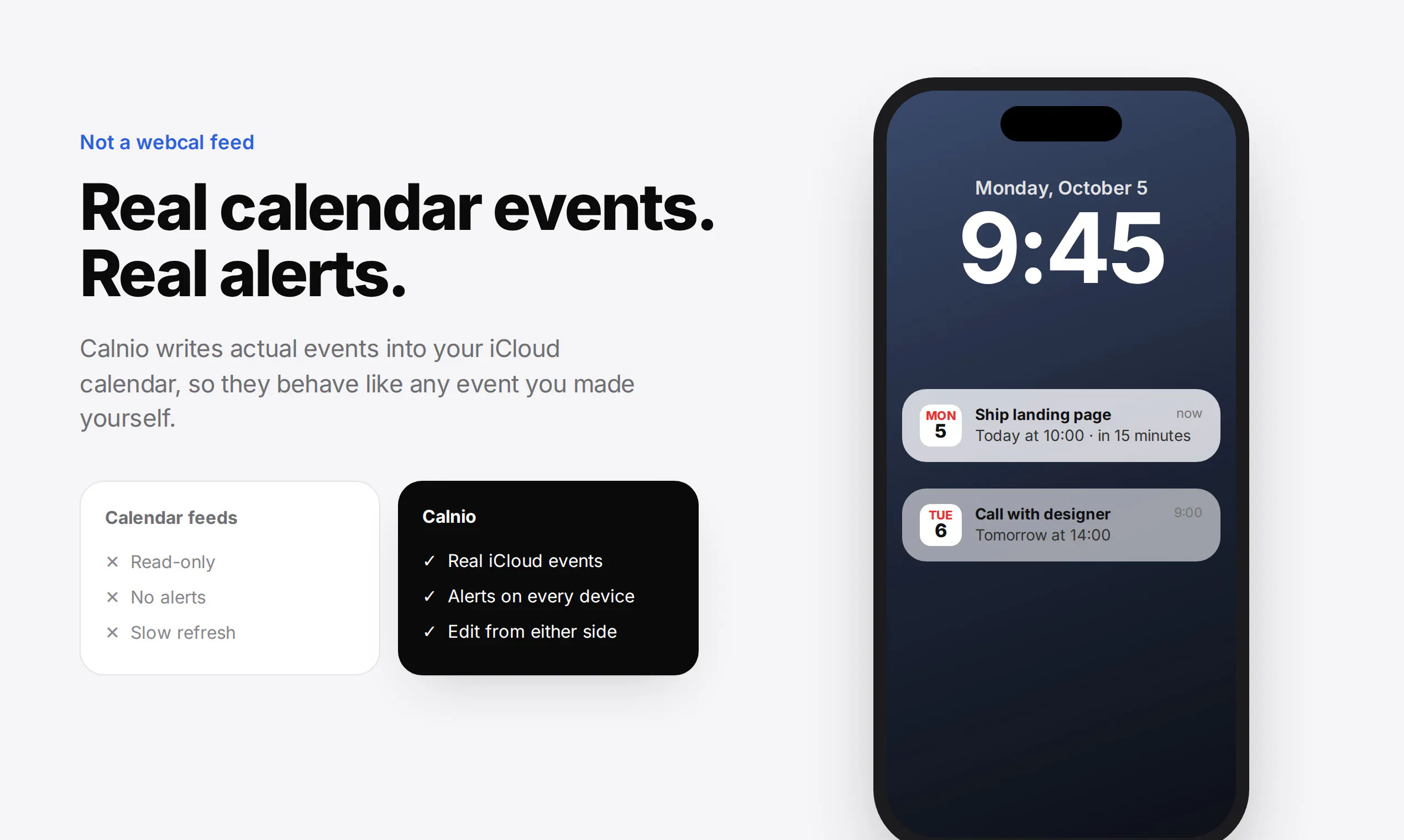
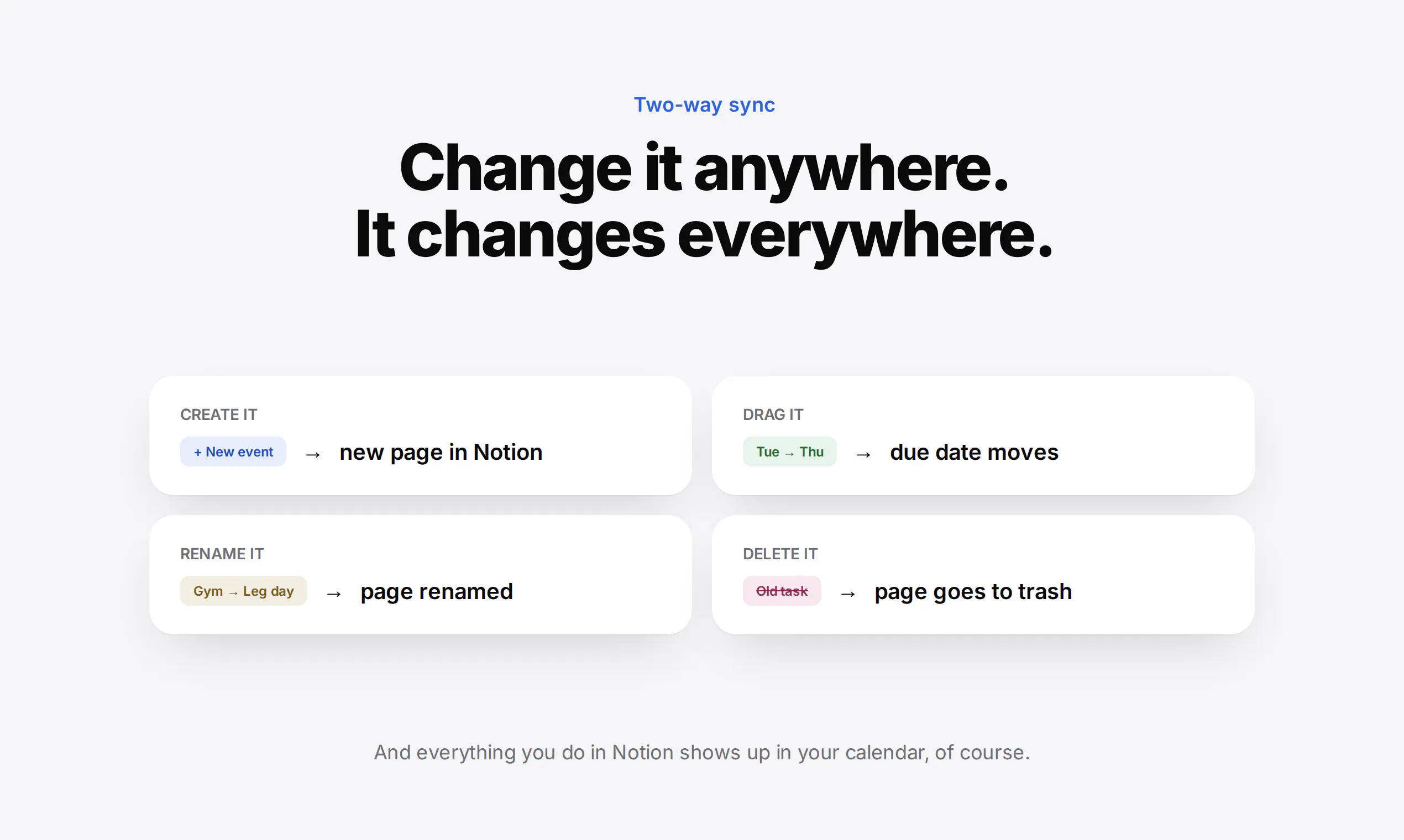
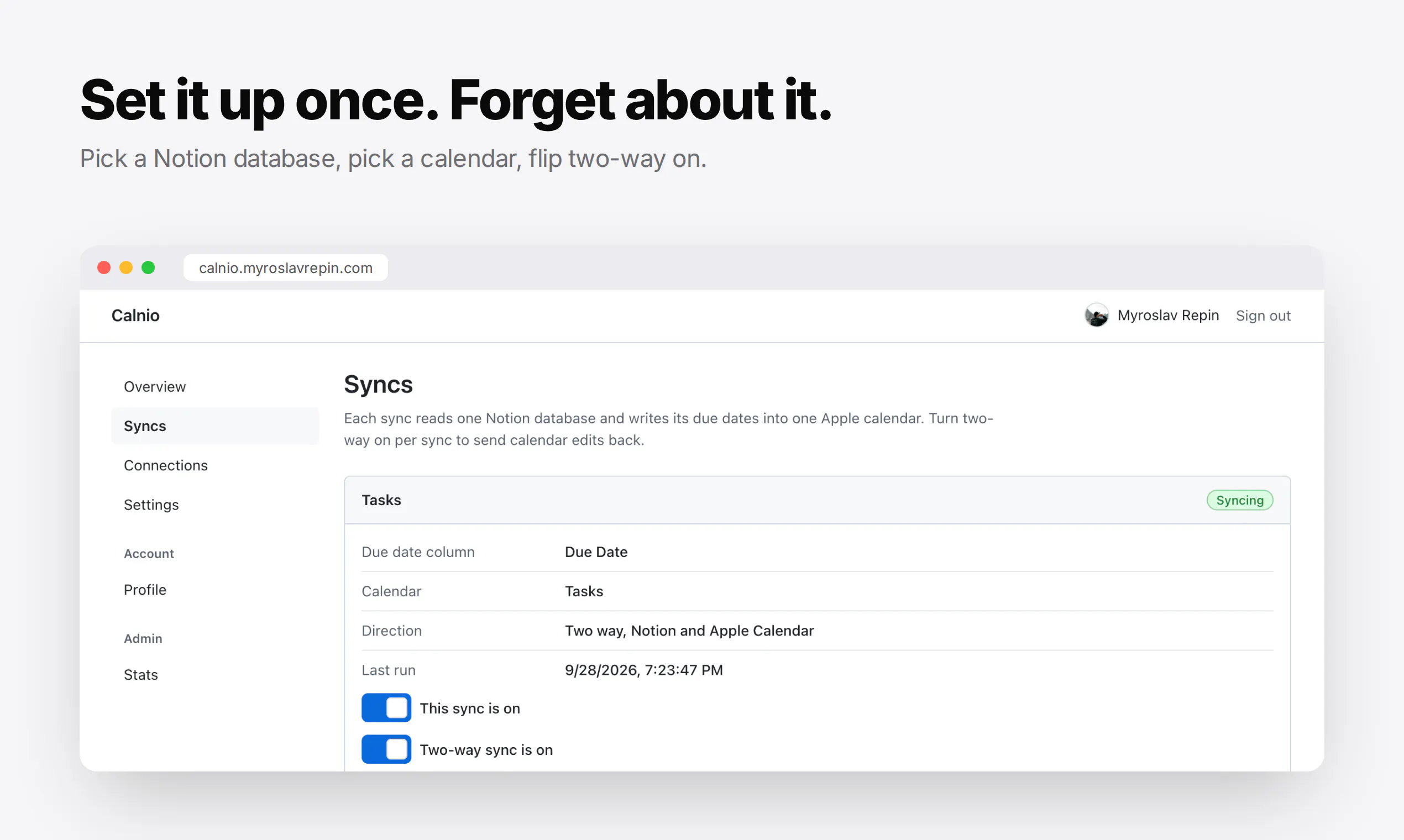
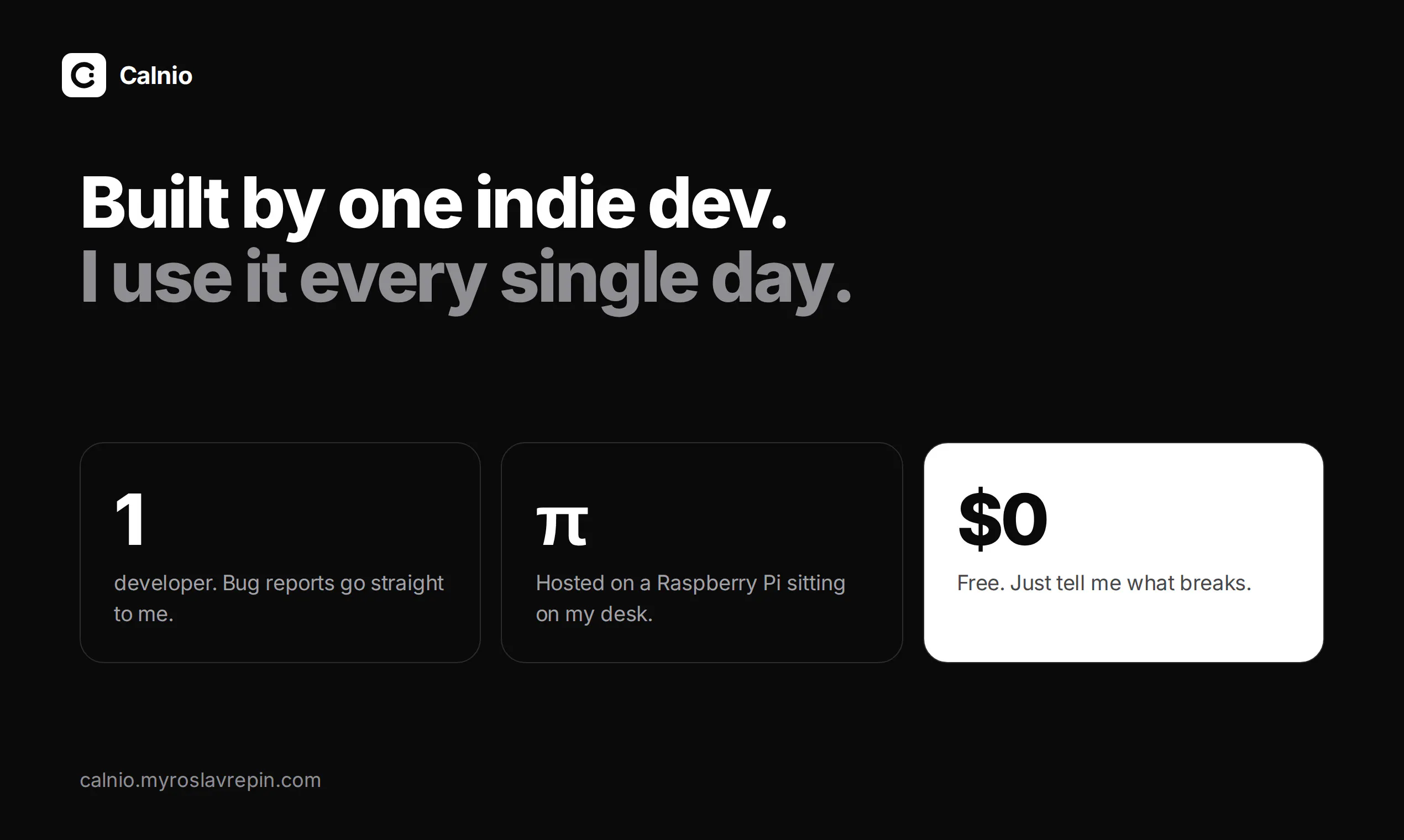
Calnio is an innovative tool designed for users who want seamless synchronization between Notion and Apple Calendar. Unlike traditional webcal feeds, Calnio provides real two-way sync, allowing users to edit tasks in Notion or modify events in Apple Calendar with instant updates in the other app. This ensures a cohesive experience for managing personal and professional schedules without switching platforms. Built by an indie developer and hosted on a Raspberry Pi at home, Calnio emphasizes privacy and control, making it appealing to tech-savvy users who value customization and security. Its straightforward setup and real-time sync capabilities make it an attractive solution for those looking to streamline their workflow across these two popular tools.
Screenshots
Pros
- ✓Real-time two-way synchronization between Notion and Apple Calendar
- ✓Not a read-only webcal feed, allowing editing in either app
- ✓Hosted on a Raspberry Pi, emphasizing privacy and independence
- ✓Free to use, making it accessible for individual users
- ✓Ideal for users who rely heavily on both Notion and Apple Calendar
Cons
- ✗Limited to Notion and Apple Calendar, not supporting other calendar services
- ✗May require technical setup and familiarity with Raspberry Pi hosting
- ✗Potential for syncing issues if not maintained properly
Use Cases
Pricing
Pricing not verified
Quick Info
Topics
Makers

Myroslav Repin
Similar Tools in Productivity




Embed Badge
Add this badge to your website to show that Calnio is featured on Visalytica.
<a href="https://www.visalytica.com/tool/calnio" target="_blank" rel="noopener noreferrer" style="display:inline-flex;align-items:center;gap:6px;padding:6px 14px;background:#7c3aed;color:#fff;border-radius:8px;font-family:-apple-system,system-ui,sans-serif;font-size:13px;font-weight:600;text-decoration:none;transition:background .2s" onmouseover="this.style.background='#6d28d9'" onmouseout="this.style.background='#7c3aed'"><svg width="14" height="14" viewBox="0 0 24 24" fill="none" stroke="currentColor" stroke-width="2.5" stroke-linecap="round" stroke-linejoin="round"><path d="M12 20V10"/><path d="M18 20V4"/><path d="M6 20v-4"/></svg>Featured on Visalytica</a>