
CalendarPipe
Programmable calendar sync for humans and AI agents
About CalendarPipe
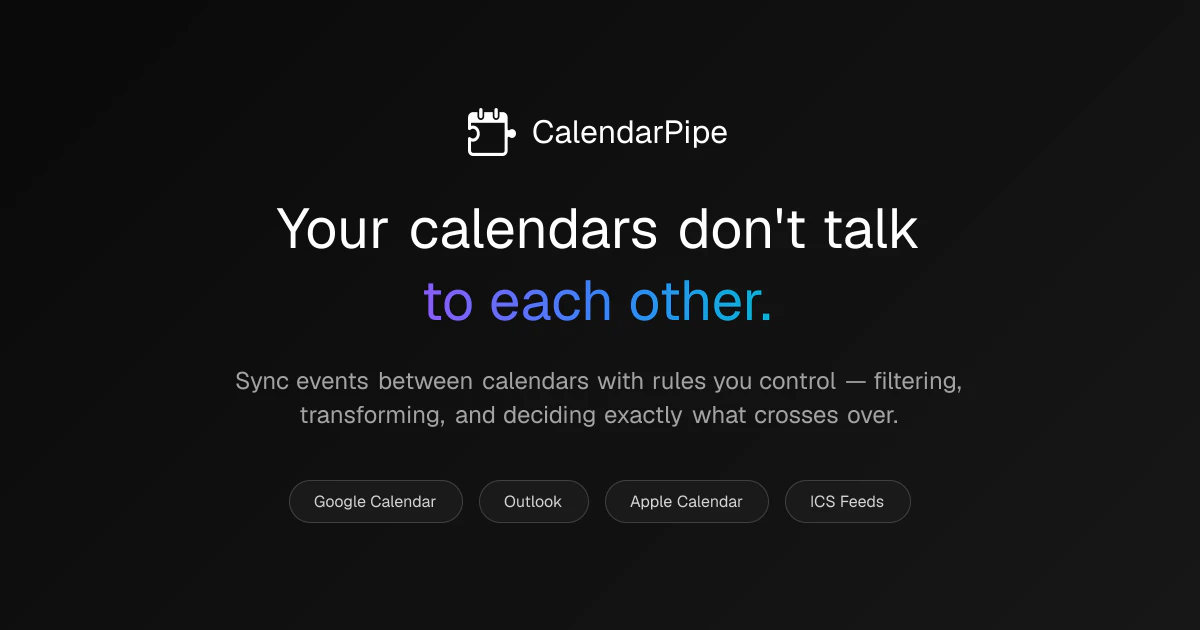
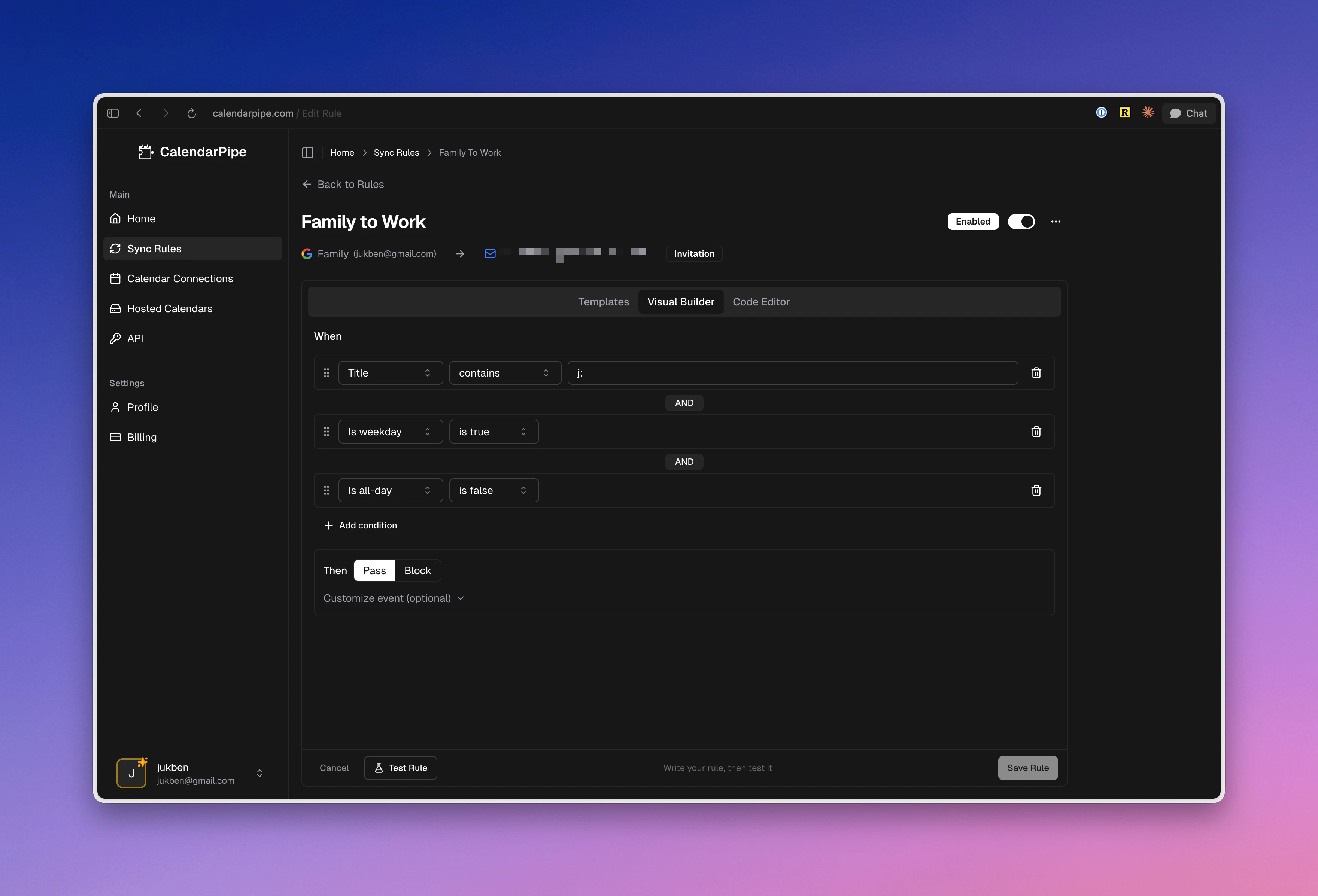
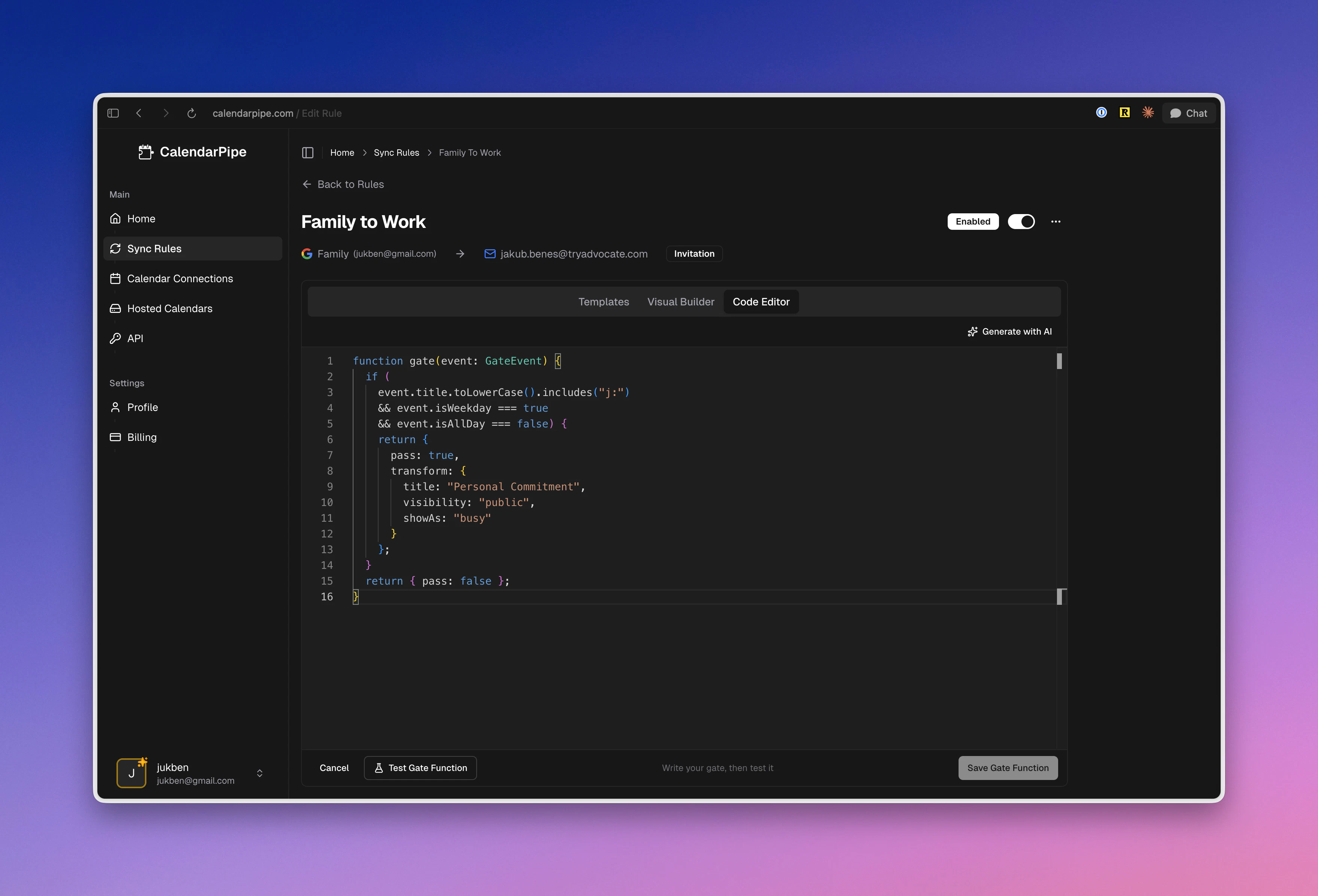
CalendarPipe is a versatile and innovative tool designed for individuals and teams seeking advanced calendar management. It enables users to seamlessly sync Google, Outlook, and Apple calendars through customizable 'pipes' that can filter, transform, and route events. Its visual interface, combined with the ability to describe workflows in plain English or TypeScript, makes complex calendar automation accessible even to non-developers. Unique to CalendarPipe is its ability to send real calendar invitations without OAuth on the recipient side, simplifying collaboration. Additionally, AI agents can leverage its REST API, CalDAV, and MCP server capabilities to spin up their own calendars and send invites, making it ideal for integrating AI-powered workflows with traditional calendar systems. This flexibility empowers users to create tailored, automated scheduling solutions that fit diverse workflows and organizational needs.
Screenshots
Pros
- ✓Flexible visual and code-based workflow creation
- ✓Supports multiple calendar platforms (Google, Outlook, Apple)
- ✓No OAuth needed on recipients, simplifying sharing
- ✓AI integration via plain English descriptions and APIs
- ✓Enables automation for AI agents and human users alike
Cons
- ✗Learning curve for complex pipe configurations
- ✗Limited information on pricing and plan tiers
- ✗Potential setup complexity for non-technical users
Use Cases
Pricing
Likely operates on a freemium model with basic features available for free and premium plans offering advanced automation, API access, and custom integrations at a paid tier; exact pricing details are not explicitly provided.
Quick Info
Topics
Alternatives
Similar Tools in Productivity




Embed Badge
Add this badge to your website to show that CalendarPipe is featured on Visalytica.
<a href="https://www.visalytica.com/tool/calendarpipe" target="_blank" rel="noopener noreferrer" style="display:inline-flex;align-items:center;gap:6px;padding:6px 14px;background:#7c3aed;color:#fff;border-radius:8px;font-family:-apple-system,system-ui,sans-serif;font-size:13px;font-weight:600;text-decoration:none;transition:background .2s" onmouseover="this.style.background='#6d28d9'" onmouseout="this.style.background='#7c3aed'"><svg width="14" height="14" viewBox="0 0 24 24" fill="none" stroke="currentColor" stroke-width="2.5" stroke-linecap="round" stroke-linejoin="round"><path d="M12 20V10"/><path d="M18 20V4"/><path d="M6 20v-4"/></svg>Featured on Visalytica</a>