
ByDesign AI Canvas
The first planner that thinks with you.
About ByDesign AI Canvas
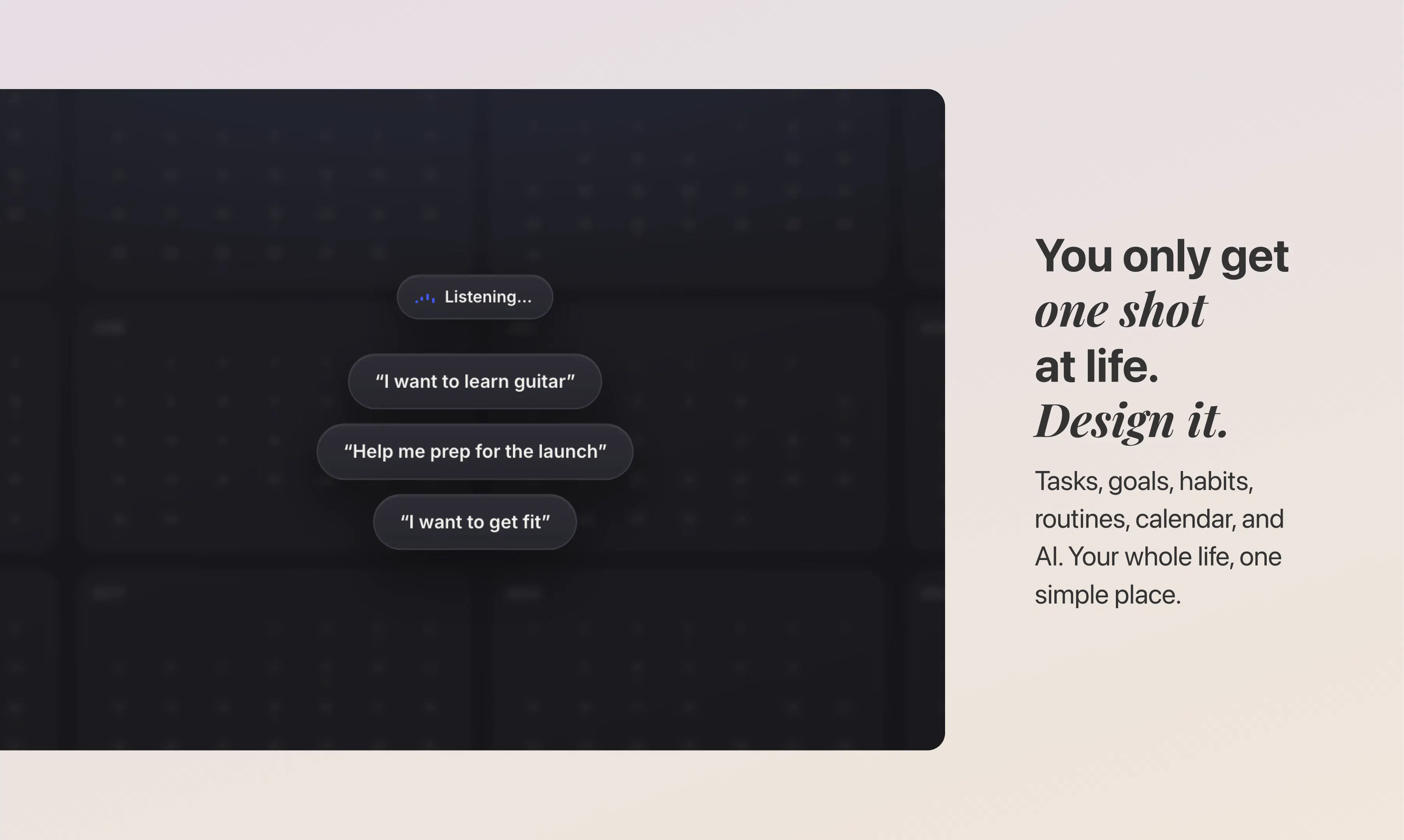
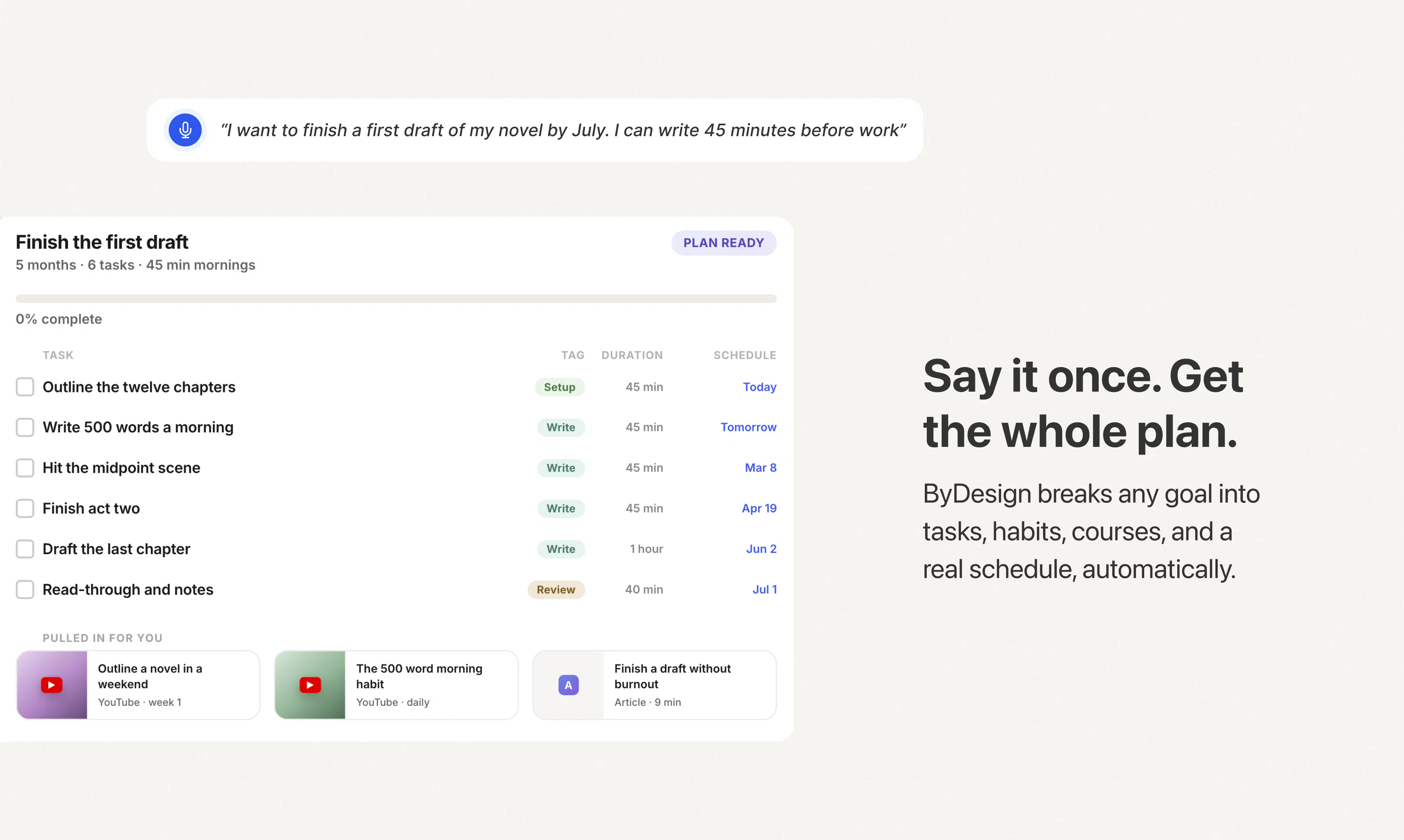
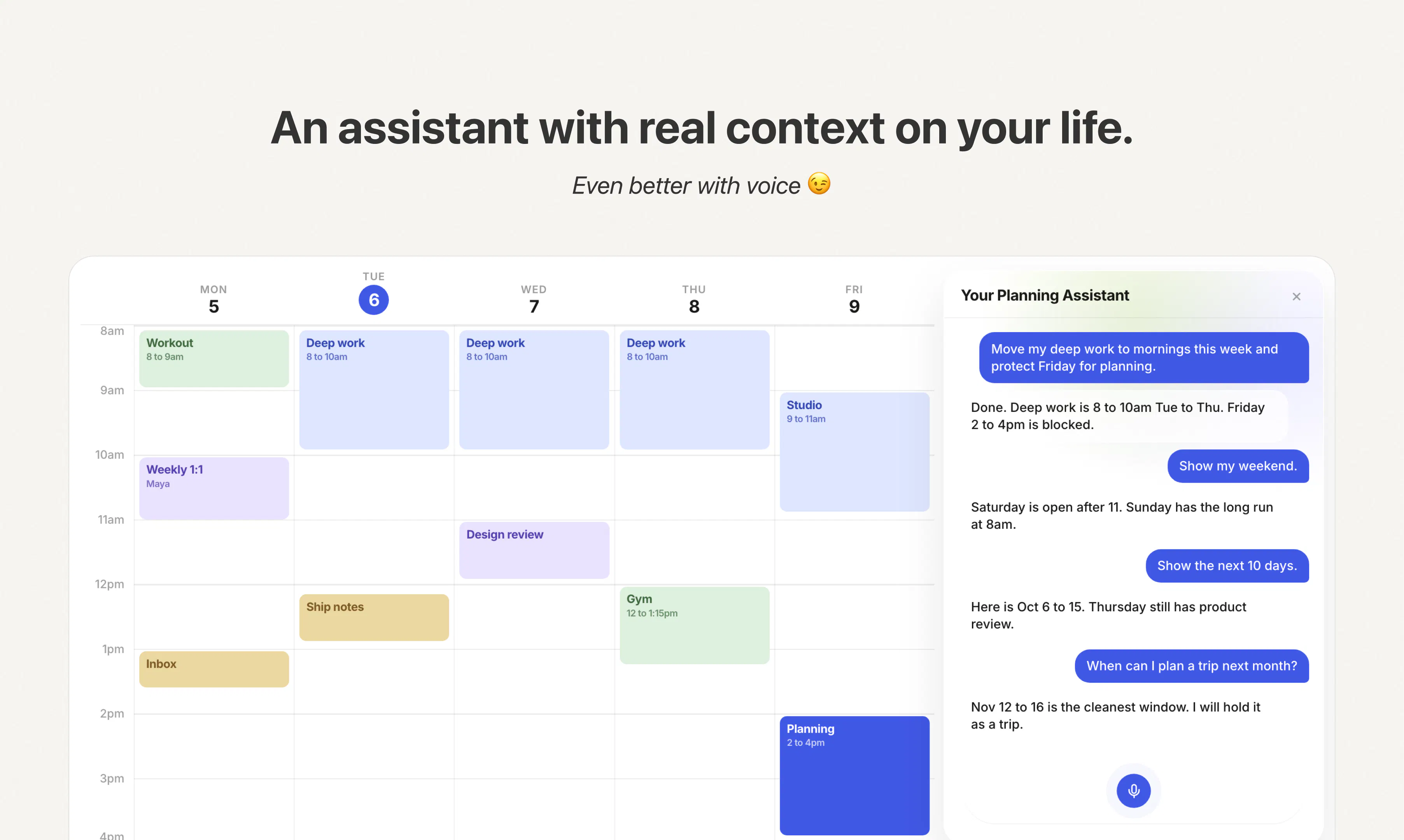
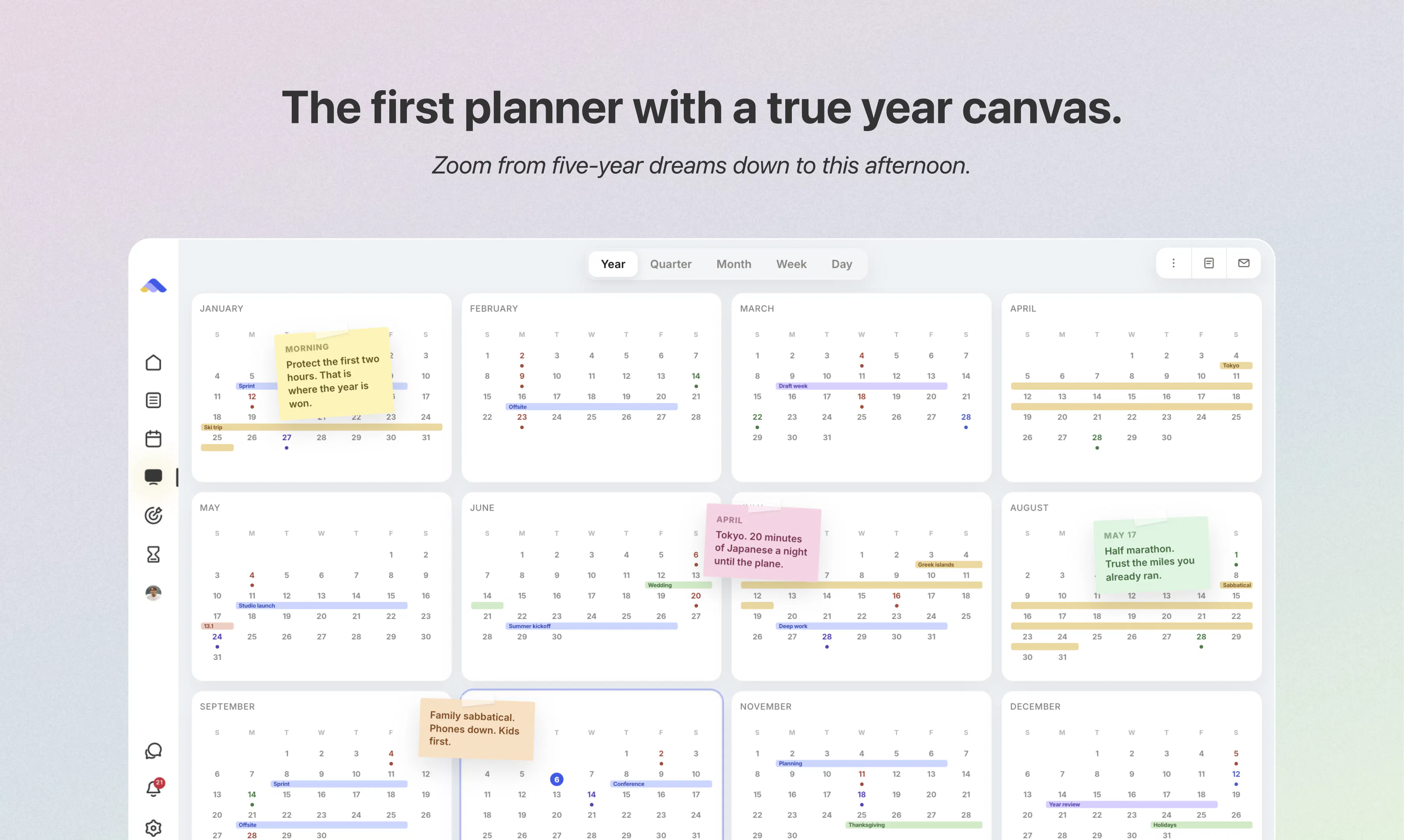
ByDesign AI Canvas is an innovative productivity tool that seamlessly combines AI-driven planning with flexible visualization. It offers users a dynamic platform where they can input their goals, and the AI automatically generates comprehensive plans, including steps, resources, and schedules spanning an entire year. The tool features an intuitive assistant that users can interact with conversationally to reshuffle weeks, find available time slots, or schedule meetings on the fly. Its versatile canvas view adapts to different planning horizons—whether it's the next ten days, a quarter, or an entire year—making it ideal for both short-term tasks and long-term projects. Designed for professionals, entrepreneurs, and anyone seeking smarter planning, ByDesign AI Canvas stands out by merging AI intelligence with flexible visualization, helping users stay organized and proactive.
Screenshots
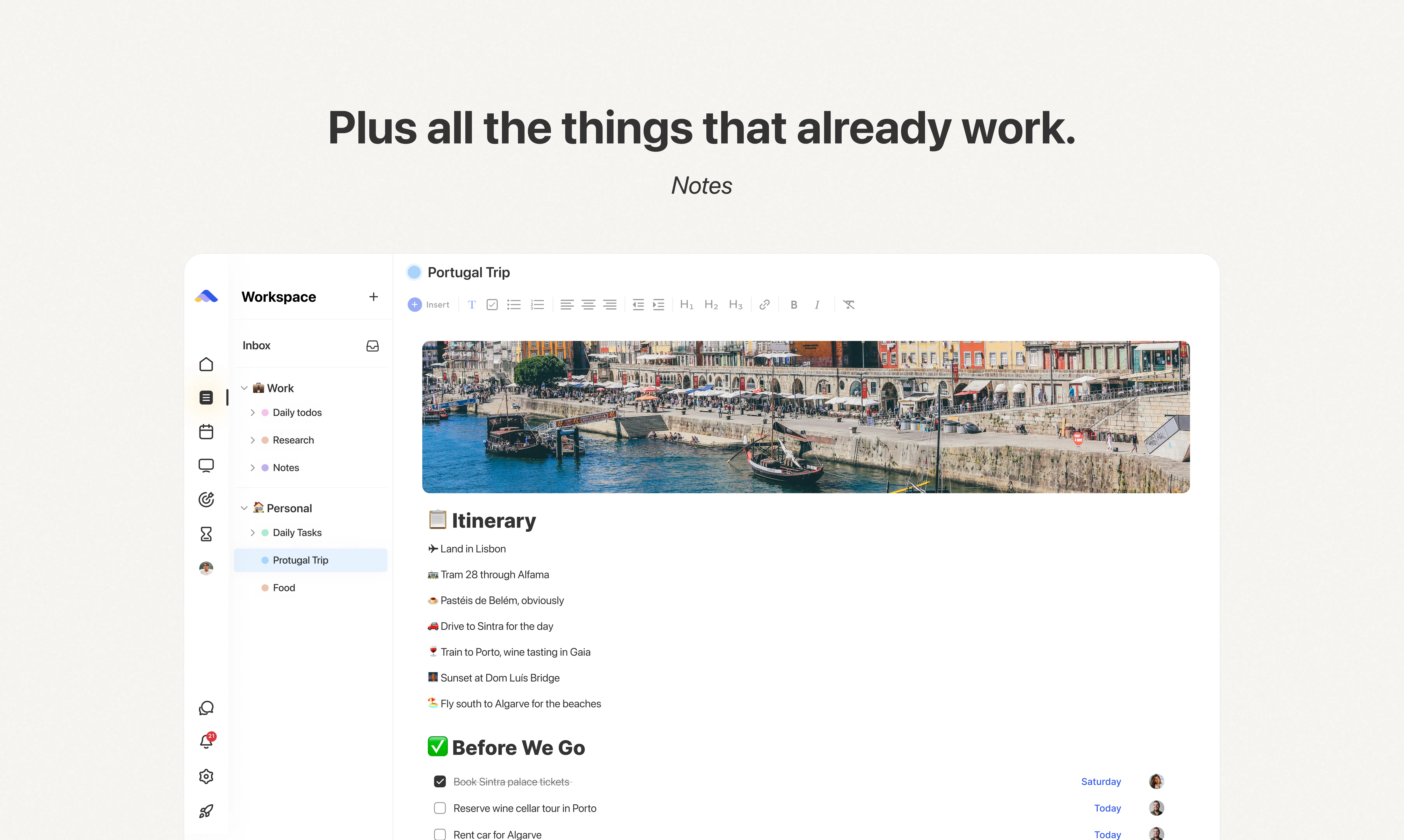
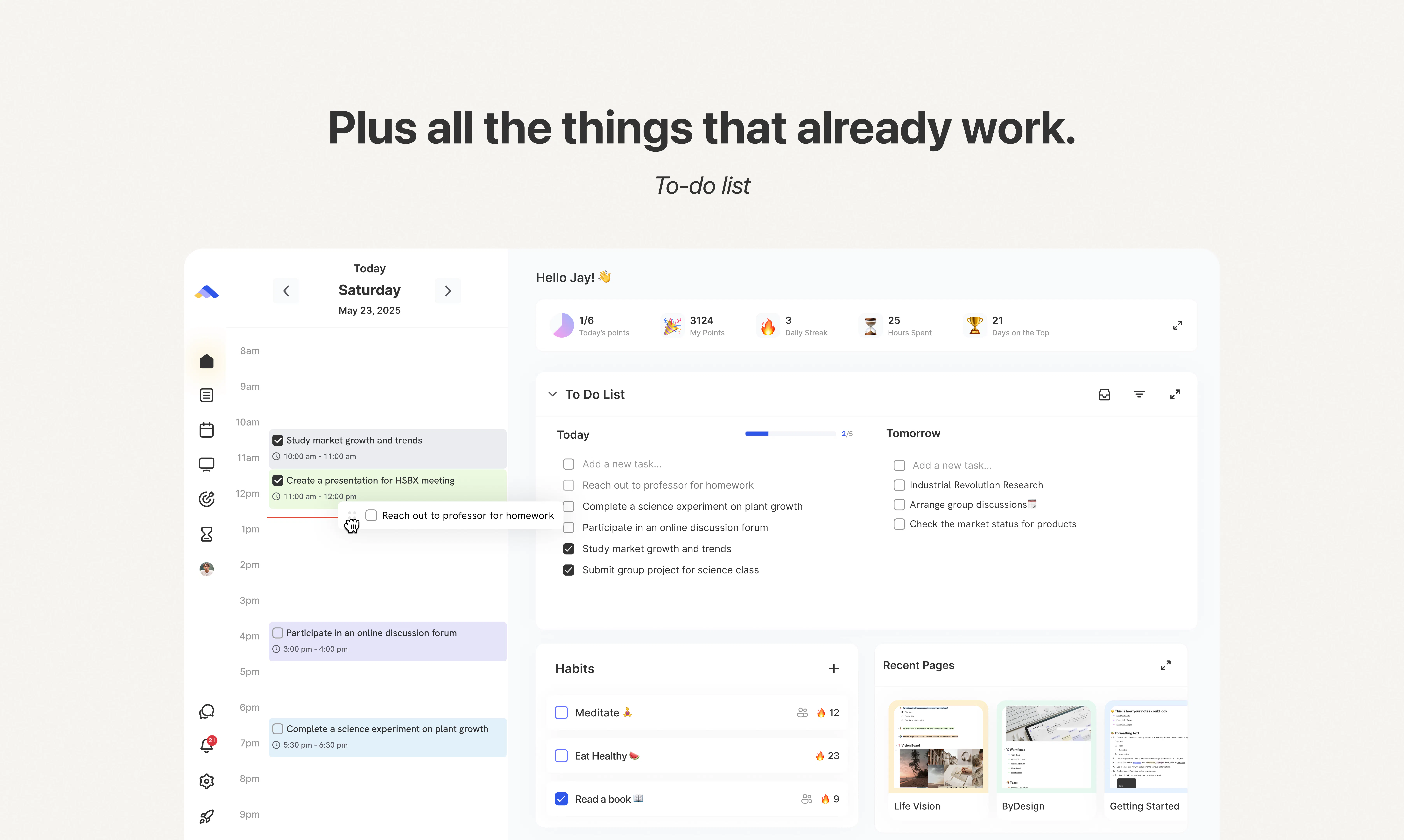
+1 more screenshots
Pros
- ✓AI-generated detailed plans tailored to goals
- ✓Flexible canvas views for different planning horizons
- ✓Conversational assistant for on-the-go scheduling
- ✓Reshuffle and adjust plans easily
- ✓Integrates resource and course planning within schedules
Cons
- ✗Currently limited user adoption (ProductHunt votes: 0)
- ✗Potential learning curve for new users
- ✗Features and integrations may evolve as the product develops
Use Cases
Pricing
Pricing not verified
Quick Info
Topics
Makers

Ravi Gaud
Alternatives
Similar Tools in AI Assistants




Embed Badge
Add this badge to your website to show that ByDesign AI Canvas is featured on Visalytica.
<a href="https://www.visalytica.com/tool/bydesign-ai-canvas" target="_blank" rel="noopener noreferrer" style="display:inline-flex;align-items:center;gap:6px;padding:6px 14px;background:#7c3aed;color:#fff;border-radius:8px;font-family:-apple-system,system-ui,sans-serif;font-size:13px;font-weight:600;text-decoration:none;transition:background .2s" onmouseover="this.style.background='#6d28d9'" onmouseout="this.style.background='#7c3aed'"><svg width="14" height="14" viewBox="0 0 24 24" fill="none" stroke="currentColor" stroke-width="2.5" stroke-linecap="round" stroke-linejoin="round"><path d="M12 20V10"/><path d="M18 20V4"/><path d="M6 20v-4"/></svg>Featured on Visalytica</a>