
BugShot
Discover, fix, capture, and report bugs in one shot
About BugShot
BugShot is a streamlined Chrome extension designed for developers and QA teams who need to quickly identify, document, and report bugs. Its standout feature is the ability to capture comprehensive bug reports directly from Chrome's side panel, including logs, network activity, and environment details—all automatically gathered to save time. Users can also tweak CSS live within the extension and generate side-by-side comparisons of before and after states, with AI assistance helping draft detailed reports effortlessly. The tool’s simplicity—requiring no account and offering instant integration with bug trackers—makes it highly accessible for quick, efficient bug reporting. Its emphasis on automation and ease of use positions BugShot as a valuable addition to any developer's or tester’s toolkit, especially for teams seeking to streamline bug workflows and improve collaboration.
Screenshots
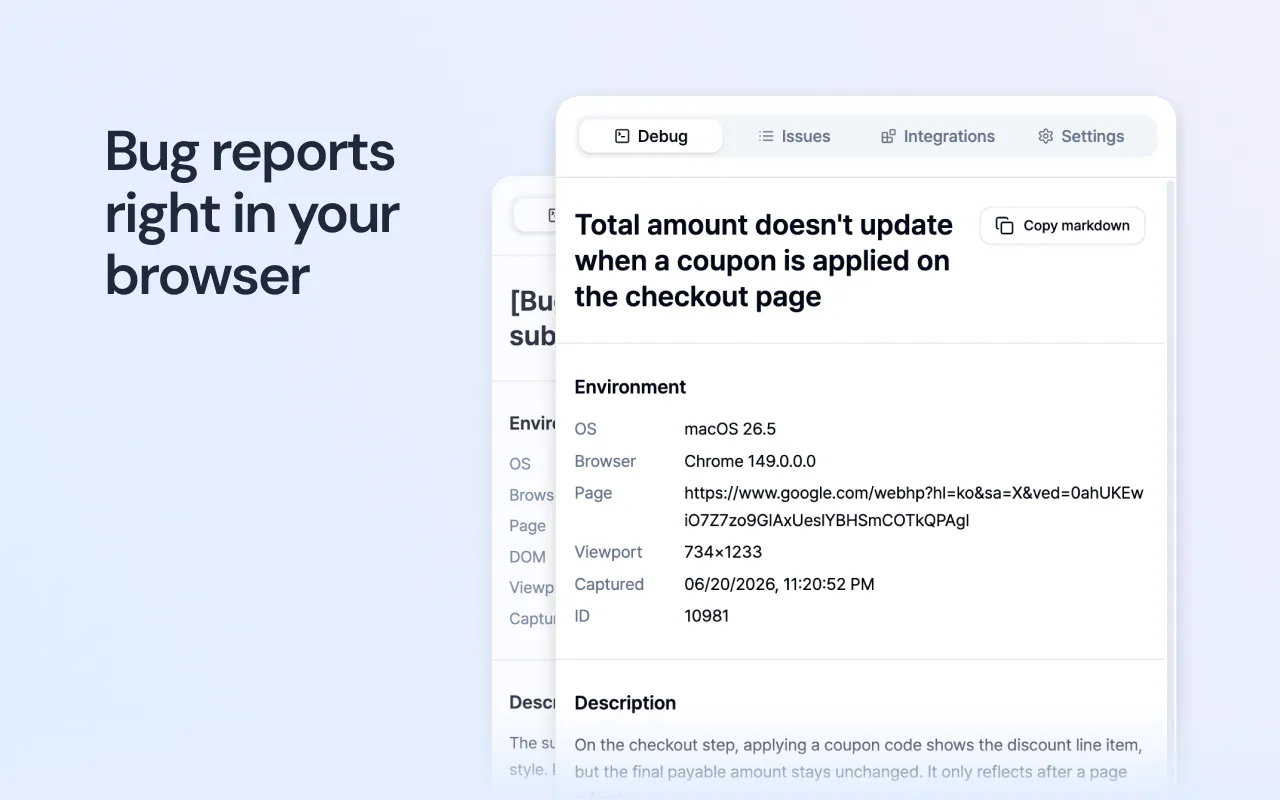
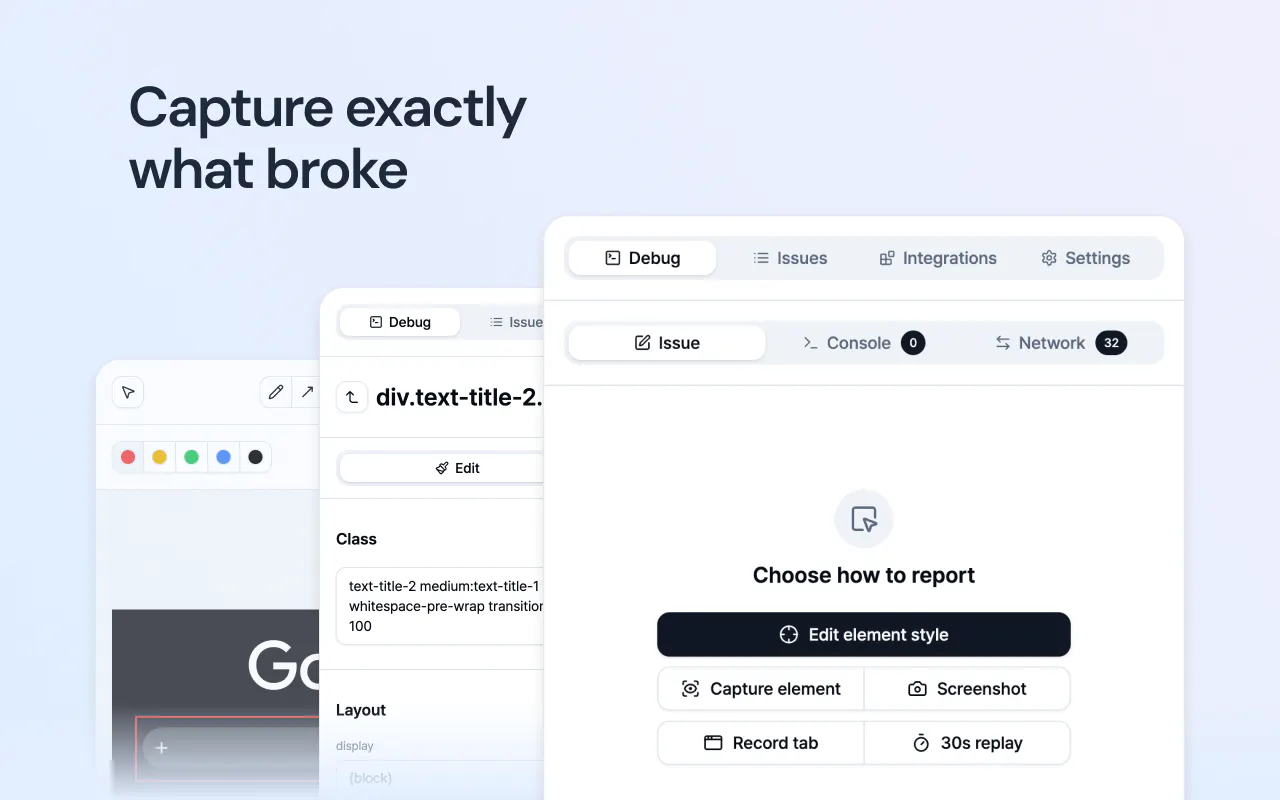
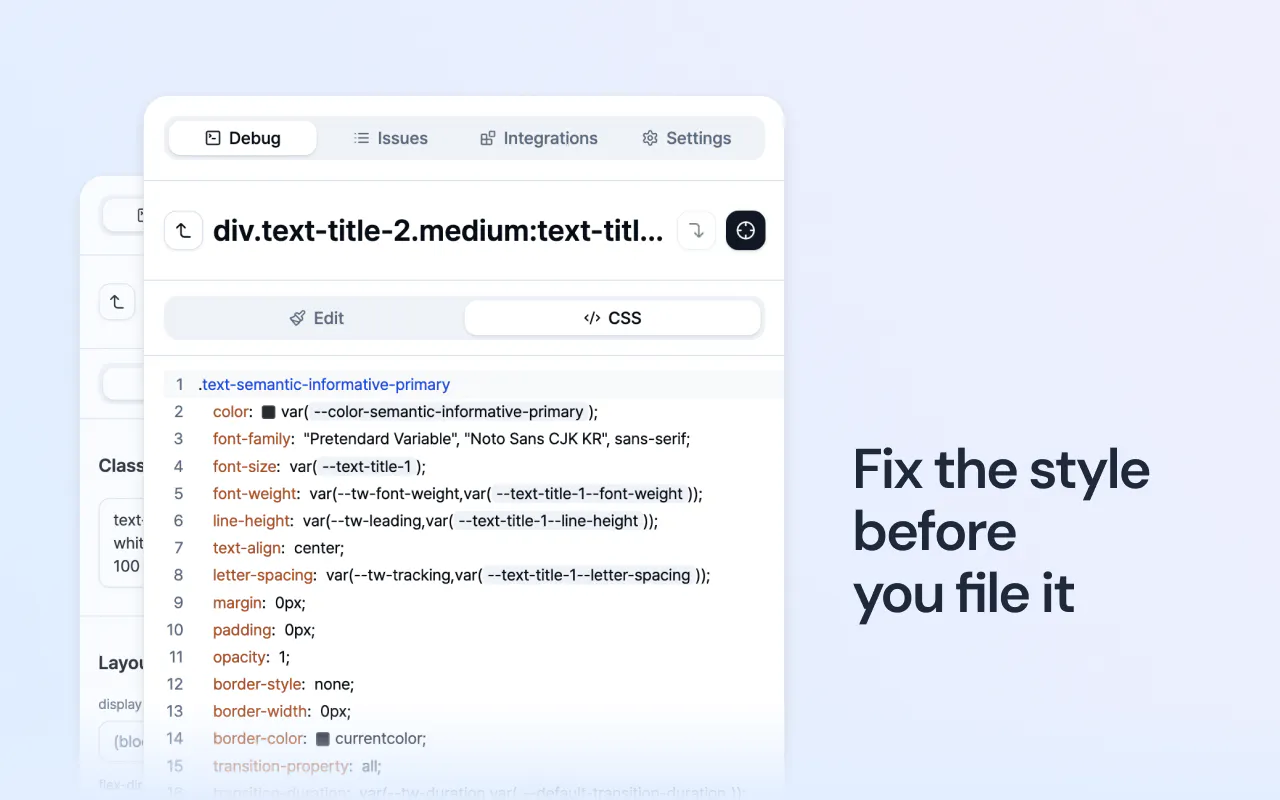
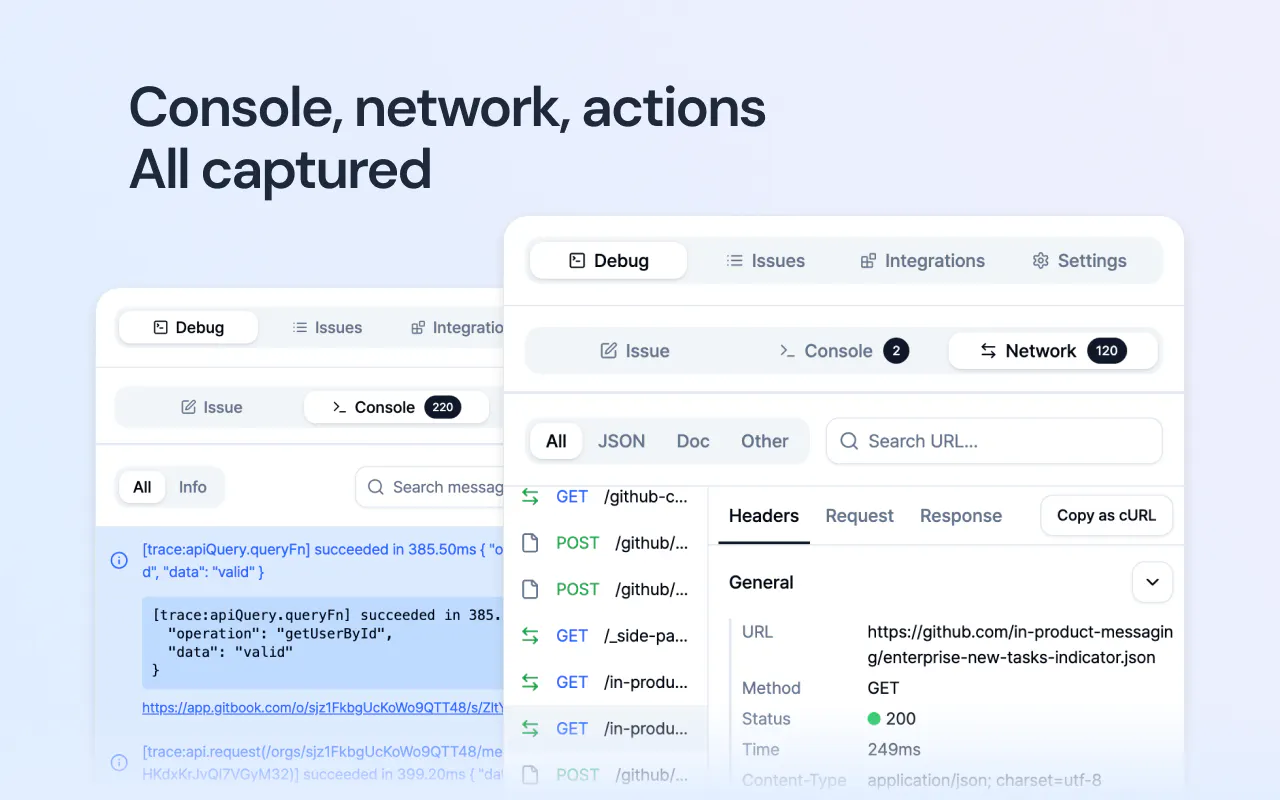
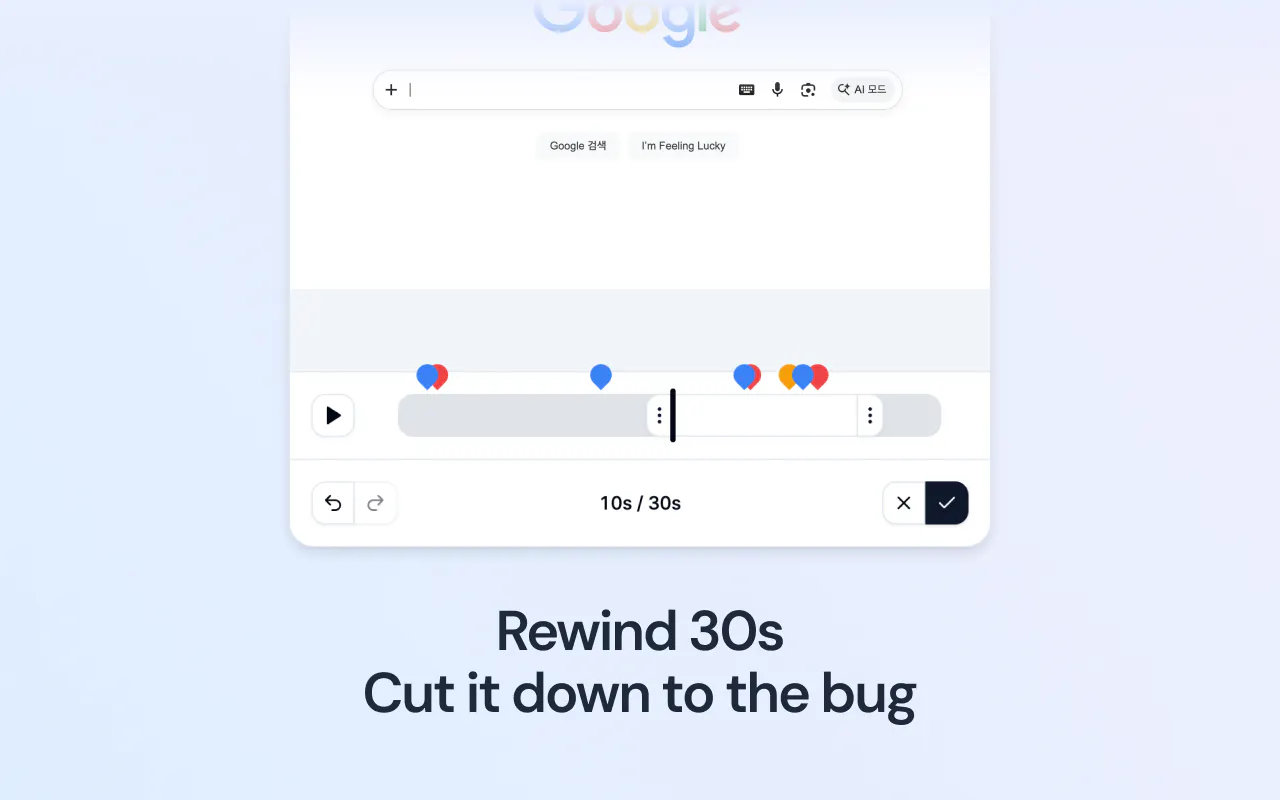
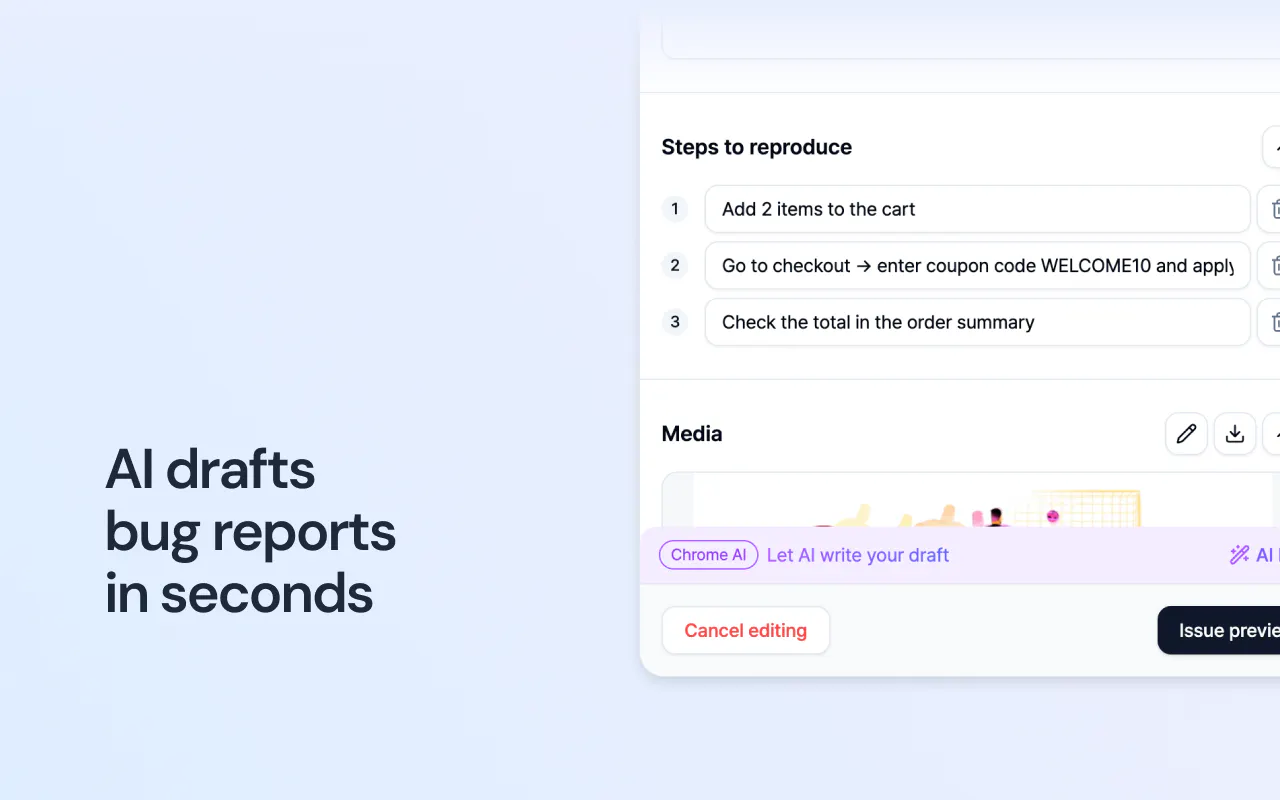
+1 more screenshots
Pros
- ✓Automatic capture of logs, console, and environment details
- ✓Built-in CSS live editing with visual comparison
- ✓AI-powered report drafting saves time
- ✓No account required, quick setup
- ✓Direct integration with bug trackers enhances workflow
Cons
- ✗Limited information on advanced customization options
- ✗Currently no mention of team collaboration features
- ✗Reviews and user feedback are limited, indicating potential early-stage development
Use Cases
Pricing
Likely free to use with no account requirement, possibly offering premium features or integrations in paid plans, though specifics are not confirmed.
Quick Info
Topics
Makers

Sinhyeok Kang
Similar Tools in Developer Tools




Embed Badge
Add this badge to your website to show that BugShot is featured on Visalytica.
<a href="https://www.visalytica.com/tool/bugshot" target="_blank" rel="noopener noreferrer" style="display:inline-flex;align-items:center;gap:6px;padding:6px 14px;background:#7c3aed;color:#fff;border-radius:8px;font-family:-apple-system,system-ui,sans-serif;font-size:13px;font-weight:600;text-decoration:none;transition:background .2s" onmouseover="this.style.background='#6d28d9'" onmouseout="this.style.background='#7c3aed'"><svg width="14" height="14" viewBox="0 0 24 24" fill="none" stroke="currentColor" stroke-width="2.5" stroke-linecap="round" stroke-linejoin="round"><path d="M12 20V10"/><path d="M18 20V4"/><path d="M6 20v-4"/></svg>Featured on Visalytica</a>