
Buddy
Voice First AI assistant for macOS
About Buddy
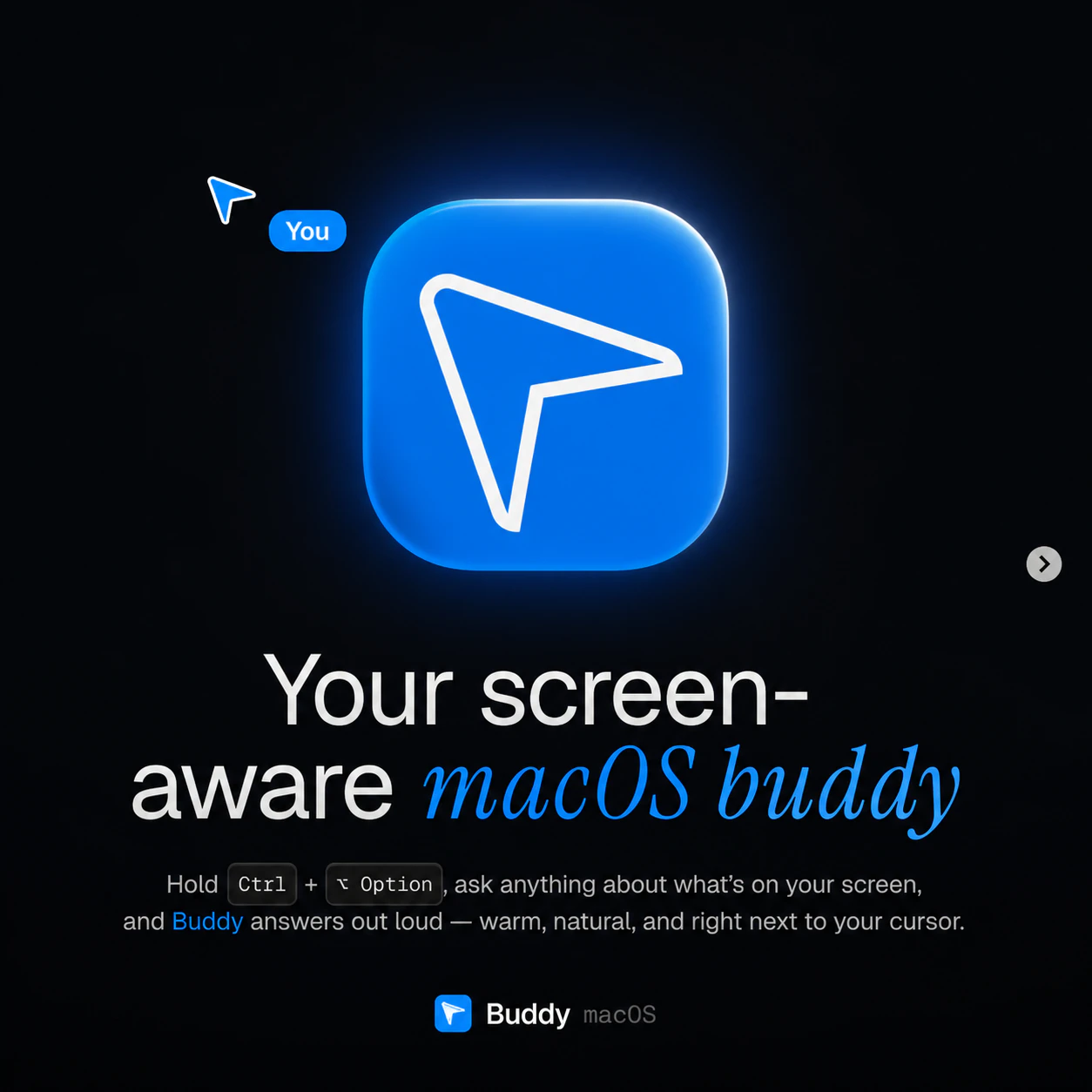
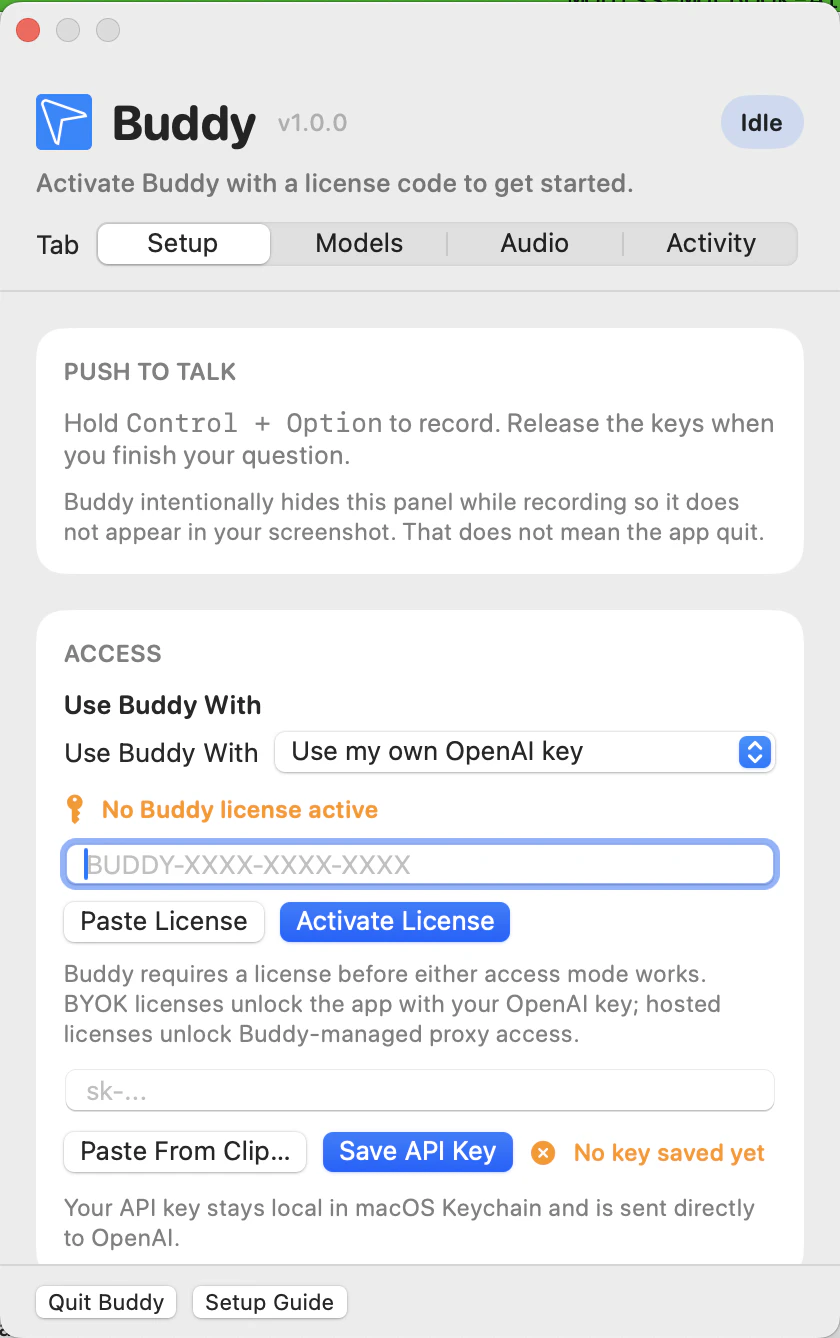
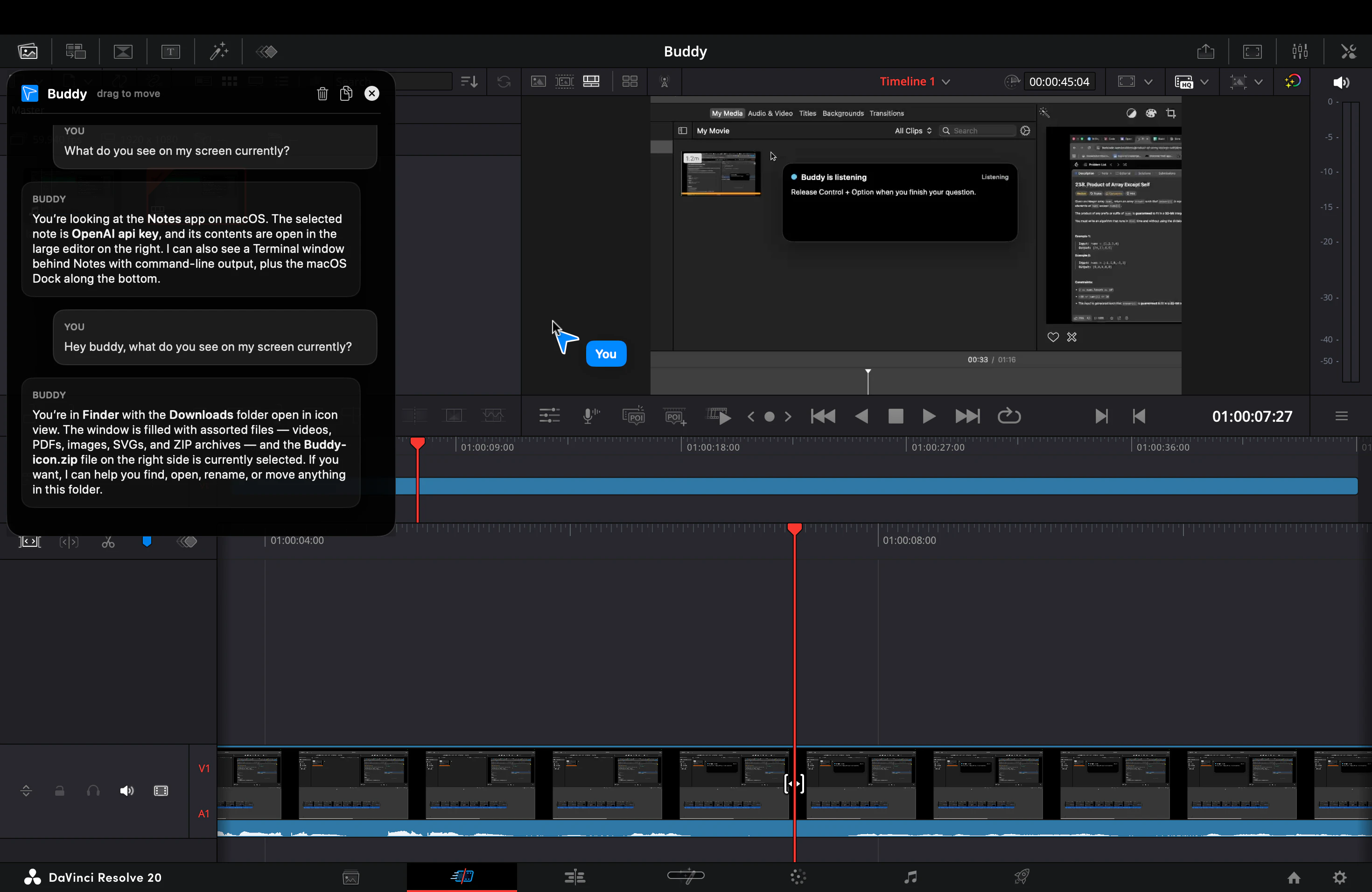
Buddy is an innovative voice-first AI assistant designed specifically for macOS users. By holding Control + Option, users can ask Buddy questions about their current screen, and it responds audibly with a warm, natural voice, making information retrieval seamless and hands-free. Additionally, Buddy features a visual cursor buddy that visually assists users by pointing out elements on the screen, helping to navigate and understand complex interfaces effortlessly. This combination of voice interaction and visual cues makes Buddy ideal for professionals, students, and anyone seeking a more intuitive and accessible Mac experience. Its real-time, conversational approach to managing and understanding on-screen content sets it apart from traditional assistants, making it both a productivity booster and an accessibility enhancer.
Screenshots
Pros
- ✓Hands-free, voice-activated assistance for Mac users
- ✓Visual cursor buddy enhances screen navigation and understanding
- ✓Natural, warm voice responses improve user experience
- ✓Easy to activate with simple keyboard shortcuts
- ✓Combines voice and visual cues for comprehensive support
Cons
- ✗Limited to macOS, not available on other platforms
- ✗Features may be basic compared to more advanced AI assistants
- ✗Dependence on microphone and voice recognition accuracy
Use Cases
Pricing
Likely operates on a freemium model, offering basic functionality for free with premium features available through paid plans, which typically start around $10-$15 per month. Exact pricing details are not publicly confirmed.
Quick Info
Topics
Alternatives
Similar Tools in AI Assistants




Embed Badge
Add this badge to your website to show that Buddy is featured on Visalytica.
<a href="https://www.visalytica.com/tool/buddy" target="_blank" rel="noopener noreferrer" style="display:inline-flex;align-items:center;gap:6px;padding:6px 14px;background:#7c3aed;color:#fff;border-radius:8px;font-family:-apple-system,system-ui,sans-serif;font-size:13px;font-weight:600;text-decoration:none;transition:background .2s" onmouseover="this.style.background='#6d28d9'" onmouseout="this.style.background='#7c3aed'"><svg width="14" height="14" viewBox="0 0 24 24" fill="none" stroke="currentColor" stroke-width="2.5" stroke-linecap="round" stroke-linejoin="round"><path d="M12 20V10"/><path d="M18 20V4"/><path d="M6 20v-4"/></svg>Featured on Visalytica</a>