
Briq (Beta)
Bug verification in 1 click
About Briq (Beta)
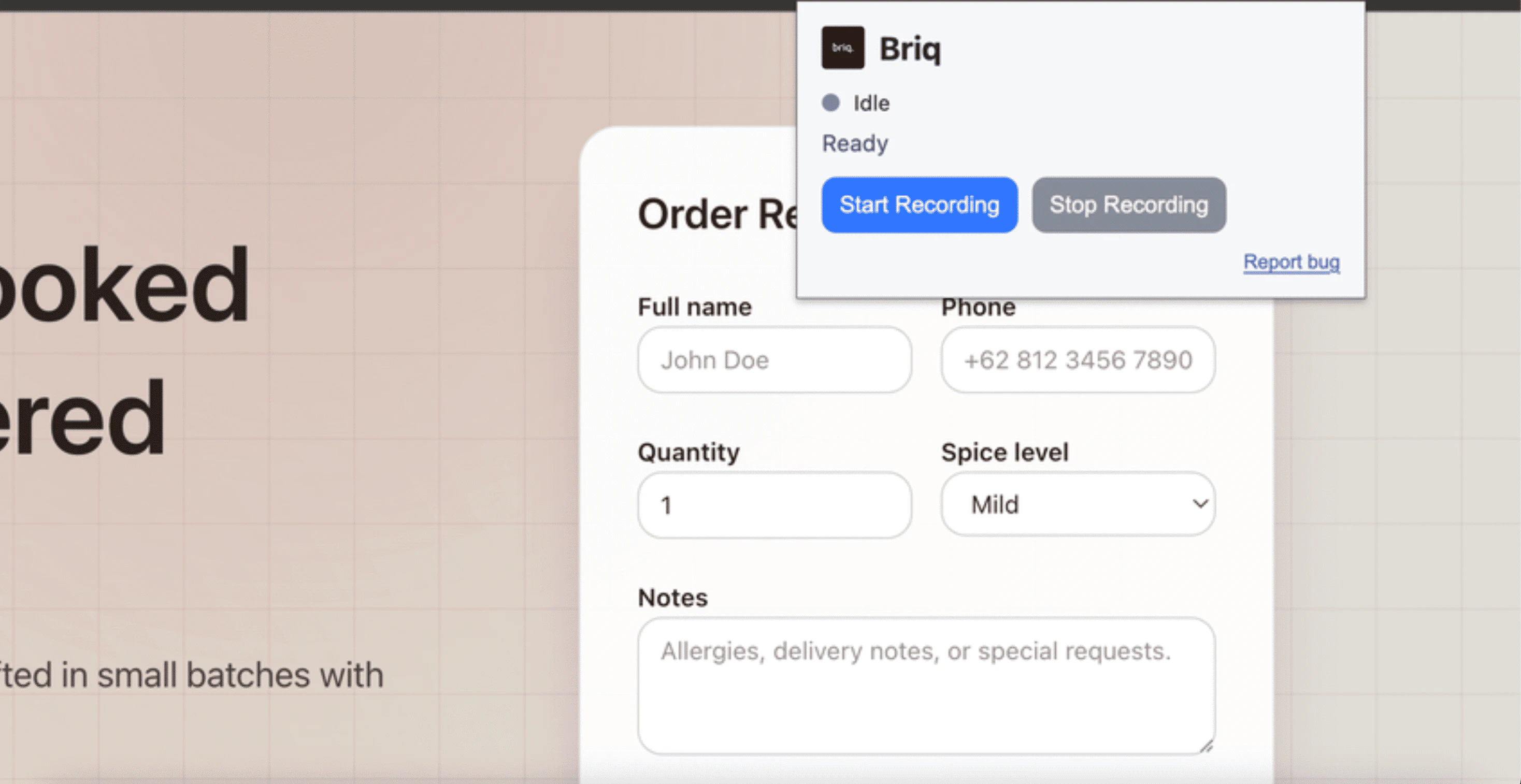
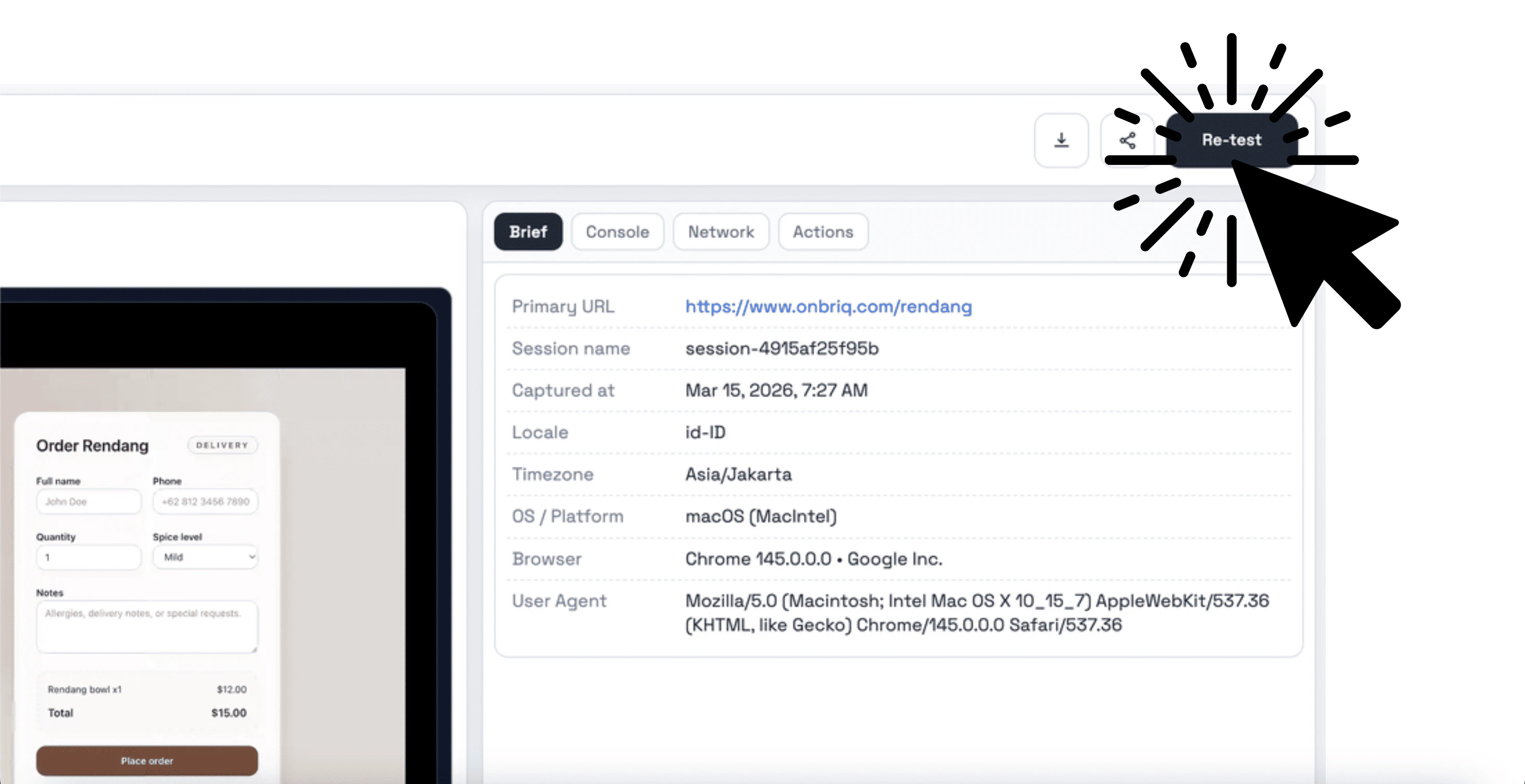
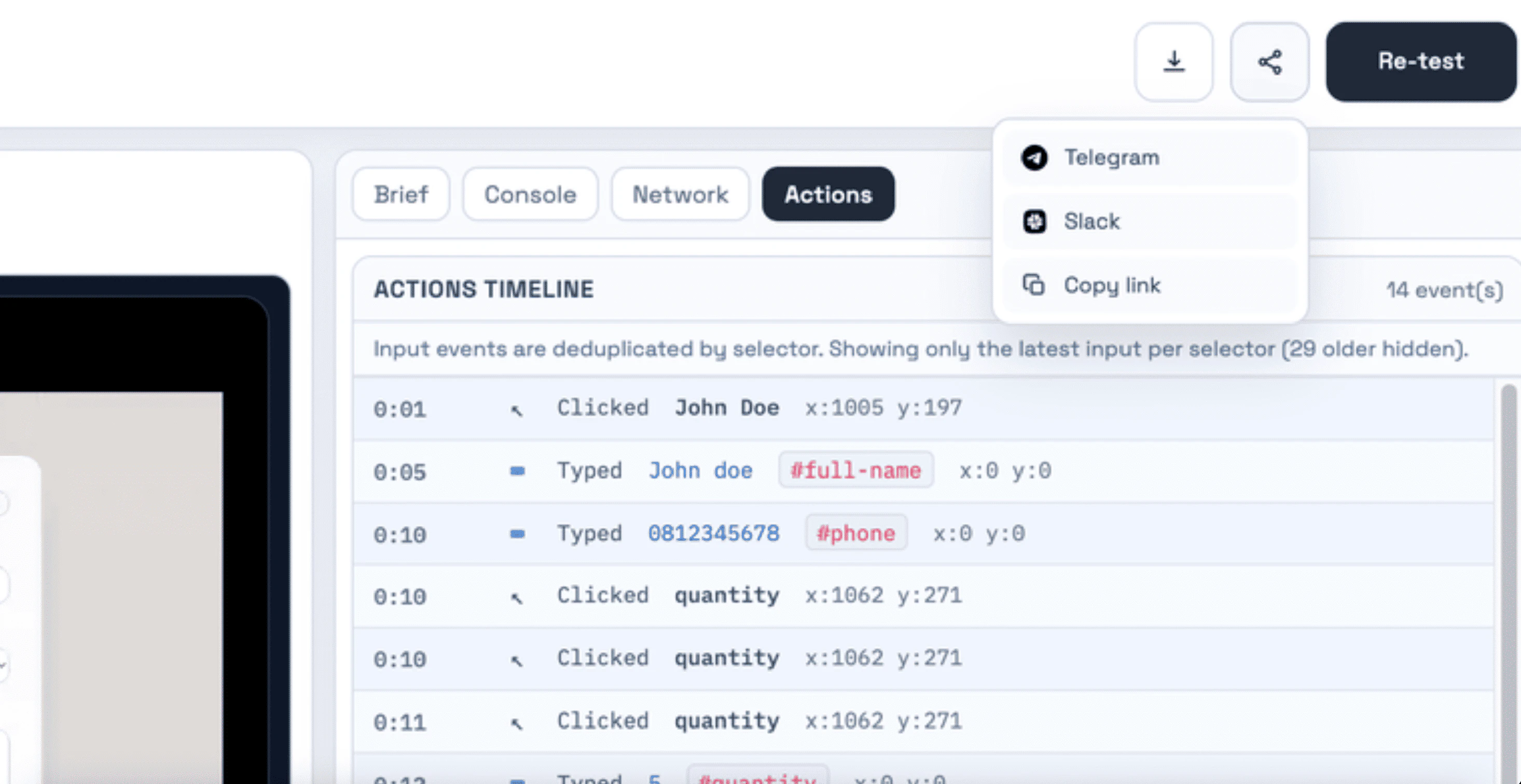
Briq (Beta) is a streamlined Chrome extension designed to simplify the process of bug reporting and verification for developers and QA teams. By allowing users to record browser bugs with a single click, Briq captures the full context of issues, including screenshots, console logs, and network activity, all in one seamless package. Its primary appeal lies in enabling teams to quickly share detailed bug reports and re-test fixes effortlessly, reducing the time spent on manual documentation and communication. Ideal for web developers, testers, and product managers, Briq aims to enhance collaboration and accelerate the debugging cycle. Although still in beta, its focus on ease of use and quick re-testing makes it a promising tool for agile teams looking to improve their bug tracking workflows.
Screenshots
Pros
- ✓One-click bug recording with full context capture
- ✓Easy sharing and collaboration features
- ✓Quick re-testing of fixed bugs
- ✓Seamless integration with browser environment
- ✓Reduces manual effort in bug documentation
Cons
- ✗Beta version may have limited features or stability
- ✗Limited user base and community support at this stage
- ✗Potential compatibility issues with some browsers or sites
Use Cases
Pricing
Likely to adopt a freemium model, offering basic features for free with premium plans providing additional integrations or advanced capabilities. Exact pricing details are not publicly available at this stage.
Quick Info
Topics
Alternatives
Similar Tools in Developer Tools




Embed Badge
Add this badge to your website to show that Briq (Beta) is featured on Visalytica.
<a href="https://www.visalytica.com/tool/briq-beta" target="_blank" rel="noopener noreferrer" style="display:inline-flex;align-items:center;gap:6px;padding:6px 14px;background:#7c3aed;color:#fff;border-radius:8px;font-family:-apple-system,system-ui,sans-serif;font-size:13px;font-weight:600;text-decoration:none;transition:background .2s" onmouseover="this.style.background='#6d28d9'" onmouseout="this.style.background='#7c3aed'"><svg width="14" height="14" viewBox="0 0 24 24" fill="none" stroke="currentColor" stroke-width="2.5" stroke-linecap="round" stroke-linejoin="round"><path d="M12 20V10"/><path d="M18 20V4"/><path d="M6 20v-4"/></svg>Featured on Visalytica</a>