Boom video for Mac
Present live, record your screen, look pro on camera
About Boom video for Mac
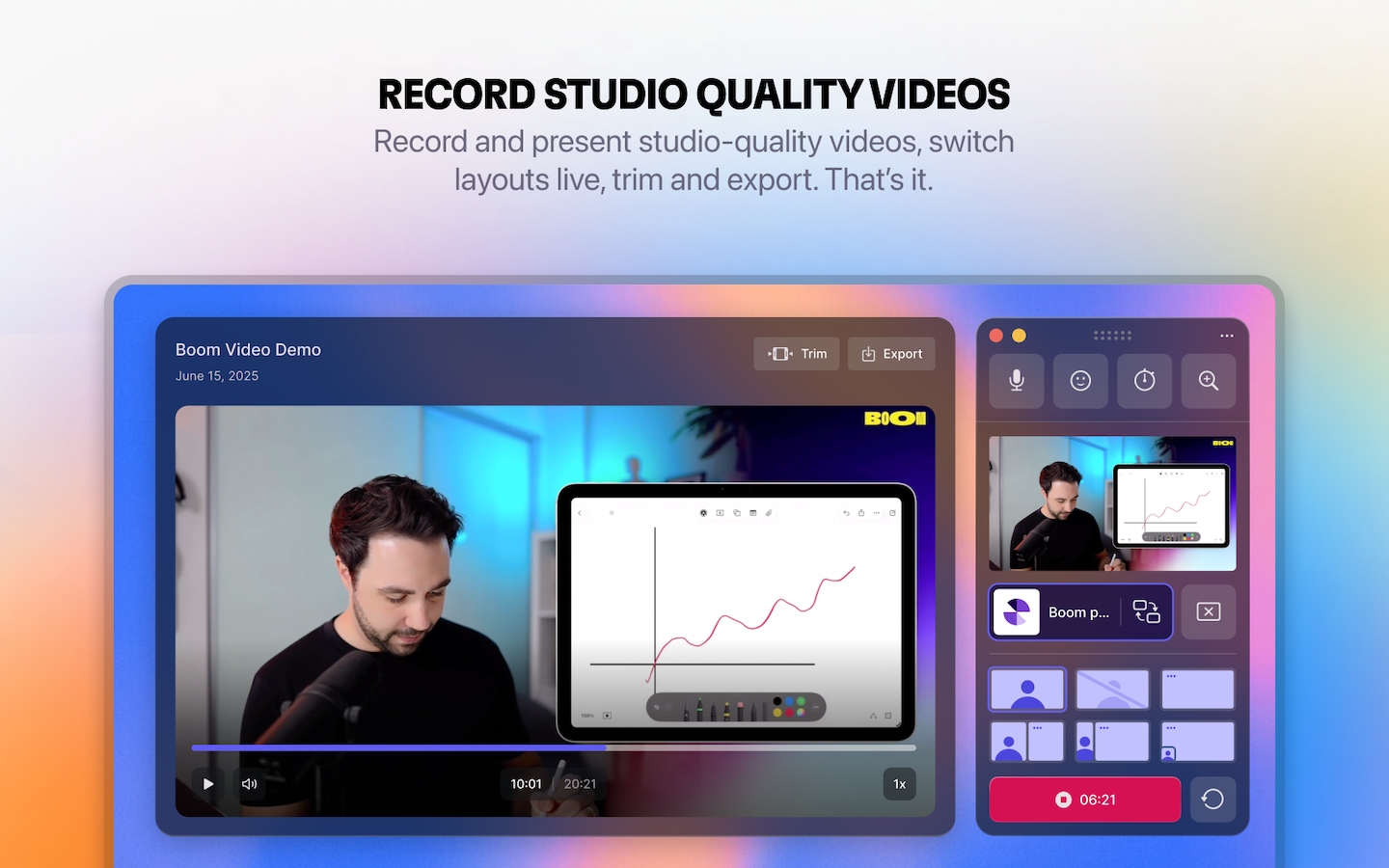
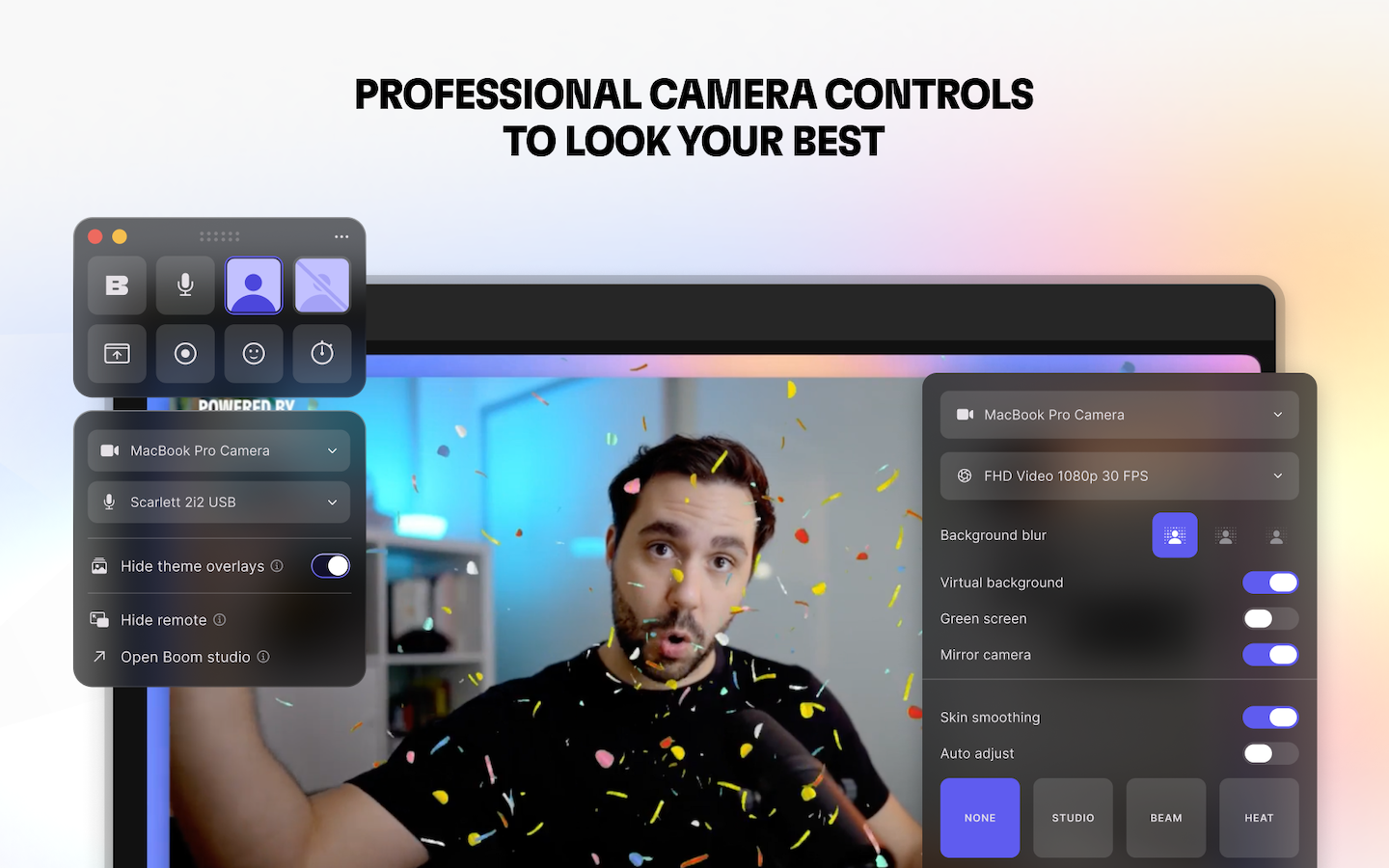
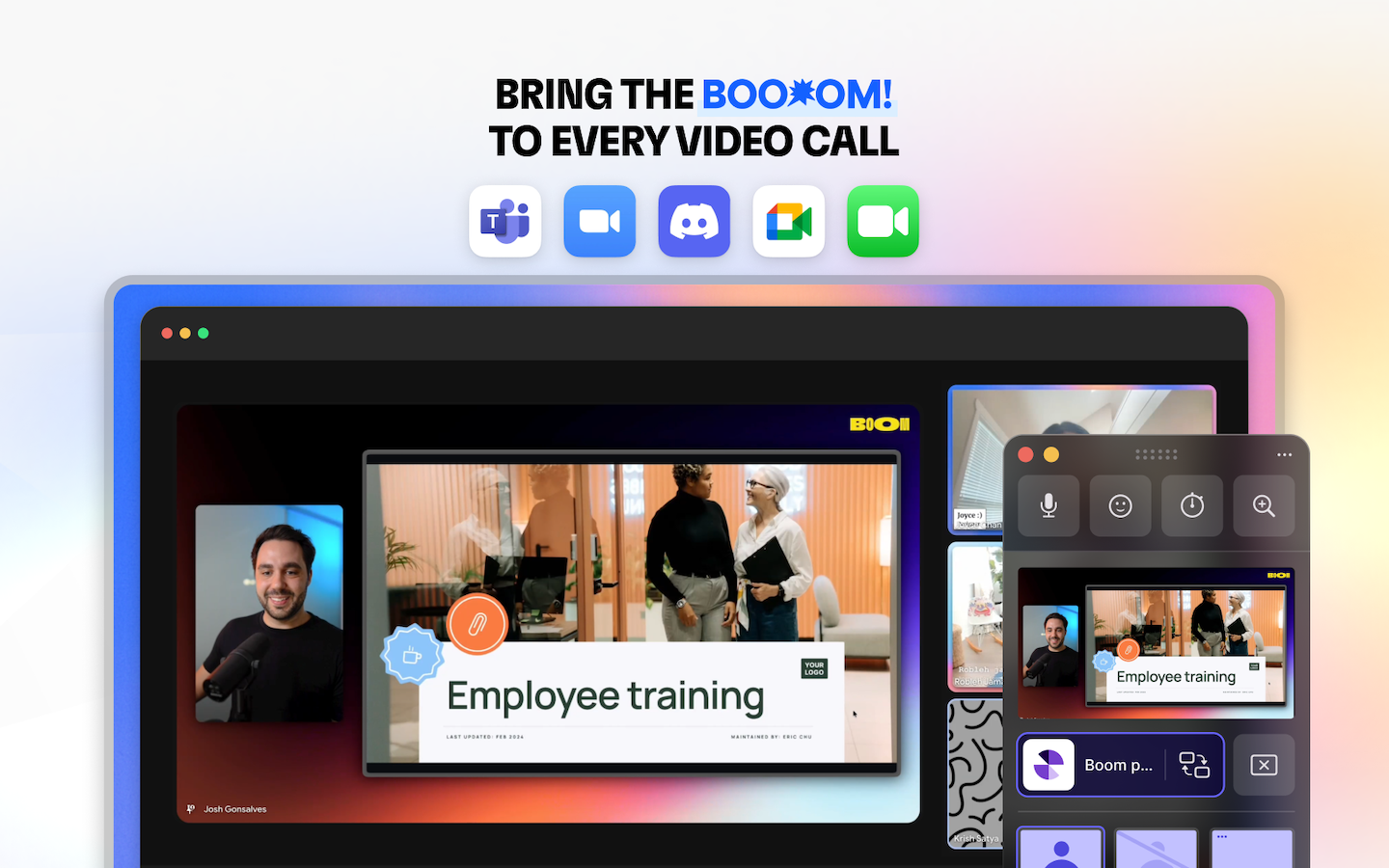
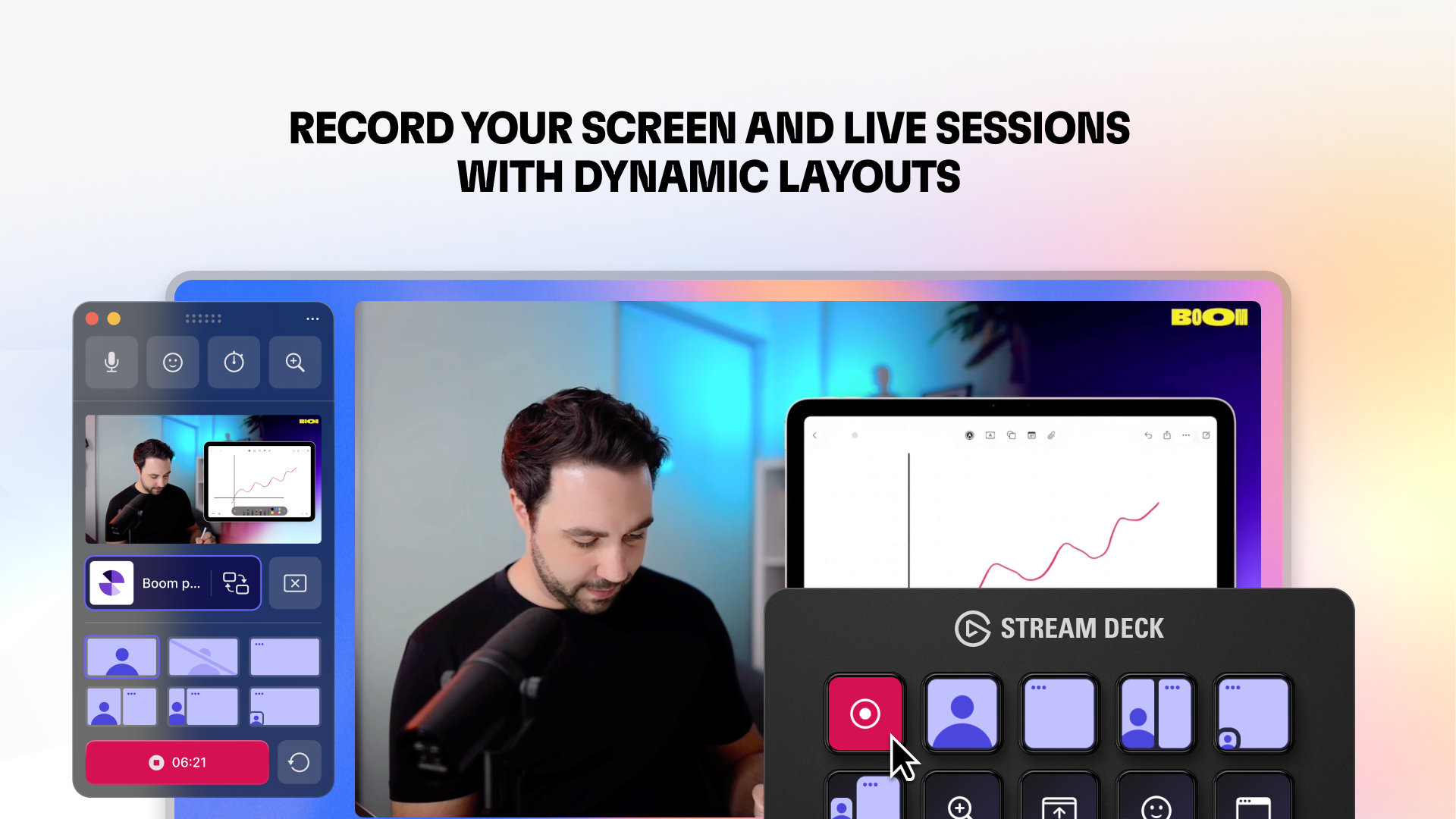
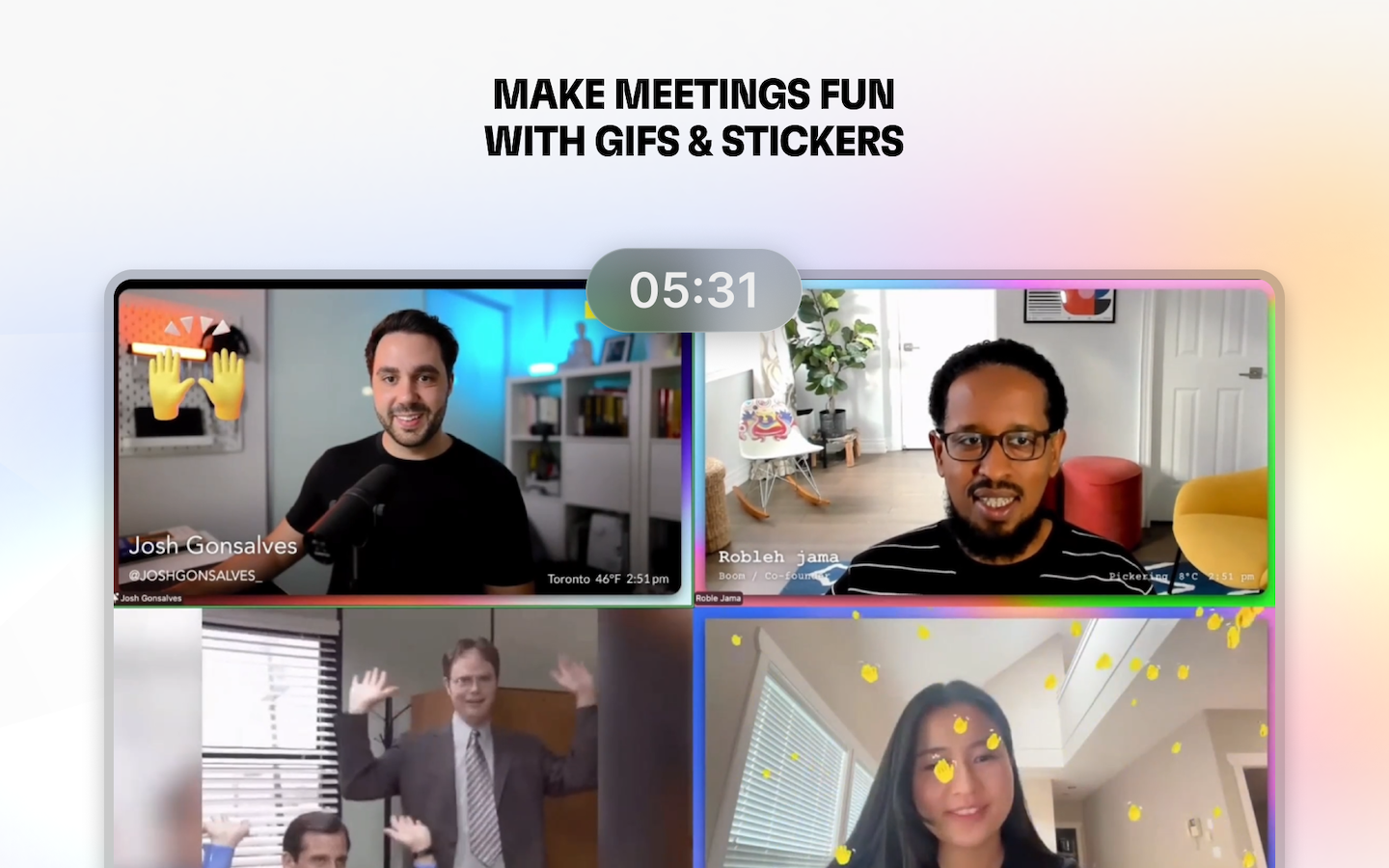
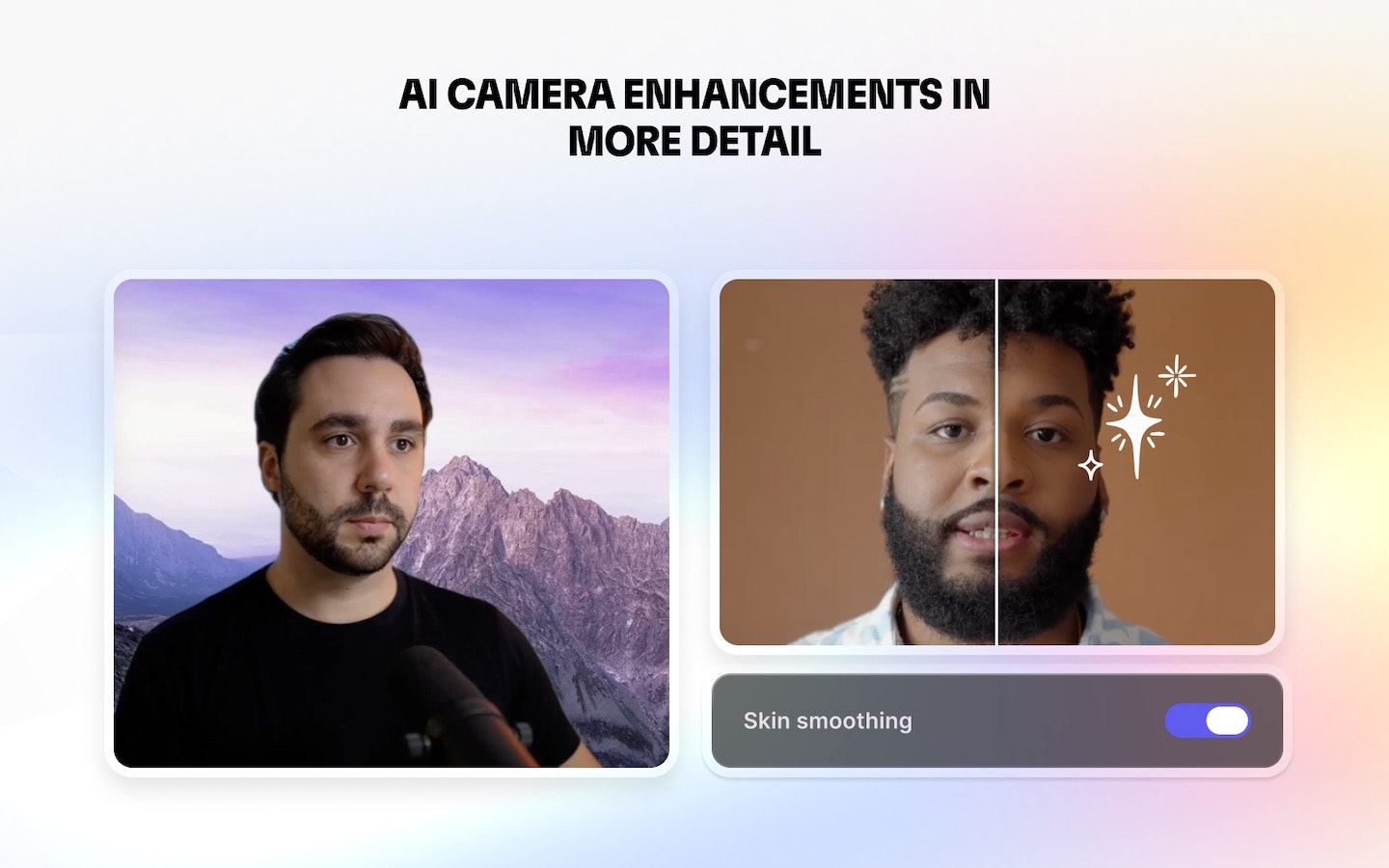
Boom Video for Mac is a streamlined live presentation and recording tool designed specifically for coaches, creators, and founders who frequently present on camera. It offers professional layouts, cinematic transitions, and virtual camera capabilities that enable users to look polished during live sessions on platforms like Zoom, Google Meet, or Microsoft Teams. One of its key strengths is its simplicity—there's no need for complex editing or post-production, as videos are finished as soon as you stop talking. Additionally, Boom supports scene switching on the fly with Stream Deck integration, making it ideal for dynamic presentations. Built exclusively for Mac and developed by a small indie team, it positions itself as a user-friendly alternative to more complex solutions like OBS or Loom, focusing on ease of use without sacrificing visual quality.
Screenshots
+3 more screenshots
Pros
- ✓Intuitive interface tailored for on-camera presentations
- ✓Built-in cinematic transitions and professional layouts
- ✓Virtual camera support for seamless live streaming
- ✓Scene switching with Stream Deck integration for dynamic presentations
- ✓No editing or post-production required; videos are ready immediately
Cons
- ✗Mac-only availability limits cross-platform users
- ✗Lacks advanced editing features found in traditional video editing tools
- ✗May have a learning curve for users unfamiliar with live scene switching
Use Cases
Pricing
Likely follows a freemium model with a free trial or basic tier, with paid plans starting around $X/month, providing access to full features and advanced scene controls. Exact pricing details are not publicly confirmed but are typical for similar SaaS tools.
Quick Info
Topics
Alternatives
Similar Tools in AI Image & Design




Embed Badge
Add this badge to your website to show that Boom video for Mac is featured on Visalytica.
<a href="https://www.visalytica.com/tool/boom-video-for-mac" target="_blank" rel="noopener noreferrer" style="display:inline-flex;align-items:center;gap:6px;padding:6px 14px;background:#7c3aed;color:#fff;border-radius:8px;font-family:-apple-system,system-ui,sans-serif;font-size:13px;font-weight:600;text-decoration:none;transition:background .2s" onmouseover="this.style.background='#6d28d9'" onmouseout="this.style.background='#7c3aed'"><svg width="14" height="14" viewBox="0 0 24 24" fill="none" stroke="currentColor" stroke-width="2.5" stroke-linecap="round" stroke-linejoin="round"><path d="M12 20V10"/><path d="M18 20V4"/><path d="M6 20v-4"/></svg>Featured on Visalytica</a>