
Bookmarkai
visual Chrome extension to bookmark & organize YouTube links
About Bookmarkai
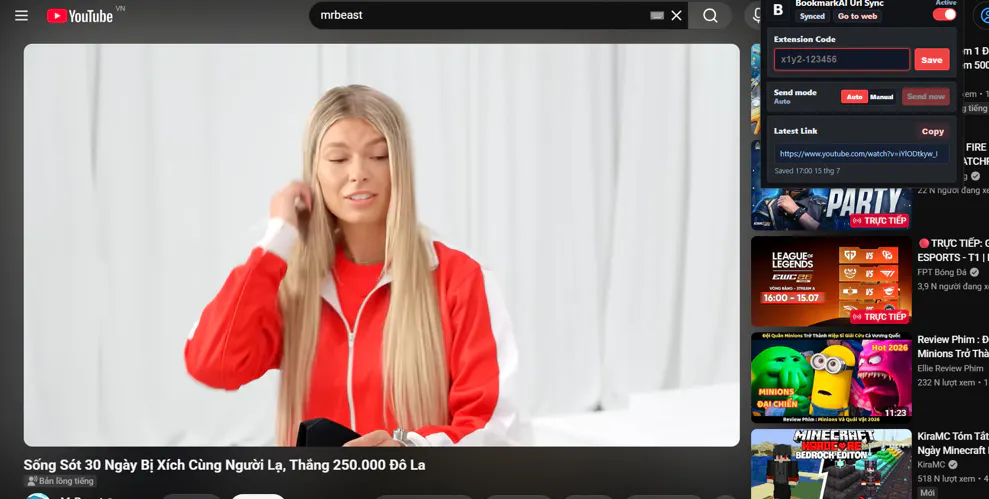
BookmarkAI is an innovative AI-powered Chrome extension designed to simplify the process of saving and organizing YouTube links. It offers a visual workspace that eliminates manual tagging frustrations by providing one-click bookmarking, automated AI-generated tags, and an intelligent semantic search feature. Users can effortlessly find videos based on their content or topic, even if they don't remember the exact title, making it ideal for creators, marketers, researchers, and anyone managing large collections of YouTube content. Its seamless integration and AI-driven features create a more efficient and intuitive bookmarking experience, standing out from traditional manual systems. Whether you're curating educational resources, marketing videos, or research material, BookmarkAI helps keep everything organized and easily accessible with minimal effort.
Screenshots
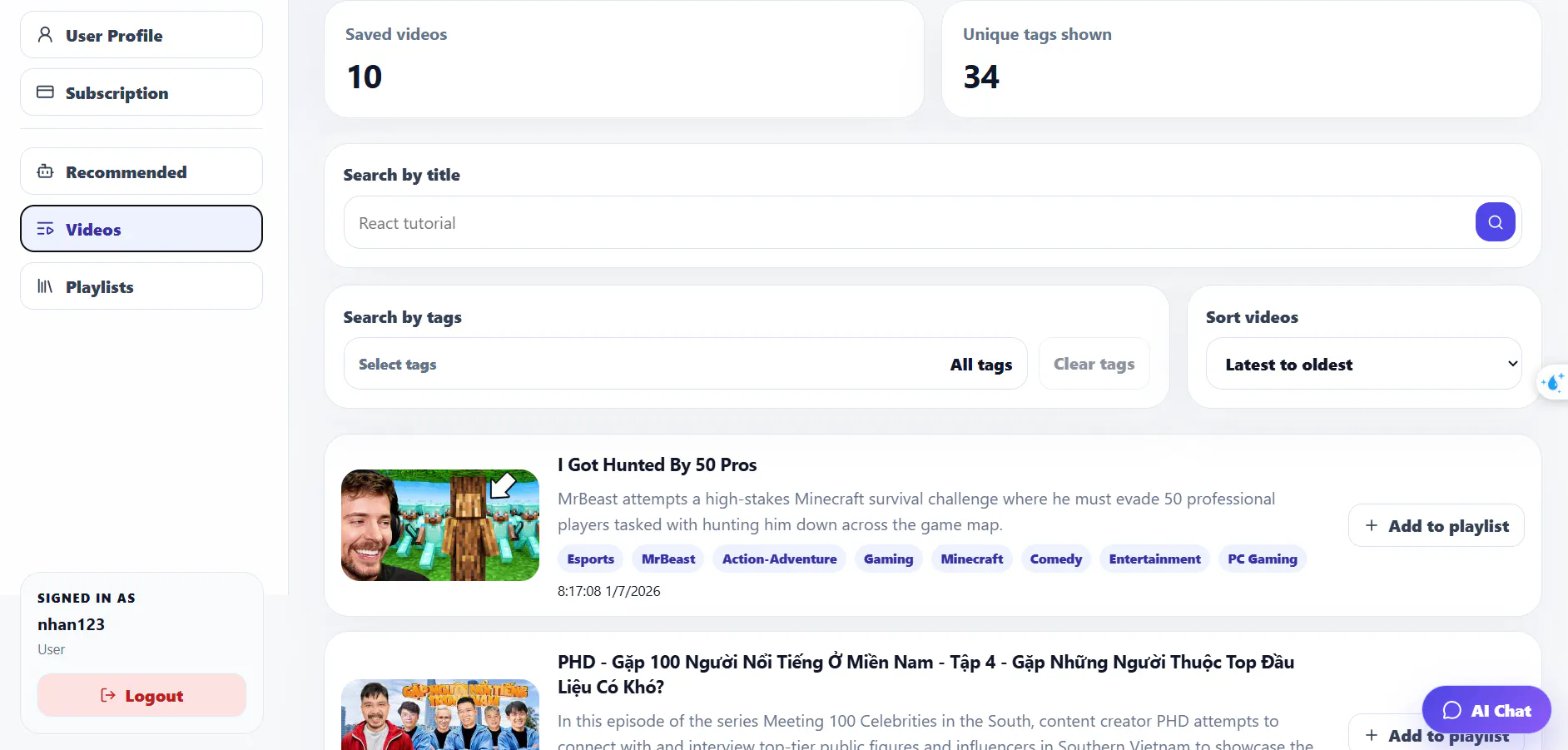
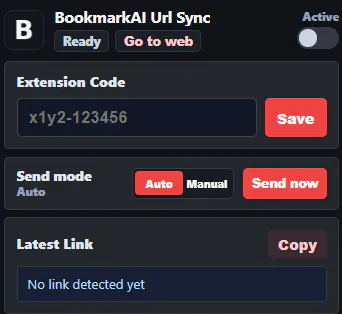
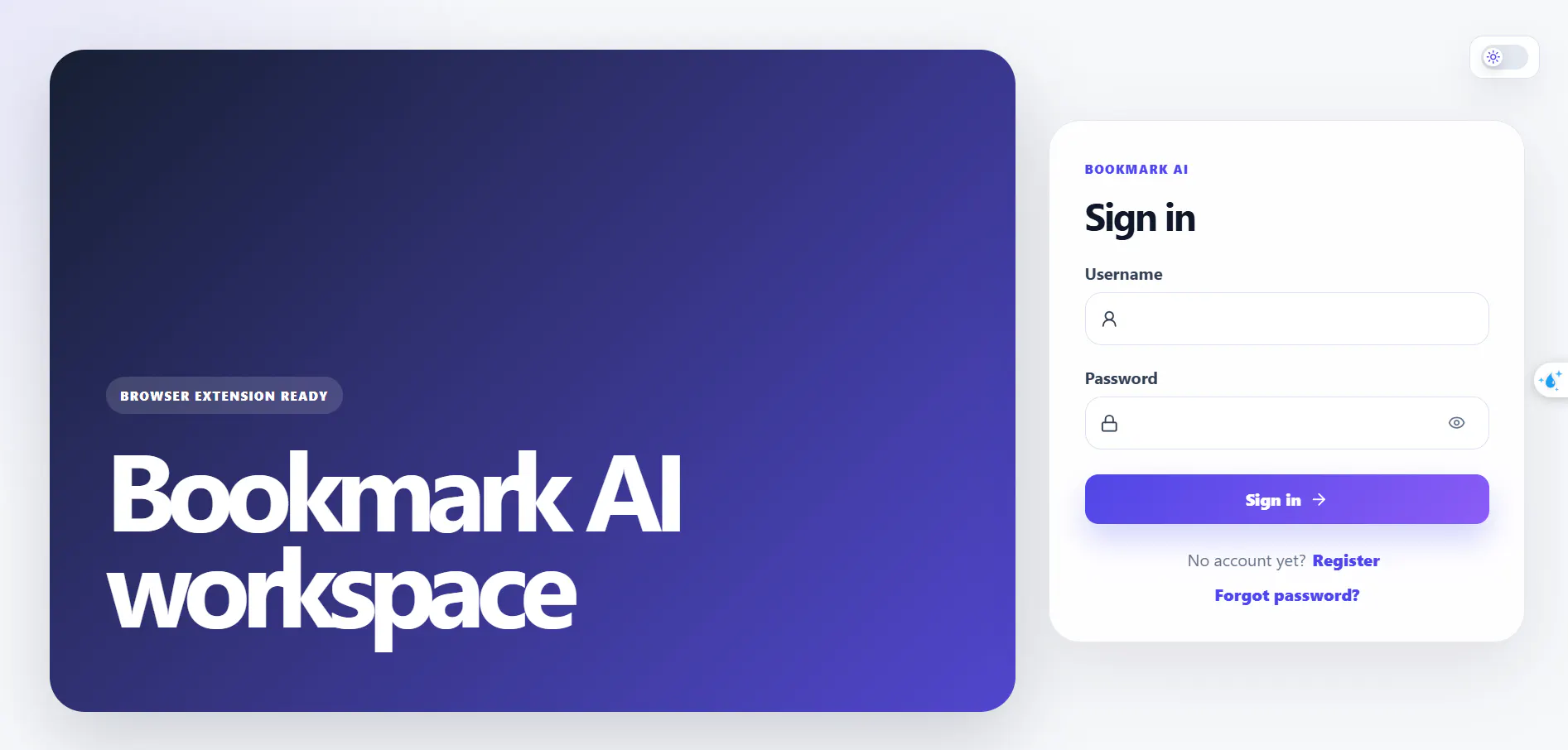
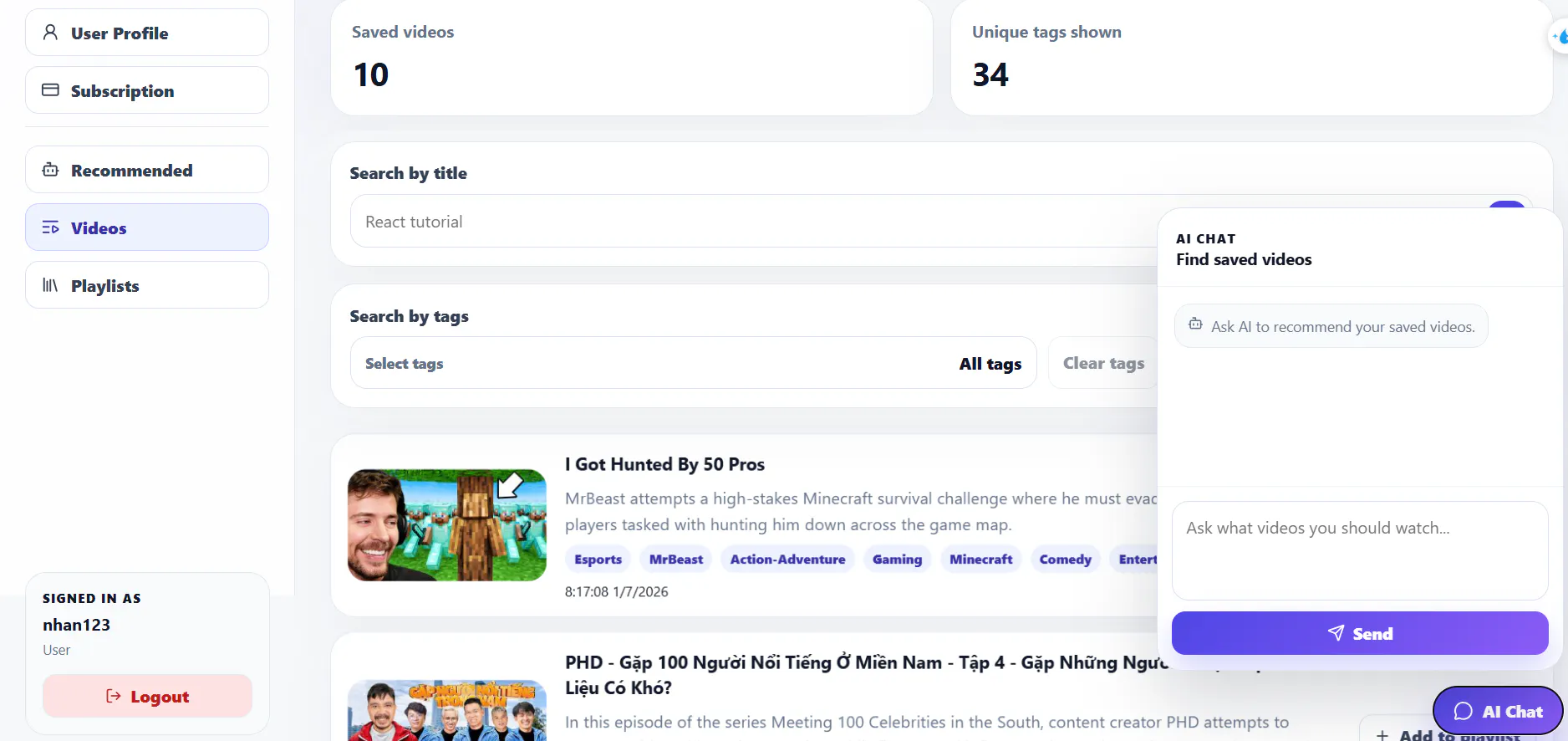
Pros
- ✓One-click bookmarking with Chrome extension for quick saves
- ✓Automated AI tagging to categorize videos effortlessly
- ✓Semantic search allows finding videos by content, not just titles
- ✓Visual workspace for easy organization
- ✓Suitable for creators, marketers, and researchers
Cons
- ✗Limited information on free vs. paid plans, likely subscription-based
- ✗No user base or reviews available yet, indicating early-stage adoption
- ✗Features may be less customizable compared to traditional bookmark managers
Use Cases
Pricing
Likely operates on a freemium model, offering basic features for free with premium plans for additional AI capabilities and storage. Exact pricing details are not specified but typical for SaaS extensions of this nature.
Quick Info
Topics
Makers

Chinh Nhan Nguyen
Similar Tools in AI Image & Design




Embed Badge
Add this badge to your website to show that Bookmarkai is featured on Visalytica.
<a href="https://www.visalytica.com/tool/bookmarkai" target="_blank" rel="noopener noreferrer" style="display:inline-flex;align-items:center;gap:6px;padding:6px 14px;background:#7c3aed;color:#fff;border-radius:8px;font-family:-apple-system,system-ui,sans-serif;font-size:13px;font-weight:600;text-decoration:none;transition:background .2s" onmouseover="this.style.background='#6d28d9'" onmouseout="this.style.background='#7c3aed'"><svg width="14" height="14" viewBox="0 0 24 24" fill="none" stroke="currentColor" stroke-width="2.5" stroke-linecap="round" stroke-linejoin="round"><path d="M12 20V10"/><path d="M18 20V4"/><path d="M6 20v-4"/></svg>Featured on Visalytica</a>