
Blink AI CFO
AI CFO that autonomously trades stocks and options via Slack
About Blink AI CFO
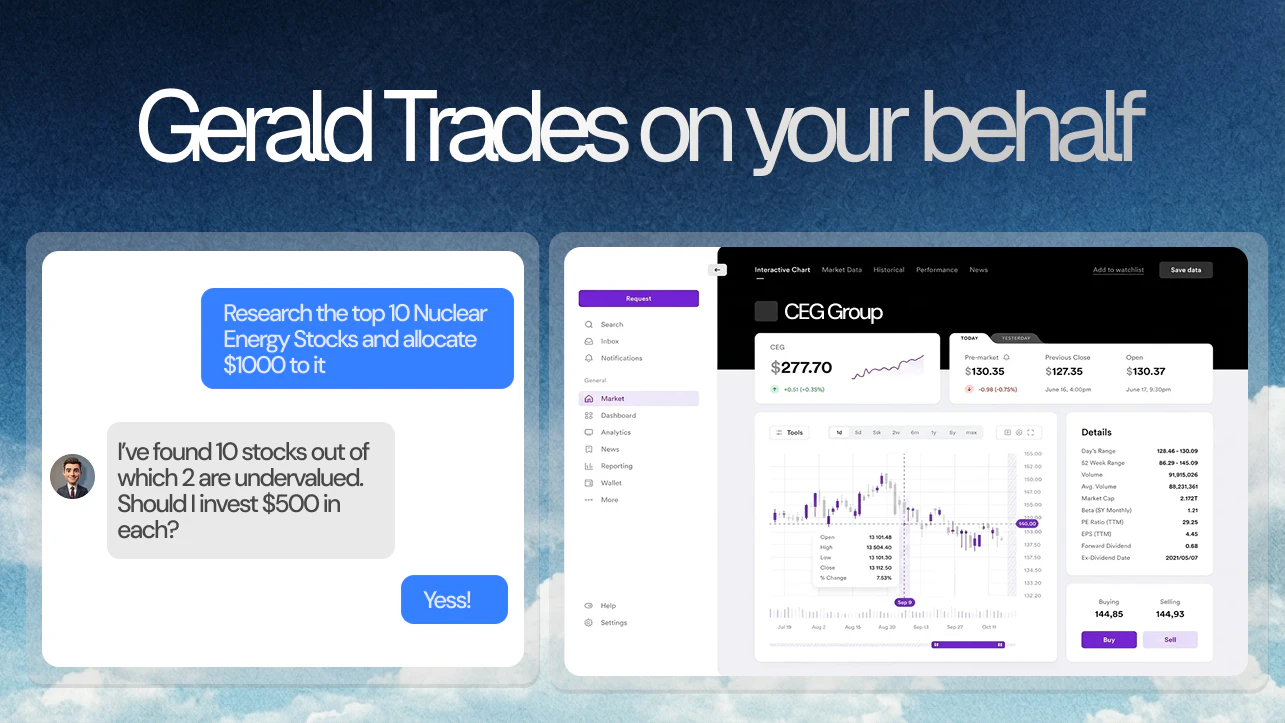
Blink AI CFO is an innovative AI-powered financial management tool designed for entrepreneurs, small business owners, and financial professionals seeking automated investing and financial insights within Slack. It autonomously trades stocks and options through platforms like Alpaca or Robinhood, utilizing advanced models such as Claude Opus 4.7, GPT-5.4, and Gemini 3.1 Pro. Beyond trading, it builds Wall Street-grade financial models, updates real-time P&L statements from Stripe and QuickBooks, and generates investor decks on demand. Every output is a tangible artifact, including Excel models, live P&L sheets, and investor-grade presentations, making financial management seamless and accessible from within Slack. Its quick setup—live in just 60 seconds—makes it ideal for busy professionals looking to leverage AI for smarter, automated financial decisions and reporting.
Screenshots

Pros
- ✓Automates stock and options trading 24/7 within Slack
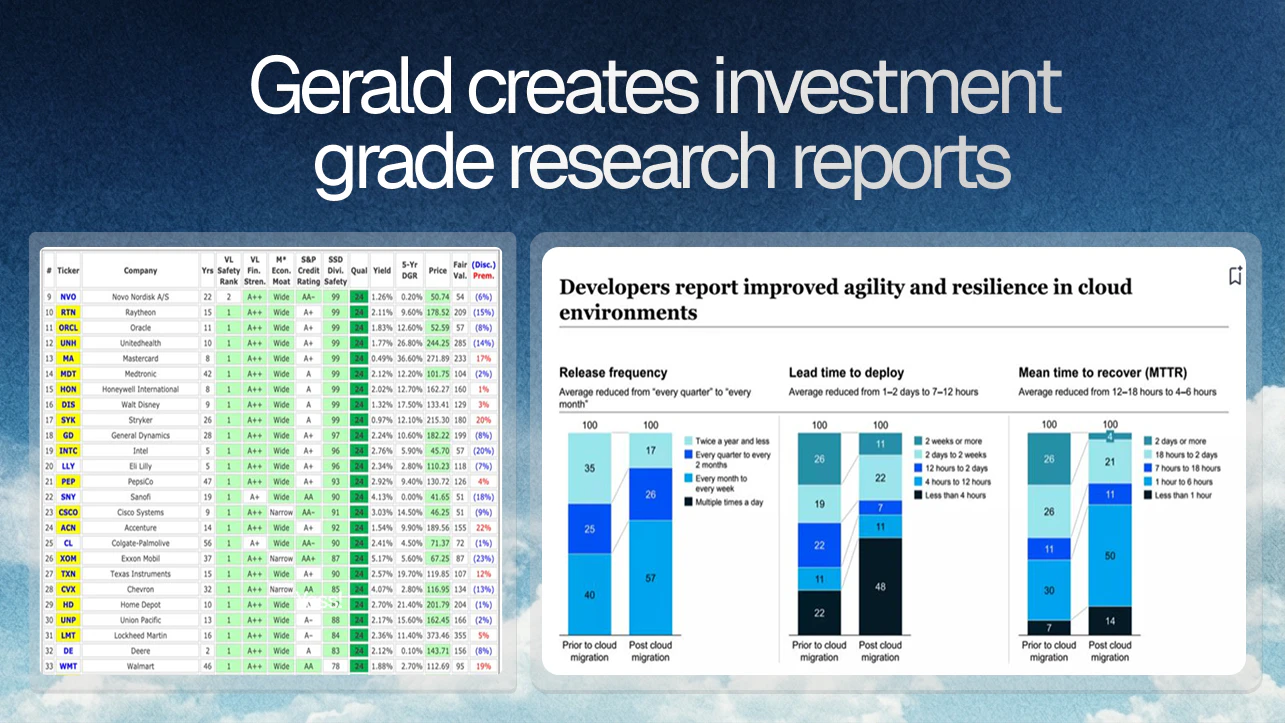
- ✓Builds comprehensive, professional financial models and reports
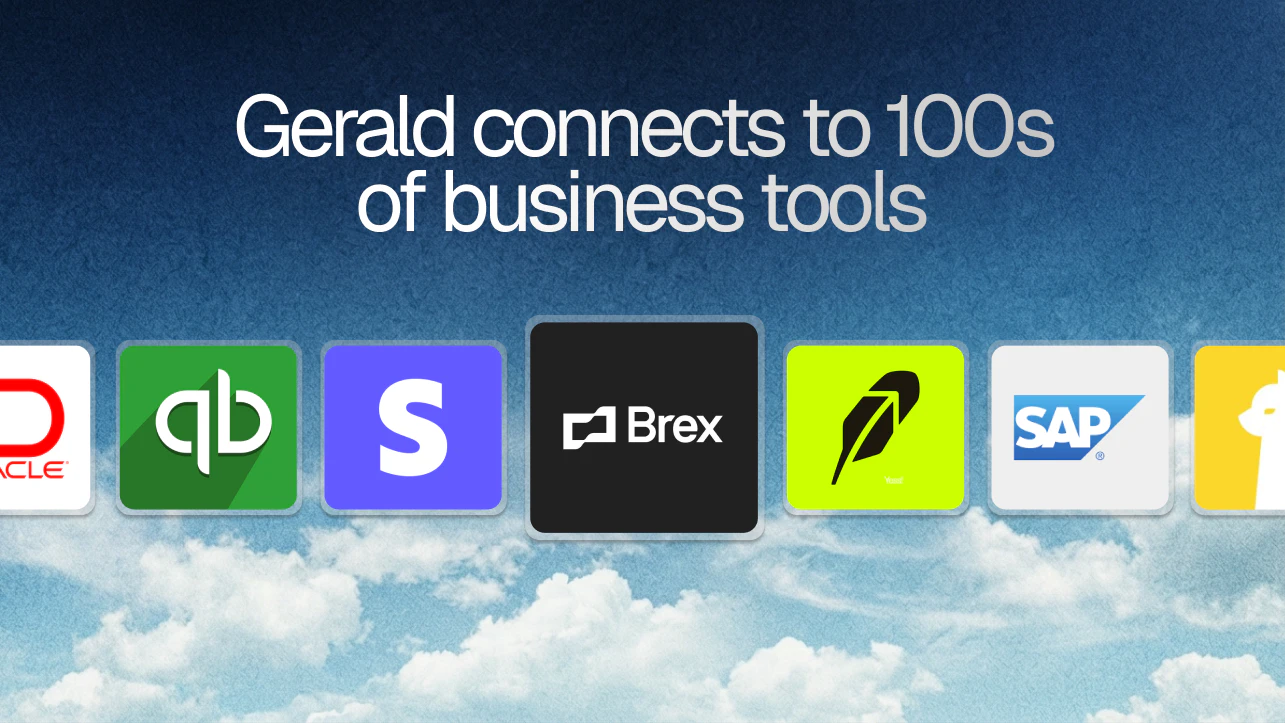
- ✓Integrates with popular financial tools like Stripe and QuickBooks for real-time updates
- ✓Generates tangible assets such as Excel sheets and investor decks
- ✓Leverages multiple advanced AI models for sophisticated analysis
Cons
- ✗Potential risks associated with autonomous trading without human oversight
- ✗Limited information on pricing structure and subscription costs
- ✗Requires some familiarity with financial markets and AI tools
Use Cases
Pricing
Likely operates on a subscription-based model with tiered plans, possibly offering a freemium option with paid plans for advanced features and automated trading capabilities. Exact pricing details are not publicly specified.
Quick Info
Topics
Alternatives
Similar Tools in AI Assistants




Embed Badge
Add this badge to your website to show that Blink AI CFO is featured on Visalytica.
<a href="https://www.visalytica.com/tool/blink-ai-cfo" target="_blank" rel="noopener noreferrer" style="display:inline-flex;align-items:center;gap:6px;padding:6px 14px;background:#7c3aed;color:#fff;border-radius:8px;font-family:-apple-system,system-ui,sans-serif;font-size:13px;font-weight:600;text-decoration:none;transition:background .2s" onmouseover="this.style.background='#6d28d9'" onmouseout="this.style.background='#7c3aed'"><svg width="14" height="14" viewBox="0 0 24 24" fill="none" stroke="currentColor" stroke-width="2.5" stroke-linecap="round" stroke-linejoin="round"><path d="M12 20V10"/><path d="M18 20V4"/><path d="M6 20v-4"/></svg>Featured on Visalytica</a>