
BlankOut
Redact your docs on-device before sharing to AI
About BlankOut
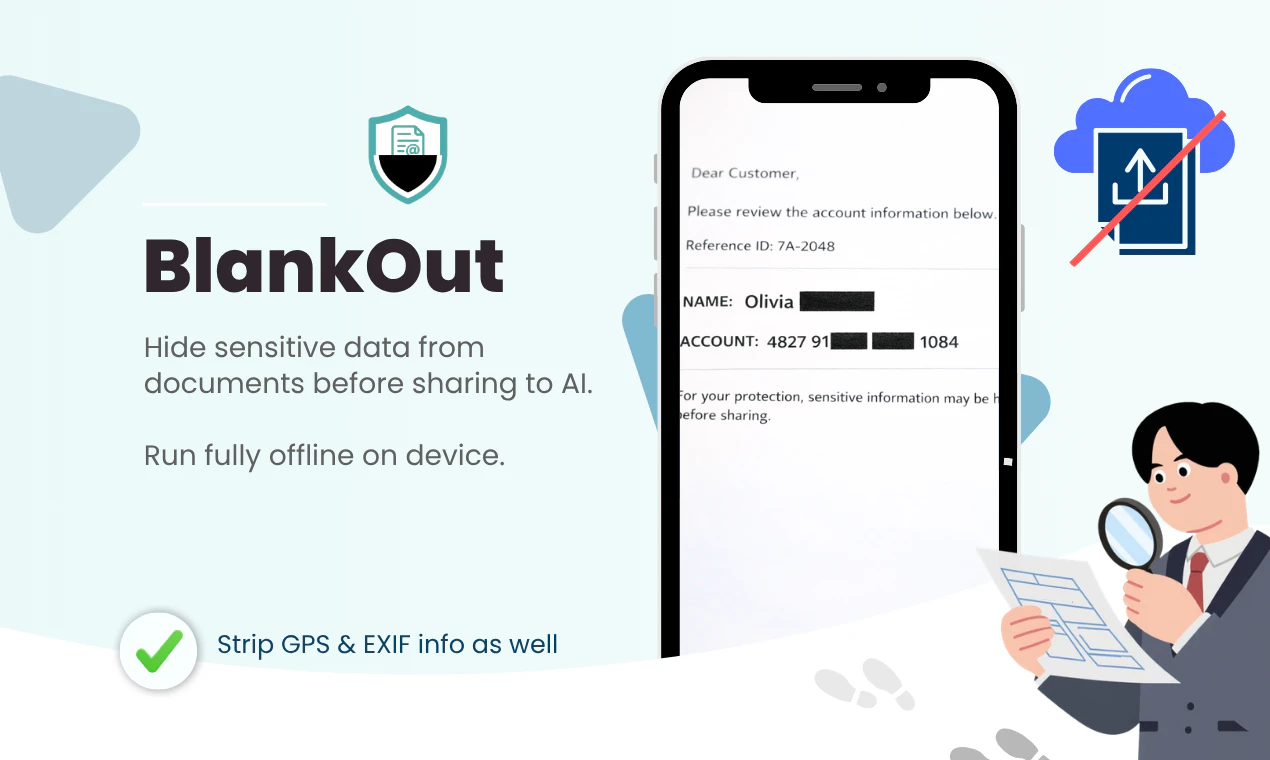
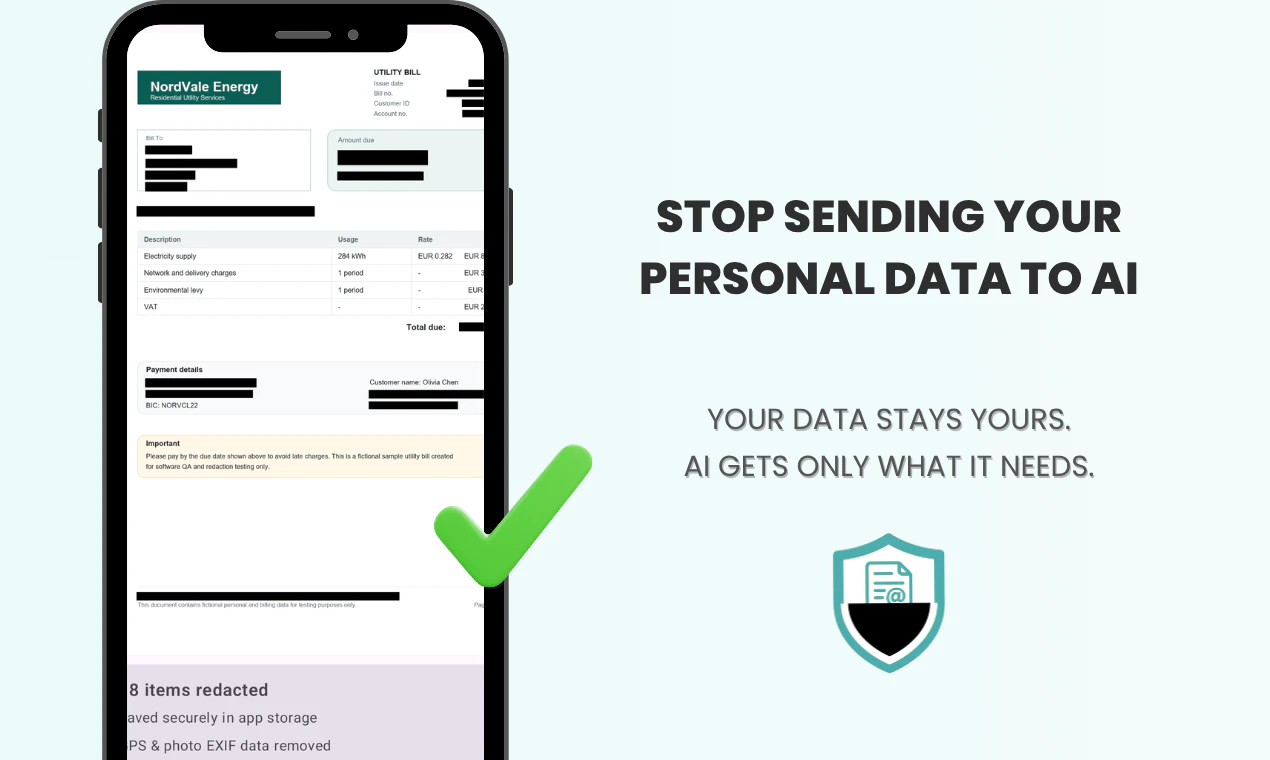
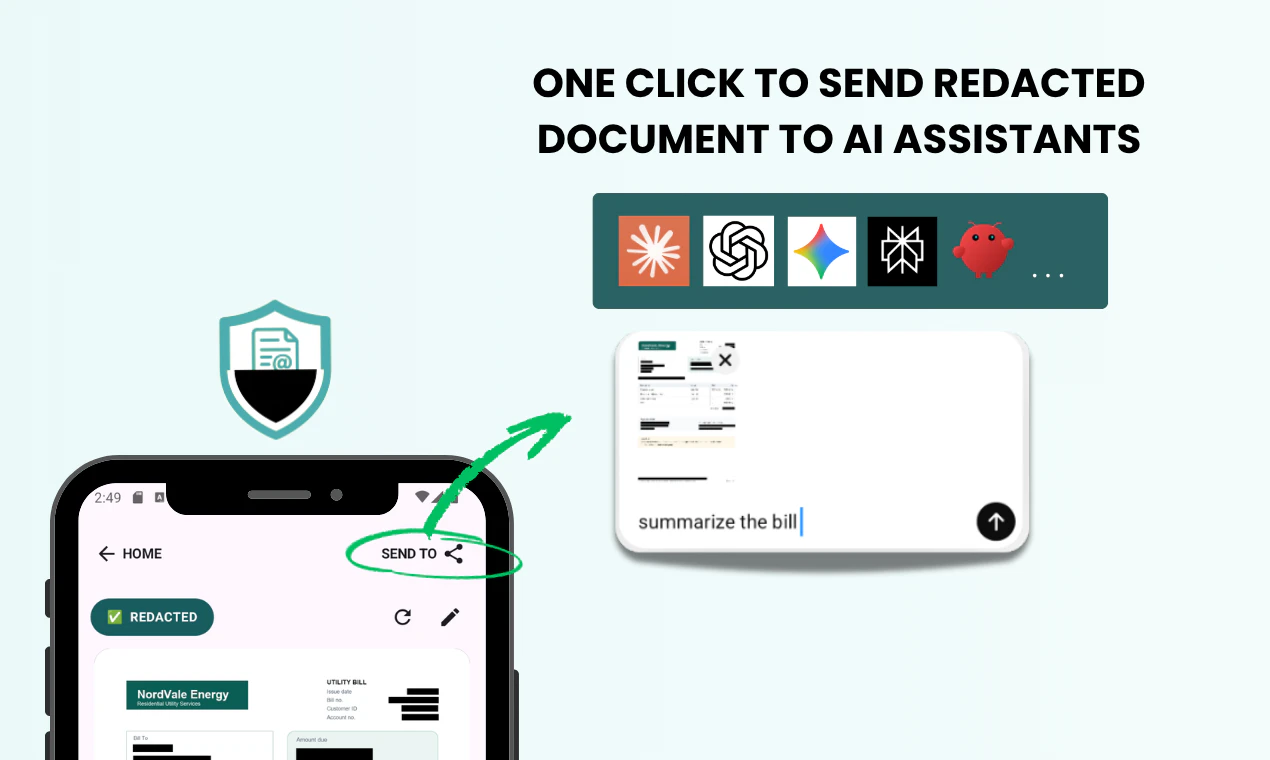
BlankOut is a privacy-focused Android application designed to securely redact sensitive information from documents before sharing them with AI services. It leverages on-device artificial intelligence to automatically detect and obscure personal data such as names, account numbers, addresses, and even GPS and EXIF metadata, ensuring that no private information leaves your device. This approach addresses growing concerns around data privacy and security, making it ideal for users who frequently share confidential documents like medical reports, bills, or bank statements with AI tools. What sets BlankOut apart is its on-device processing, which guarantees that sensitive data is never uploaded to the cloud, offering users peace of mind while still enabling seamless document sharing with AI assistants. With a simple one-tap process, users can generate clean, redacted versions of their documents, enhancing privacy without sacrificing convenience.
Screenshots
Pros
- ✓On-device AI redaction for enhanced privacy
- ✓Automatic detection of sensitive information
- ✓Strips GPS & EXIF metadata for added security
- ✓Simple, one-tap redaction process
- ✓No data leaves the device, ensuring privacy
Cons
- ✗Limited information on pricing and subscription options
- ✗Potential accuracy issues depending on document complexity
- ✗Currently only available on Android, limiting cross-platform use
Use Cases
Pricing
Likely employs a freemium model with a free version offering basic redaction features and paid plans for advanced capabilities, though specific details are not publicly confirmed.
Quick Info
Topics
Alternatives
Similar Tools in AI Assistants




Embed Badge
Add this badge to your website to show that BlankOut is featured on Visalytica.
<a href="https://www.visalytica.com/tool/blankout" target="_blank" rel="noopener noreferrer" style="display:inline-flex;align-items:center;gap:6px;padding:6px 14px;background:#7c3aed;color:#fff;border-radius:8px;font-family:-apple-system,system-ui,sans-serif;font-size:13px;font-weight:600;text-decoration:none;transition:background .2s" onmouseover="this.style.background='#6d28d9'" onmouseout="this.style.background='#7c3aed'"><svg width="14" height="14" viewBox="0 0 24 24" fill="none" stroke="currentColor" stroke-width="2.5" stroke-linecap="round" stroke-linejoin="round"><path d="M12 20V10"/><path d="M18 20V4"/><path d="M6 20v-4"/></svg>Featured on Visalytica</a>