
biomes
Save multi-monitor app layouts & launch with hotkeys
About biomes
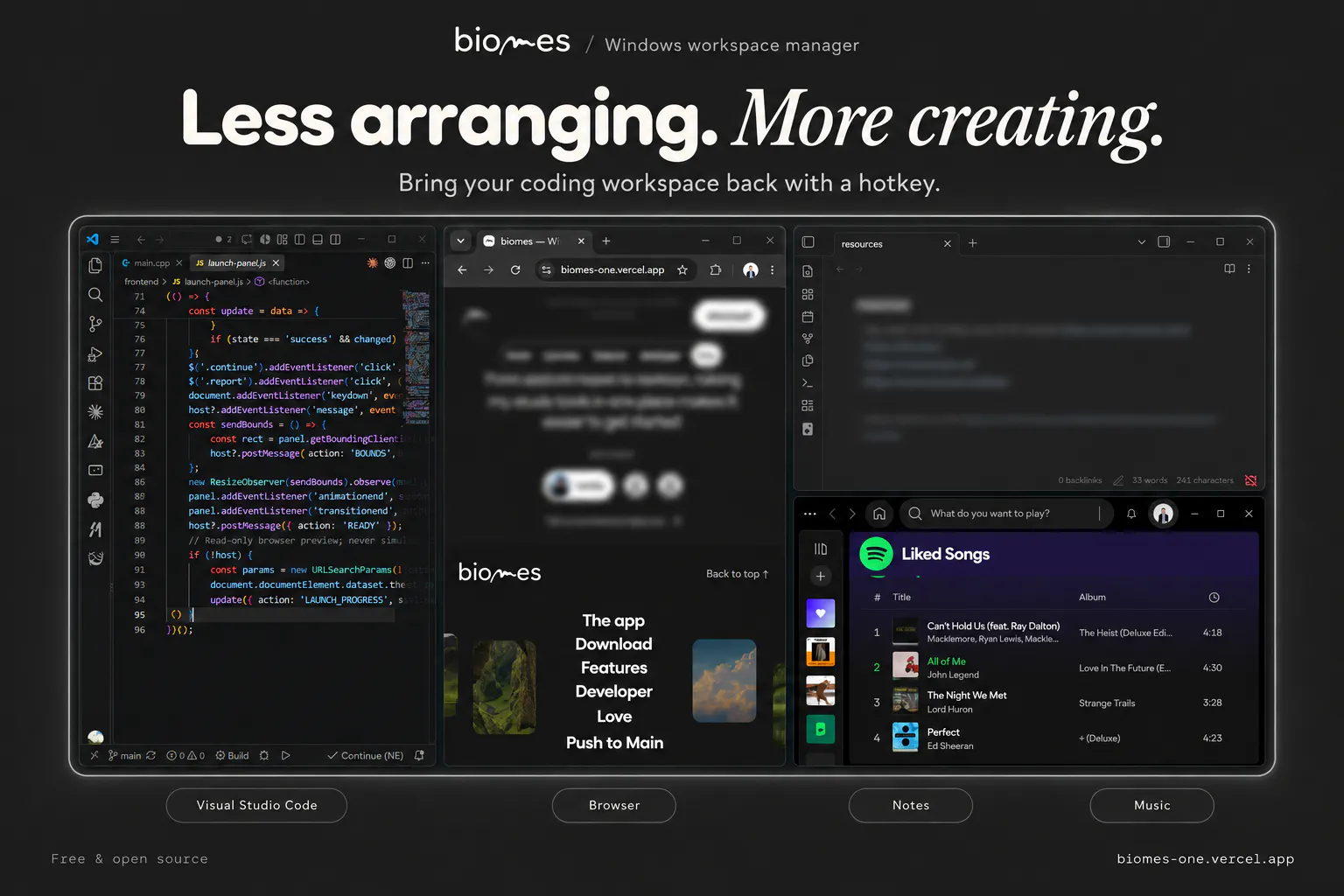
Biomes is a free, open-source Windows workspace manager designed for users juggling multiple interests or workflows. It simplifies the process of organizing and launching app layouts across multiple monitors, enabling users to create custom setups for different routines such as coding, design, or studying. With its focus on reducing setup friction and fostering focus habits, Biomes allows users to group applications, tools, and notes into tailored multi-monitor configurations that can be triggered instantly via global hotkeys. This seamless switching capability helps maintain momentum and productivity without losing context. Its local storage approach ensures user data remains private and under full control, making it ideal for privacy-conscious professionals and power users seeking a customizable workspace solution without reliance on cloud services.
Screenshots
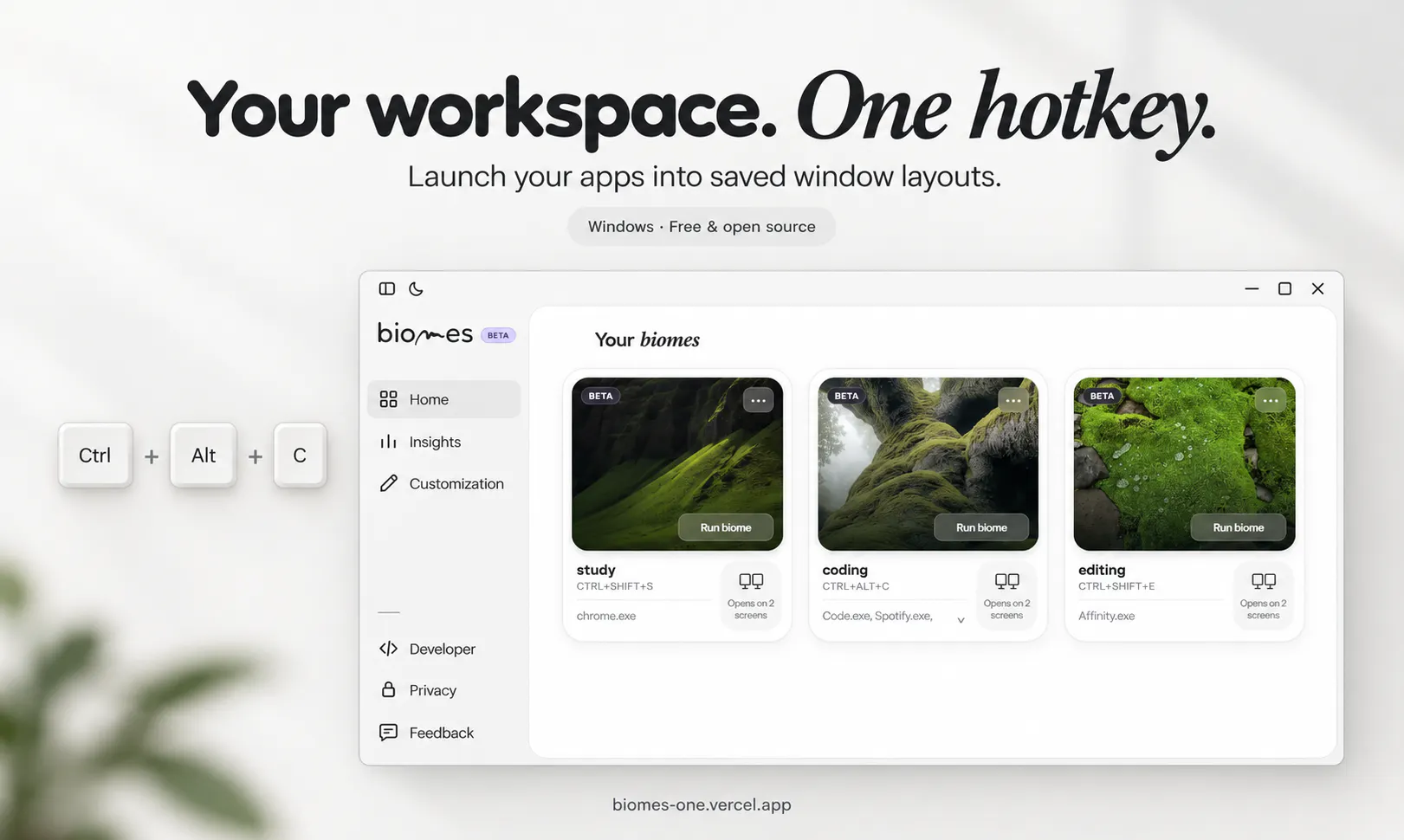
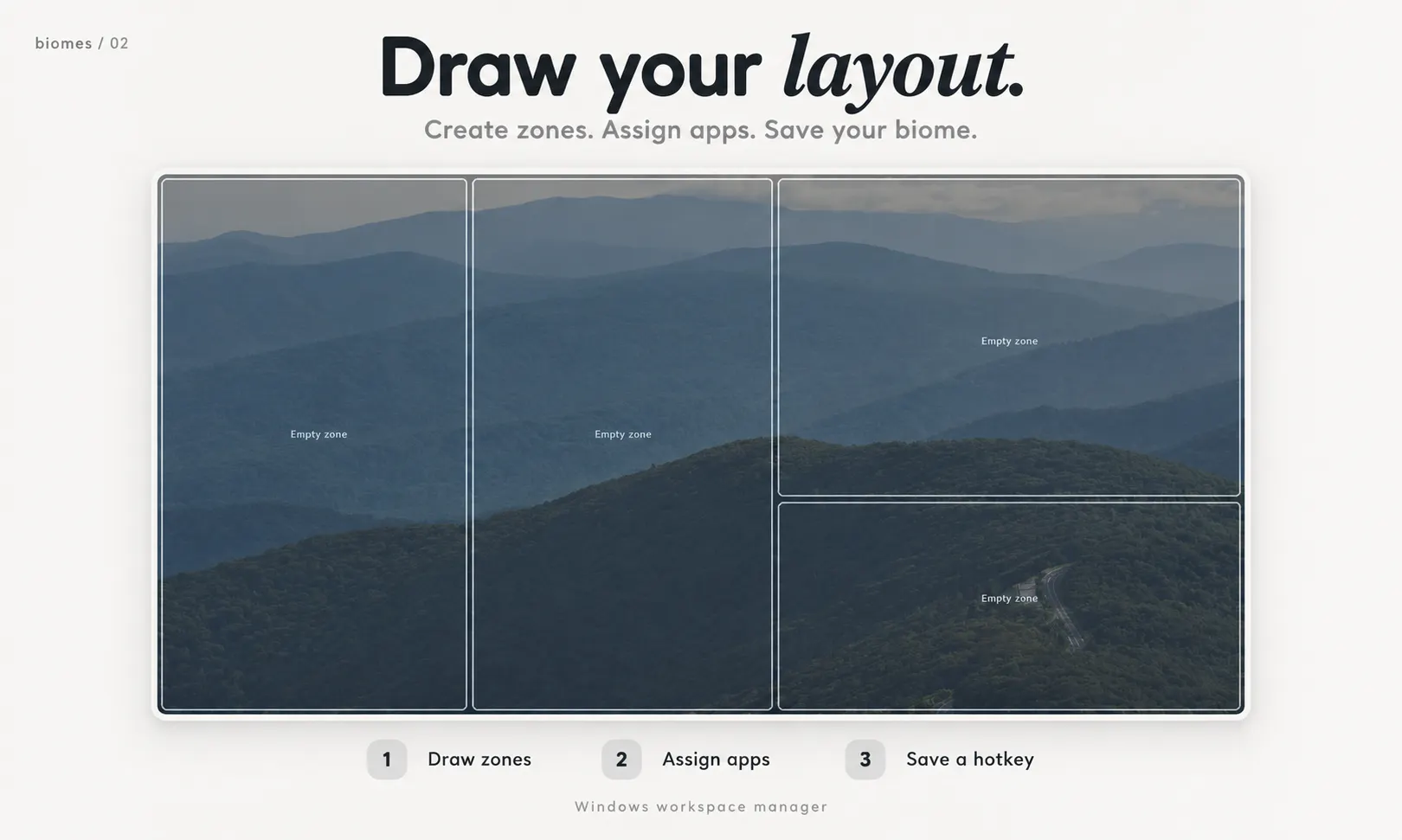
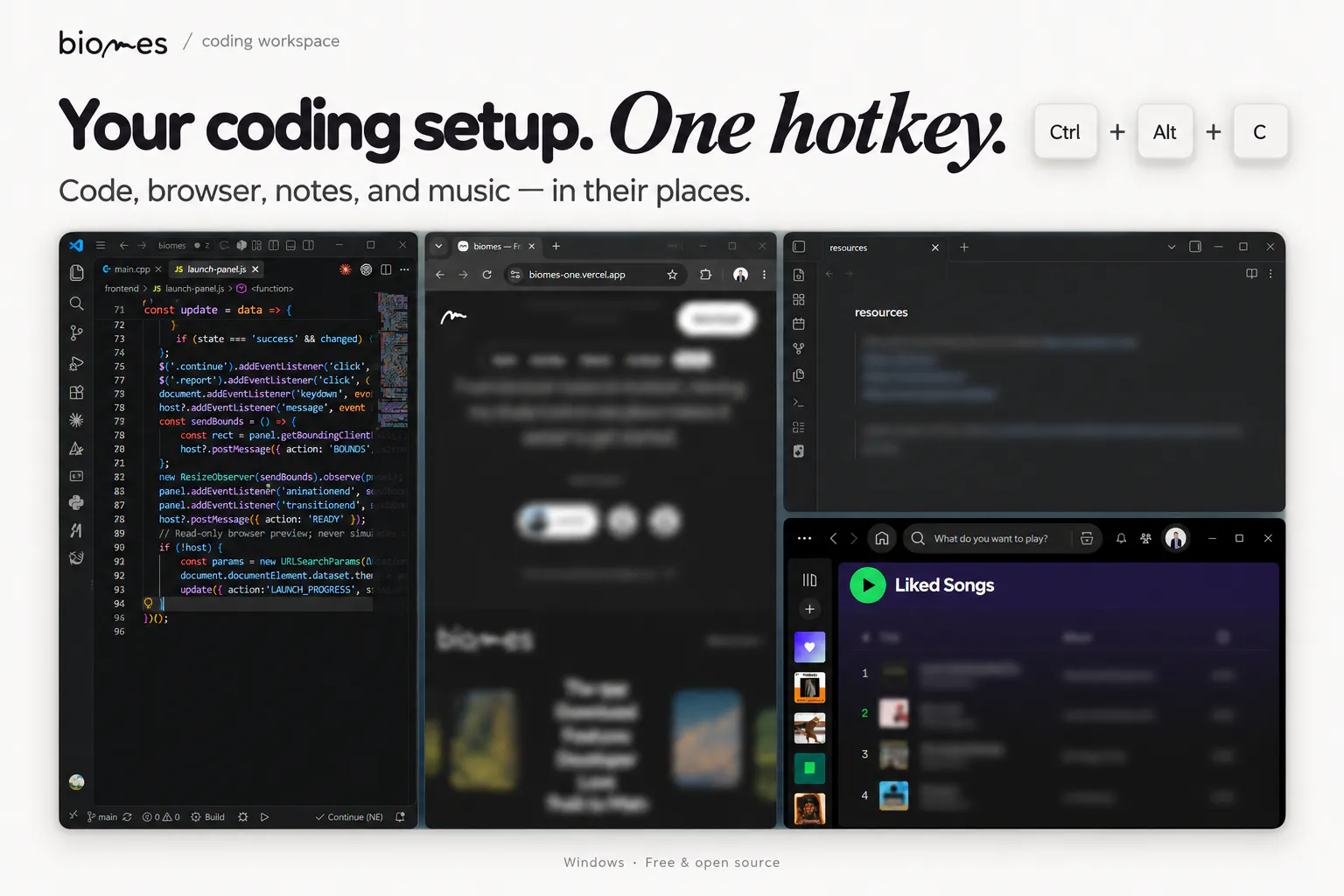
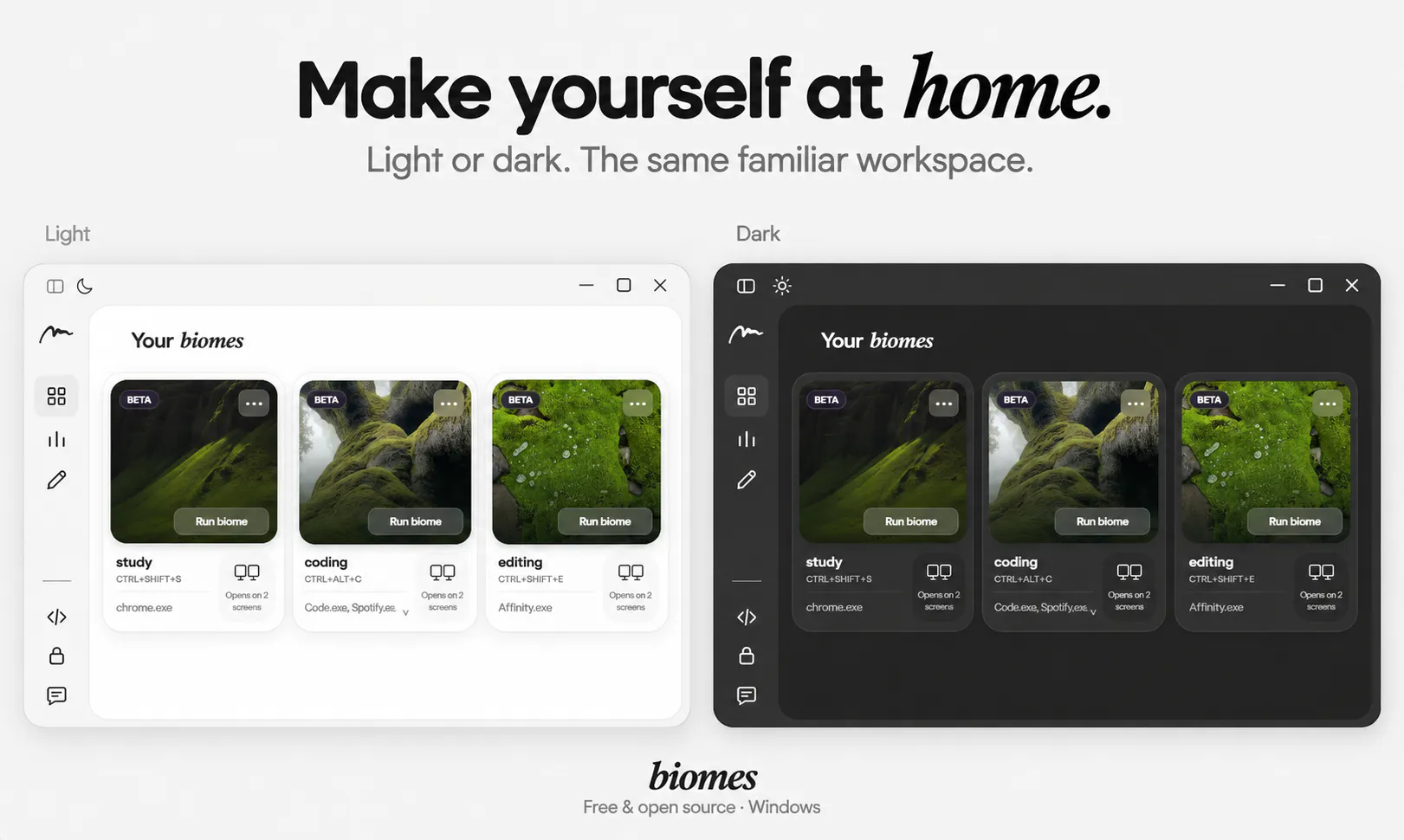
Pros
- ✓Open-source and free, promoting transparency and customization
- ✓Supports multi-monitor setups for complex workflows
- ✓Instantly launch pre-configured app groups with hotkeys
- ✓Stores all configurations locally for enhanced privacy
- ✓Designed to reduce setup time and boost focus
Cons
- ✗Limited to Windows, not cross-platform
- ✗May require technical knowledge for advanced customization
- ✗No integrated cloud sync or collaboration features
Use Cases
Pricing
Pricing not verified
Quick Info
Topics
Makers

Rebbouh AbdelGhafour
Alternatives
Similar Tools in Data & Analytics


Embed Badge
Add this badge to your website to show that biomes is featured on Visalytica.
<a href="https://www.visalytica.com/tool/biomes" target="_blank" rel="noopener noreferrer" style="display:inline-flex;align-items:center;gap:6px;padding:6px 14px;background:#7c3aed;color:#fff;border-radius:8px;font-family:-apple-system,system-ui,sans-serif;font-size:13px;font-weight:600;text-decoration:none;transition:background .2s" onmouseover="this.style.background='#6d28d9'" onmouseout="this.style.background='#7c3aed'"><svg width="14" height="14" viewBox="0 0 24 24" fill="none" stroke="currentColor" stroke-width="2.5" stroke-linecap="round" stroke-linejoin="round"><path d="M12 20V10"/><path d="M18 20V4"/><path d="M6 20v-4"/></svg>Featured on Visalytica</a>