BiBimba
Clipboard history that can read your screenshots
About BiBimba
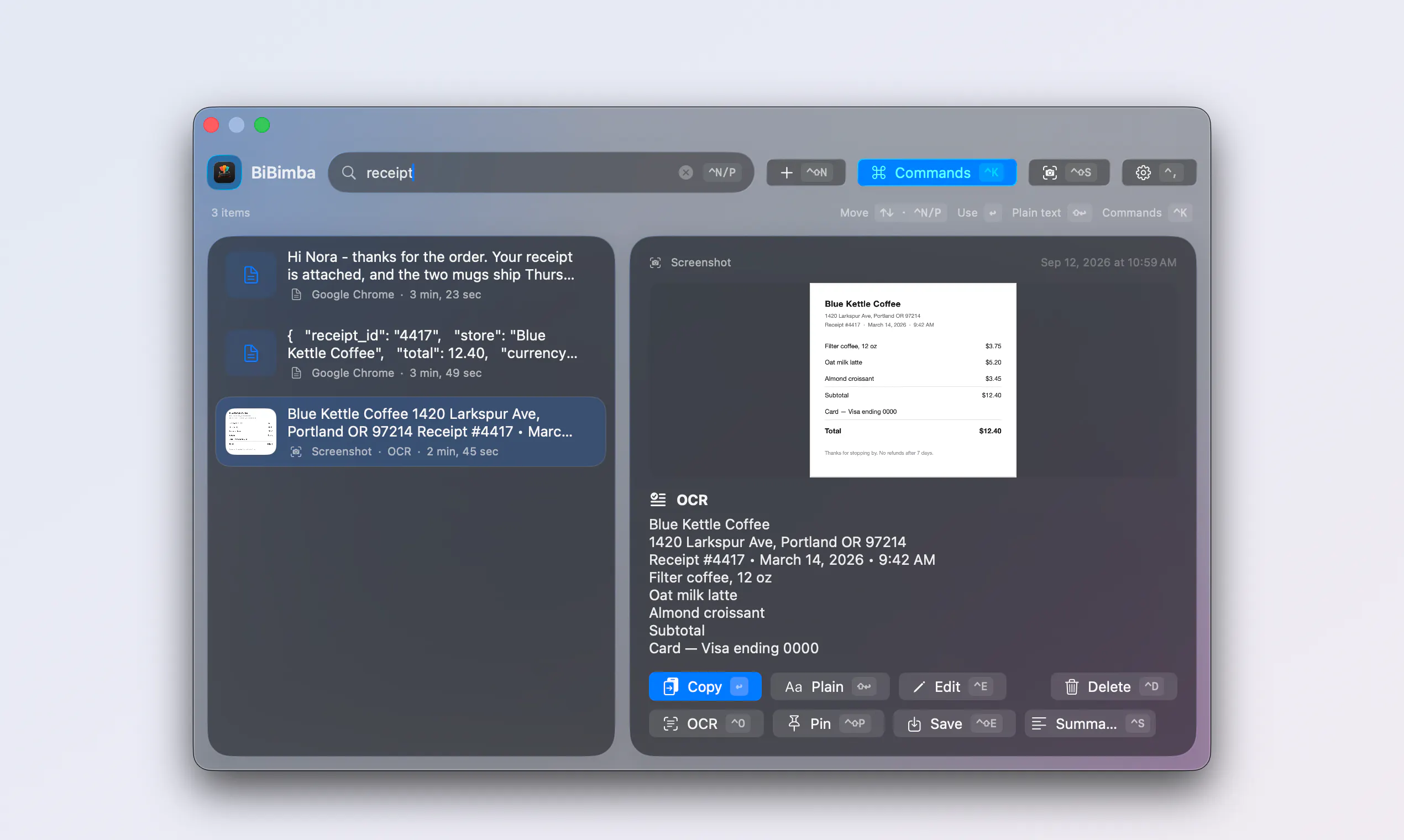
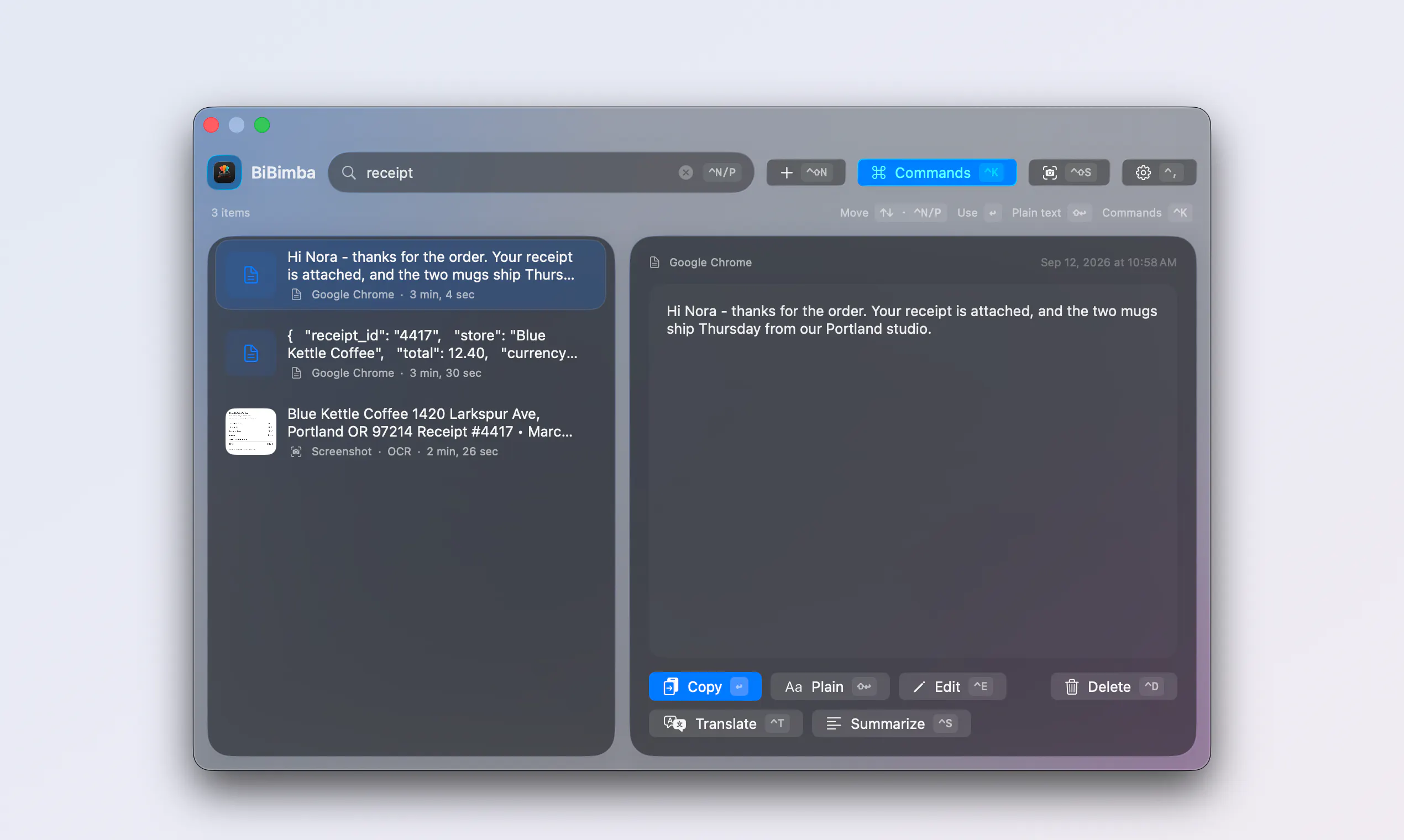
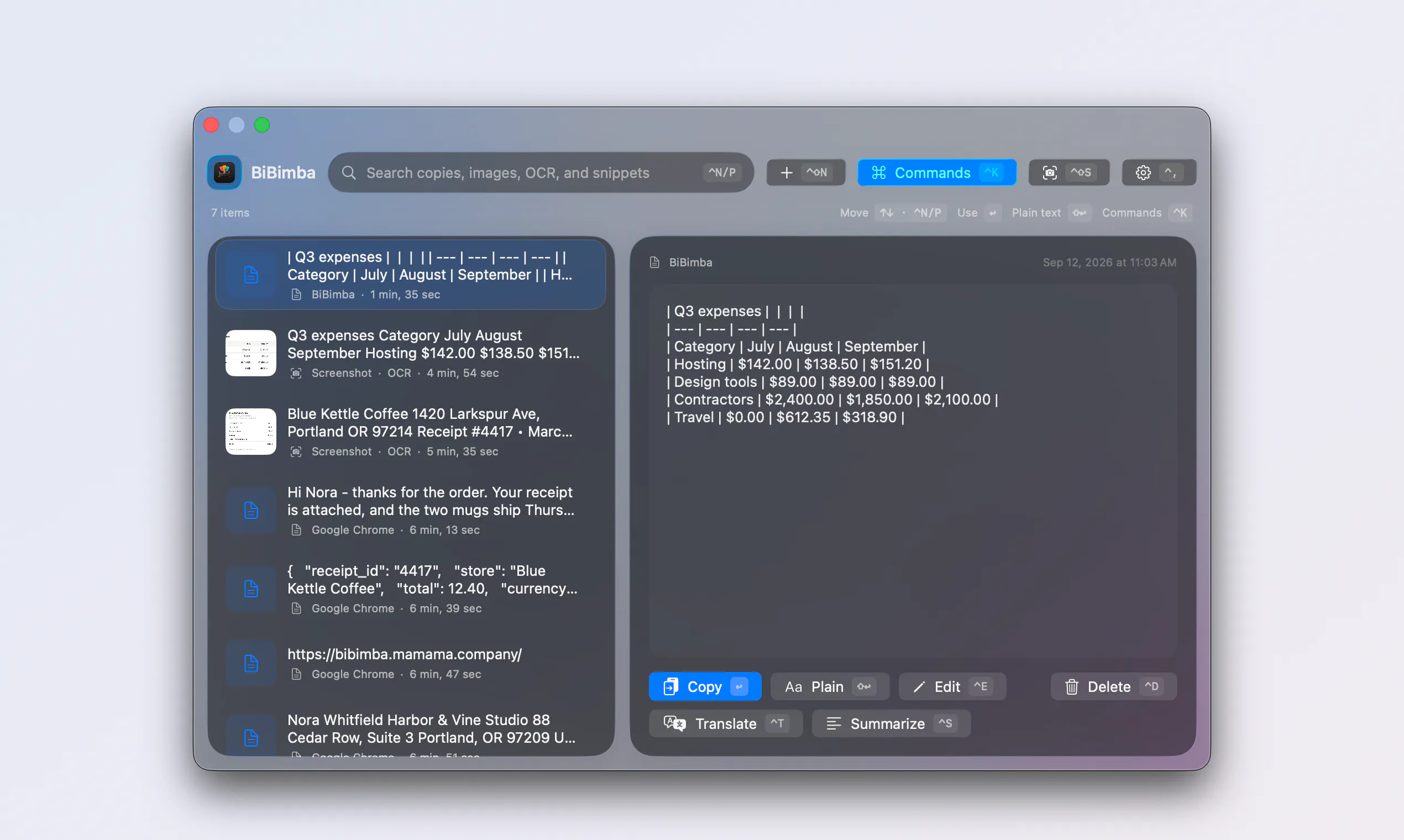
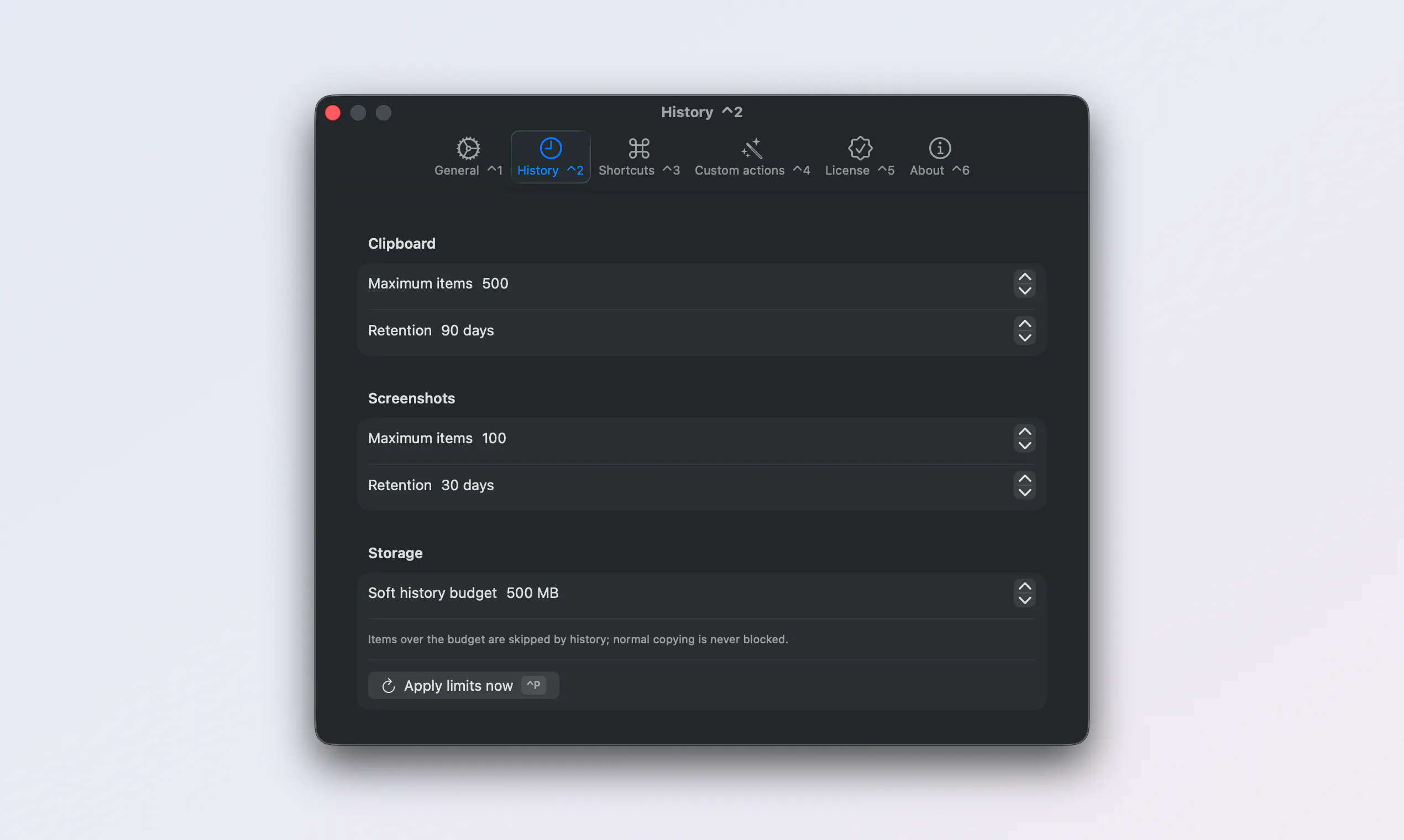
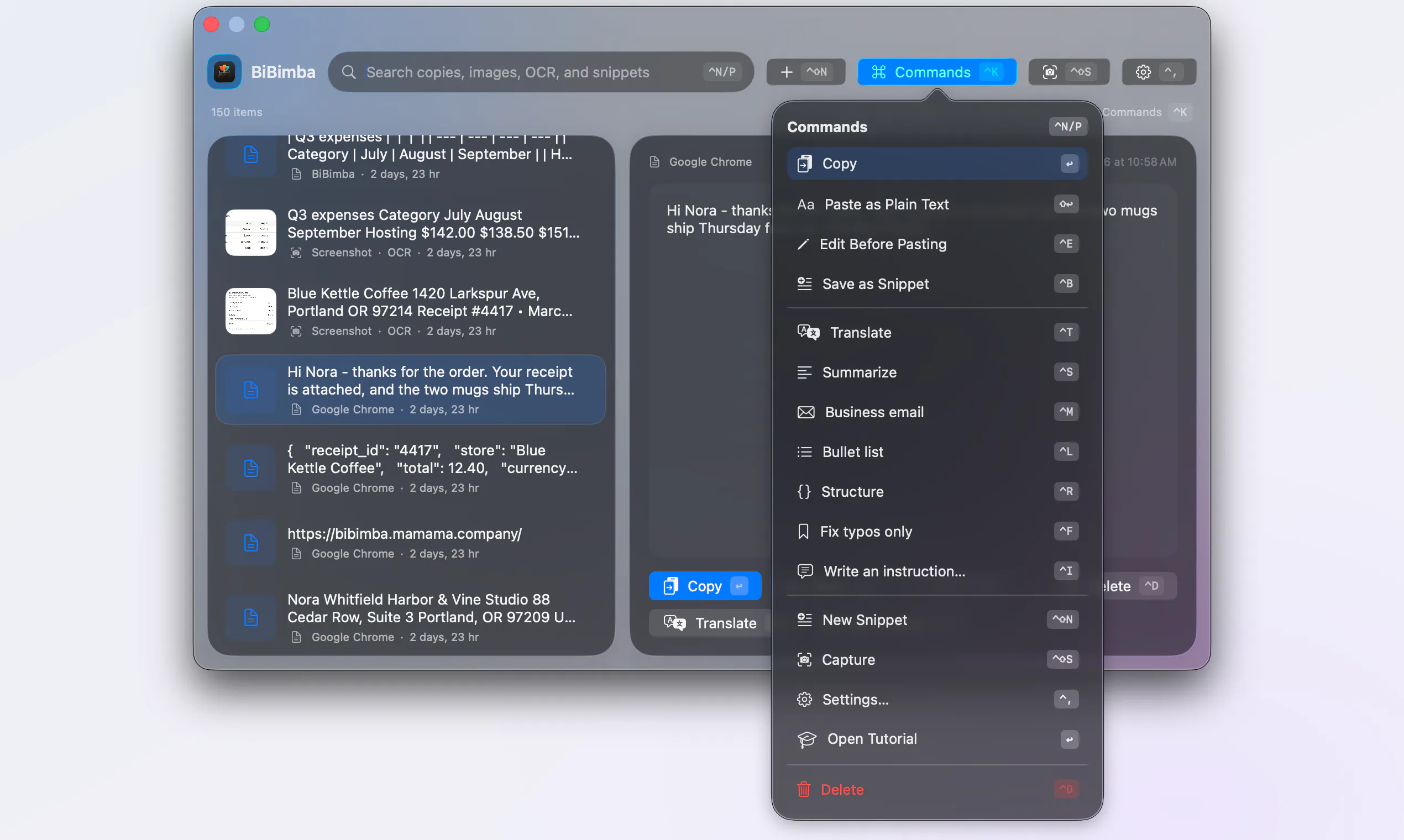
BiBimba is a powerful productivity tool designed exclusively for Mac users who need efficient clipboard management combined with advanced AI features. It seamlessly tracks your clipboard history and captures screenshots, making it easy to search and retrieve previous snippets or images. What sets BiBimba apart is its ability to read text within screenshots, allowing users to find specific information like receipt totals, error messages, or important notes effortlessly. The on-device AI capabilities add another layer of utility, enabling translation, summarization, and rewriting of selected content directly within the app. Ideal for professionals, students, and anyone who handles large amounts of text or visuals, BiBimba streamlines workflows by keeping everything organized and accessible while maintaining privacy on your Mac. Its unique blend of clipboard management, OCR, and AI-driven features makes it a versatile and innovative addition to daily productivity routines.
Screenshots
Pros
- ✓Integrated OCR for searching text within screenshots
- ✓On-device AI for translation, summarization, and rewriting
- ✓Seamless clipboard history management
- ✓Keeps all data locally on Mac for privacy
- ✓User-friendly interface tailored for Mac users
Cons
- ✗Limited to Mac, not available cross-platform
- ✗Pricing may be restrictive for some users
- ✗Features depend on on-device AI, which might impact performance on older Macs
Use Cases
Pricing
Pricing not verified
Quick Info
Topics
Makers

rhty
Alternatives
Similar Tools in Developer Tools




Embed Badge
Add this badge to your website to show that BiBimba is featured on Visalytica.
<a href="https://www.visalytica.com/tool/bibimba" target="_blank" rel="noopener noreferrer" style="display:inline-flex;align-items:center;gap:6px;padding:6px 14px;background:#7c3aed;color:#fff;border-radius:8px;font-family:-apple-system,system-ui,sans-serif;font-size:13px;font-weight:600;text-decoration:none;transition:background .2s" onmouseover="this.style.background='#6d28d9'" onmouseout="this.style.background='#7c3aed'"><svg width="14" height="14" viewBox="0 0 24 24" fill="none" stroke="currentColor" stroke-width="2.5" stroke-linecap="round" stroke-linejoin="round"><path d="M12 20V10"/><path d="M18 20V4"/><path d="M6 20v-4"/></svg>Featured on Visalytica</a>