
Bernn - Cloud & API Spending in one app
API & Cloud Spending Tracker with Alerts & Anomaly Detection
About Bernn - Cloud & API Spending in one app
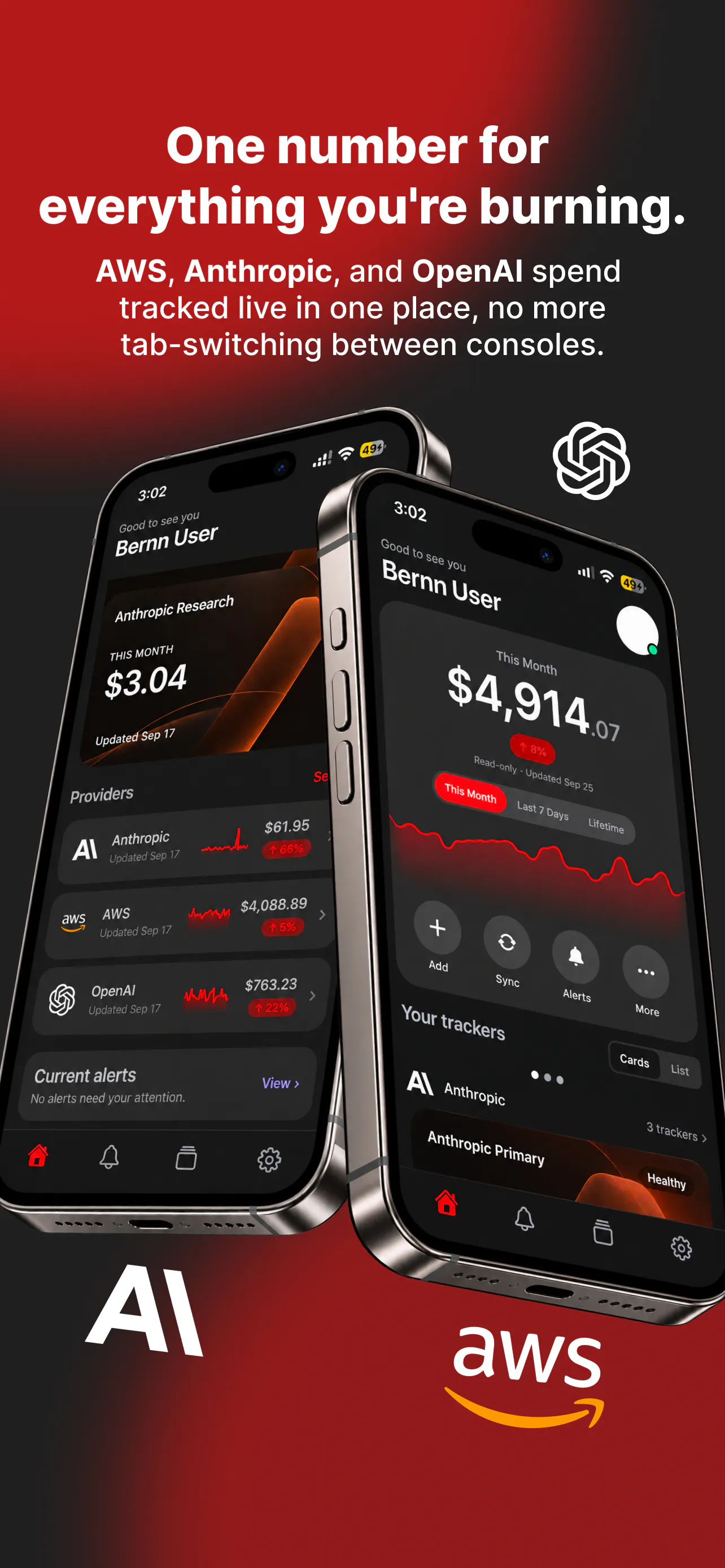
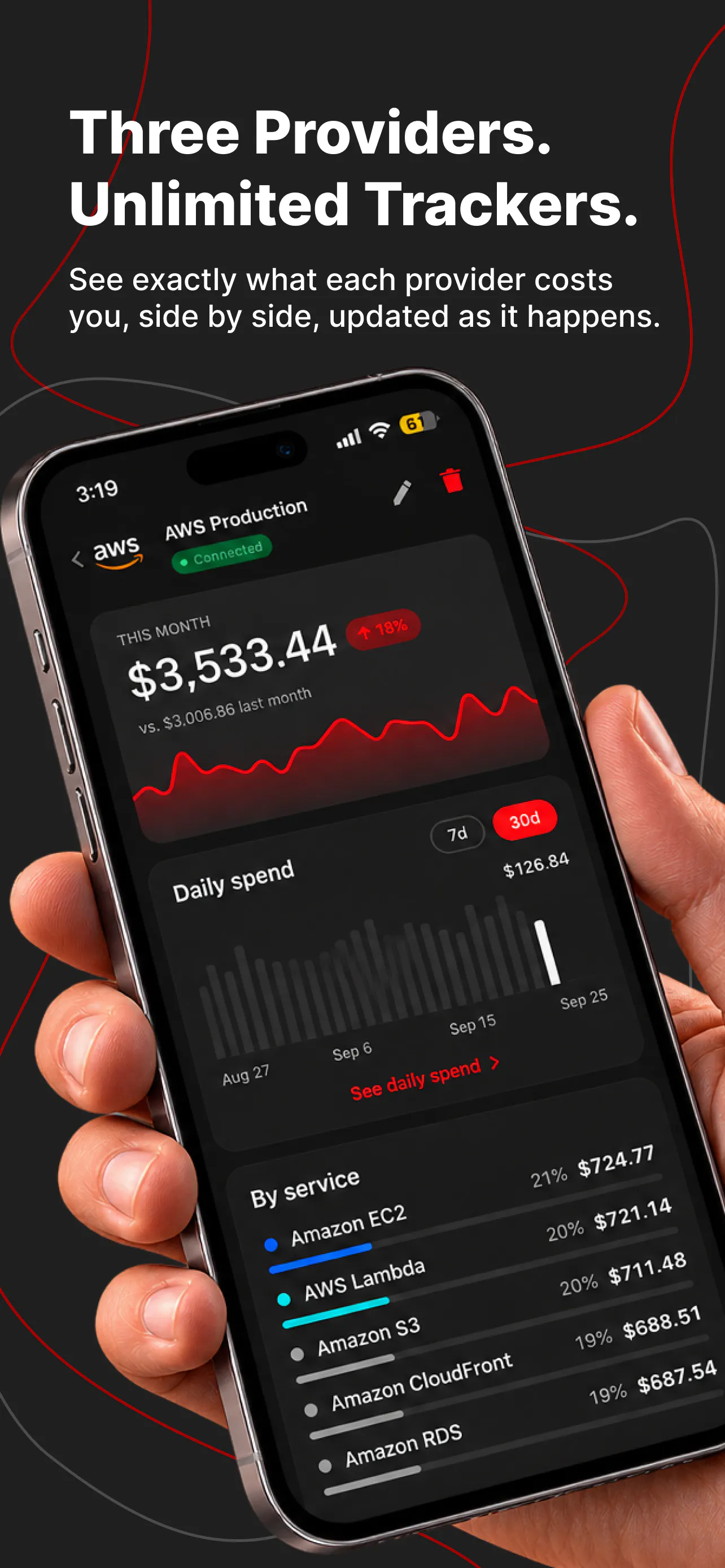
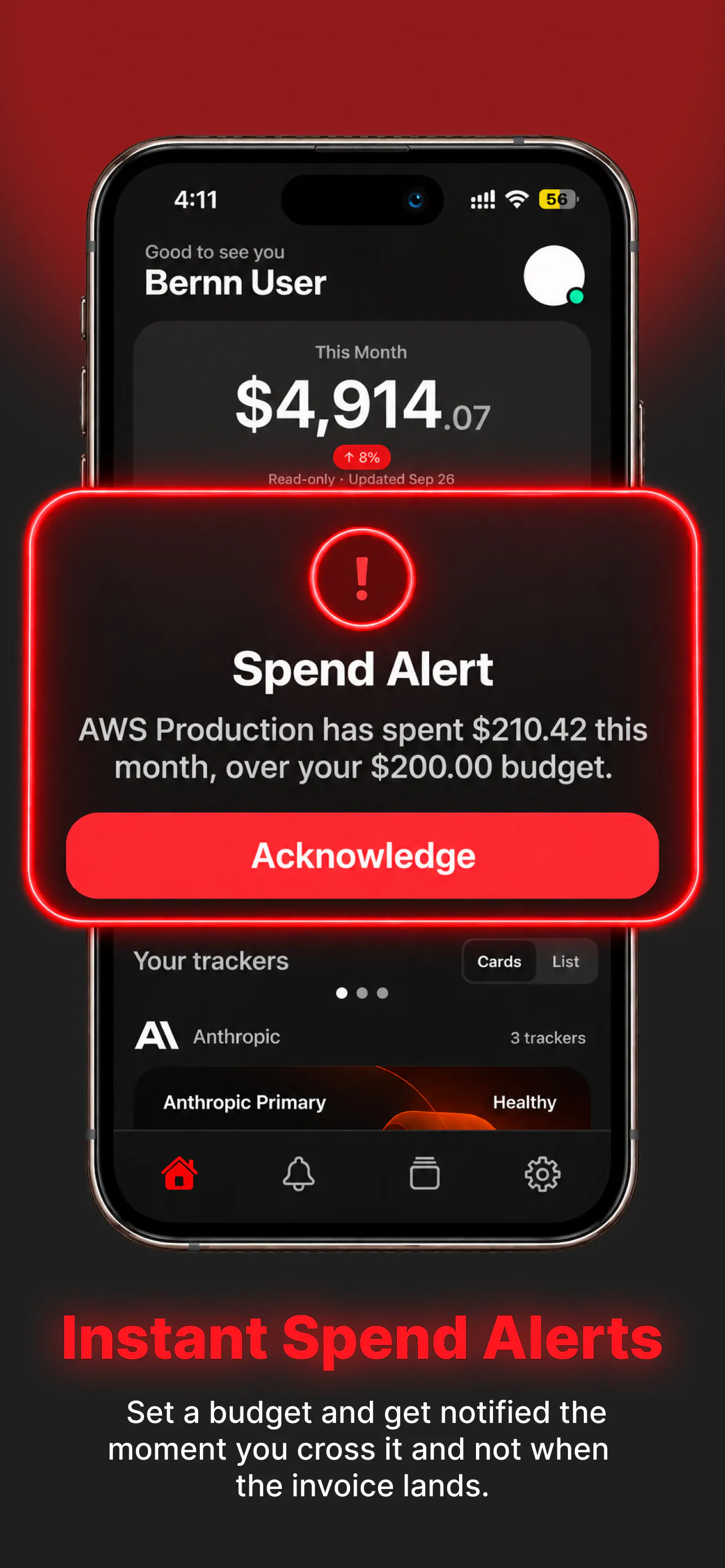
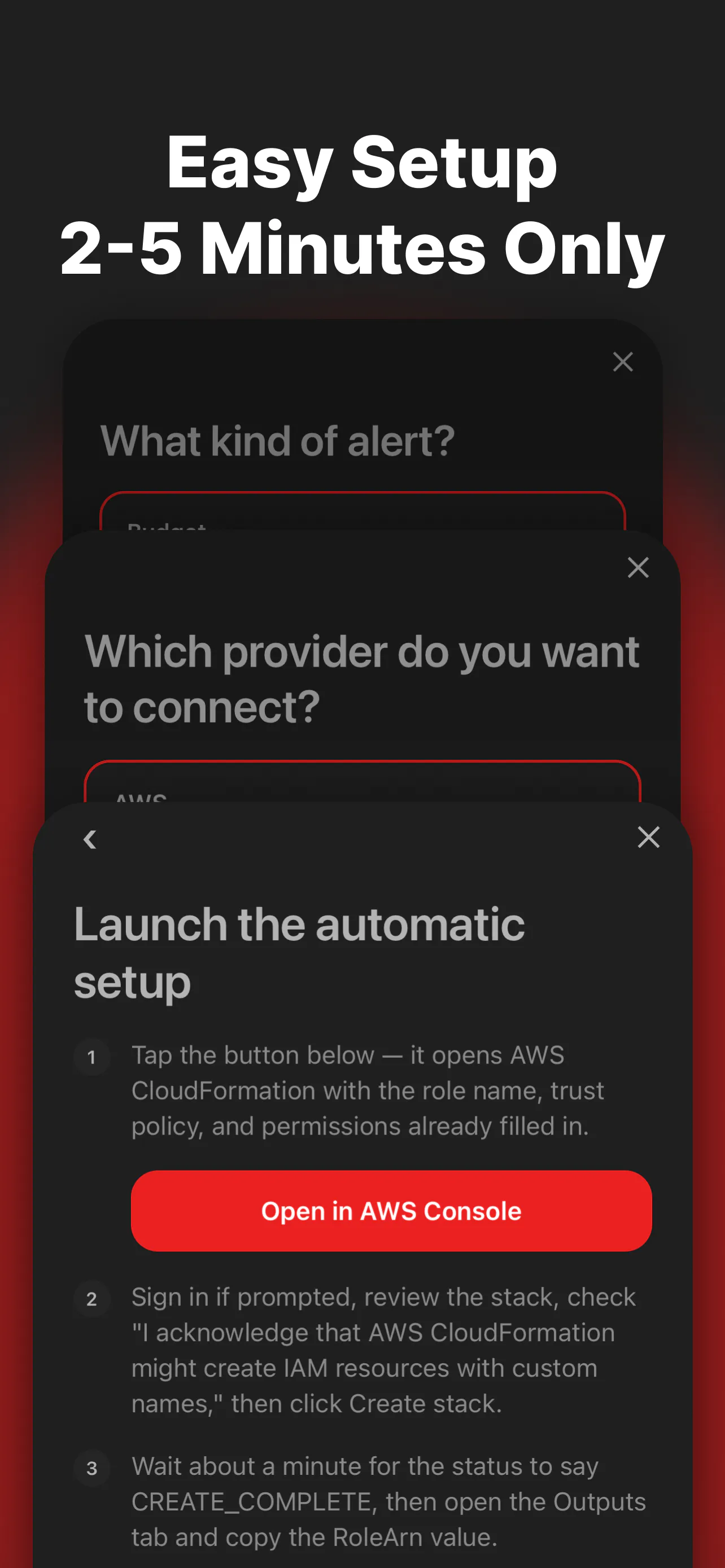
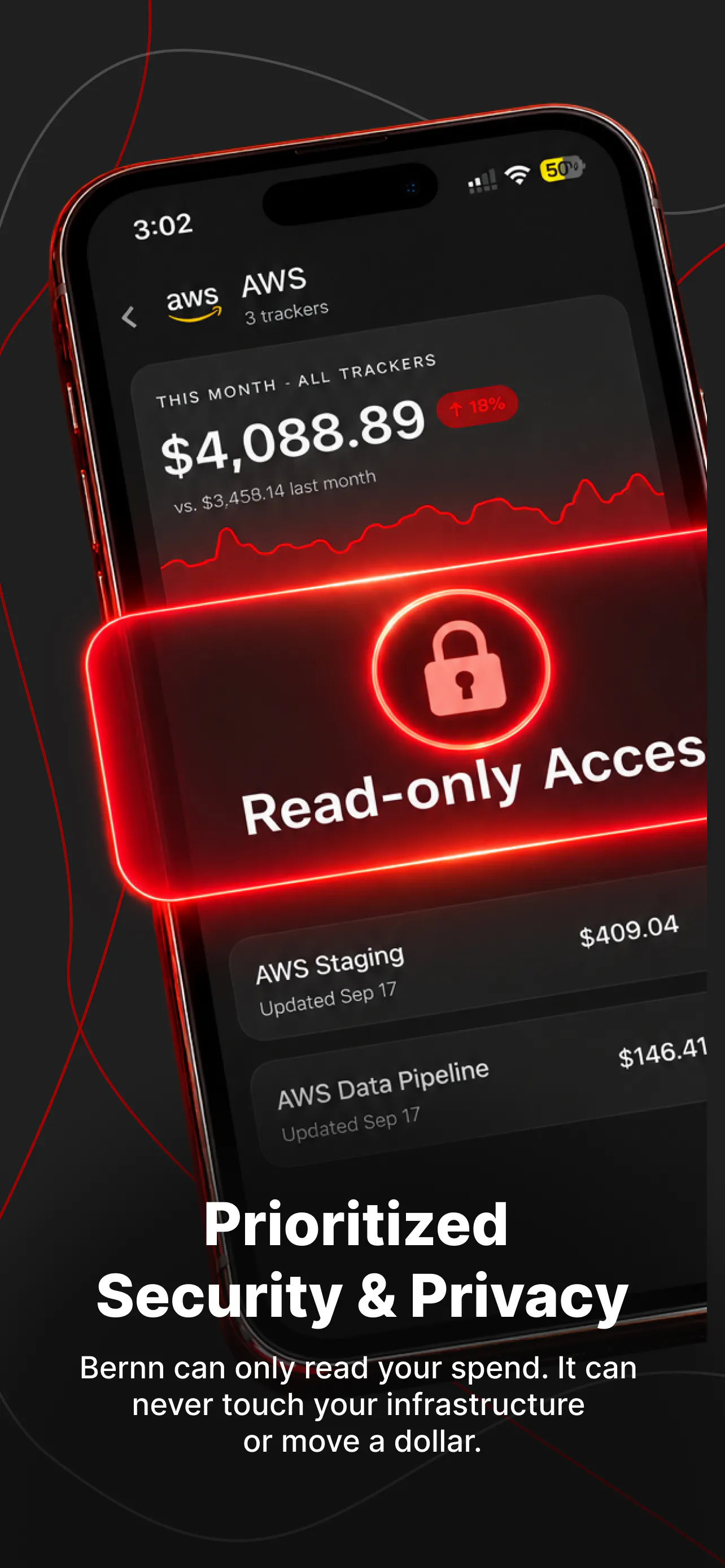
Bernn is a dedicated cloud and API spending tracker designed for developers, solo entrepreneurs, and indie hackers who want to keep a close eye on their cloud and API costs. By aggregating expenses from AWS, Anthropic, and OpenAI into a single, easy-to-understand number, it simplifies budget management. The tool offers real-time alerts and anomaly detection, notifying users before they exceed their budgets or if sudden spikes occur in daily spending. Built as a read-only app, Bernn provides peace of mind by ensuring it cannot modify or spend on your accounts, making it a safe way to monitor expenses without risking accidental charges. Its focus on early bill detection helps users avoid surprise charges, especially in unpredictable cloud environments. Now available on the App Store, Bernn is perfect for developers who want to prevent unexpected costs without complex setup or ongoing management.
Screenshots
Pros
- ✓Consolidates cloud and API spending into one simple dashboard
- ✓Provides real-time alerts and anomaly detection for proactive budget management
- ✓Read-only access ensures account security and prevents accidental spending
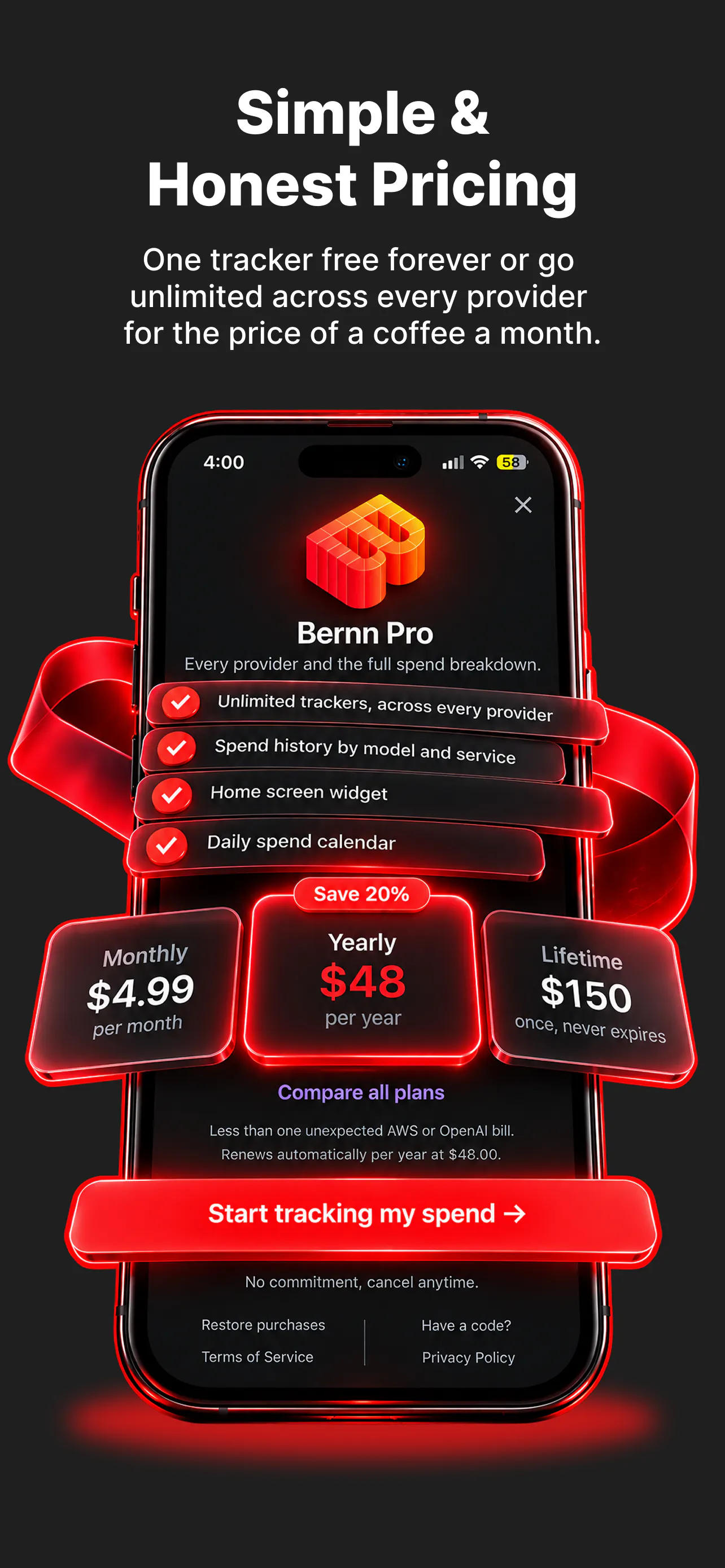
- ✓Free to start, ideal for solo developers and indie hackers
- ✓Easy integration with popular cloud and API services like AWS, Anthropic, and OpenAI
Cons
- ✗Limited to specific services (AWS, Anthropic, OpenAI), may not cover all cloud providers
- ✗Features may be basic for enterprise or larger teams with complex needs
- ✗Currently no detailed reporting or historical trend analysis
Use Cases
Pricing
Pricing not verified
Quick Info
Topics
Makers

Stalingrad Dollosa
Alternatives
Similar Tools in Developer Tools




Embed Badge
Add this badge to your website to show that Bernn - Cloud & API Spending in one app is featured on Visalytica.
<a href="https://www.visalytica.com/tool/bernn-cloud-api-spending-in-one-app" target="_blank" rel="noopener noreferrer" style="display:inline-flex;align-items:center;gap:6px;padding:6px 14px;background:#7c3aed;color:#fff;border-radius:8px;font-family:-apple-system,system-ui,sans-serif;font-size:13px;font-weight:600;text-decoration:none;transition:background .2s" onmouseover="this.style.background='#6d28d9'" onmouseout="this.style.background='#7c3aed'"><svg width="14" height="14" viewBox="0 0 24 24" fill="none" stroke="currentColor" stroke-width="2.5" stroke-linecap="round" stroke-linejoin="round"><path d="M12 20V10"/><path d="M18 20V4"/><path d="M6 20v-4"/></svg>Featured on Visalytica</a>