
Berd
Weird, playful desktop app for building with AI agents
About Berd
Berd is a quirky, playful desktop application designed for professionals who integrate AI agents into their workflow. It caters to engineers, product designers, and other builders who need a persistent AI companion capable of managing projects, skills, extensions, automations, and local workspace context seamlessly. Unlike typical AI tools, Berd emphasizes a dynamic interface that balances broad strategic thinking with detailed implementation, supporting fast chat interactions, precise context selection, and transparent understanding of what the agent can access and do. Its desktop-centric approach offers a more integrated experience for users who prefer local environments over cloud-based solutions. What sets Berd apart is its playful yet functional design, fostering creativity and productivity in AI-driven project development.
Screenshots
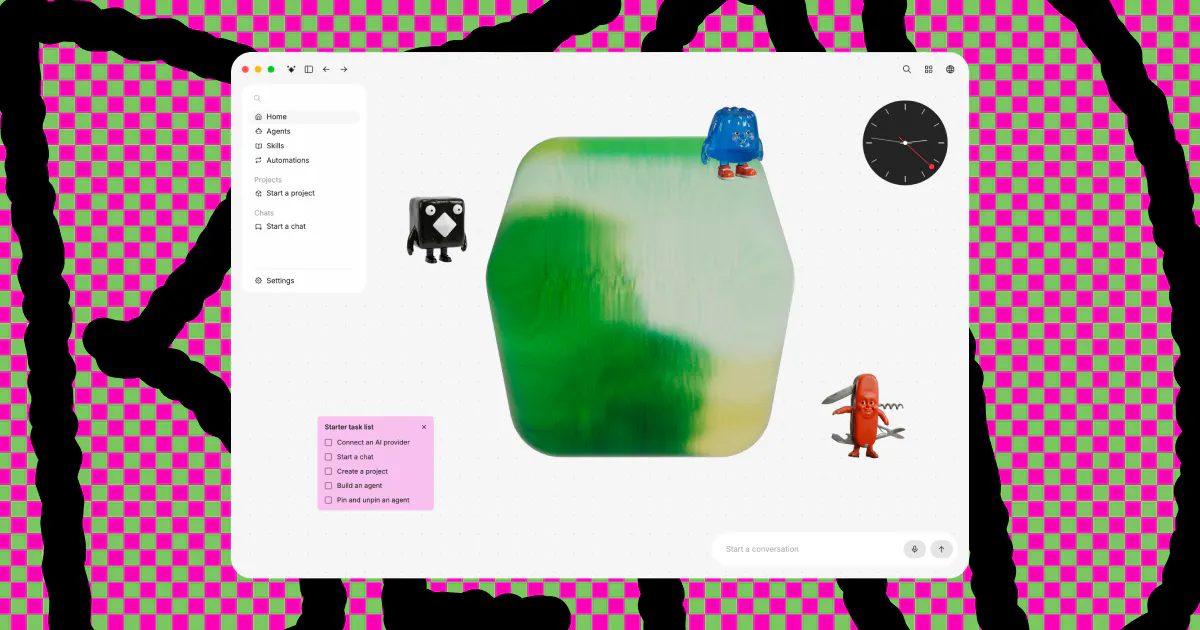
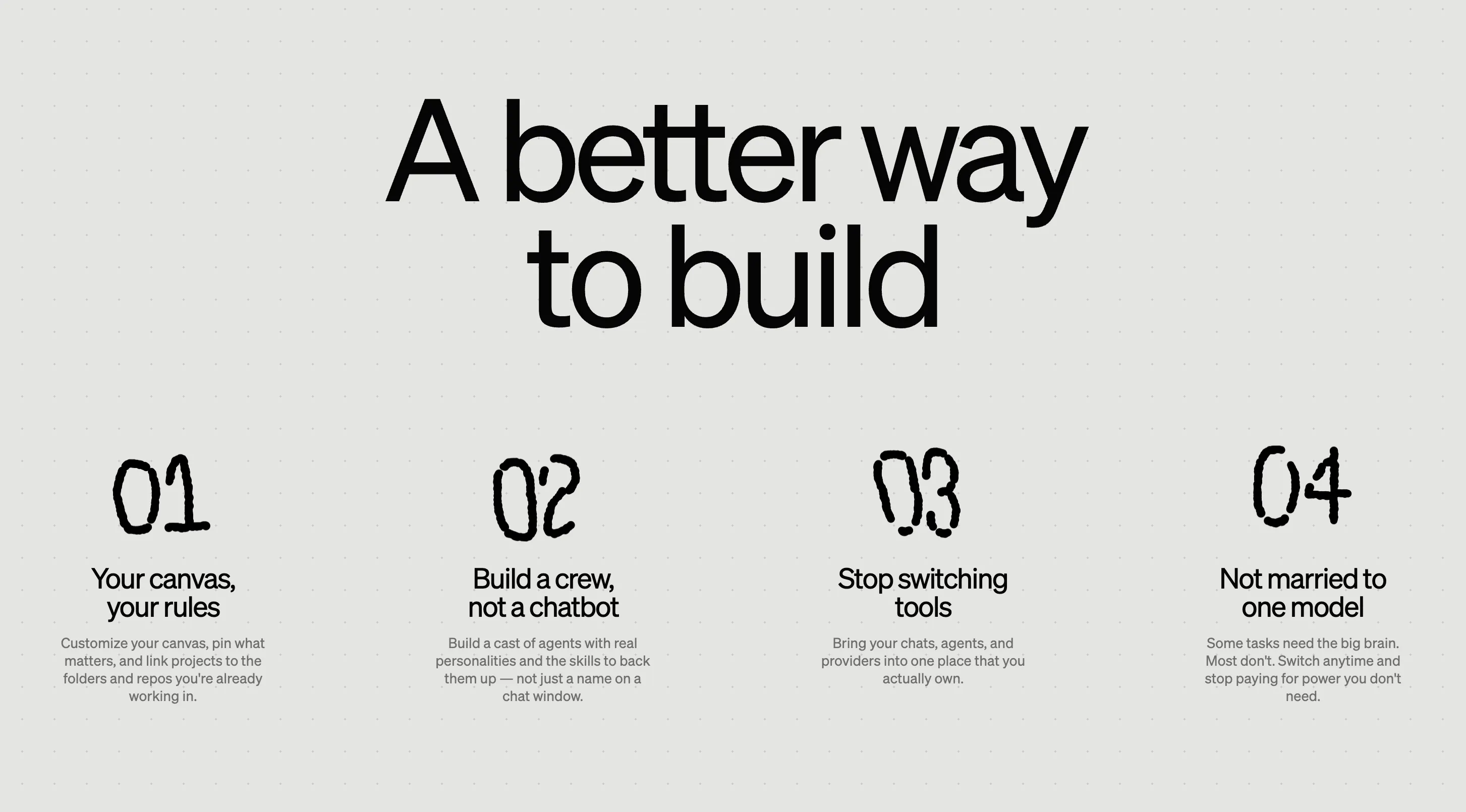
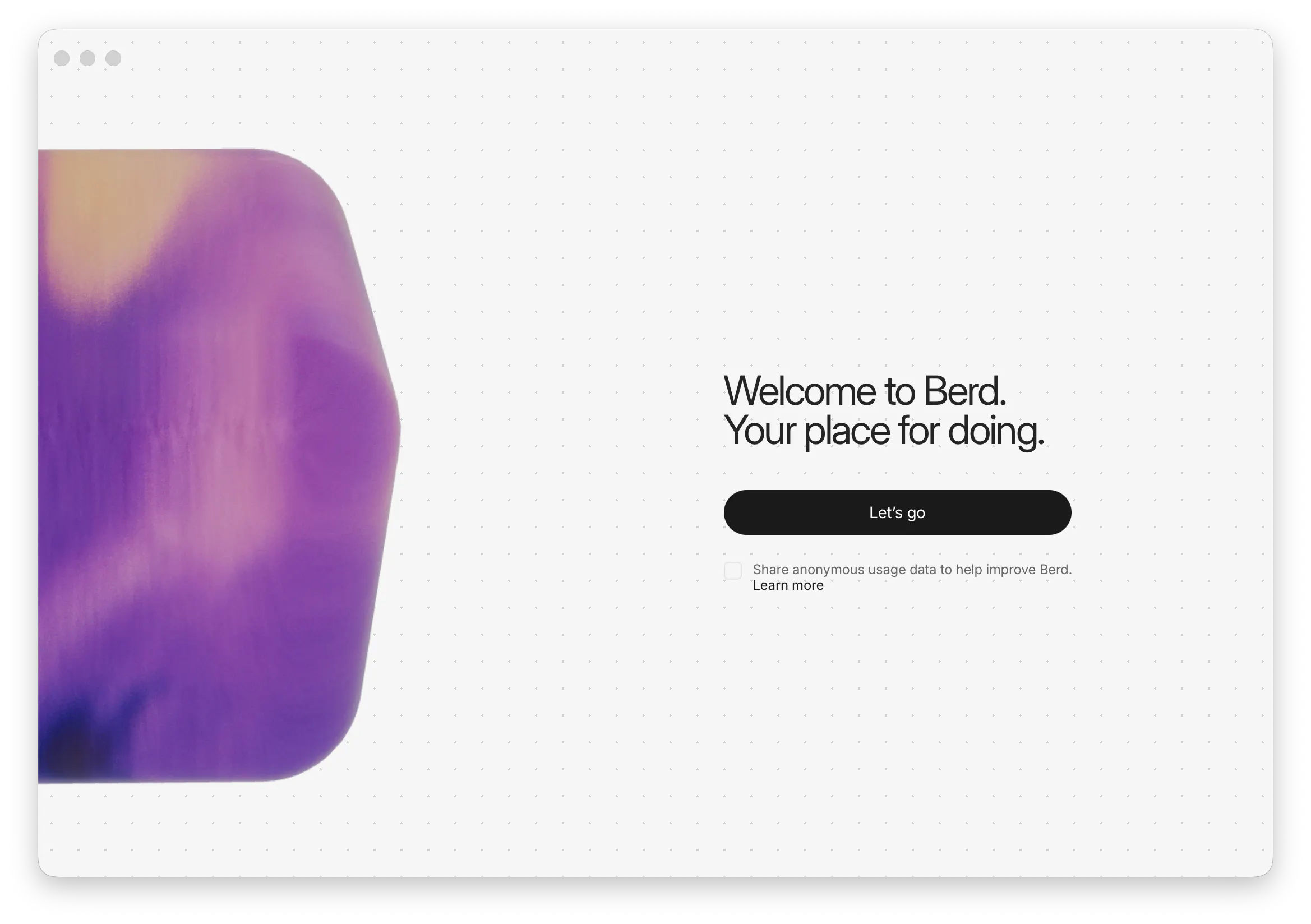
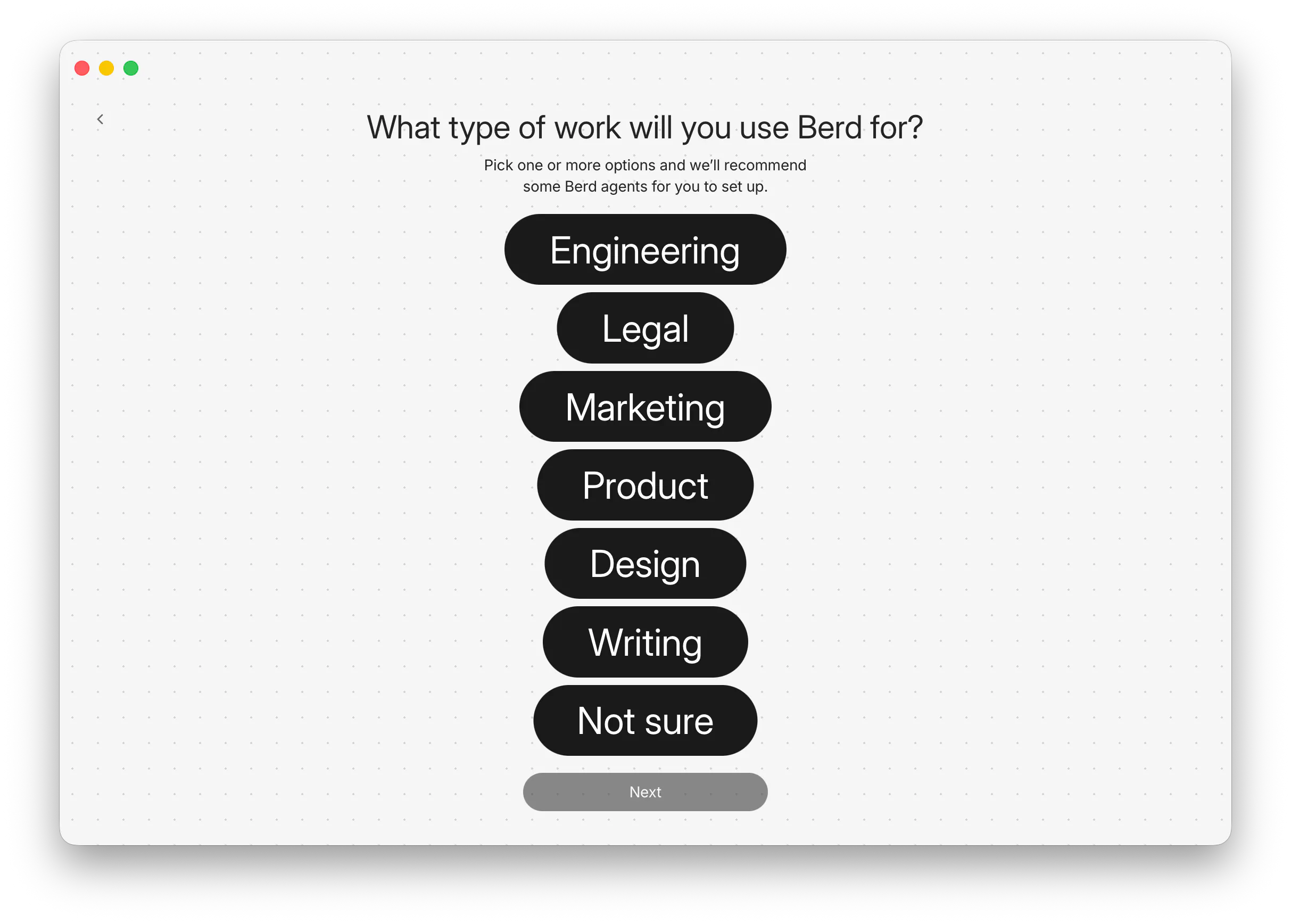
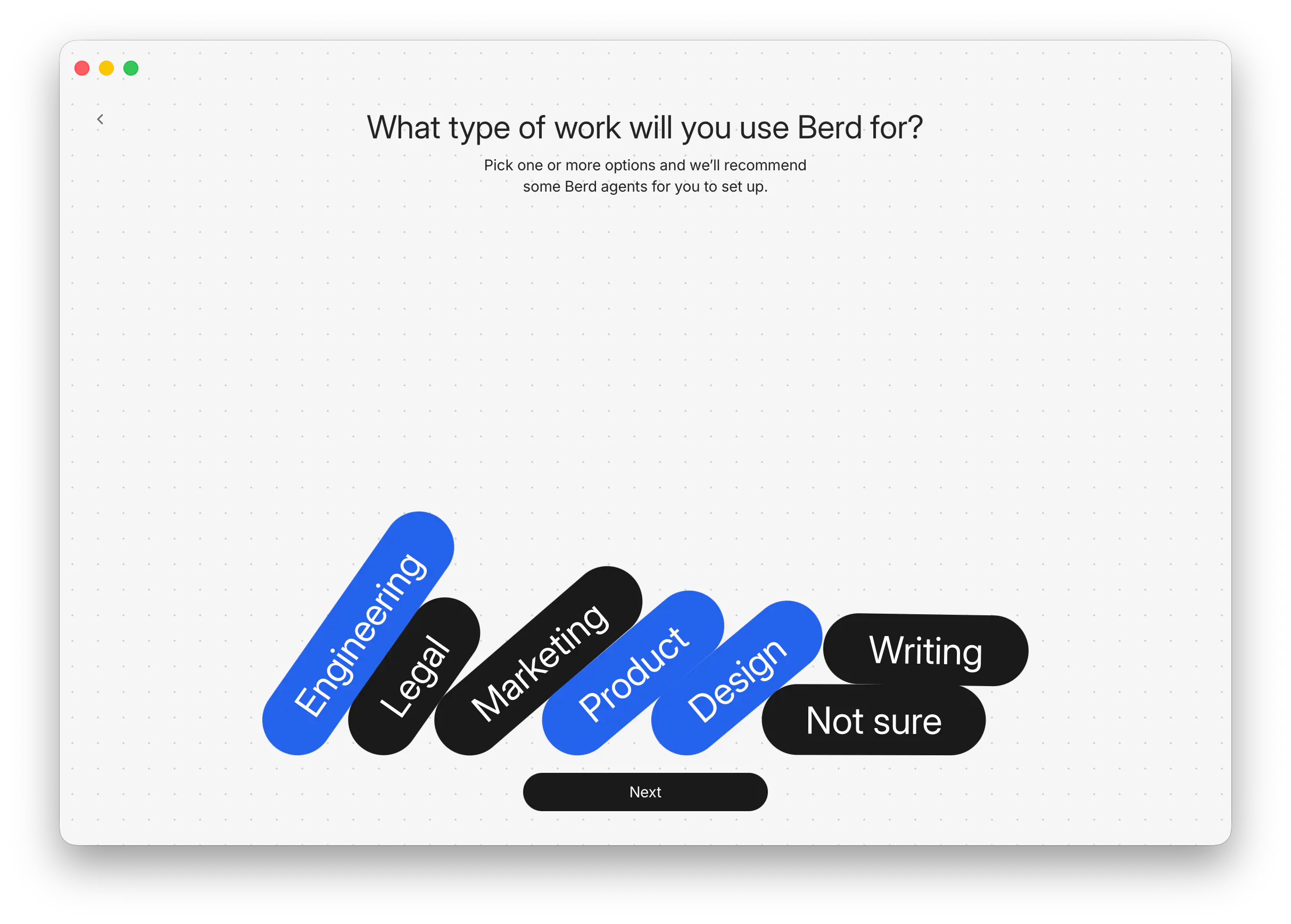
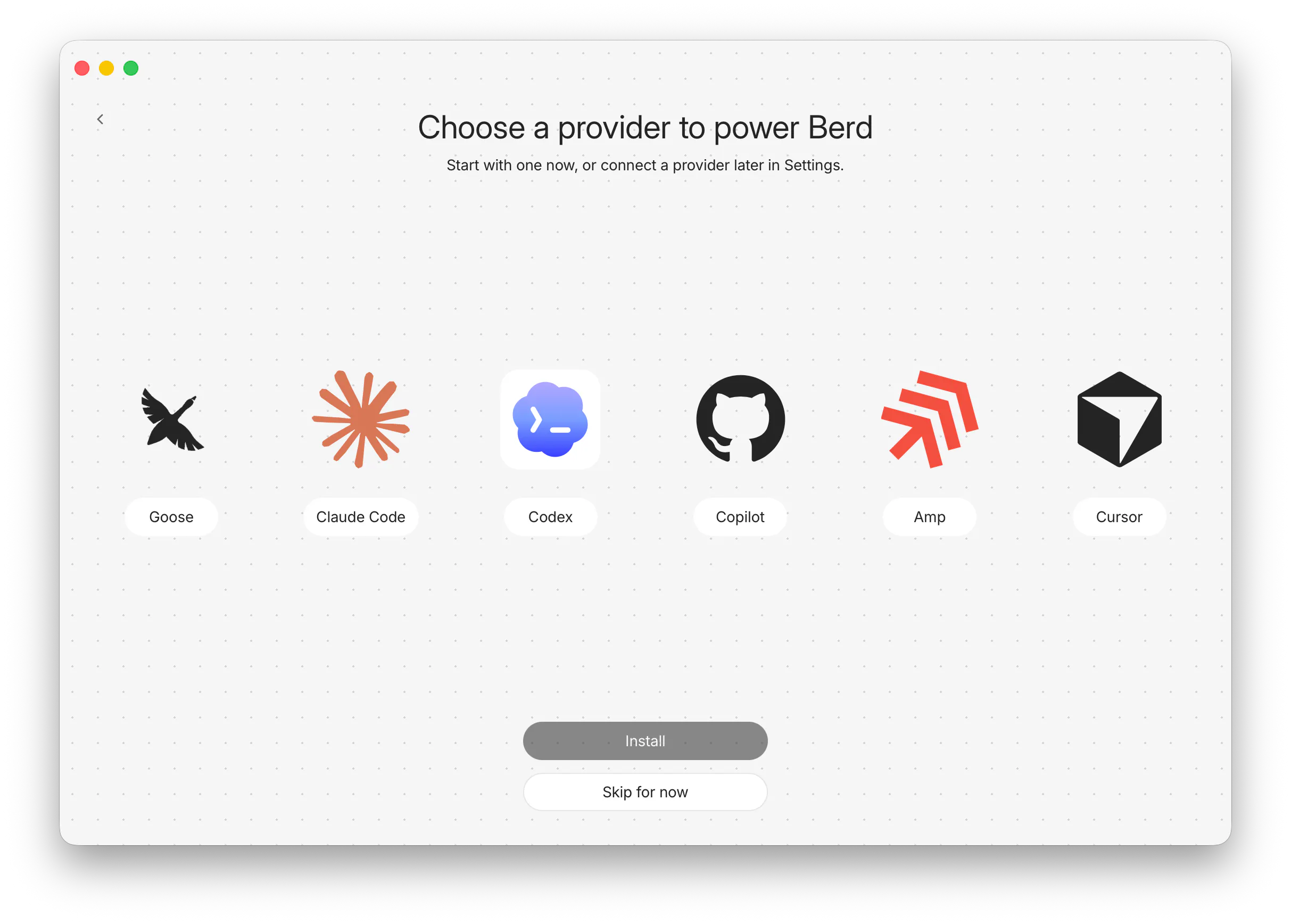
+2 more screenshots
Pros
- ✓Intuitive desktop interface tailored for professional workflows
- ✓Supports rich context management including projects, skills, and local workspace
- ✓Fast, responsive chat for rapid iteration and decision-making
- ✓Transparent about agent capabilities and data access
- ✓Ideal for developers and designers seeking an integrated AI assistant
Cons
- ✗Limited information on pricing and subscription plans
- ✗Currently lacks widespread adoption or community support
- ✗May require technical familiarity to maximize its features
Use Cases
Pricing
Likely follows a freemium model with free access to core features and paid plans for advanced capabilities, though specific details are not publicly confirmed.
Quick Info
Topics
Alternatives
Similar Tools in AI Assistants




Embed Badge
Add this badge to your website to show that Berd is featured on Visalytica.
<a href="https://www.visalytica.com/tool/berd" target="_blank" rel="noopener noreferrer" style="display:inline-flex;align-items:center;gap:6px;padding:6px 14px;background:#7c3aed;color:#fff;border-radius:8px;font-family:-apple-system,system-ui,sans-serif;font-size:13px;font-weight:600;text-decoration:none;transition:background .2s" onmouseover="this.style.background='#6d28d9'" onmouseout="this.style.background='#7c3aed'"><svg width="14" height="14" viewBox="0 0 24 24" fill="none" stroke="currentColor" stroke-width="2.5" stroke-linecap="round" stroke-linejoin="round"><path d="M12 20V10"/><path d="M18 20V4"/><path d="M6 20v-4"/></svg>Featured on Visalytica</a>