
BeerShot
Screen recording studio for Windows
About BeerShot
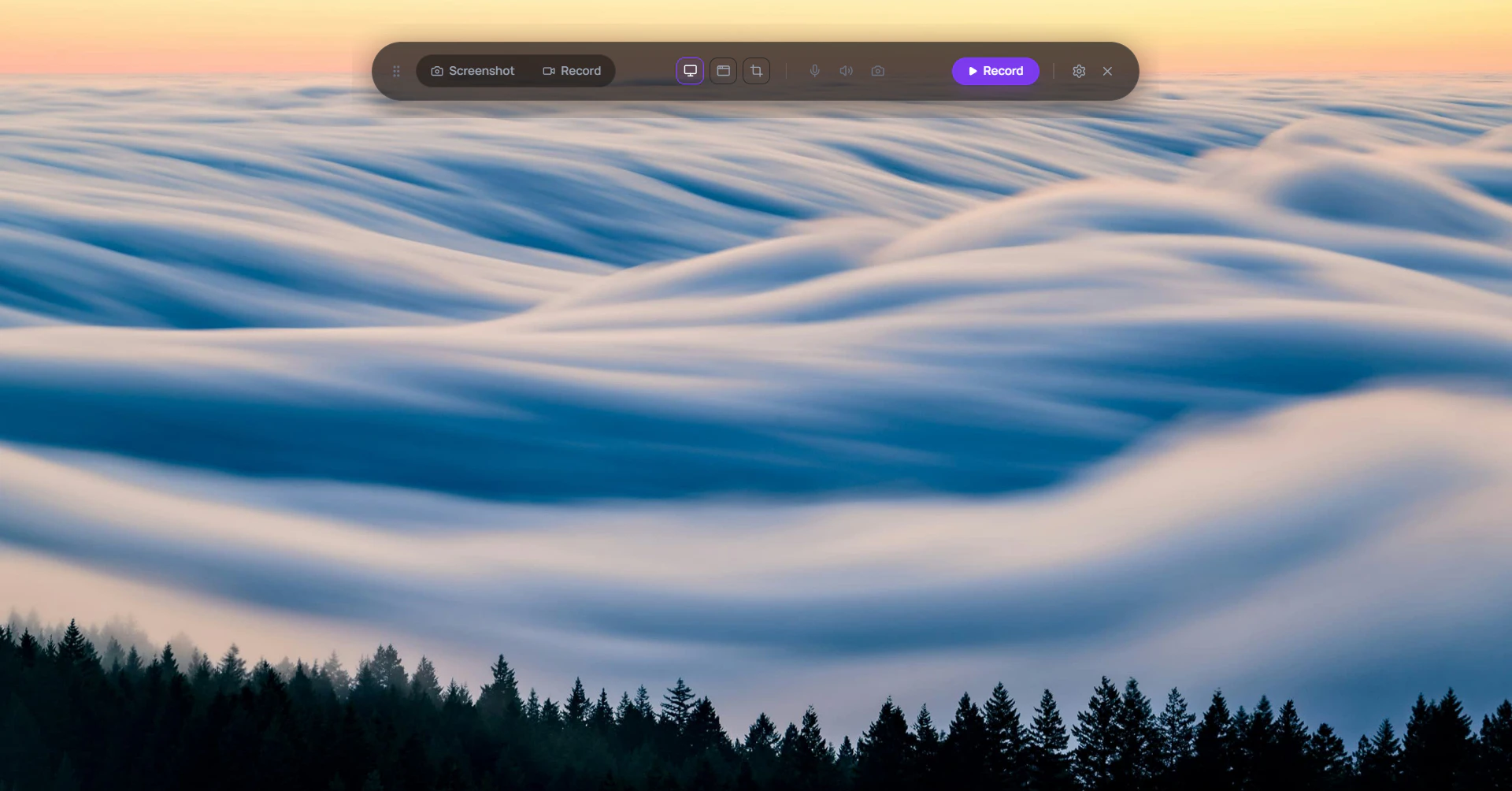
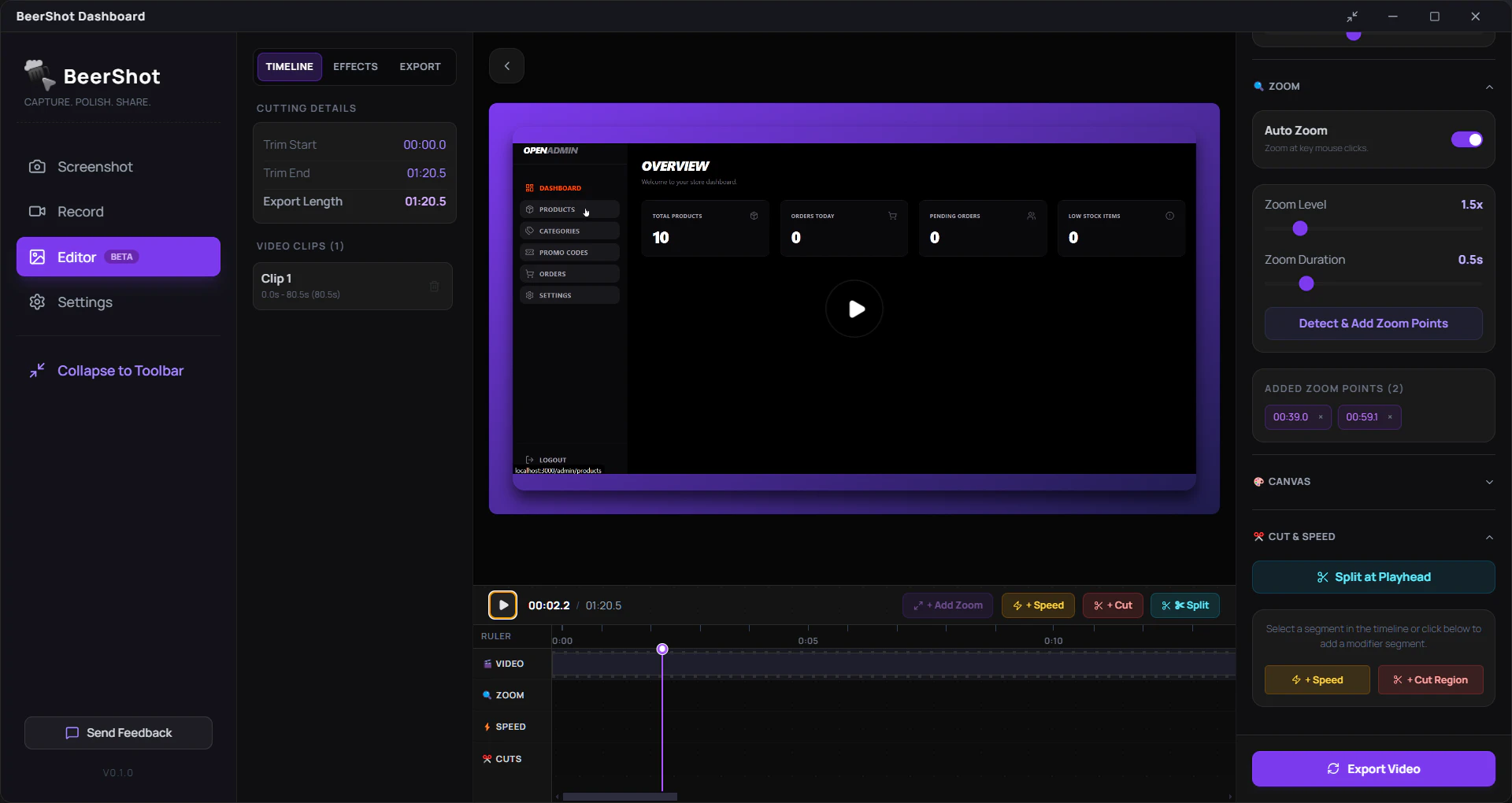
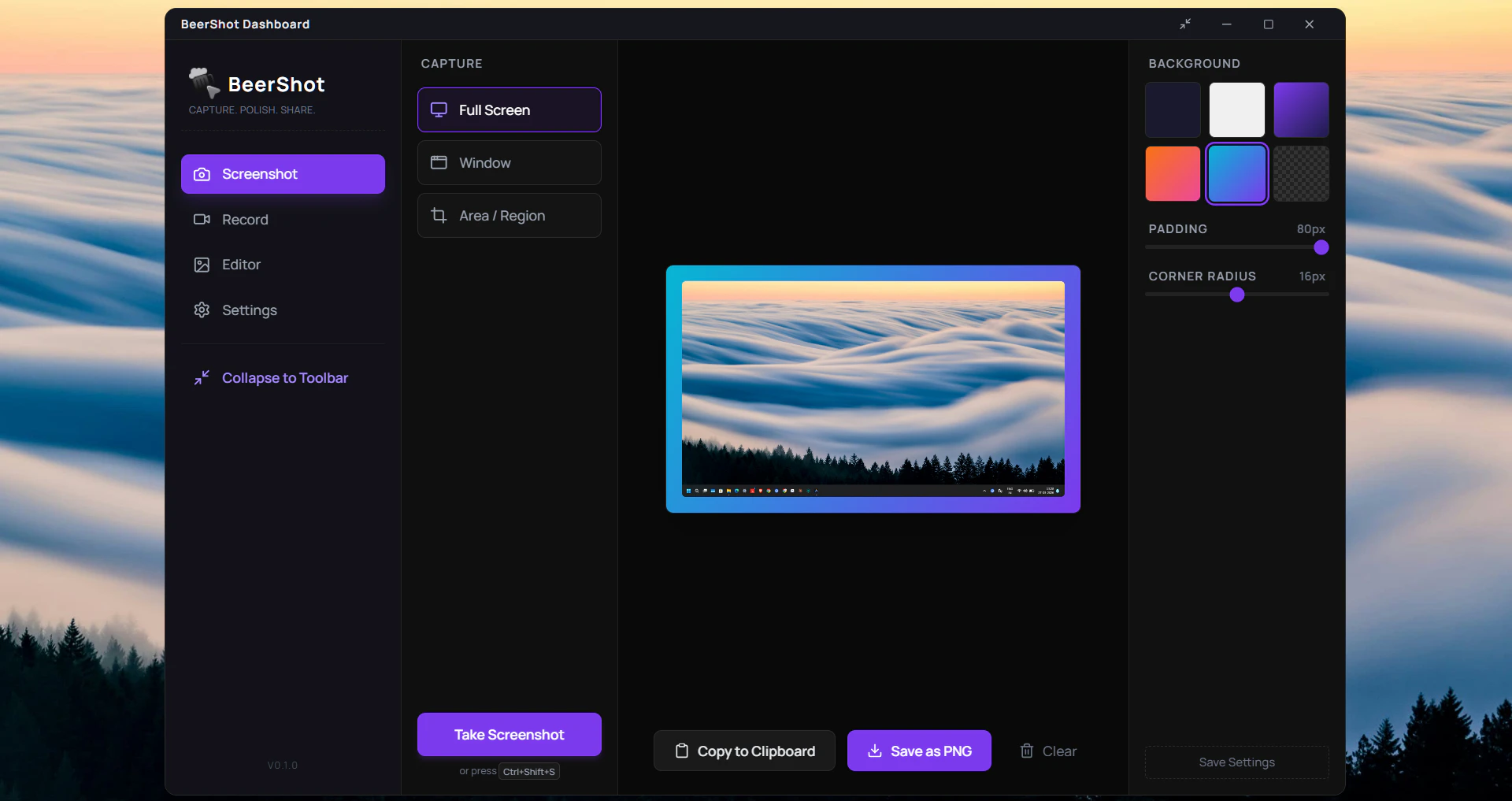
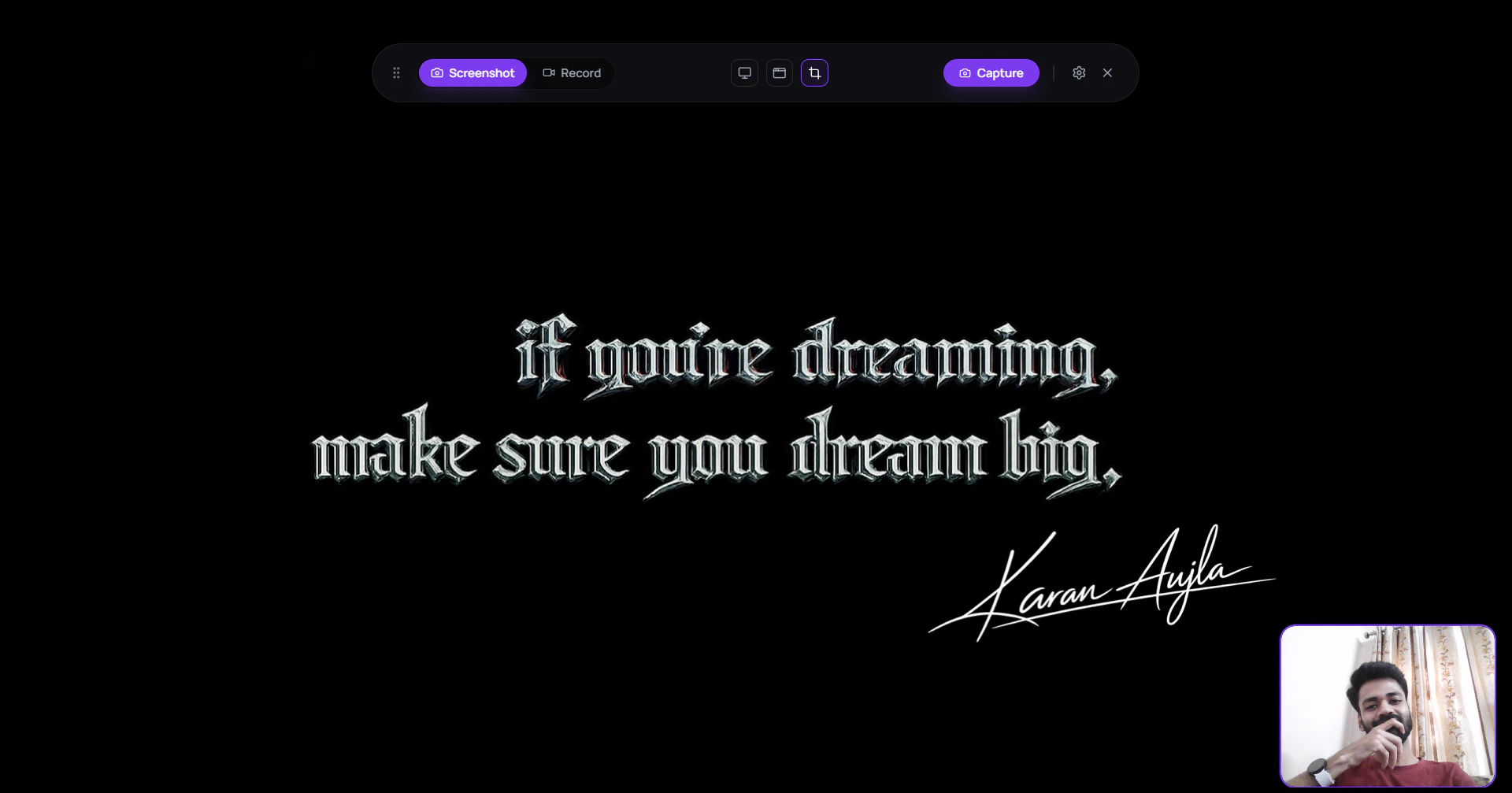
BeerShot is a versatile screen recording and screenshot tool designed for Windows users seeking high-quality visuals and streamlined editing capabilities. It offers 4K screen recording, ensuring crisp, professional-grade videos ideal for tutorials, presentations, or content creation. The tool also features cinematic auto zoom and a floating webcam PiP, allowing users to add a personal touch or enhance their videos with dynamic visuals. Its built-in video editor simplifies post-production, enabling quick adjustments without needing third-party software. With its all-in-one approach, BeerShot appeals to content creators, educators, and professionals who want an easy-to-use yet powerful recording studio within a single application. Priced at a one-time $9 fee, it provides excellent value, especially for users who prefer a simple, straightforward licensing model over subscription plans.
Screenshots
Pros
- ✓High-quality 4K screen recording and screenshots
- ✓Integrated video editing for quick post-production
- ✓Unique cinematic auto zoom and floating webcam PiP features
- ✓Affordable one-time purchase of $9
- ✓All-in-one solution for recording, editing, and capturing visuals
Cons
- ✗Limited information on advanced editing features
- ✗No free tier or trial mentioned, which could affect initial evaluation
- ✗Potential performance impact on lower-end Windows machines
Use Cases
Pricing
Likely a one-time purchase of $9, offering an affordable, straightforward licensing model without subscription fees.
Quick Info
Topics
Makers

Gaurav Bhagat
Similar Tools in Productivity




Embed Badge
Add this badge to your website to show that BeerShot is featured on Visalytica.
<a href="https://www.visalytica.com/tool/beershot" target="_blank" rel="noopener noreferrer" style="display:inline-flex;align-items:center;gap:6px;padding:6px 14px;background:#7c3aed;color:#fff;border-radius:8px;font-family:-apple-system,system-ui,sans-serif;font-size:13px;font-weight:600;text-decoration:none;transition:background .2s" onmouseover="this.style.background='#6d28d9'" onmouseout="this.style.background='#7c3aed'"><svg width="14" height="14" viewBox="0 0 24 24" fill="none" stroke="currentColor" stroke-width="2.5" stroke-linecap="round" stroke-linejoin="round"><path d="M12 20V10"/><path d="M18 20V4"/><path d="M6 20v-4"/></svg>Featured on Visalytica</a>