
Battery Sensei
Be Zen about your Meetings
About Battery Sensei
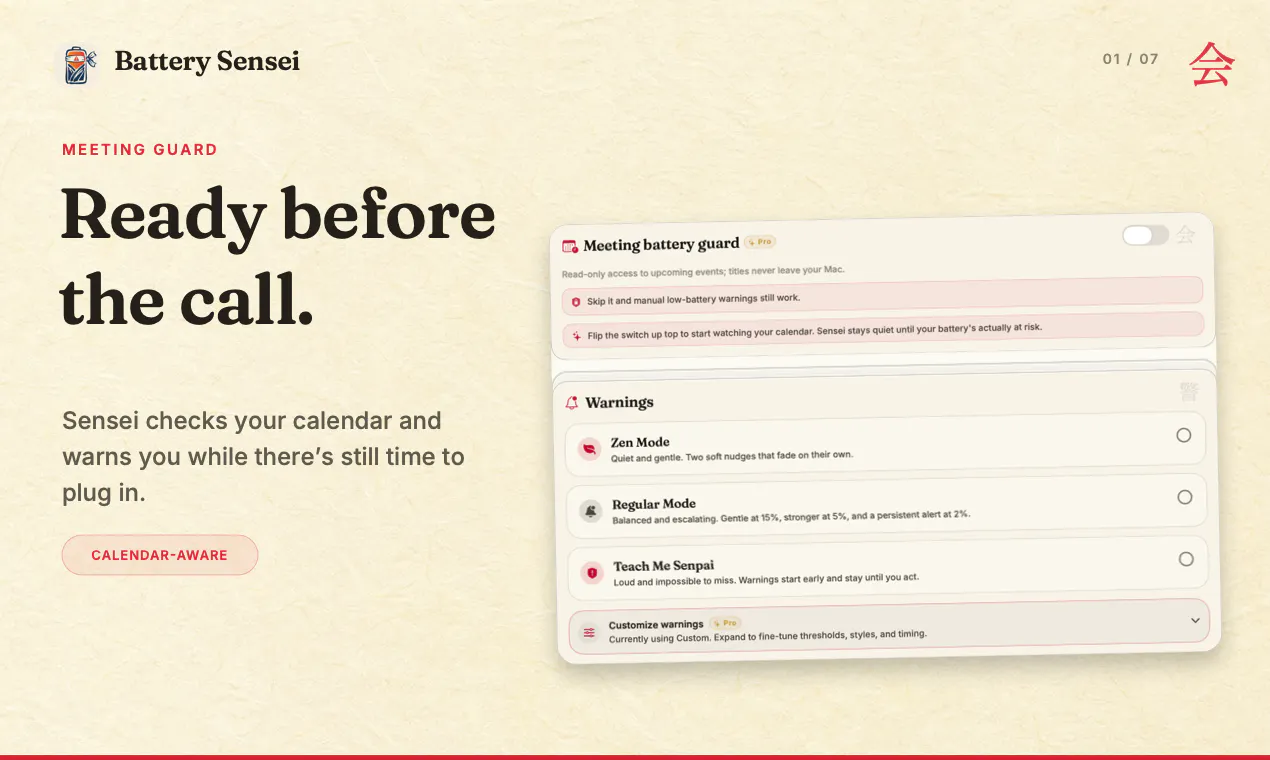
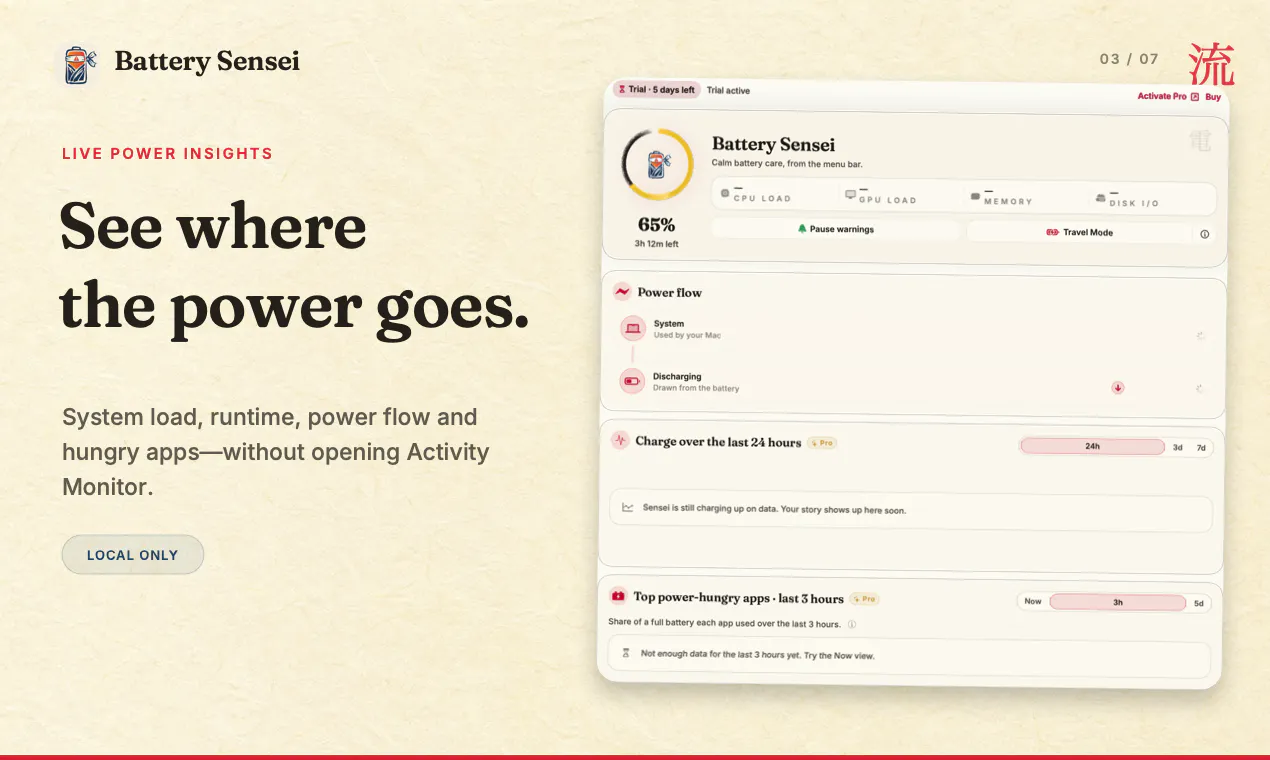
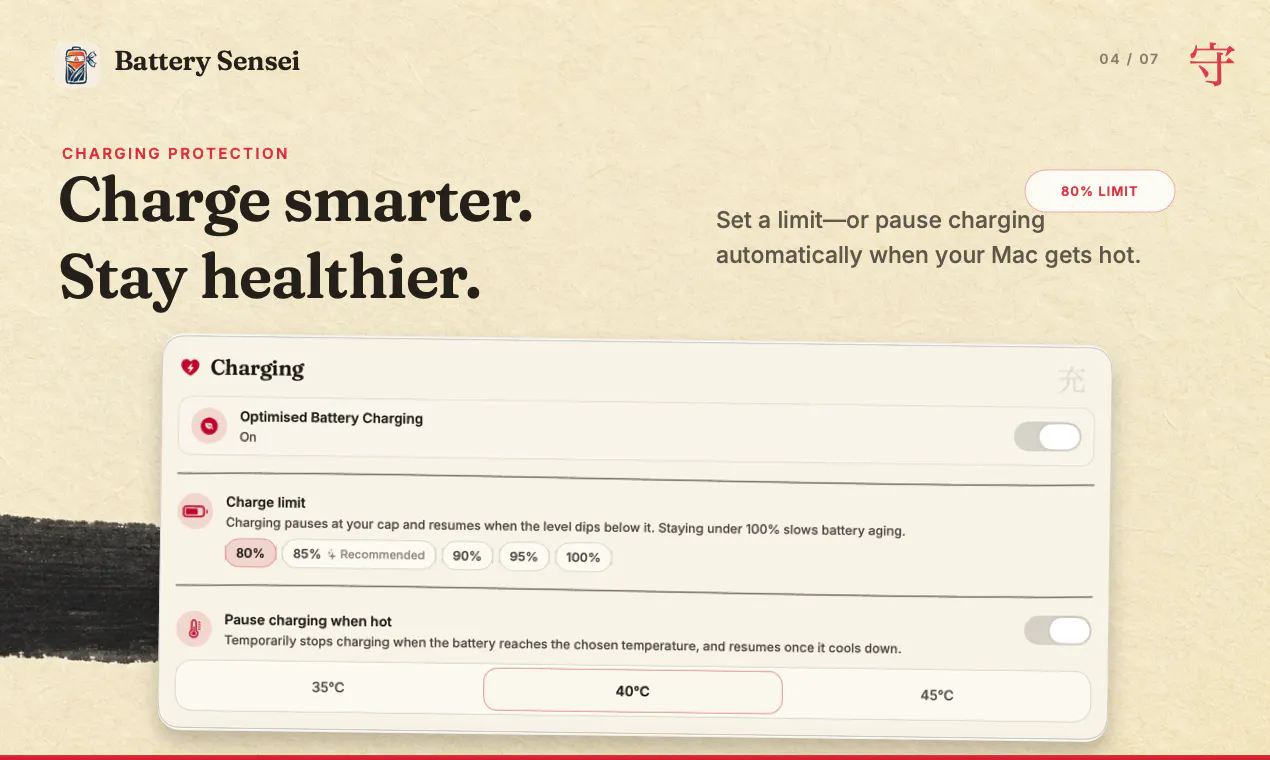
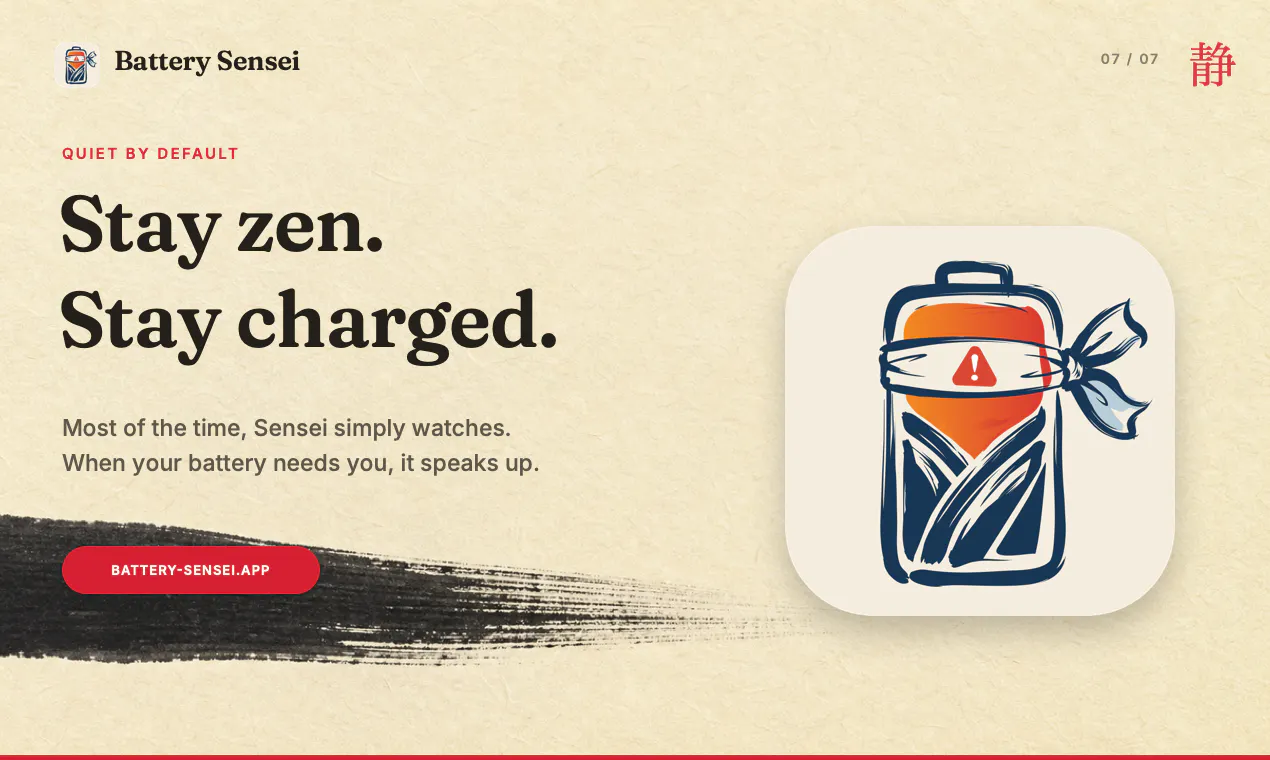
Battery Sensei is a sleek menu bar app designed for Mac users who want to take control of their device's battery health and usage. It offers real-time monitoring of battery metrics, including health status, charging speed, and power consumption, all accessible from a convenient menu bar interface. The app's standout feature is Meeting Guard, which scans your calendar to warn you if your Mac might run out of juice during an upcoming meeting, helping professionals stay productive without unexpected shutdowns. Additionally, users can set custom low-battery alerts, pause charging at specific thresholds, and monitor battery temperature to prevent overheating. Most of the time, Battery Sensei works silently in the background, providing peace of mind without constant intervention. Its clean design and focus on essential battery management make it ideal for busy professionals and power users who want to optimize their Mac's battery life effortlessly.
Screenshots

Pros
- ✓Intuitive menu bar interface for quick access
- ✓Meeting Guard feature helps prevent unexpected shutdowns during important meetings
- ✓Customizable low-battery and charging limits
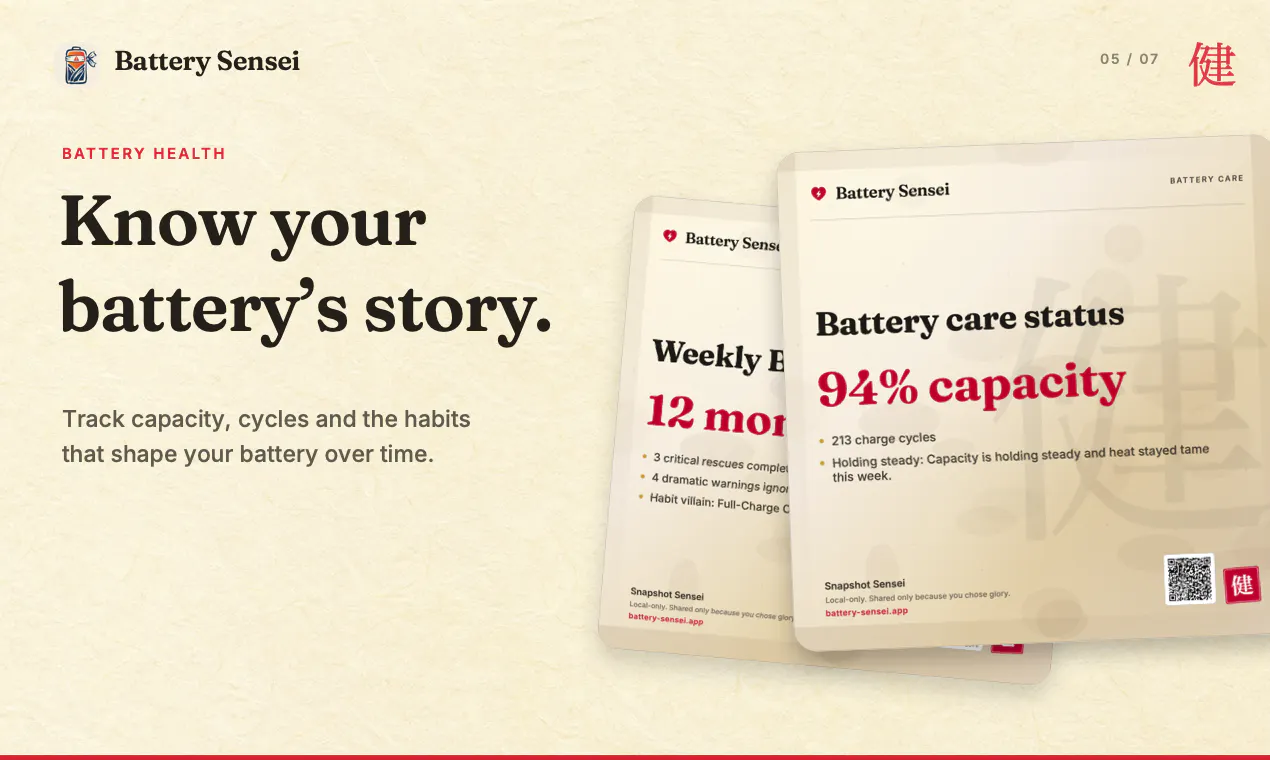
- ✓Battery health and temperature monitoring for device longevity
- ✓Minimalist design that runs quietly in the background
Cons
- ✗Limited information on pricing and subscription model
- ✗Might lack advanced battery analytics for power users
- ✗Currently lacks detailed historical battery usage data
Use Cases
Pricing
Likely follows a freemium model, offering basic features for free with optional paid upgrades for advanced monitoring or customization, though specific pricing details are not publicly available.
Quick Info
Topics
Makers

Sandro Schaier
Alternatives
Similar Tools in Productivity




Embed Badge
Add this badge to your website to show that Battery Sensei is featured on Visalytica.
<a href="https://www.visalytica.com/tool/battery-sensei" target="_blank" rel="noopener noreferrer" style="display:inline-flex;align-items:center;gap:6px;padding:6px 14px;background:#7c3aed;color:#fff;border-radius:8px;font-family:-apple-system,system-ui,sans-serif;font-size:13px;font-weight:600;text-decoration:none;transition:background .2s" onmouseover="this.style.background='#6d28d9'" onmouseout="this.style.background='#7c3aed'"><svg width="14" height="14" viewBox="0 0 24 24" fill="none" stroke="currentColor" stroke-width="2.5" stroke-linecap="round" stroke-linejoin="round"><path d="M12 20V10"/><path d="M18 20V4"/><path d="M6 20v-4"/></svg>Featured on Visalytica</a>