
Batch for Google Photos
Google Photos bulk editing: Enhance, Filter, Crop, and more
About Batch for Google Photos
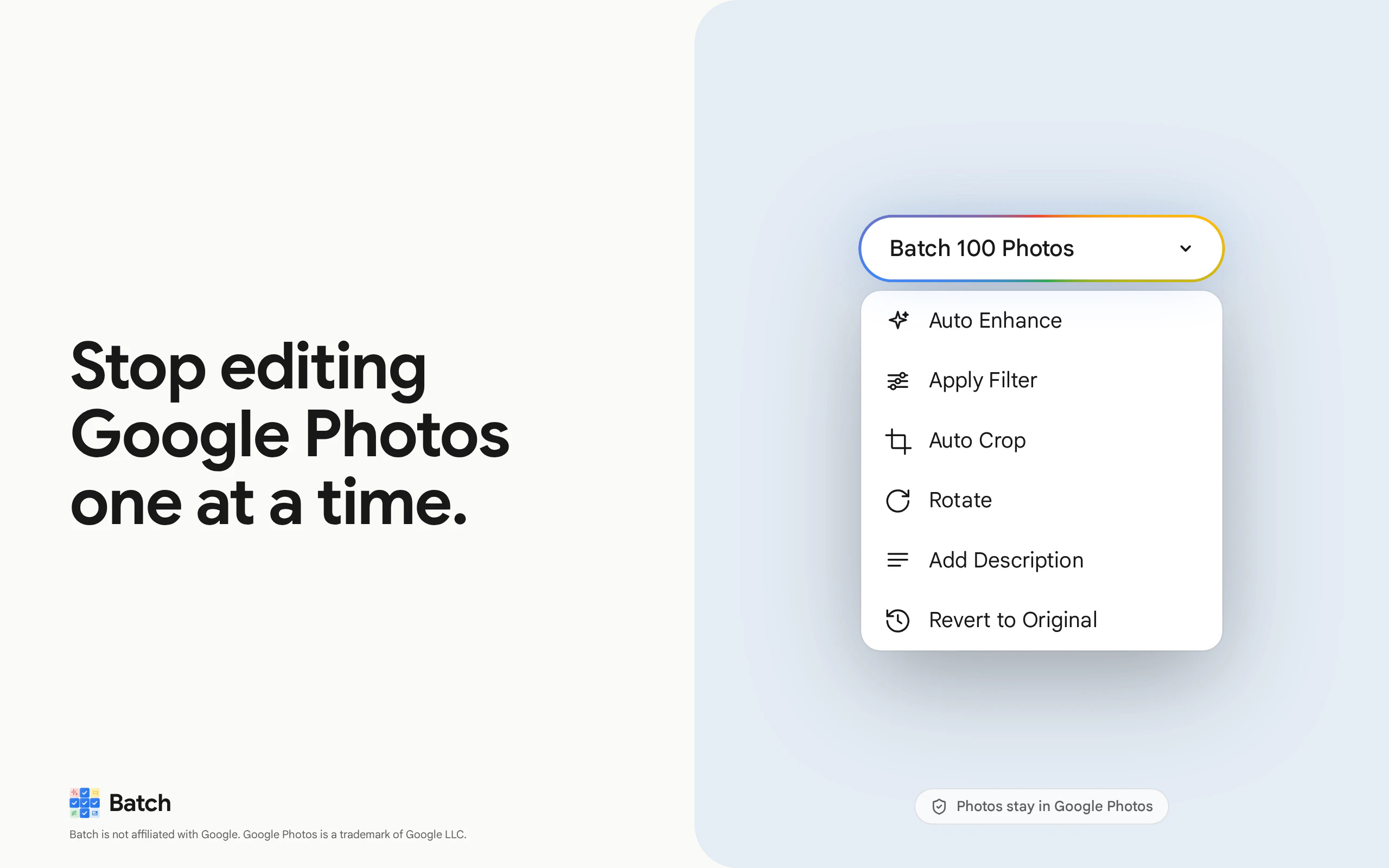
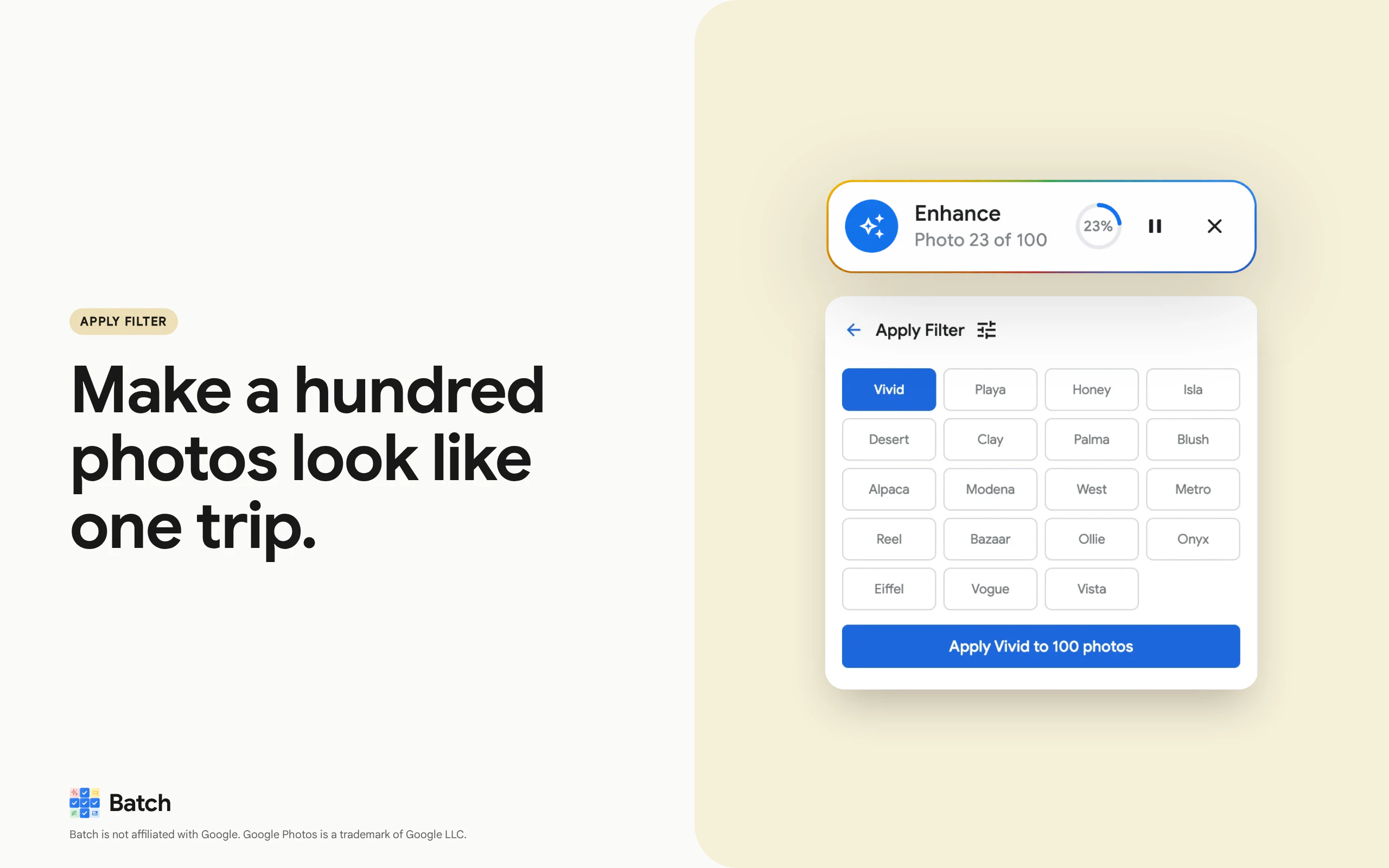
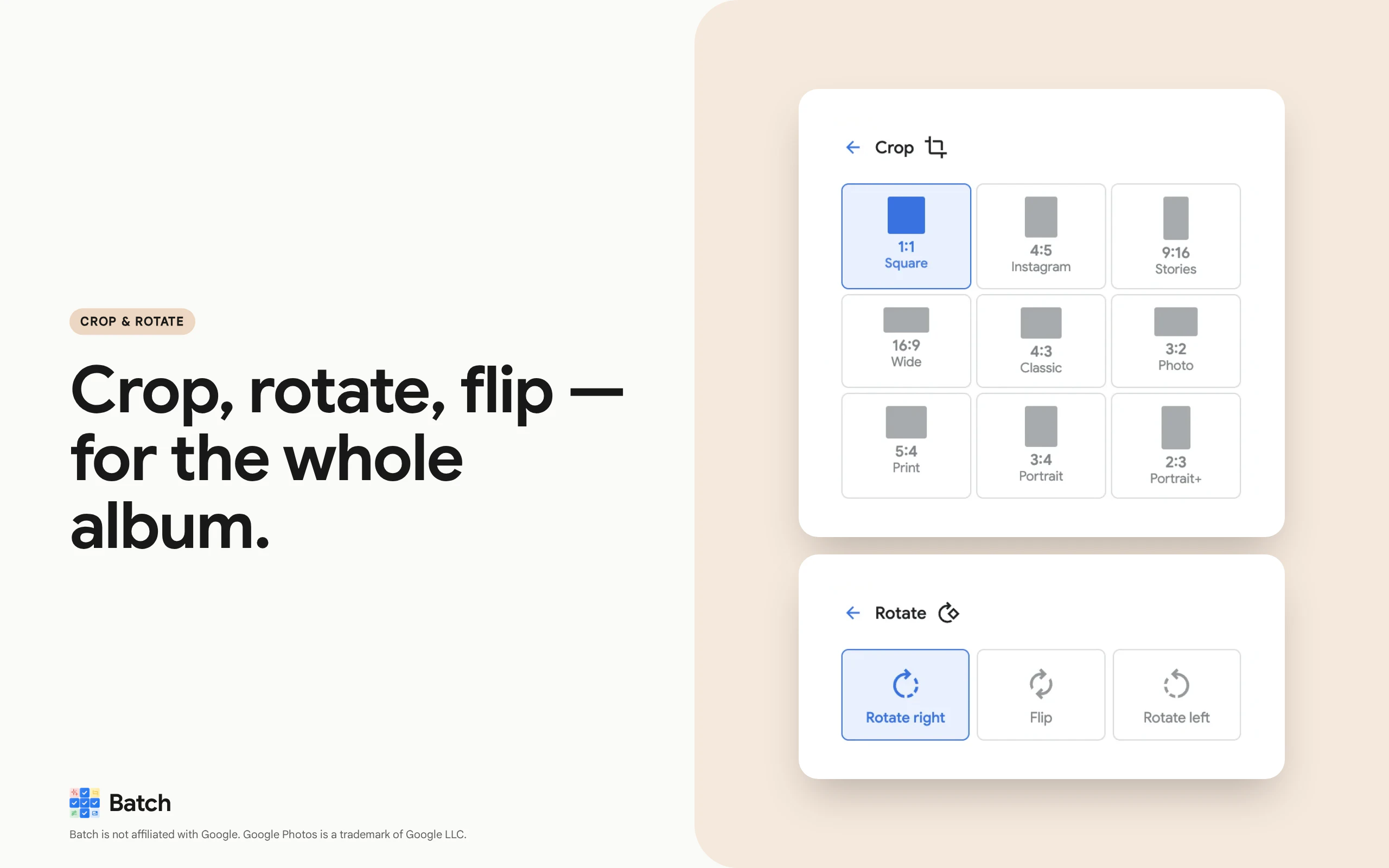
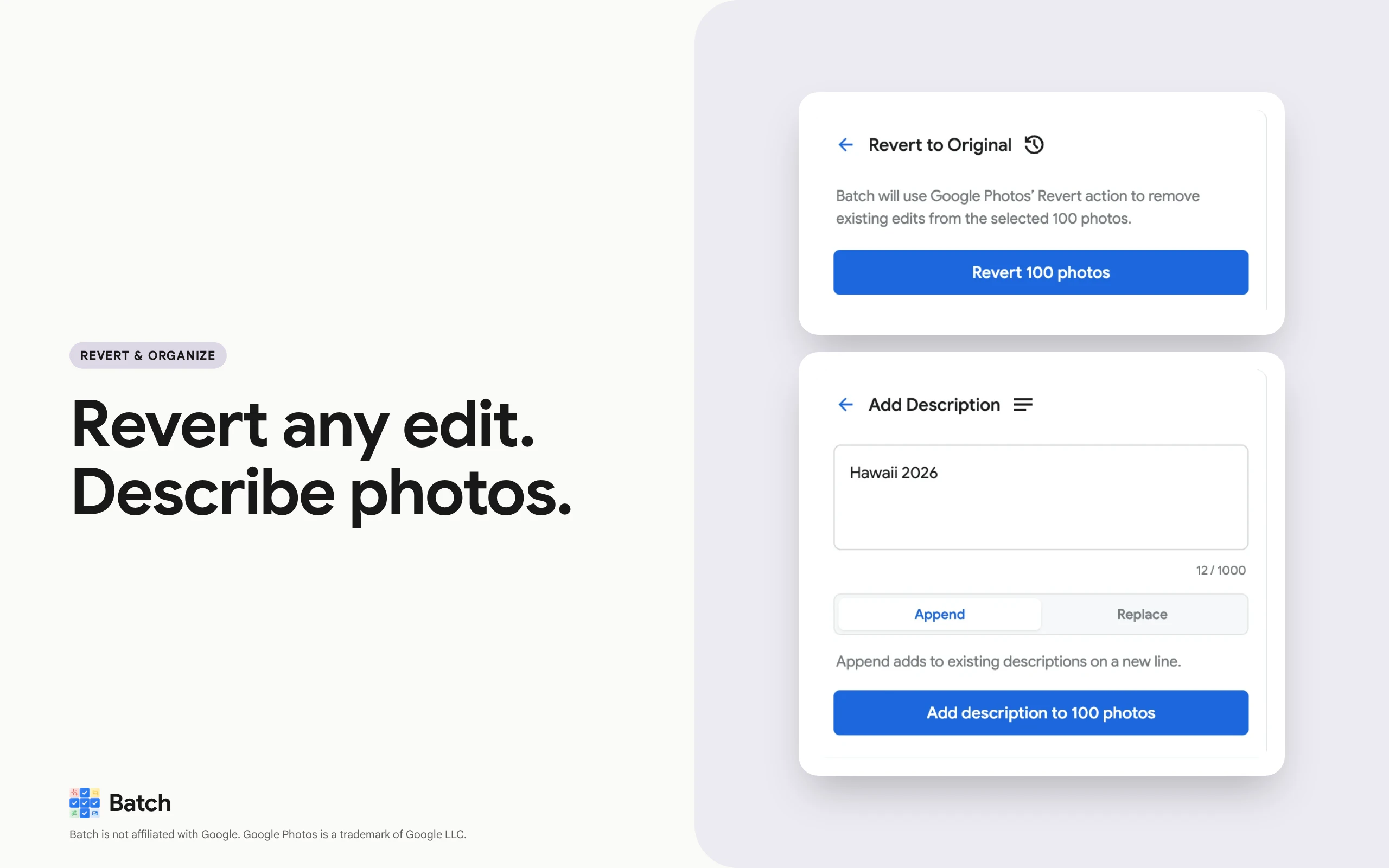
Batch for Google Photos is a powerful Chrome extension designed to streamline bulk photo editing within Google Photos. It enables users to enhance, filter, crop, rotate, add descriptions, or revert hundreds of images simultaneously, making large albums or collections much easier to manage. Perfect for photographers, event organizers, real estate agents, and family archivists, this tool eliminates the tedious process of editing images one by one. Its seamless integration within Google Photos means users never need to upload or download files, ensuring privacy and speed. Built for those handling extensive photo libraries—such as wedding albums, travel collections, or product showcases—Batch significantly boosts productivity and consistency in editing large batches of images.
Screenshots
Pros
- ✓Bulk editing capabilities save time and effort
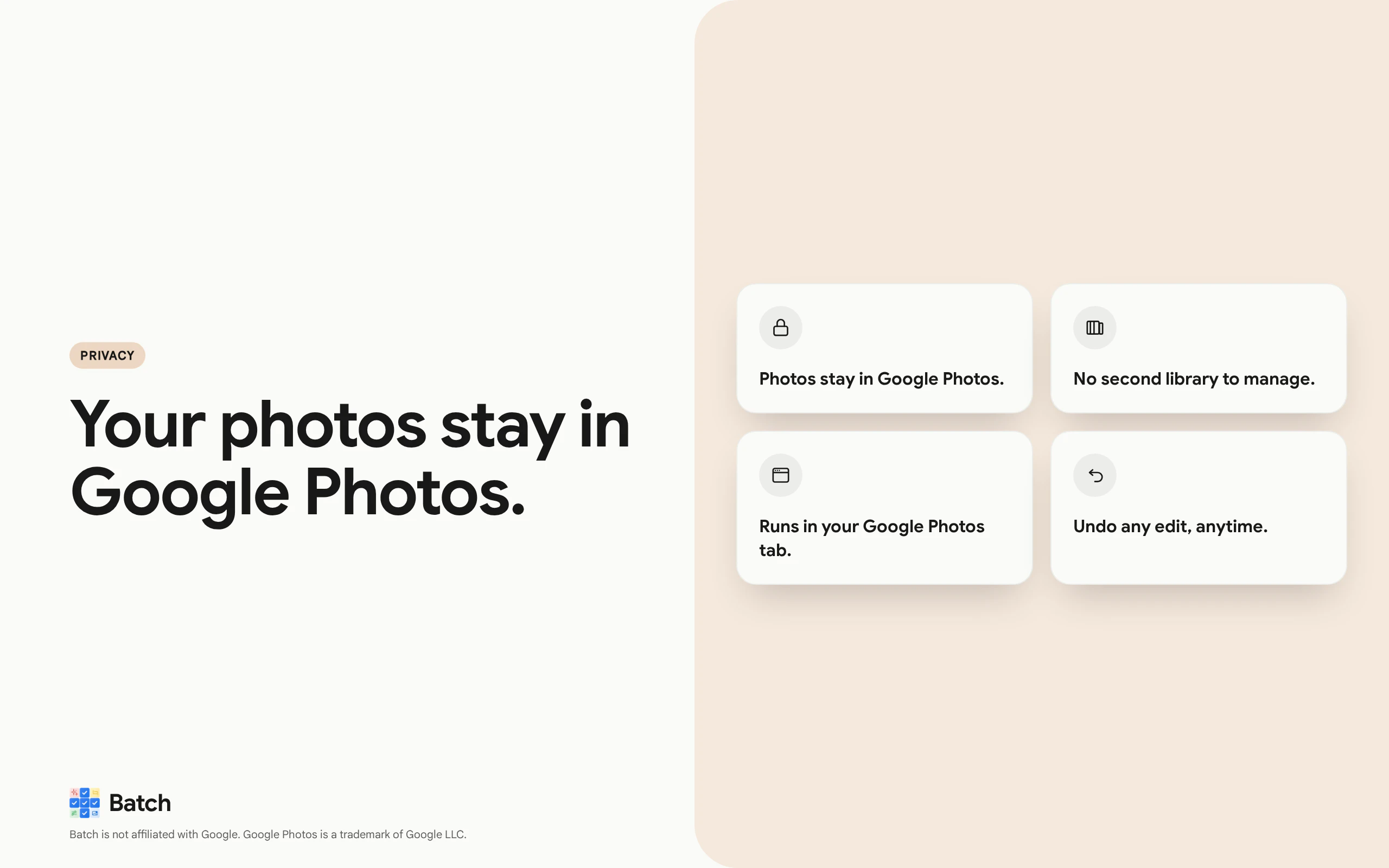
- ✓Runs directly inside Google Photos without uploads
- ✓Supports a wide range of edits including enhancement, cropping, and filtering
- ✓User-friendly interface suitable for non-technical users
- ✓Ideal for managing large photo collections efficiently
Cons
- ✗Limited to Google Photos, not a standalone app
- ✗Potential performance issues with very large batches
- ✗Features may be basic compared to dedicated photo editing software
Use Cases
Pricing
Likely operates on a freemium model, offering basic bulk editing features for free with optional paid plans for advanced functionalities or unlimited use. Exact pricing details are not specified.
Quick Info
Topics
Makers

Yair Levin
@levinyairAlternatives
Similar Tools in AI Image & Design




Embed Badge
Add this badge to your website to show that Batch for Google Photos is featured on Visalytica.
<a href="https://www.visalytica.com/tool/batch-for-google-photos" target="_blank" rel="noopener noreferrer" style="display:inline-flex;align-items:center;gap:6px;padding:6px 14px;background:#7c3aed;color:#fff;border-radius:8px;font-family:-apple-system,system-ui,sans-serif;font-size:13px;font-weight:600;text-decoration:none;transition:background .2s" onmouseover="this.style.background='#6d28d9'" onmouseout="this.style.background='#7c3aed'"><svg width="14" height="14" viewBox="0 0 24 24" fill="none" stroke="currentColor" stroke-width="2.5" stroke-linecap="round" stroke-linejoin="round"><path d="M12 20V10"/><path d="M18 20V4"/><path d="M6 20v-4"/></svg>Featured on Visalytica</a>