
Basedash MCP Connectors
Connect any app. Take action anywhere.
About Basedash MCP Connectors
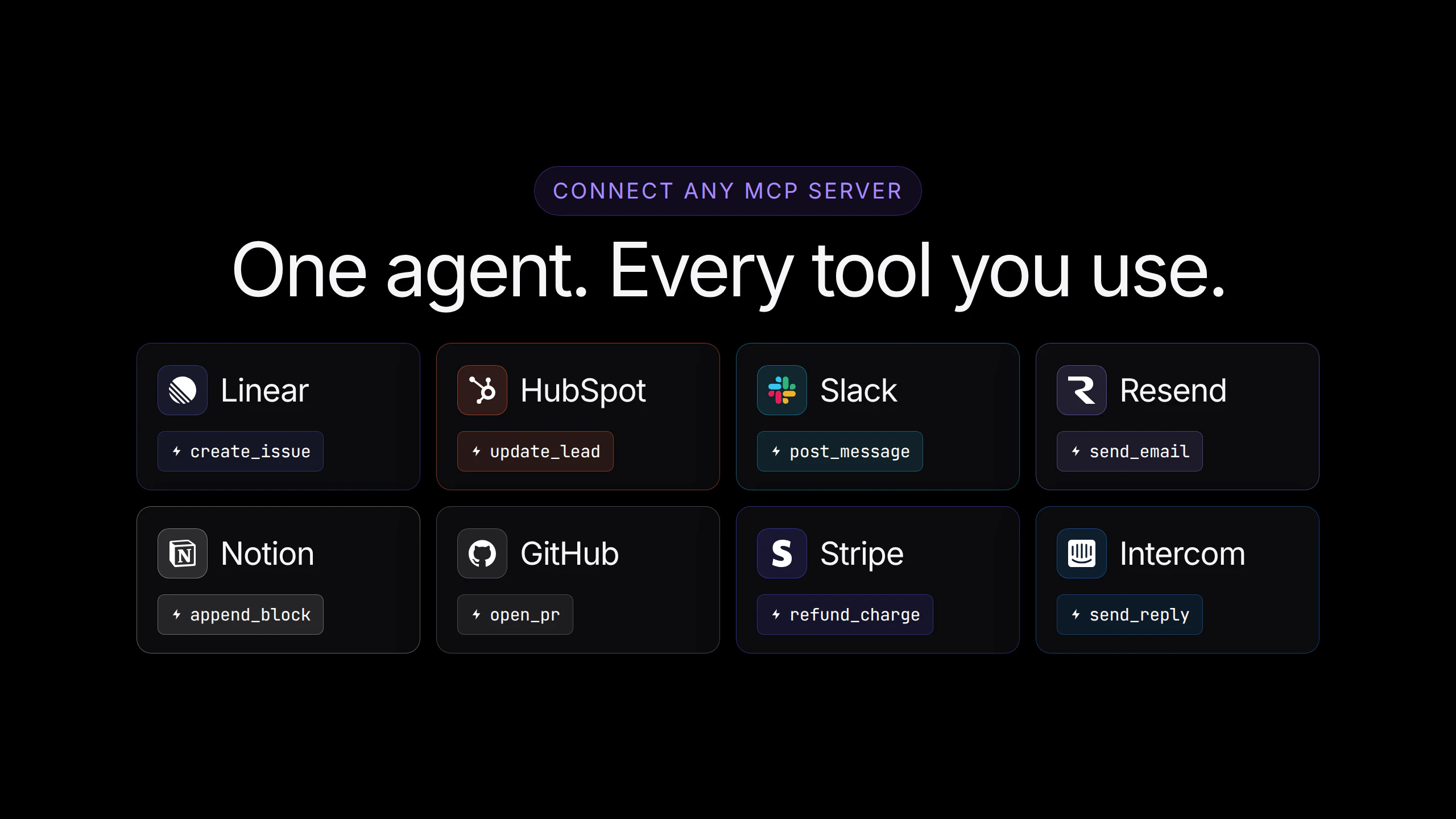
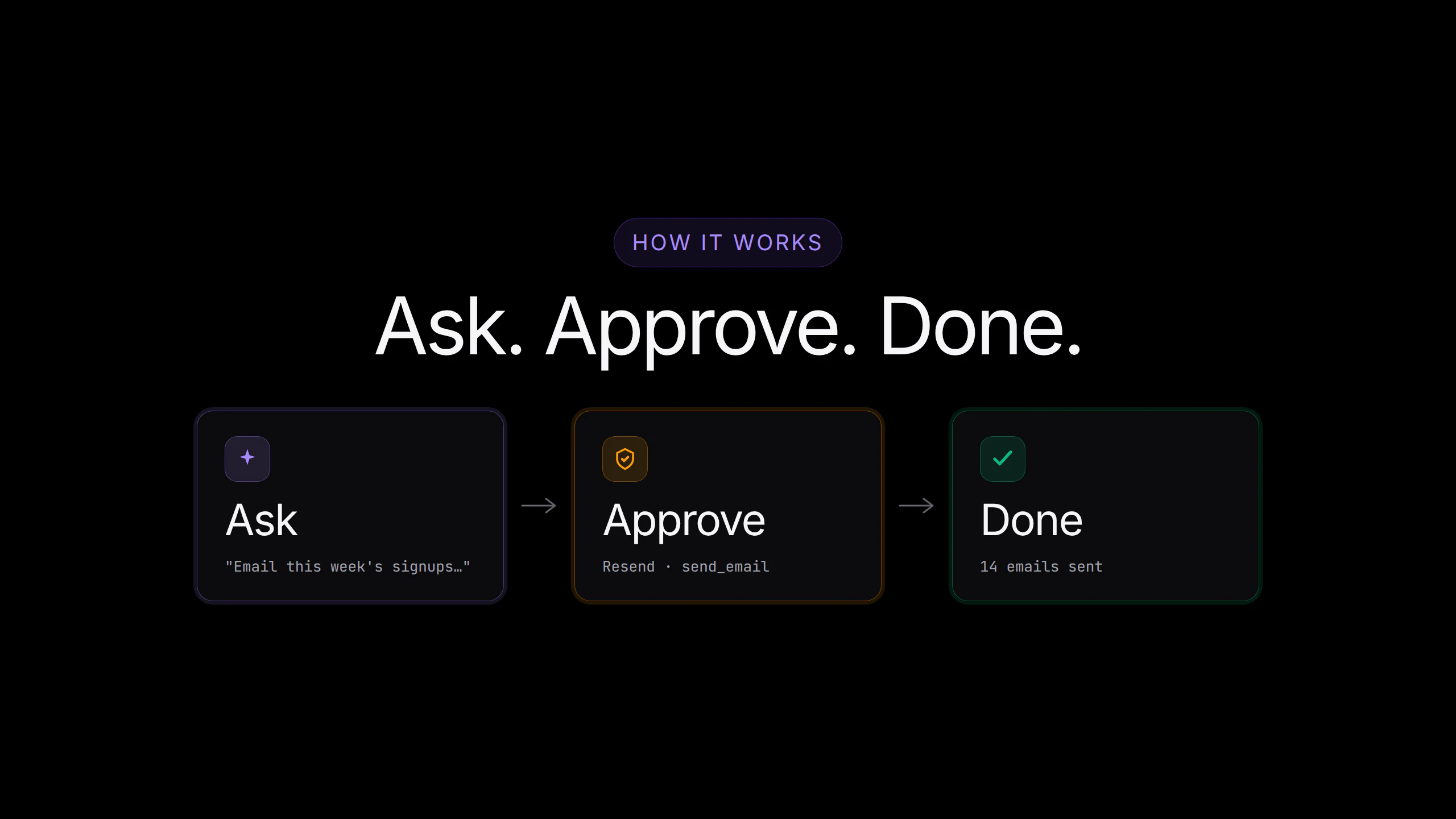
Basedash MCP Connectors extends the capabilities of the popular data and automation platform by enabling seamless integration with various MCP servers like Linear, HubSpot, Slack, Resend, Notion, and GitHub. This tool allows users not only to read data from their databases, warehouses, and SaaS tools but also to take targeted actions directly within chat environments. Whether it's sending emails to new signups, creating bugs from support tickets, or updating CRM leads based on user activity, Basedash MCP Connectors makes workflows more efficient and responsive. Its ability to pair with Automations further enhances productivity by scheduling and automating entire workflows, reducing manual effort and streamlining business processes. This tool is ideal for teams looking to enhance their operational agility by integrating and acting on data across multiple platforms in real-time, all within a unified chat interface.
Screenshots
Pros
- ✓Enables bi-directional integration with popular MCP servers
- ✓Facilitates real-time actions directly within chat environments
- ✓Pairs seamlessly with Automations for scheduled workflows
- ✓Reduces manual data handling and accelerates response times
- ✓Supports a wide variety of SaaS tools and platforms
Cons
- ✗Pricing and availability details are not explicitly provided
- ✗May require technical setup for complex workflows
- ✗Limited information on user interface or ease of use
Use Cases
Pricing
Likely based on a tiered subscription model with different levels for data access, actions, and automation capabilities. Specific pricing details are not publicly available, so it is advisable to contact the provider for custom quotes or trials.
Quick Info
Topics
Alternatives
Similar Tools in Data & Analytics




Embed Badge
Add this badge to your website to show that Basedash MCP Connectors is featured on Visalytica.
<a href="https://www.visalytica.com/tool/basedash-mcp-connectors" target="_blank" rel="noopener noreferrer" style="display:inline-flex;align-items:center;gap:6px;padding:6px 14px;background:#7c3aed;color:#fff;border-radius:8px;font-family:-apple-system,system-ui,sans-serif;font-size:13px;font-weight:600;text-decoration:none;transition:background .2s" onmouseover="this.style.background='#6d28d9'" onmouseout="this.style.background='#7c3aed'"><svg width="14" height="14" viewBox="0 0 24 24" fill="none" stroke="currentColor" stroke-width="2.5" stroke-linecap="round" stroke-linejoin="round"><path d="M12 20V10"/><path d="M18 20V4"/><path d="M6 20v-4"/></svg>Featured on Visalytica</a>