
Bail: Fake Call Simulator
Fake calls and alerts for a graceful exit
About Bail: Fake Call Simulator
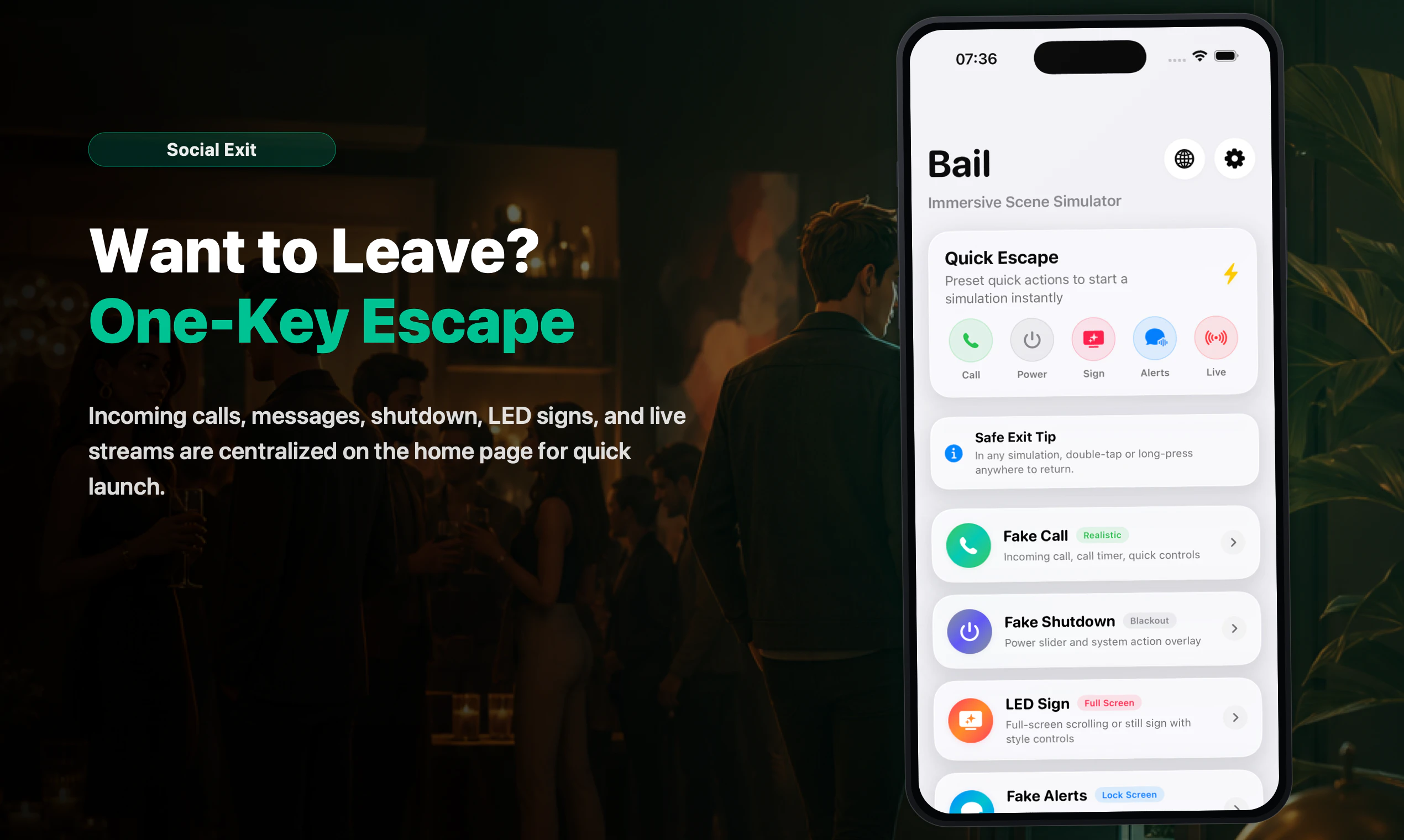
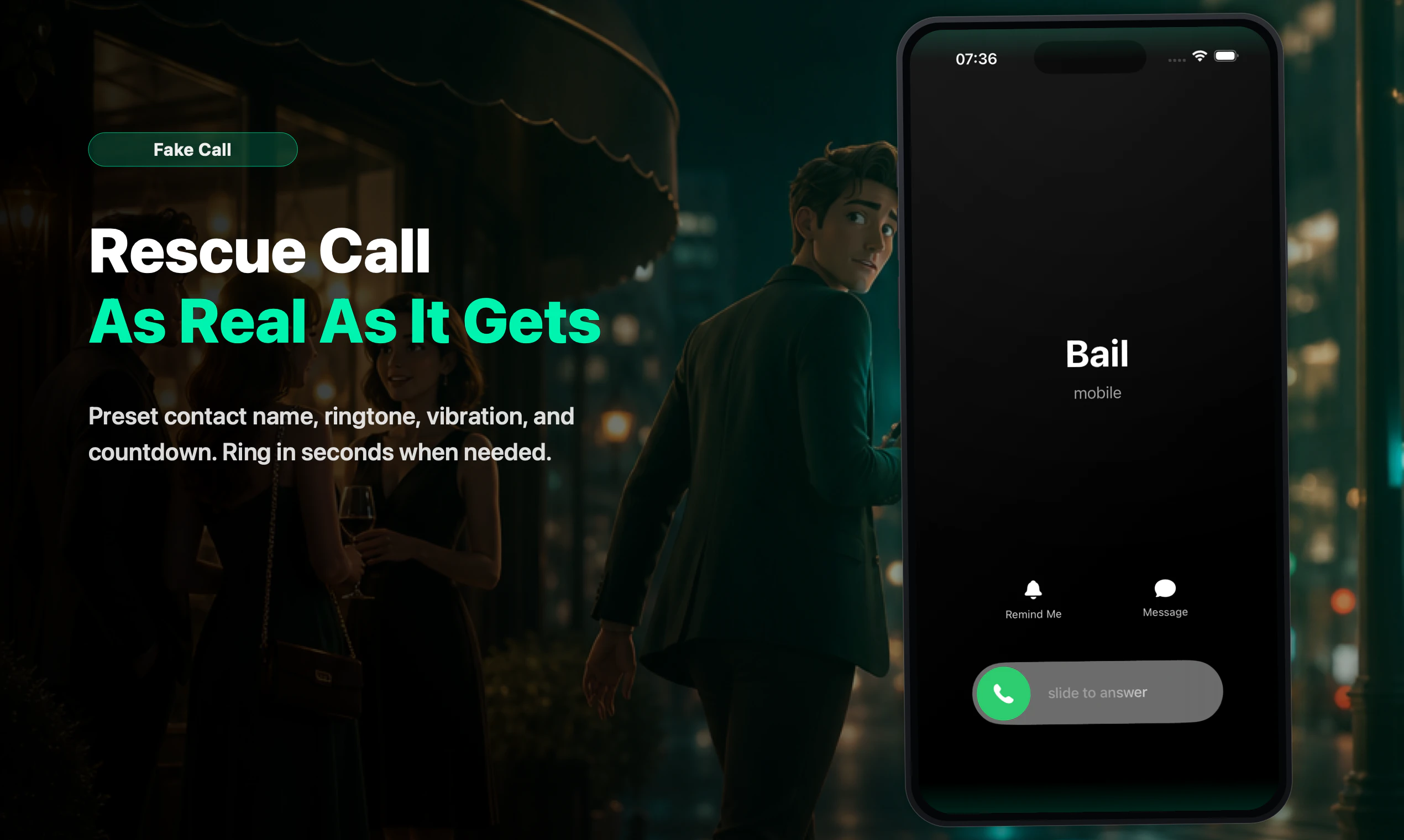
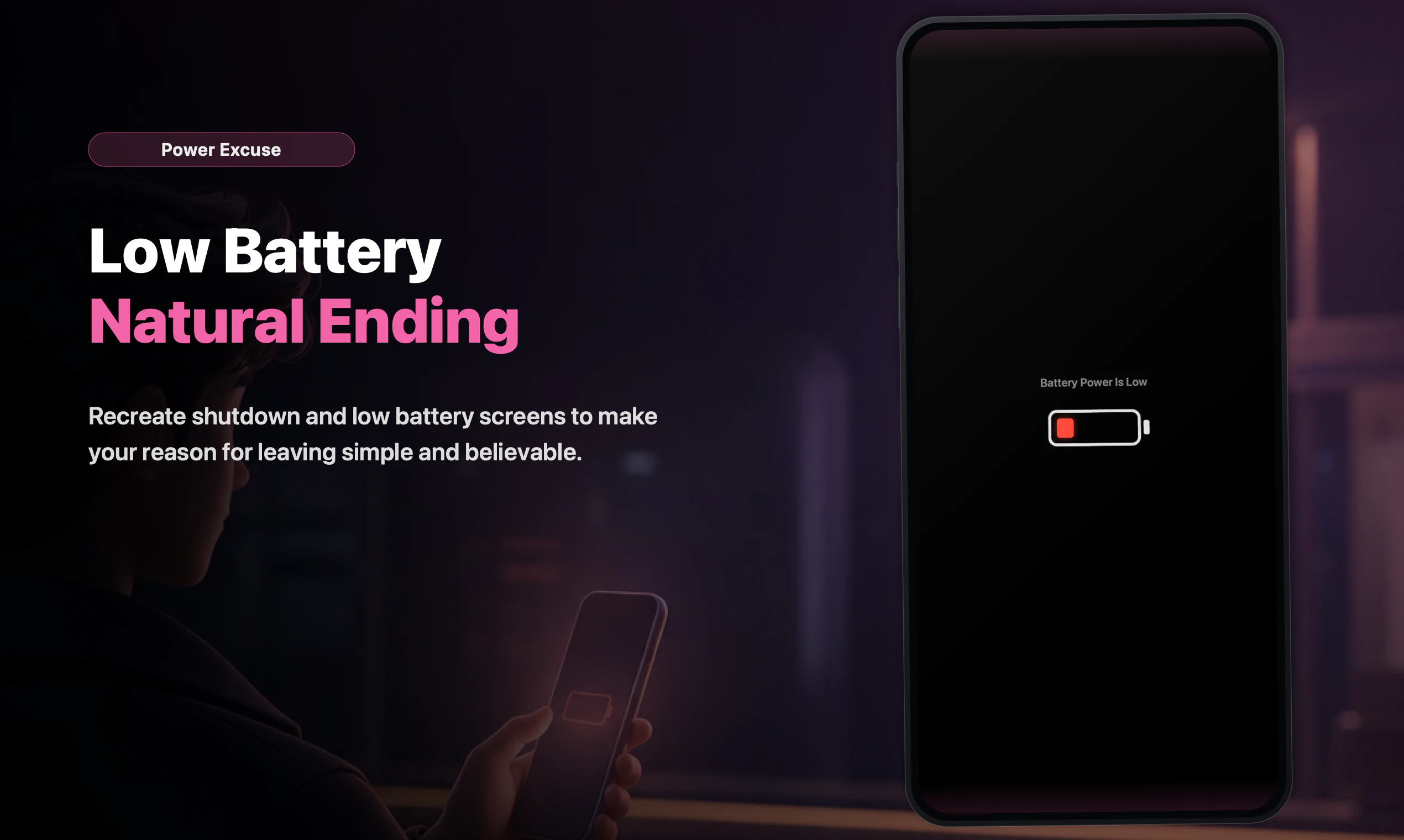
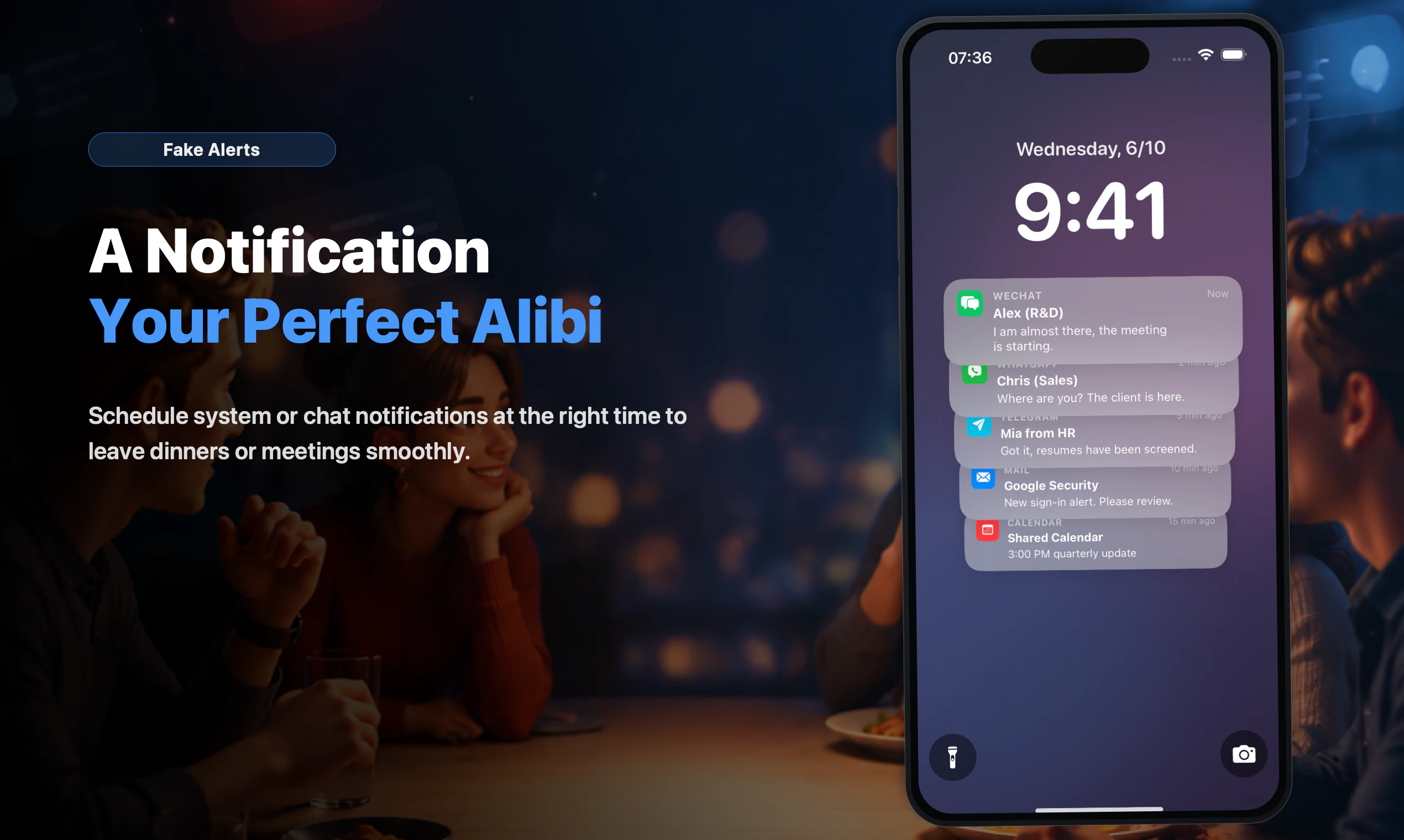
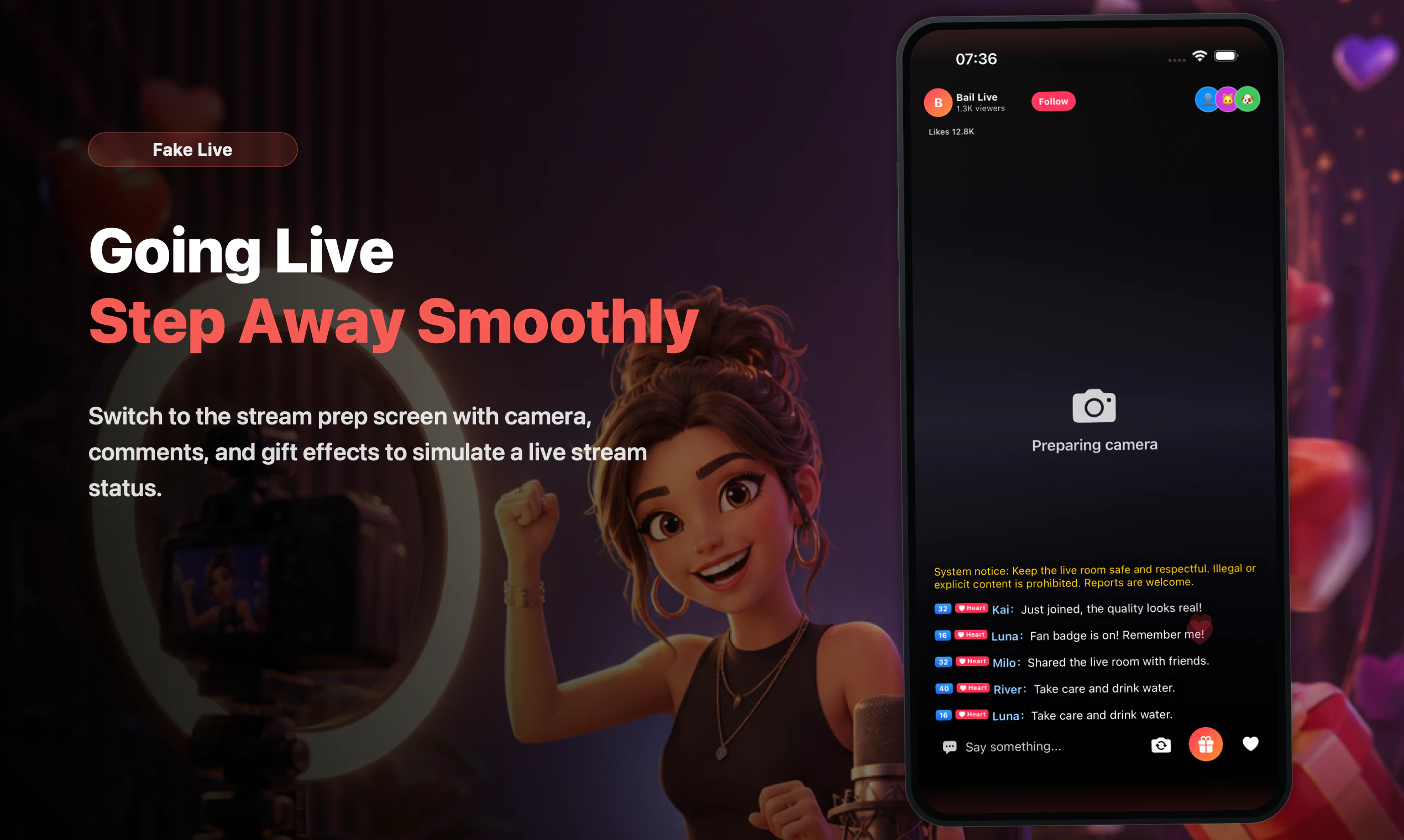
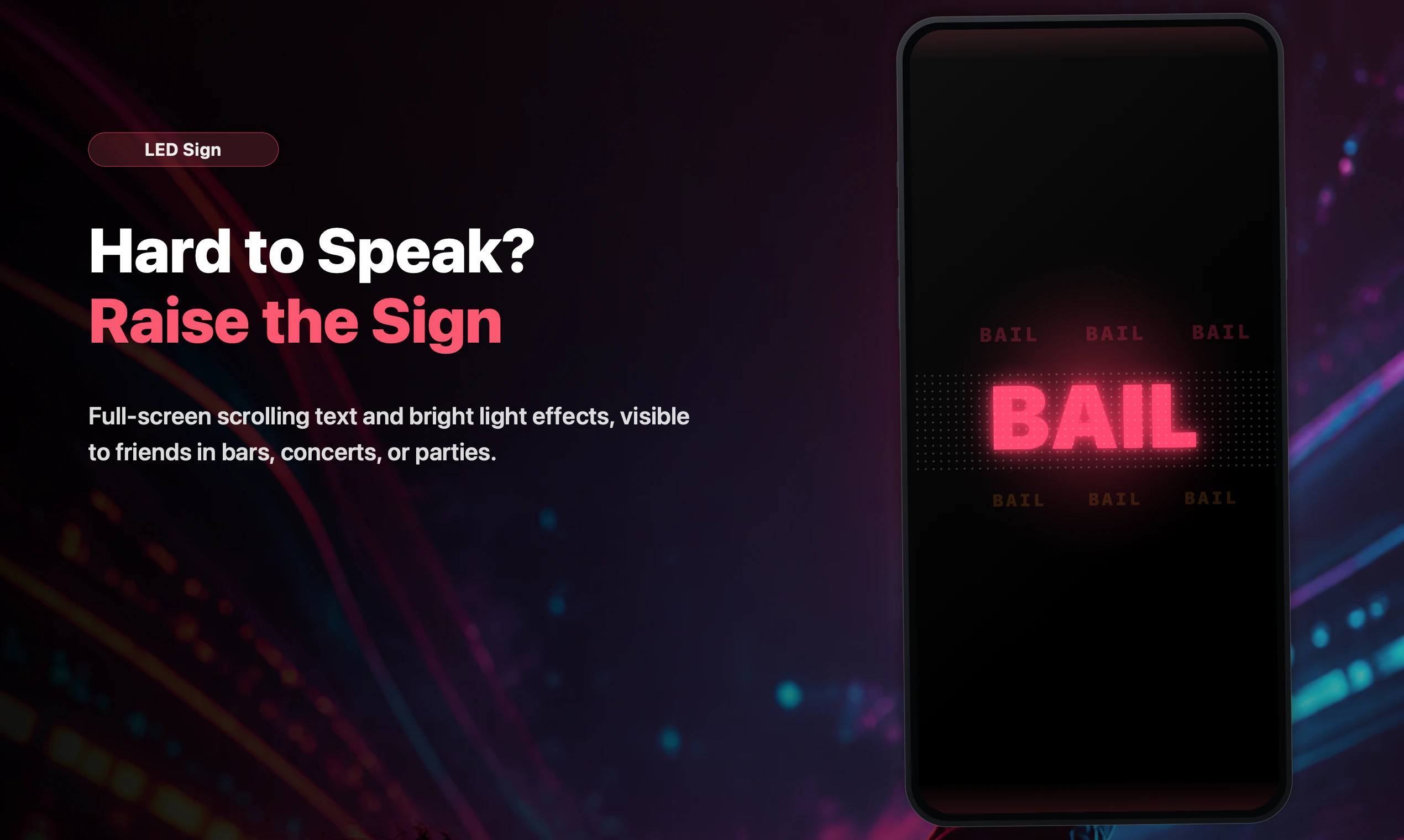
Bail: Fake Call Simulator is an innovative iPhone app designed to help users create convincing social-exit moments with ease. Whether facing awkward dates, tense meetings, or uncomfortable social situations, users can generate fake incoming calls, lock-screen alerts, low-battery shutdown screens, LED signs, or live-room simulations to gracefully exit or defuse the moment. Its quick setup and variety of simulation options make it a versatile tool for privacy, role-playing, or simply avoiding awkward conversations. Unlike other prank apps, Bail emphasizes authenticity and ease of use, ensuring the fake calls feel real without any risk of contacting actual emergency services or sending messages. This app is especially popular among those who want a quick escape plan or practice social scenarios discreetly and confidently.
Screenshots
Pros
- ✓Easy and quick setup for various social scenarios
- ✓Multiple simulation options including calls, alerts, and signs
- ✓Designed for privacy and safety, with no real contact or messaging
- ✓Useful for role-playing, social practice, or awkward situations
- ✓Intuitive interface tailored for iPhone users
Cons
- ✗Limited to iOS devices, not available on Android
- ✗Primarily a prank or social tool, not suitable for emergency use
- ✗Lacks advanced customization features found in more complex simulation apps
Use Cases
Pricing
Likely operates on a freemium model, offering basic fake call features for free with optional in-app purchases or premium plans for additional customization and simulation options.
Quick Info
Topics
Makers

Joey
Alternatives
Similar Tools in AI Assistants




Embed Badge
Add this badge to your website to show that Bail: Fake Call Simulator is featured on Visalytica.
<a href="https://www.visalytica.com/tool/bail-fake-call-simulator" target="_blank" rel="noopener noreferrer" style="display:inline-flex;align-items:center;gap:6px;padding:6px 14px;background:#7c3aed;color:#fff;border-radius:8px;font-family:-apple-system,system-ui,sans-serif;font-size:13px;font-weight:600;text-decoration:none;transition:background .2s" onmouseover="this.style.background='#6d28d9'" onmouseout="this.style.background='#7c3aed'"><svg width="14" height="14" viewBox="0 0 24 24" fill="none" stroke="currentColor" stroke-width="2.5" stroke-linecap="round" stroke-linejoin="round"><path d="M12 20V10"/><path d="M18 20V4"/><path d="M6 20v-4"/></svg>Featured on Visalytica</a>