
Aymo AI for Chrome
Free AI Sidebar in Your Browser with Tools and Top AI Models
About Aymo AI for Chrome
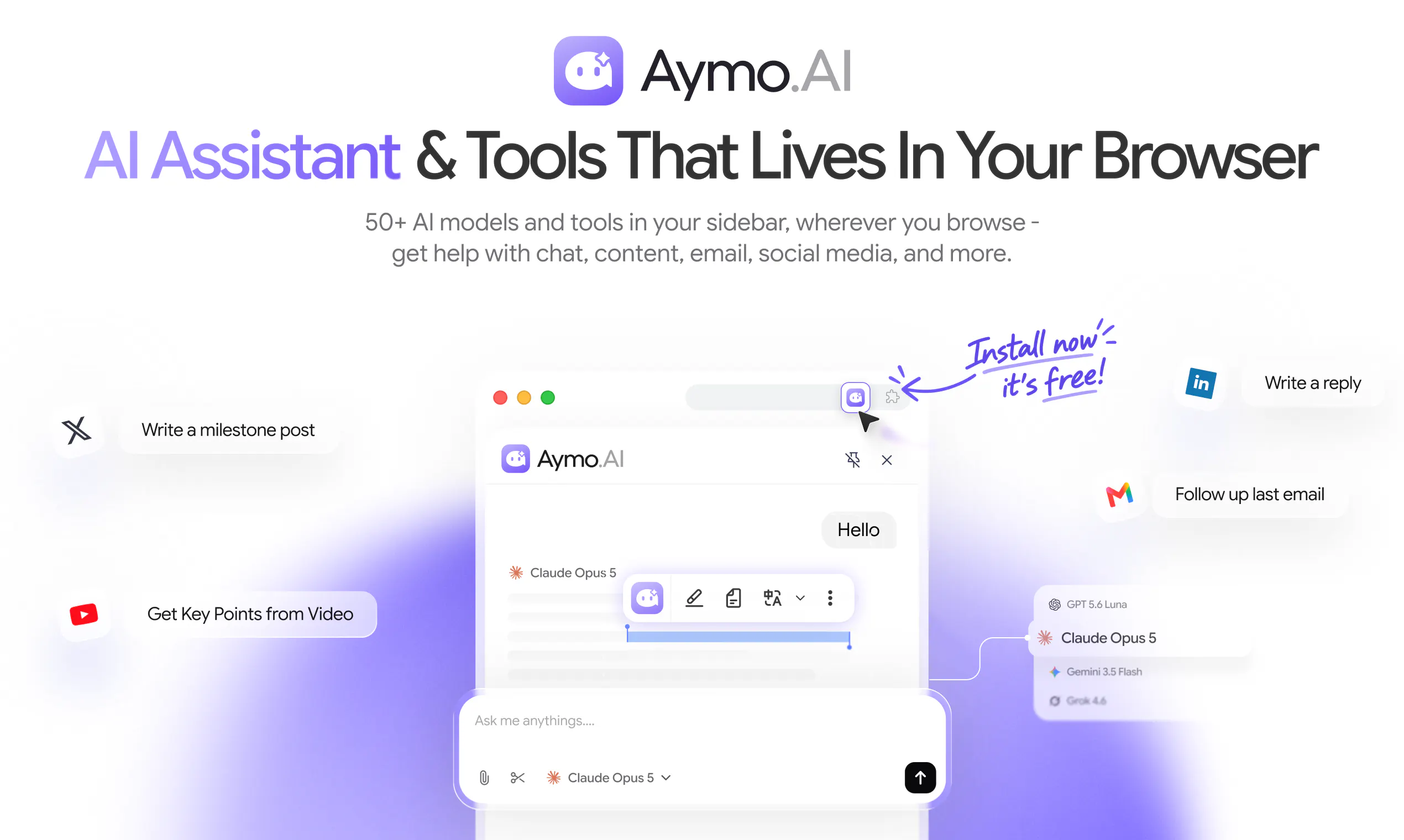
Aymo AI for Chrome is a versatile and user-friendly browser extension that brings over 50 top AI models and tools directly into a convenient sidebar. Designed for professionals, content creators, and everyday users, it streamlines tasks such as content creation, social media engagement, email communication, and quick information retrieval. By integrating popular AI models like GPT, Claude, Gemini, and more, it enables users to ask questions about web pages, generate and refine content, and perform various knowledge work without leaving their browser. Its compatibility with Chromium-based browsers like Chrome, Brave, and Edge makes it accessible to a wide audience. This extension stands out for consolidating multiple AI tools into one interface, simplifying workflows, and enhancing productivity with just a click.
Screenshots




Pros
- ✓Access to 50+ top AI models and tools in one sidebar
- ✓Compatible with multiple Chromium browsers
- ✓Easy-to-use interface for quick AI-driven tasks
- ✓Supports diverse use cases like content creation, social media, and email
- ✓Free to use, providing substantial value without additional costs
Cons
- ✗No information on premium features or paid plans
- ✗Potential performance impact on browser speed with many tools active
- ✗Limited details on privacy and data security measures
Use Cases
Pricing
Pricing not verified
Quick Info
Topics
Makers

Johurul Haque
Alternatives
Similar Tools in AI Assistants




Embed Badge
Add this badge to your website to show that Aymo AI for Chrome is featured on Visalytica.
<a href="https://www.visalytica.com/tool/aymo-ai-for-chrome" target="_blank" rel="noopener noreferrer" style="display:inline-flex;align-items:center;gap:6px;padding:6px 14px;background:#7c3aed;color:#fff;border-radius:8px;font-family:-apple-system,system-ui,sans-serif;font-size:13px;font-weight:600;text-decoration:none;transition:background .2s" onmouseover="this.style.background='#6d28d9'" onmouseout="this.style.background='#7c3aed'"><svg width="14" height="14" viewBox="0 0 24 24" fill="none" stroke="currentColor" stroke-width="2.5" stroke-linecap="round" stroke-linejoin="round"><path d="M12 20V10"/><path d="M18 20V4"/><path d="M6 20v-4"/></svg>Featured on Visalytica</a>