
Aye
Your teachable AI intern for everyday browser work
About Aye
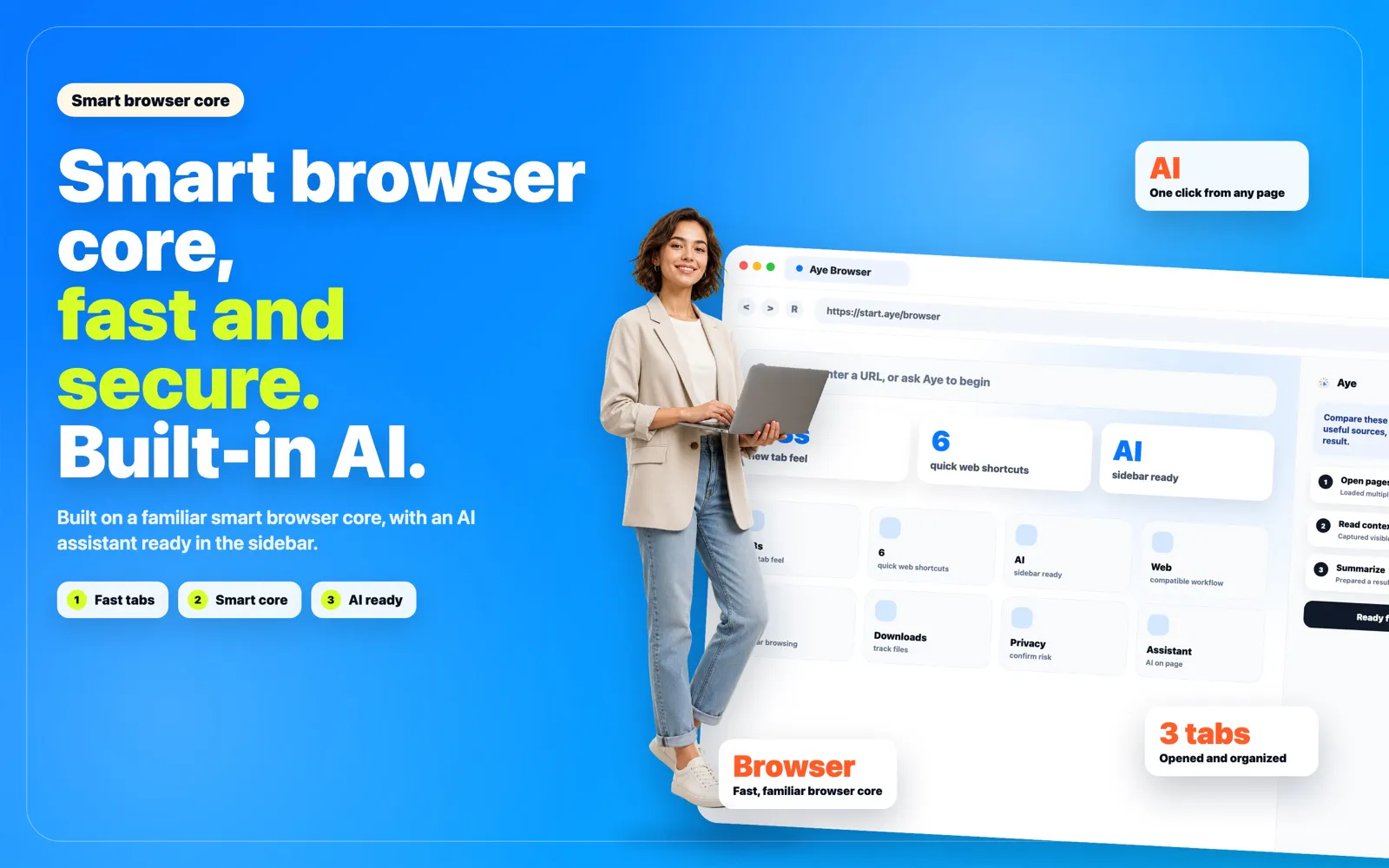
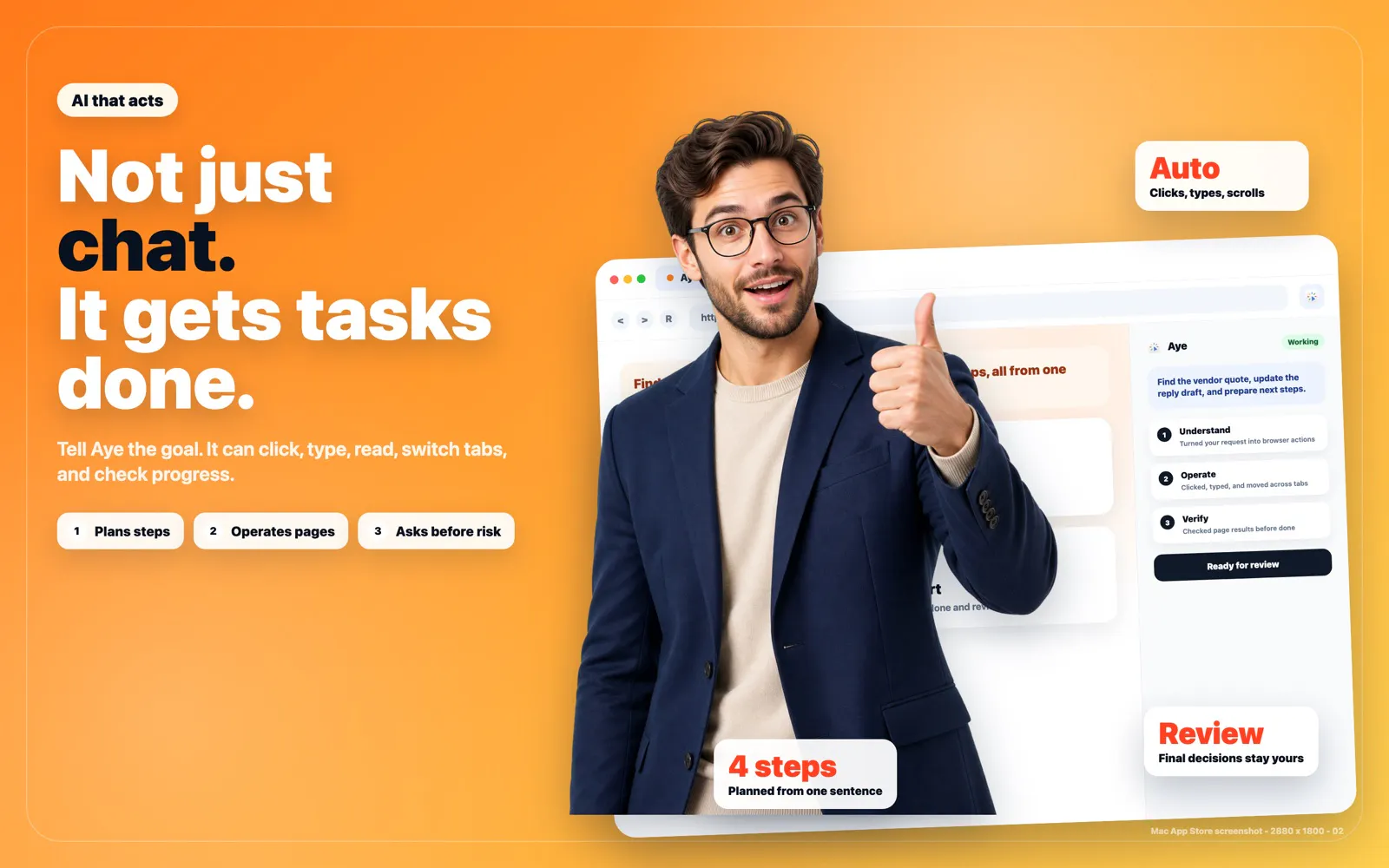
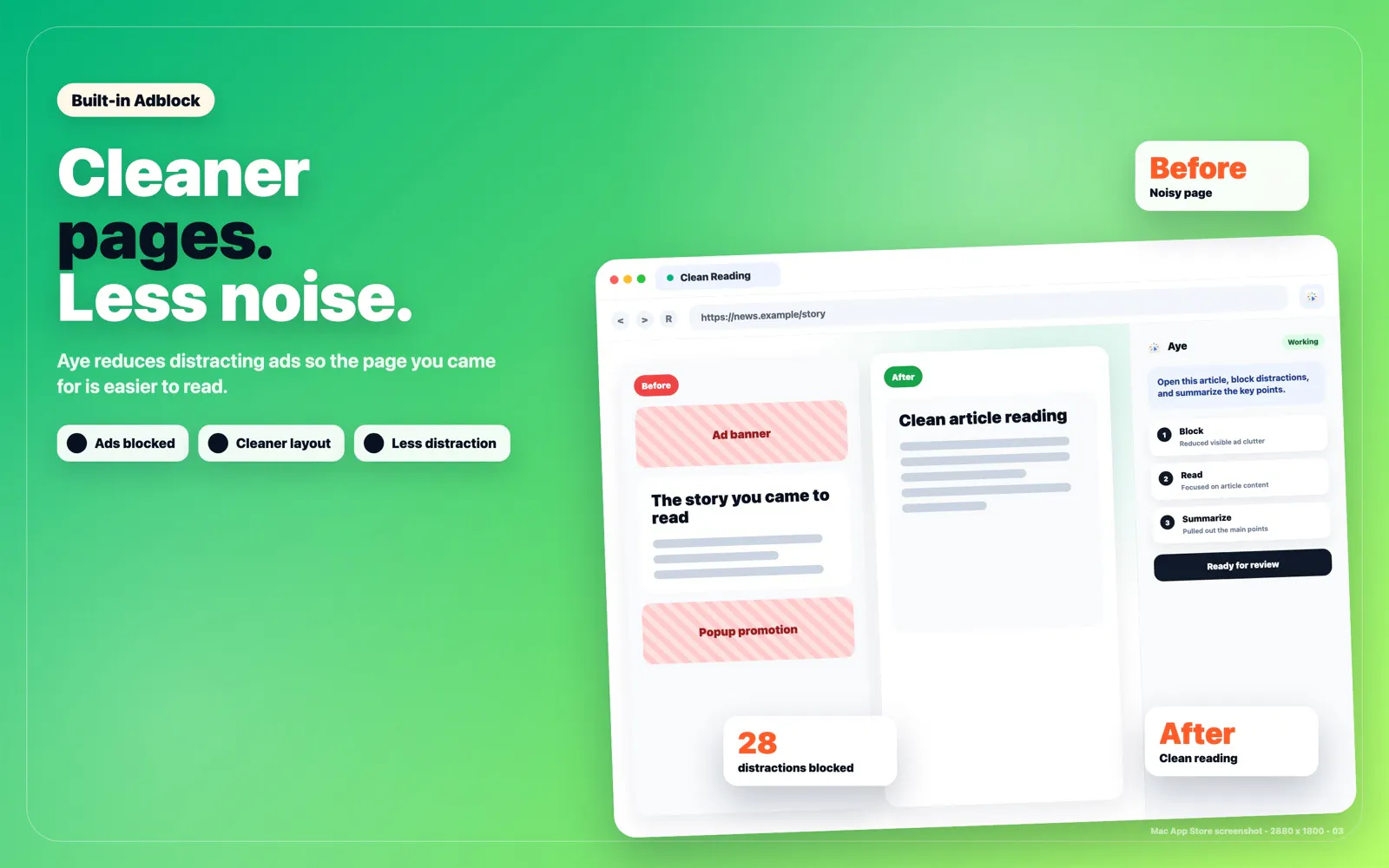
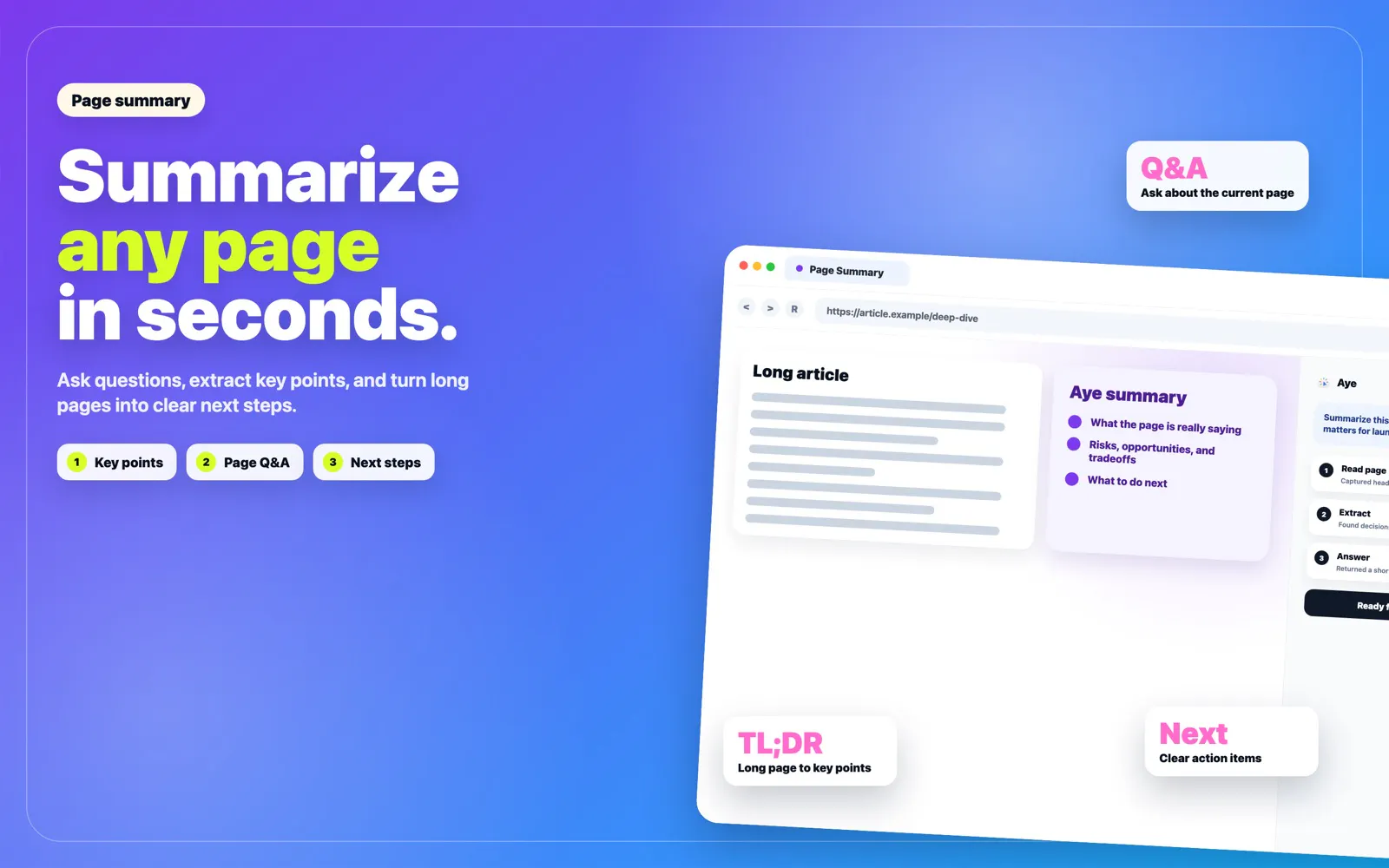
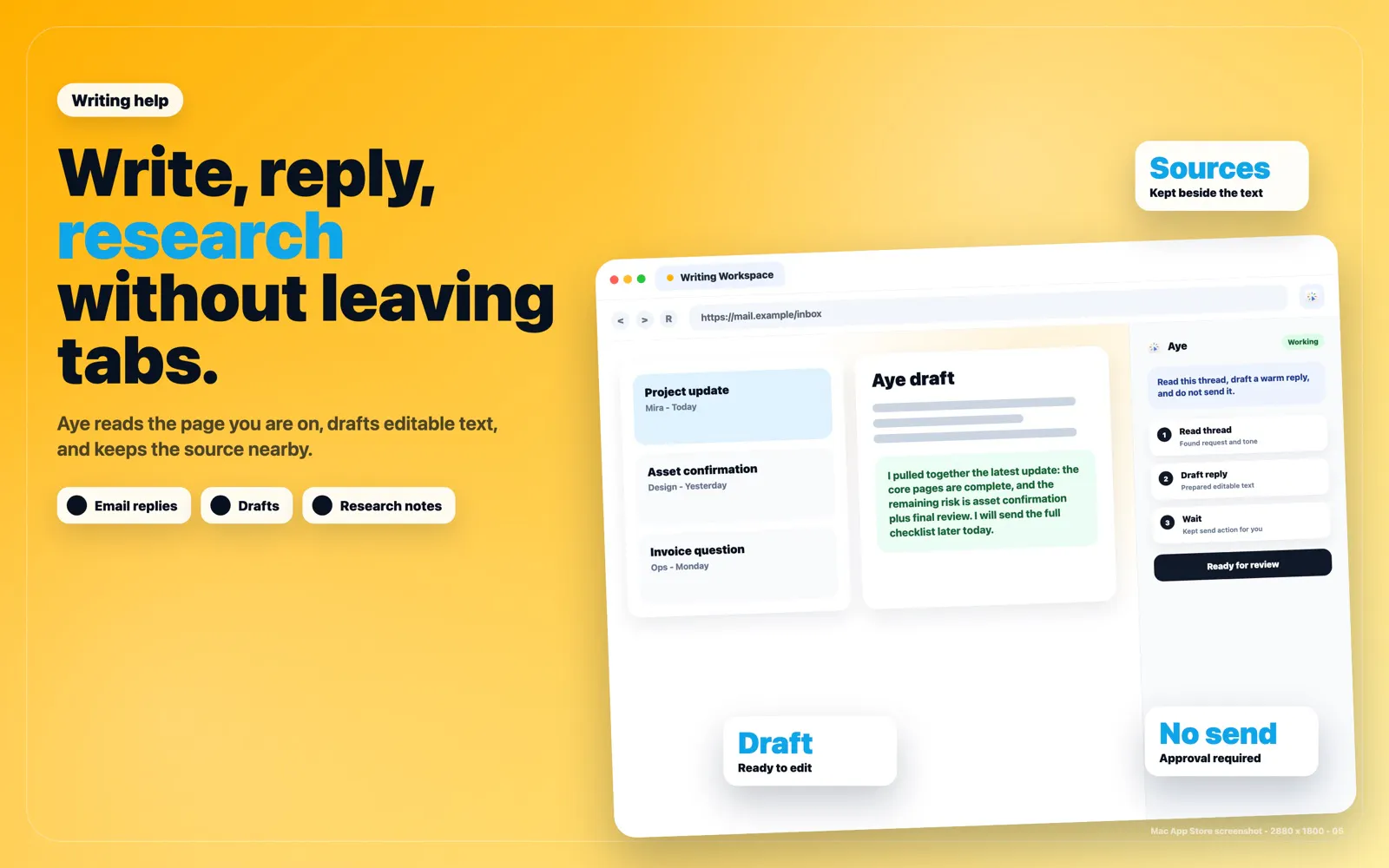
Aye is an innovative Chromium-based AI browser designed for macOS and Windows users who seek to streamline their web-based workflows. Acting as a teachable AI intern, it actively reads and interprets visible pages, plans appropriate actions, and performs routine browser tasks such as clicking, typing, scrolling, and tab switching. Ideal for professionals who handle repetitive online tasks, Aye can summarize content, conduct cross-tab research, draft responses, and automate workflows, saving valuable time. Its unique feature set allows users to create reusable skills for recurring tasks, manage separate profiles for different accounts, and maintain control over automation with reviewable progress and approval steps, especially for sensitive operations. This combination of AI automation and user oversight makes Aye a powerful addition to productivity and research routines, appealing to those looking to enhance efficiency without sacrificing control.
Screenshots
Pros
- ✓Automates repetitive browser tasks with AI-driven actions
- ✓Supports customizable workflows and reusable skills
- ✓Provides profile management for multiple accounts
- ✓Offers reviewable progress and approval for sensitive steps
- ✓Works seamlessly on both macOS and Windows
Cons
- ✗Relatively new tool with limited user reviews and community support
- ✗Potential learning curve for setting up complex workflows
- ✗Pricing details are not clearly disclosed, which may impact budget planning
Use Cases
Pricing
Likely operates on a freemium model with basic features free and premium plans available. Exact pricing details are not specified, but paid plans might start around $10-$20 per month based on similar productivity automation tools.
Quick Info
Topics
Makers

Zhonglin Liu
Alternatives
Similar Tools in AI Assistants




Embed Badge
Add this badge to your website to show that Aye is featured on Visalytica.
<a href="https://www.visalytica.com/tool/aye" target="_blank" rel="noopener noreferrer" style="display:inline-flex;align-items:center;gap:6px;padding:6px 14px;background:#7c3aed;color:#fff;border-radius:8px;font-family:-apple-system,system-ui,sans-serif;font-size:13px;font-weight:600;text-decoration:none;transition:background .2s" onmouseover="this.style.background='#6d28d9'" onmouseout="this.style.background='#7c3aed'"><svg width="14" height="14" viewBox="0 0 24 24" fill="none" stroke="currentColor" stroke-width="2.5" stroke-linecap="round" stroke-linejoin="round"><path d="M12 20V10"/><path d="M18 20V4"/><path d="M6 20v-4"/></svg>Featured on Visalytica</a>