
Axisize
turn any font into a variable font
About Axisize
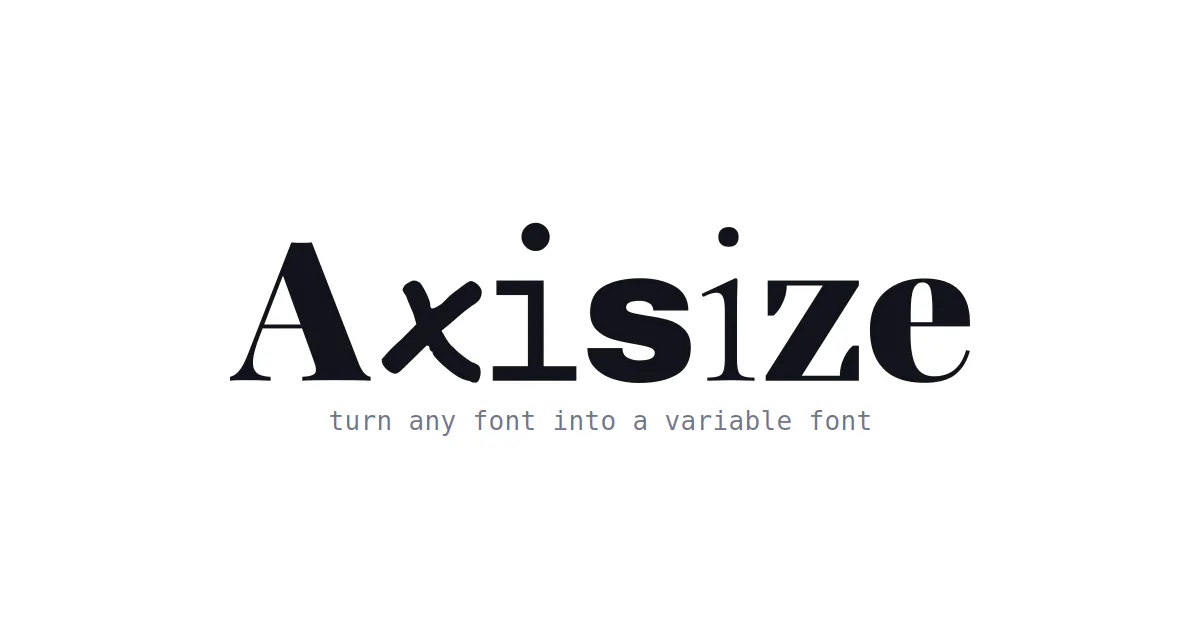
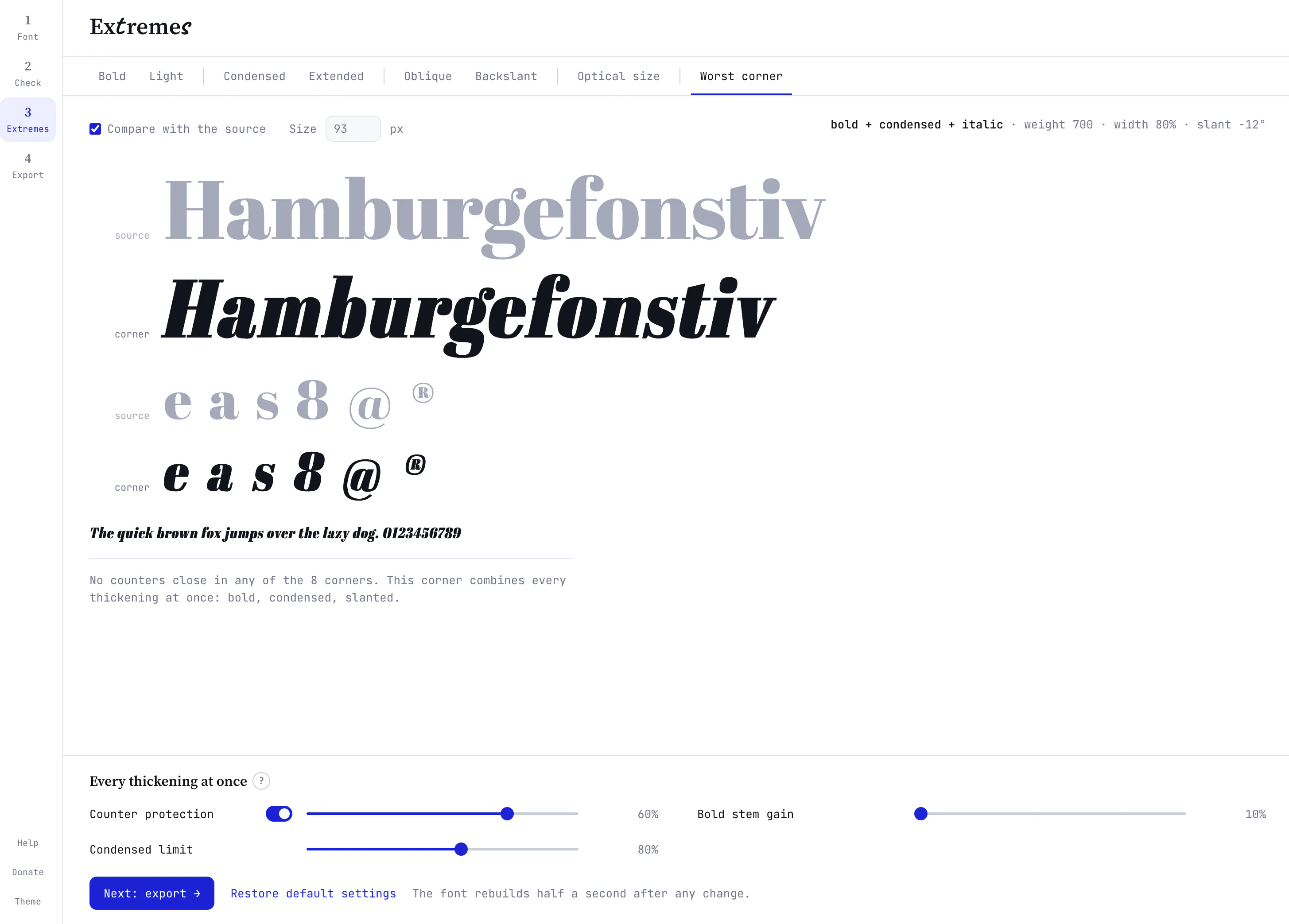
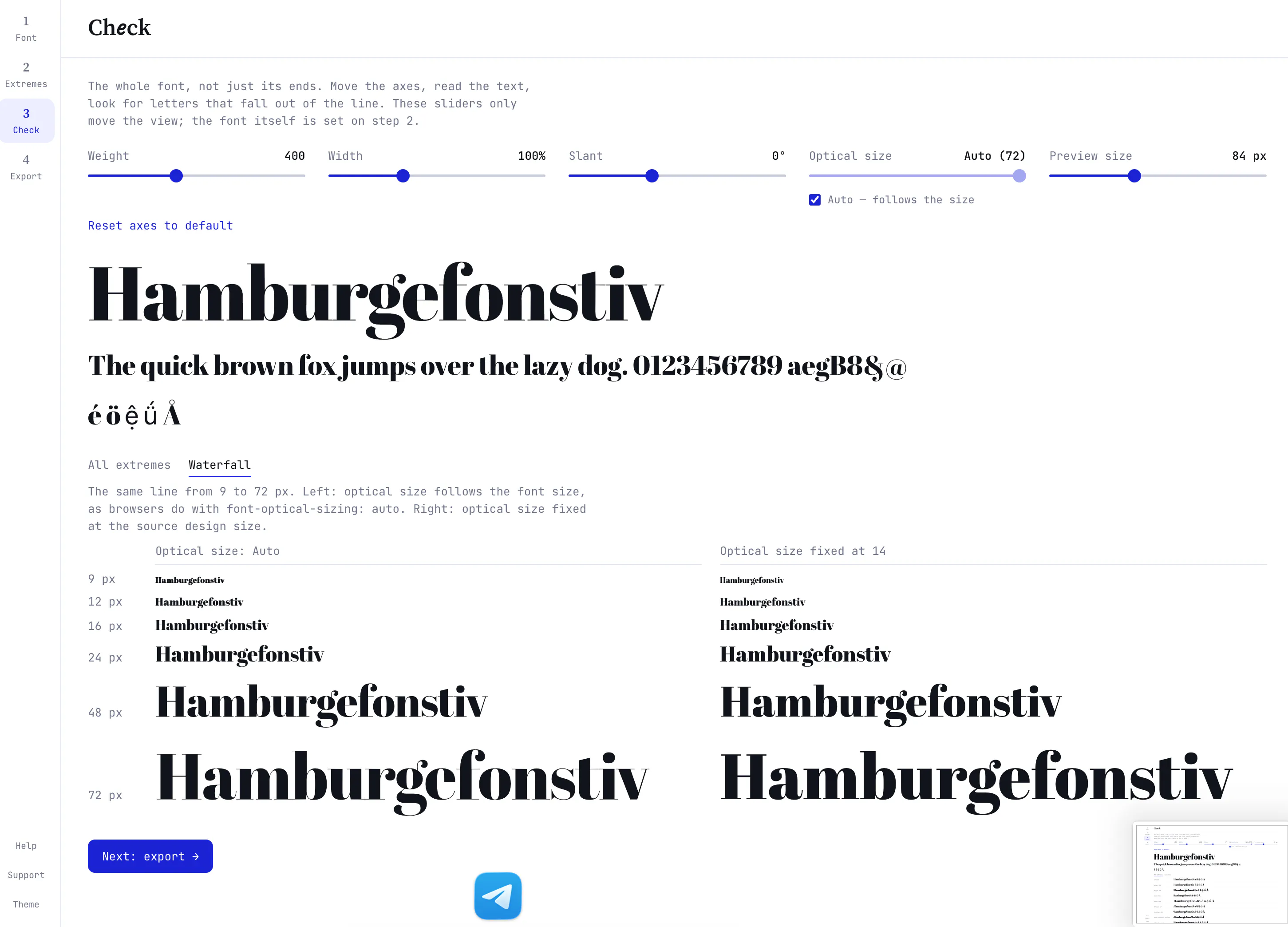
Axisize is an innovative web-based tool designed for designers, typographers, and developers seeking to transform static fonts into dynamic, customizable variable fonts. By simply dropping a TTF or OTF file into the platform, users receive a fully functional variable font with axes for weight, width, slant, and optical size. Its browser-based nature ensures that fonts are processed locally, maintaining user privacy and eliminating upload concerns. Perfect for those looking to streamline their typography workflow without complex software, Axisize offers a straightforward solution to modern font customization needs. Its ease of use and zero-cost access make it particularly appealing to freelancers, small studios, and web developers eager to enhance their typographic flexibility without investing in expensive tools.
Screenshots
Pros
- ✓Runs entirely in the browser, ensuring privacy and no need for installations
- ✓Supports conversion of static fonts into variable fonts with multiple axes
- ✓Free to use, making it accessible for individual users and small teams
- ✓Simple drag-and-drop interface suitable for users of all skill levels
Cons
- ✗Limited to TTF and OTF input formats, may not support all font types
- ✗Features are focused solely on font conversion; lacks advanced editing tools
- ✗No information on batch processing or automation capabilities
Use Cases
Pricing
Pricing not verified
Quick Info
Topics
Makers

Ed Tsarionov
Similar Tools in AI Image & Design




Embed Badge
Add this badge to your website to show that Axisize is featured on Visalytica.
<a href="https://www.visalytica.com/tool/axisize" target="_blank" rel="noopener noreferrer" style="display:inline-flex;align-items:center;gap:6px;padding:6px 14px;background:#7c3aed;color:#fff;border-radius:8px;font-family:-apple-system,system-ui,sans-serif;font-size:13px;font-weight:600;text-decoration:none;transition:background .2s" onmouseover="this.style.background='#6d28d9'" onmouseout="this.style.background='#7c3aed'"><svg width="14" height="14" viewBox="0 0 24 24" fill="none" stroke="currentColor" stroke-width="2.5" stroke-linecap="round" stroke-linejoin="round"><path d="M12 20V10"/><path d="M18 20V4"/><path d="M6 20v-4"/></svg>Featured on Visalytica</a>