
Awakado
Keep your Mac awake while your AI agents work
About Awakado
Awakado is a practical Mac menu-bar application designed for developers and AI enthusiasts who need their Mac to stay awake during intensive AI tasks. Whether running Claude Code, Codex, Gemini CLI, or Cursor, users can effortlessly keep their Mac awake without interruptions. The app is especially beneficial for those managing long-running AI processes, ensuring their work continues smoothly without the hassle of manual wake-ups. The free version provides core functionality, while the Pro edition offers additional features like keeping the Mac awake with the lid closed and automatically waking it when usage limits reset, making it a versatile tool for power users. Its unobtrusive menu-bar interface makes it easy to control and integrate into workflows, saving time and reducing frustration during AI development or data processing sessions.
Screenshots
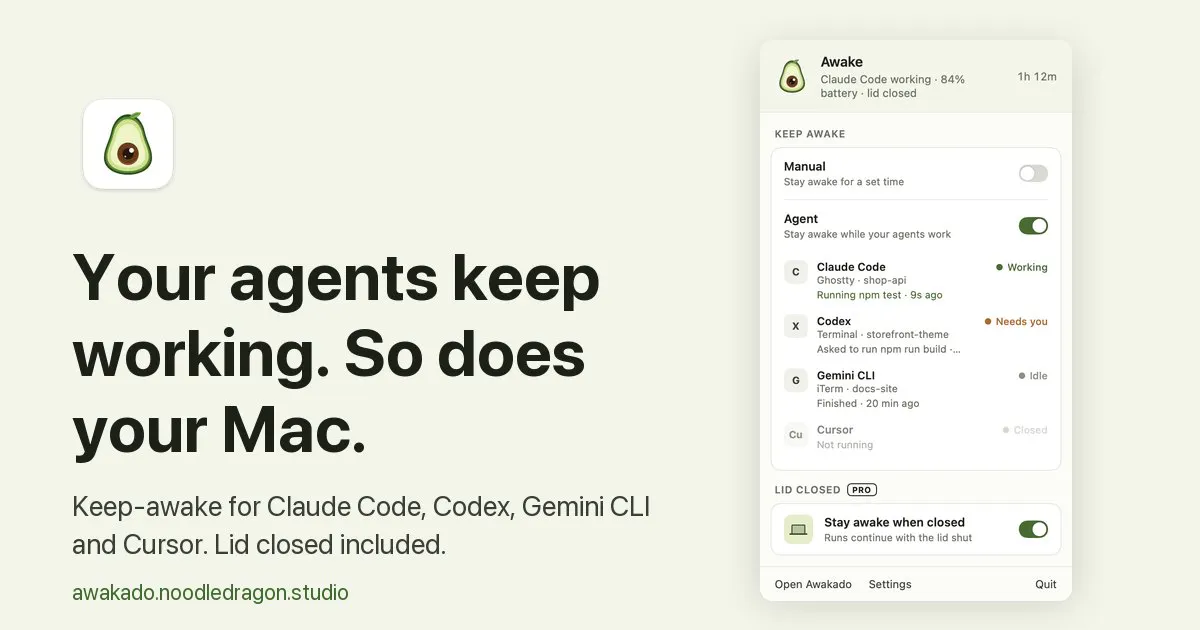
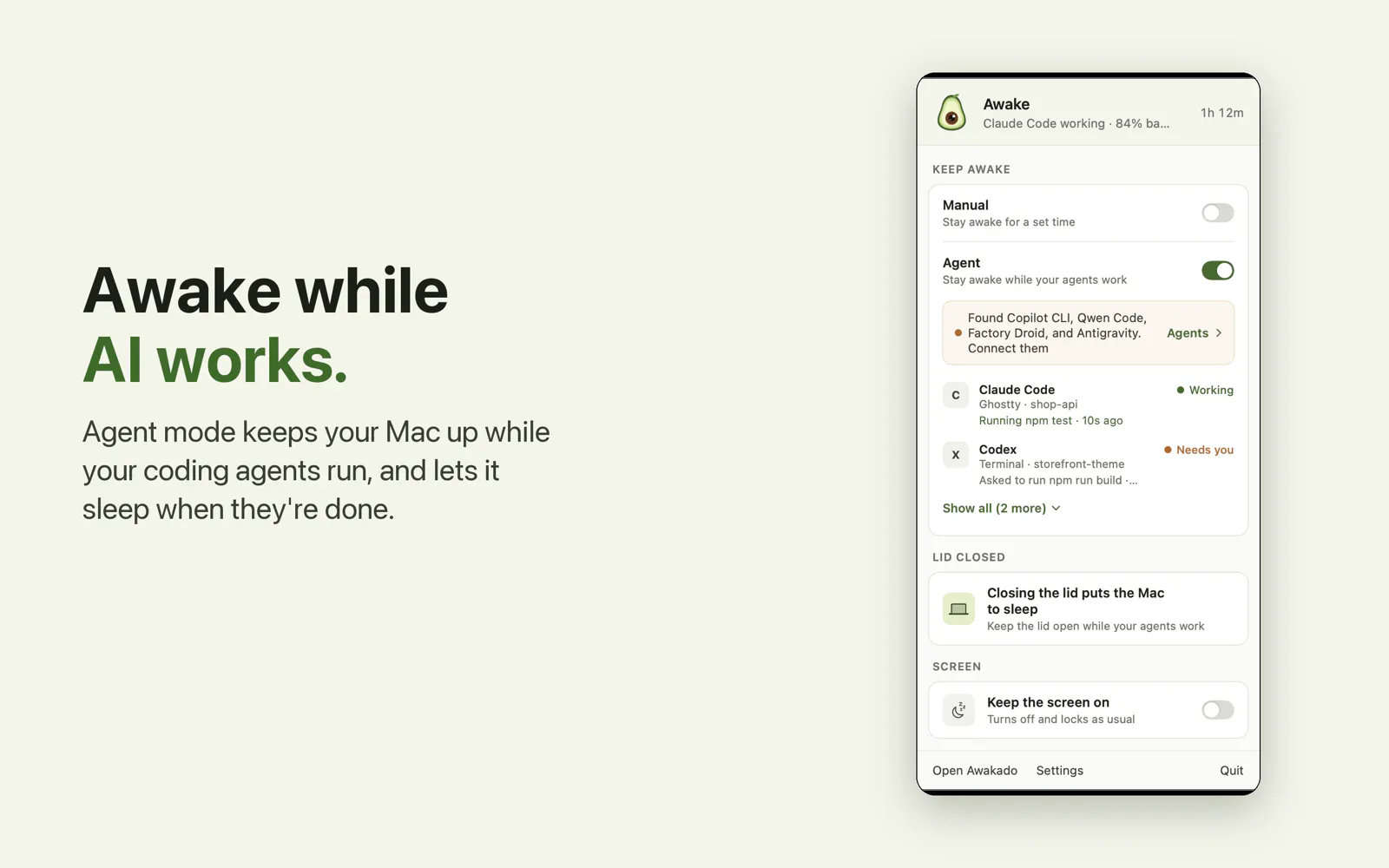
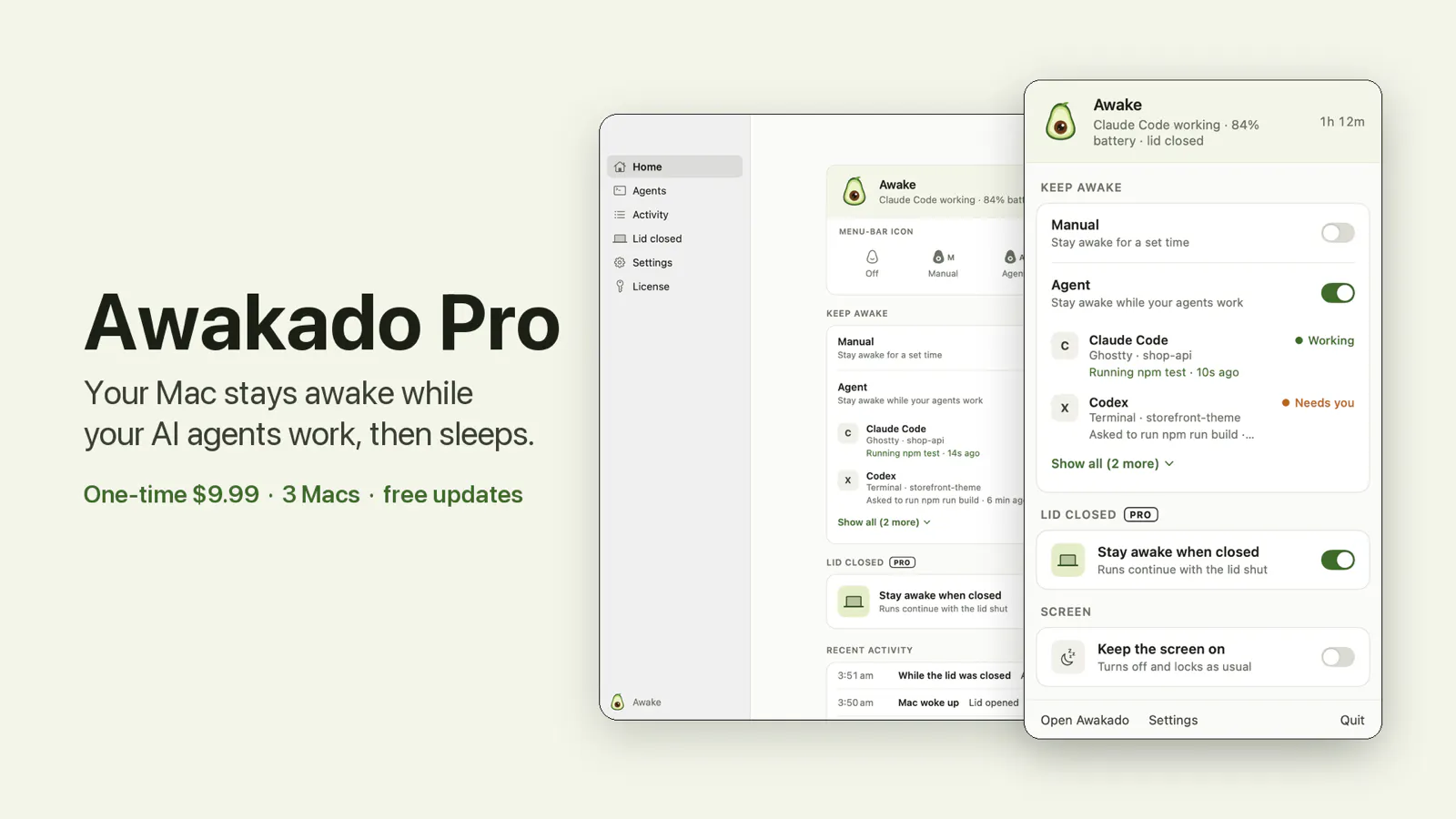
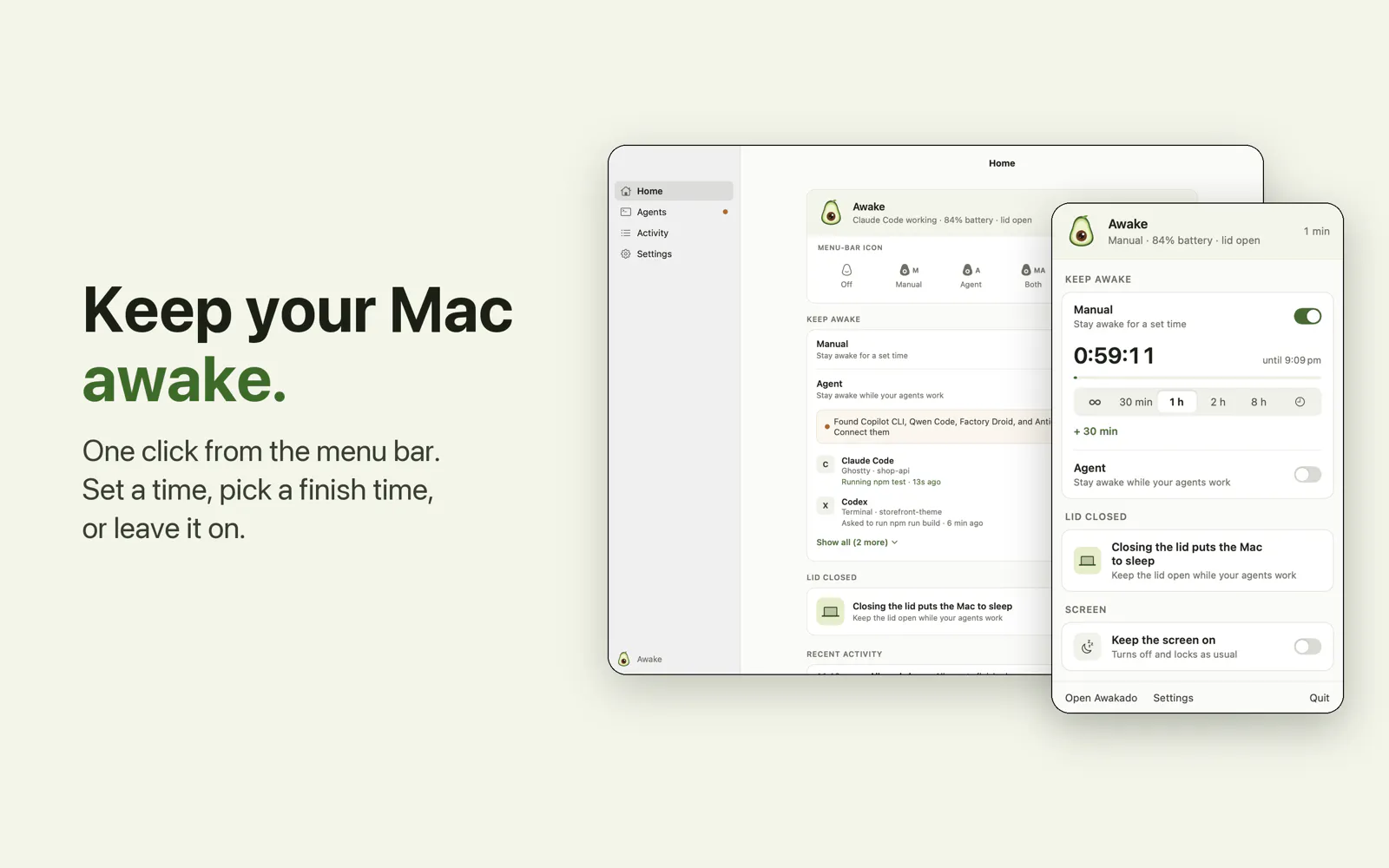
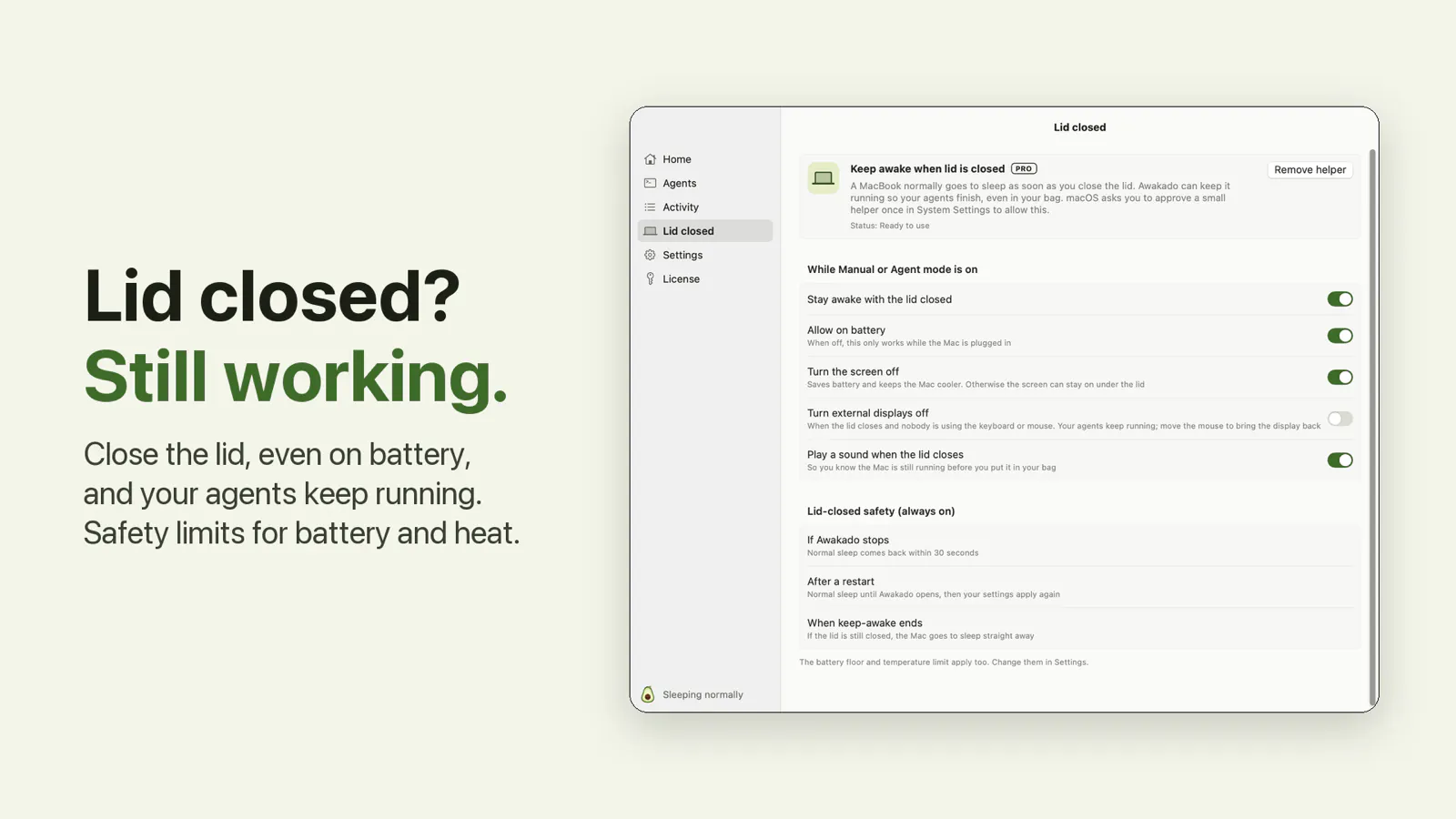

+2 more screenshots
Pros
- ✓Simple, unobtrusive menu-bar interface
- ✓Keeps Mac awake during AI processing tasks
- ✓Free version available with core features
- ✓Pro version supports lid-closed operation and auto-wake
- ✓Ideal for developers and AI practitioners
Cons
- ✗Limited information on advanced customization options
- ✗Features may be basic compared to more comprehensive power management tools
- ✗No user ratings or reviews available yet
Use Cases
Pricing
Pricing not verified
Quick Info
Topics
Makers

Tony Hou
Similar Tools in AI Assistants




Embed Badge
Add this badge to your website to show that Awakado is featured on Visalytica.
<a href="https://www.visalytica.com/tool/awakado" target="_blank" rel="noopener noreferrer" style="display:inline-flex;align-items:center;gap:6px;padding:6px 14px;background:#7c3aed;color:#fff;border-radius:8px;font-family:-apple-system,system-ui,sans-serif;font-size:13px;font-weight:600;text-decoration:none;transition:background .2s" onmouseover="this.style.background='#6d28d9'" onmouseout="this.style.background='#7c3aed'"><svg width="14" height="14" viewBox="0 0 24 24" fill="none" stroke="currentColor" stroke-width="2.5" stroke-linecap="round" stroke-linejoin="round"><path d="M12 20V10"/><path d="M18 20V4"/><path d="M6 20v-4"/></svg>Featured on Visalytica</a>