
AutoHDMI - Auto Switch to HDMI
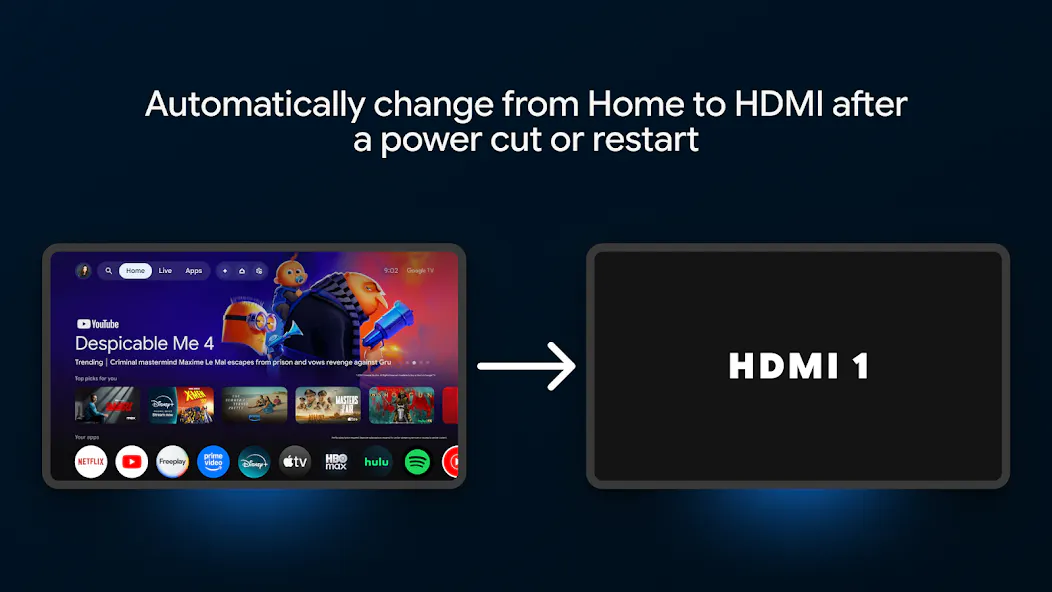
Auto switch Google TV to HDMI input after a power cut
About AutoHDMI - Auto Switch to HDMI
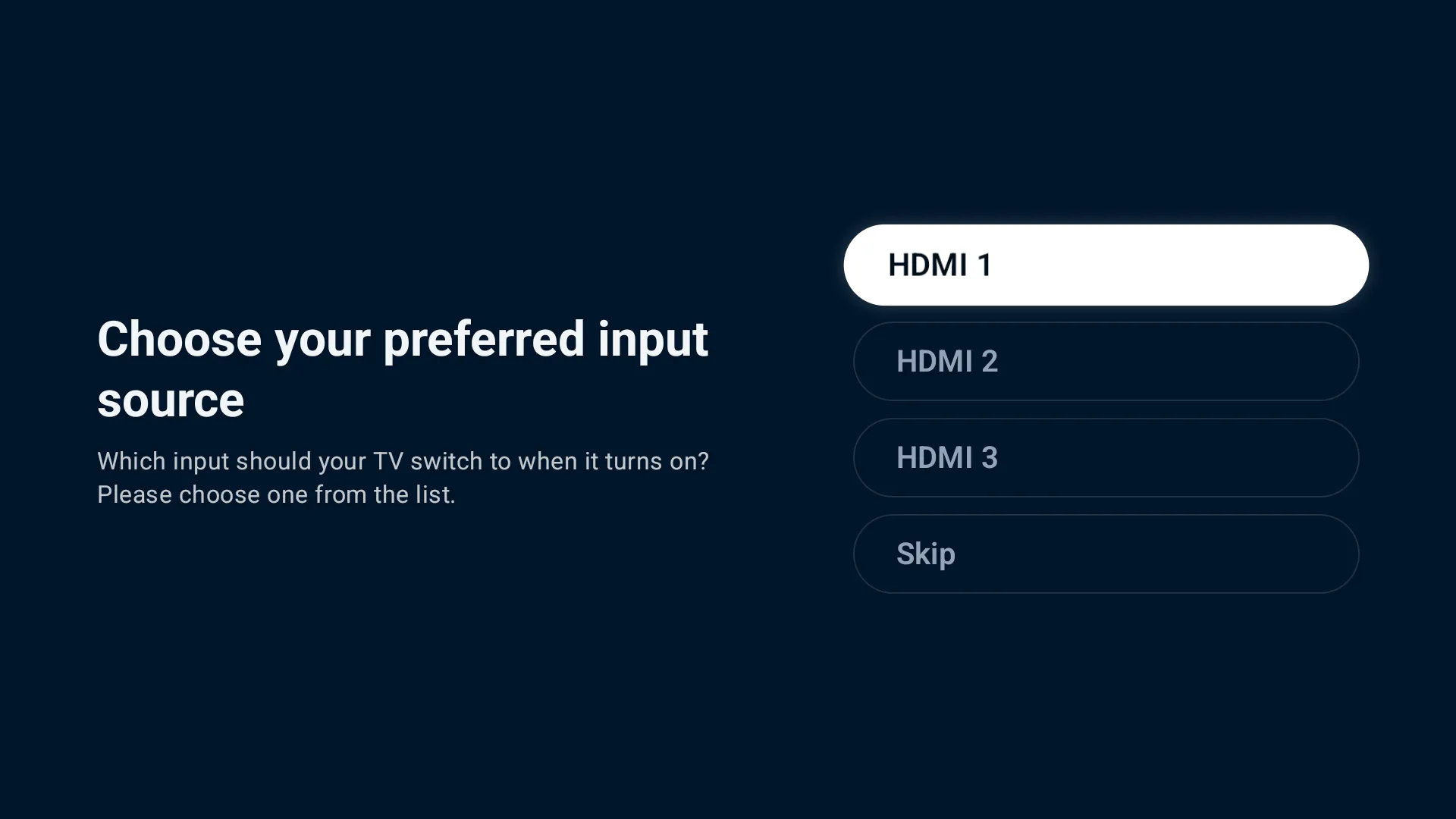
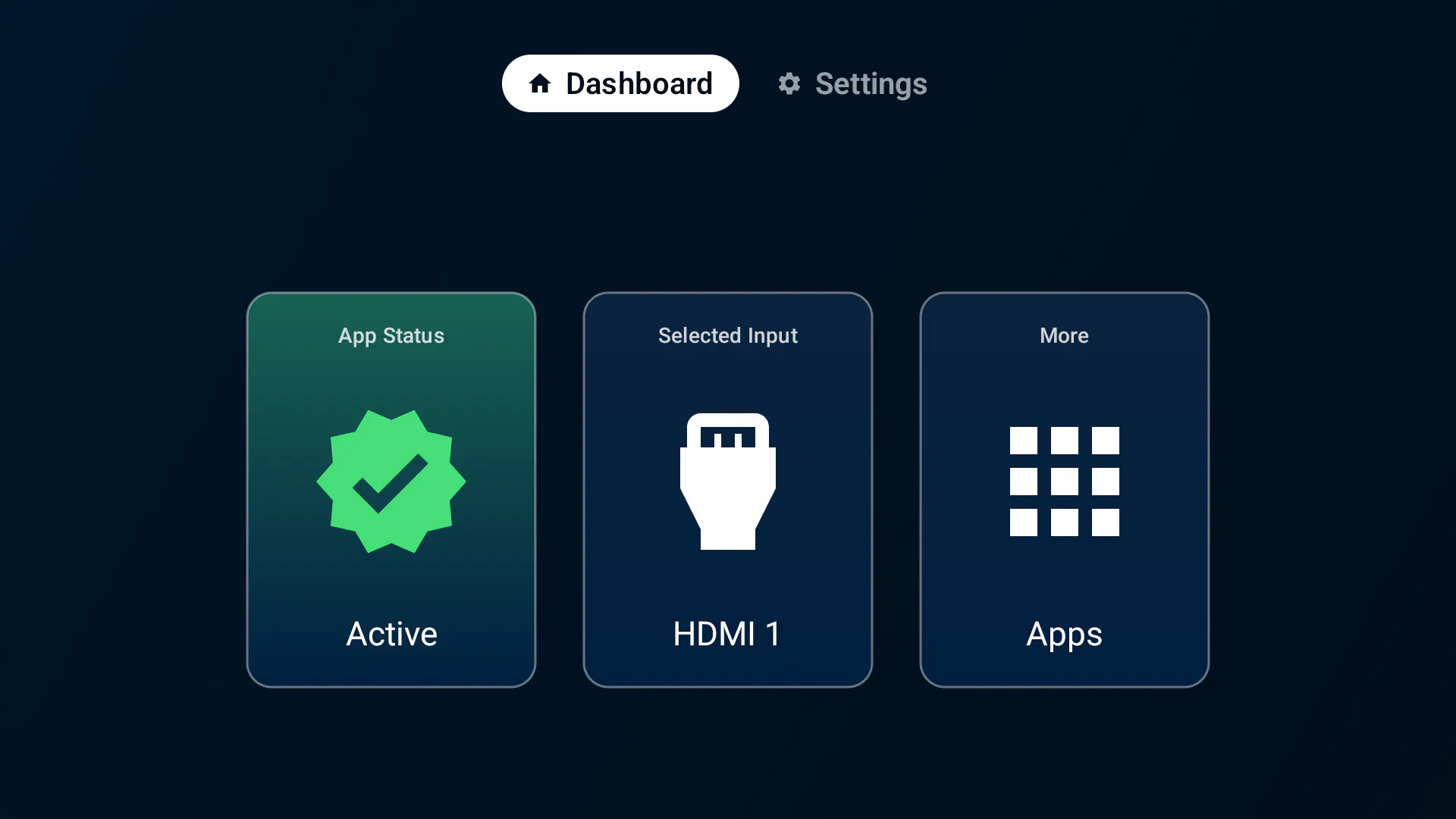
AutoHDMI - Auto Switch to HDMI is a practical solution for users of Android TV and Google TV devices who want seamless switching to their preferred HDMI input after a power cycle or restart. Designed for those who rely heavily on set-top boxes, gaming consoles, PCs, or external streaming devices, this tool eliminates the hassle of manual input selection each time the TV powers on. Its setup is straightforward: install once, select your HDMI input, and enjoy automatic switching every time the device restarts. This makes it especially useful in home entertainment setups where convenience and quick access are priorities. By automating this process, AutoHDMI enhances user experience and ensures that the right device is always displayed without user intervention, saving time and reducing frustration.
Screenshots

Pros
- ✓Automates HDMI input switching after power cycles or restarts
- ✓Easy setup with a one-time configuration
- ✓Enhances convenience for users with multiple connected devices
- ✓Compatible with Android TV and Google TV devices
- ✓Reduces the need for manual input changes
Cons
- ✗Limited to compatible Android TV and Google TV devices
- ✗Requires initial setup which might be technical for some users
- ✗Depends on device firmware support for automation
Use Cases
Pricing
Likely operates on a freemium model with basic features available for free and premium options or additional features offered via paid plans, though specific pricing details are not publicly stated.
Quick Info
Topics
Makers

Sohum Manchanda
Alternatives
Similar Tools in AI Assistants




Embed Badge
Add this badge to your website to show that AutoHDMI - Auto Switch to HDMI is featured on Visalytica.
<a href="https://www.visalytica.com/tool/autohdmi-auto-switch-to-hdmi" target="_blank" rel="noopener noreferrer" style="display:inline-flex;align-items:center;gap:6px;padding:6px 14px;background:#7c3aed;color:#fff;border-radius:8px;font-family:-apple-system,system-ui,sans-serif;font-size:13px;font-weight:600;text-decoration:none;transition:background .2s" onmouseover="this.style.background='#6d28d9'" onmouseout="this.style.background='#7c3aed'"><svg width="14" height="14" viewBox="0 0 24 24" fill="none" stroke="currentColor" stroke-width="2.5" stroke-linecap="round" stroke-linejoin="round"><path d="M12 20V10"/><path d="M18 20V4"/><path d="M6 20v-4"/></svg>Featured on Visalytica</a>