
AutofillEverything!
Free AI autofill for any form on the web.
About AutofillEverything!
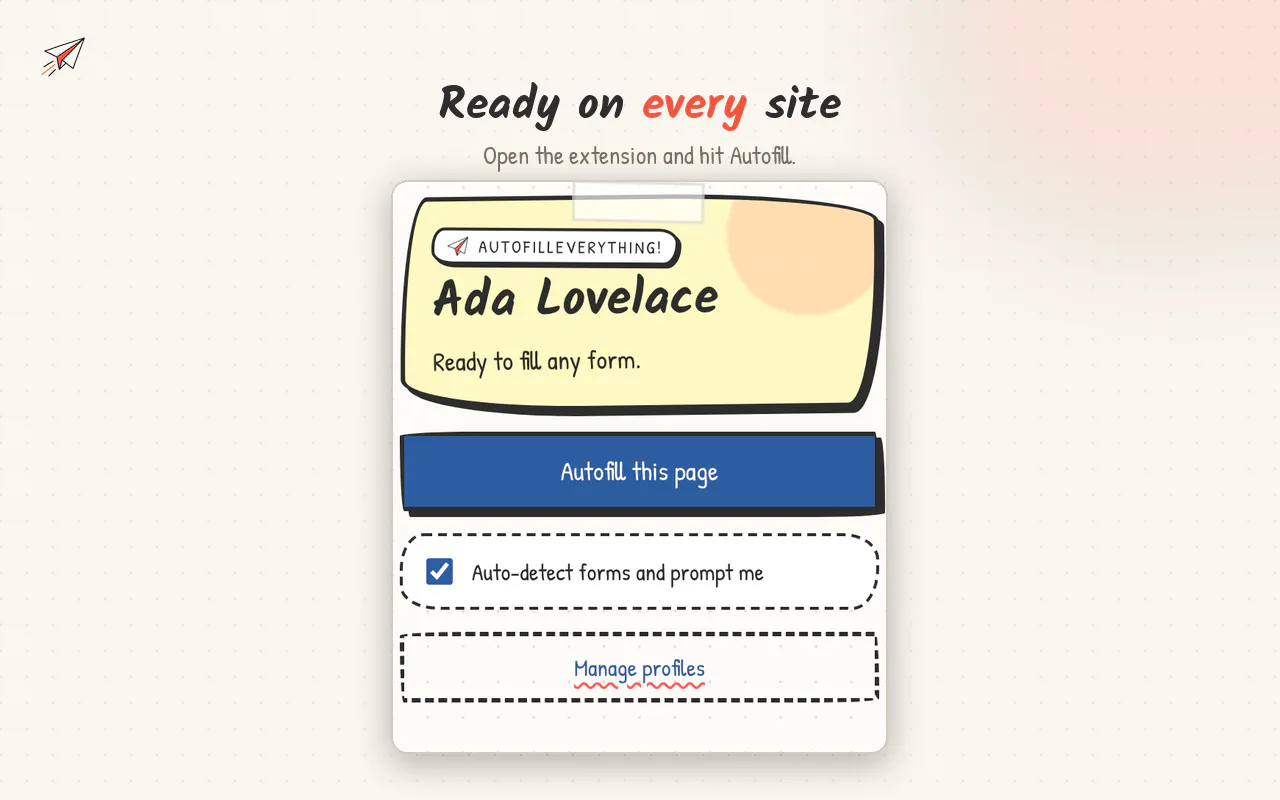
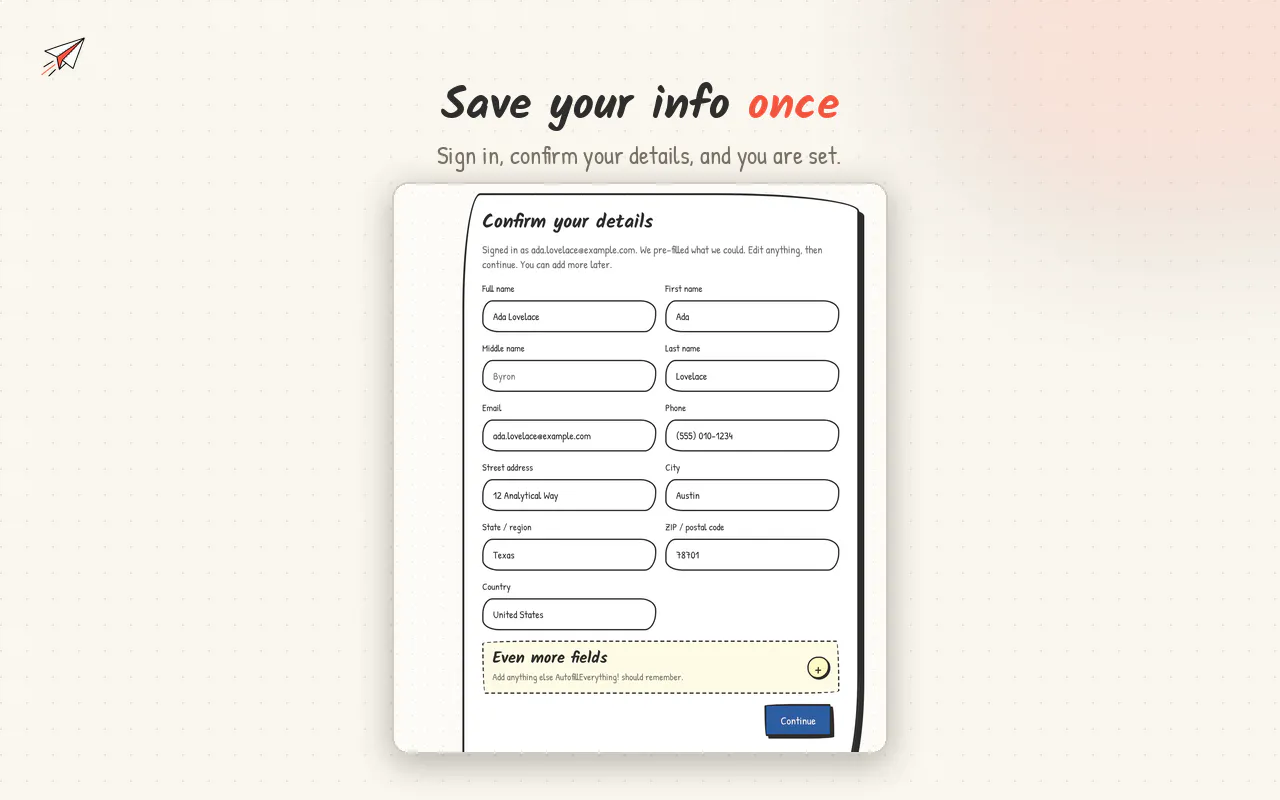
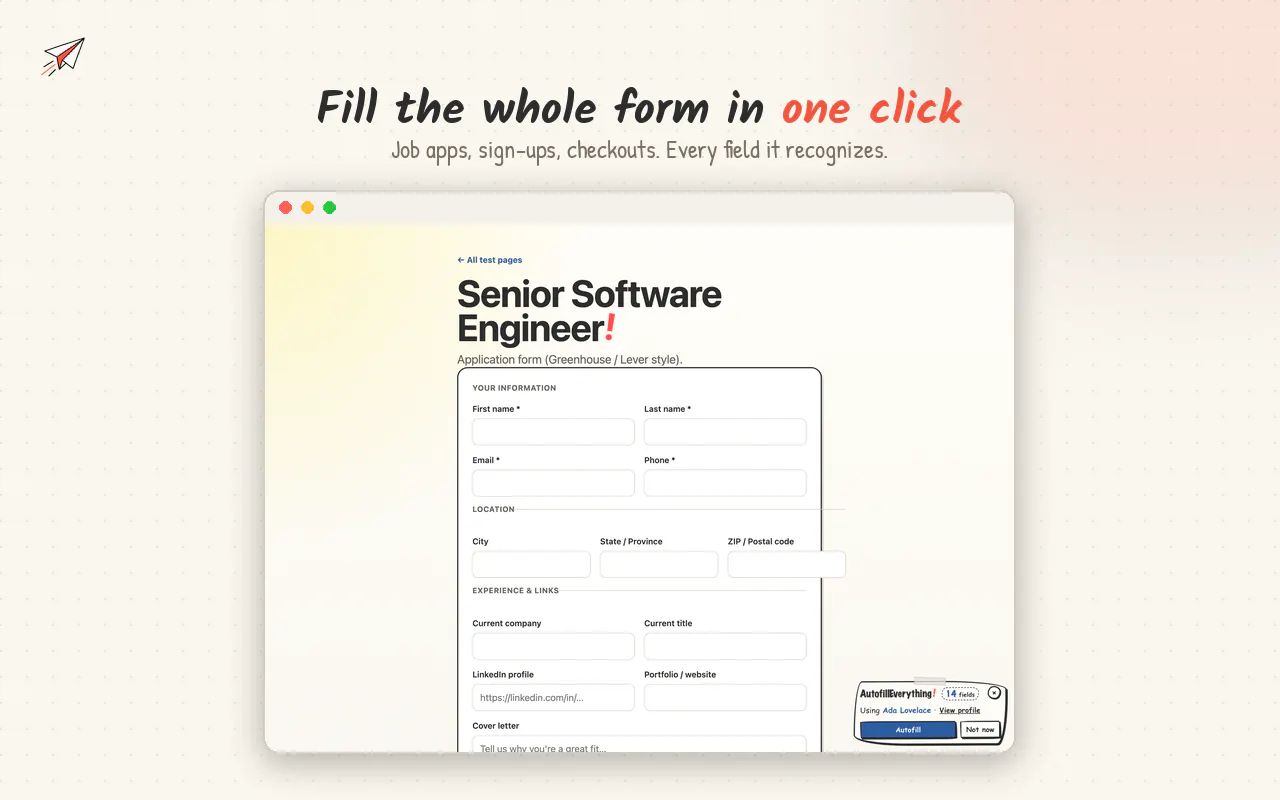
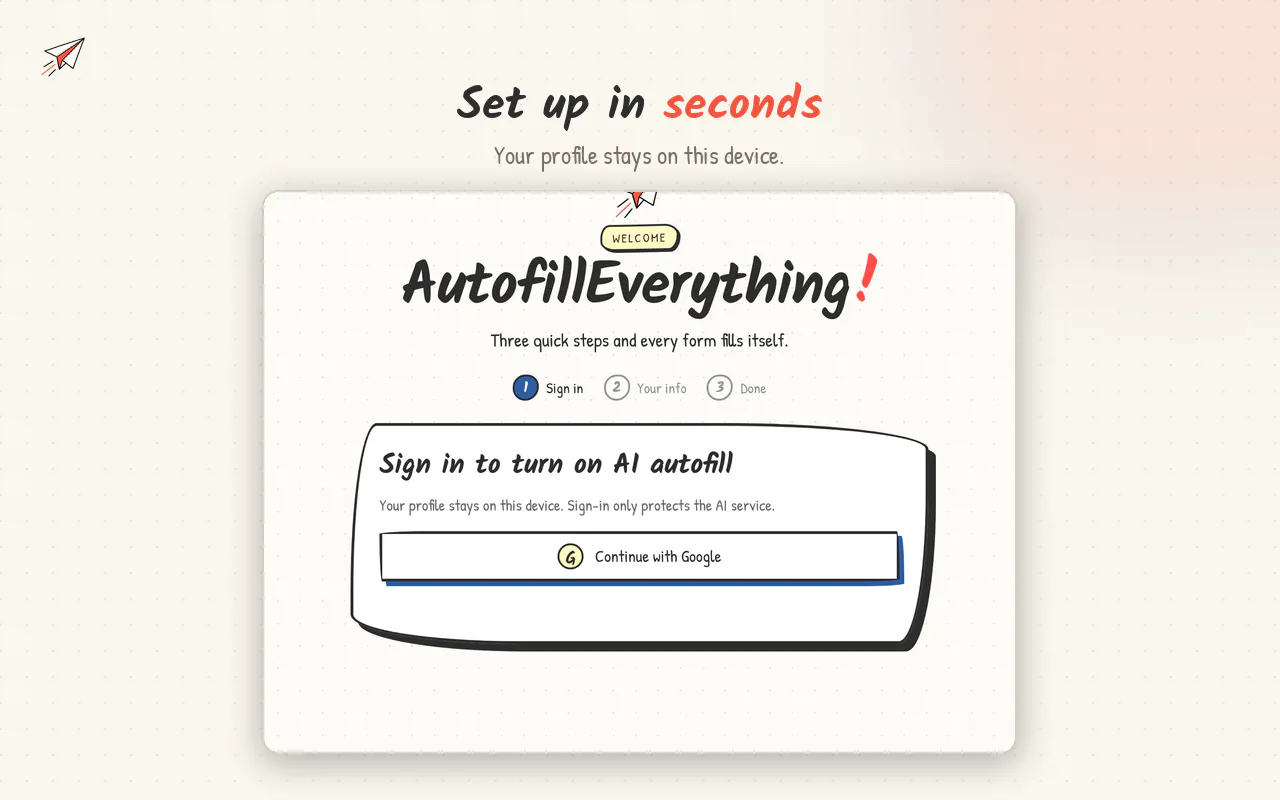
AutofillEverything! is a powerful Chrome extension designed to streamline online form filling with a single click. It allows users to save their personal information—such as name, contact details, addresses, work history, and custom fields—so that filling out forms becomes quick and effortless. The AI-driven system intelligently detects forms on any webpage and matches stored data to the appropriate fields, significantly reducing repetitive manual entry during job applications, online checkouts, signups, surveys, and more. Unlike many autofill tools, it ensures sensitive fields like passwords and payment details are never touched, enhancing security and privacy. Its universal compatibility and ease of use make it suitable for anyone who regularly interacts with online forms, from job seekers to e-commerce shoppers. The fact that it’s free and works across all websites makes it an attractive option for users looking to save time and reduce frustration during online interactions.
Screenshots
Pros
- ✓One-click autofill for any web form
- ✓AI-powered field matching enhances accuracy
- ✓Custom fields support for diverse form requirements
- ✓Secure handling of passwords and payment info
- ✓Free to use with broad website compatibility
Cons
- ✗Limited advanced form management features
- ✗No premium or paid plans (uncertain if future plans change)
- ✗Dependence on browser extension may impact performance
Use Cases
Pricing
Free to use, with no apparent paid plans or premium features at this time. It offers a straightforward, no-cost solution for form autofill needs.
Quick Info
Topics
Makers

New User
Alternatives
Similar Tools in AI Assistants




Embed Badge
Add this badge to your website to show that AutofillEverything! is featured on Visalytica.
<a href="https://www.visalytica.com/tool/autofilleverything" target="_blank" rel="noopener noreferrer" style="display:inline-flex;align-items:center;gap:6px;padding:6px 14px;background:#7c3aed;color:#fff;border-radius:8px;font-family:-apple-system,system-ui,sans-serif;font-size:13px;font-weight:600;text-decoration:none;transition:background .2s" onmouseover="this.style.background='#6d28d9'" onmouseout="this.style.background='#7c3aed'"><svg width="14" height="14" viewBox="0 0 24 24" fill="none" stroke="currentColor" stroke-width="2.5" stroke-linecap="round" stroke-linejoin="round"><path d="M12 20V10"/><path d="M18 20V4"/><path d="M6 20v-4"/></svg>Featured on Visalytica</a>