
AutoEdit Content Creator Mode
Your AI Video Editing Assistant for Premiere Pro
About AutoEdit Content Creator Mode
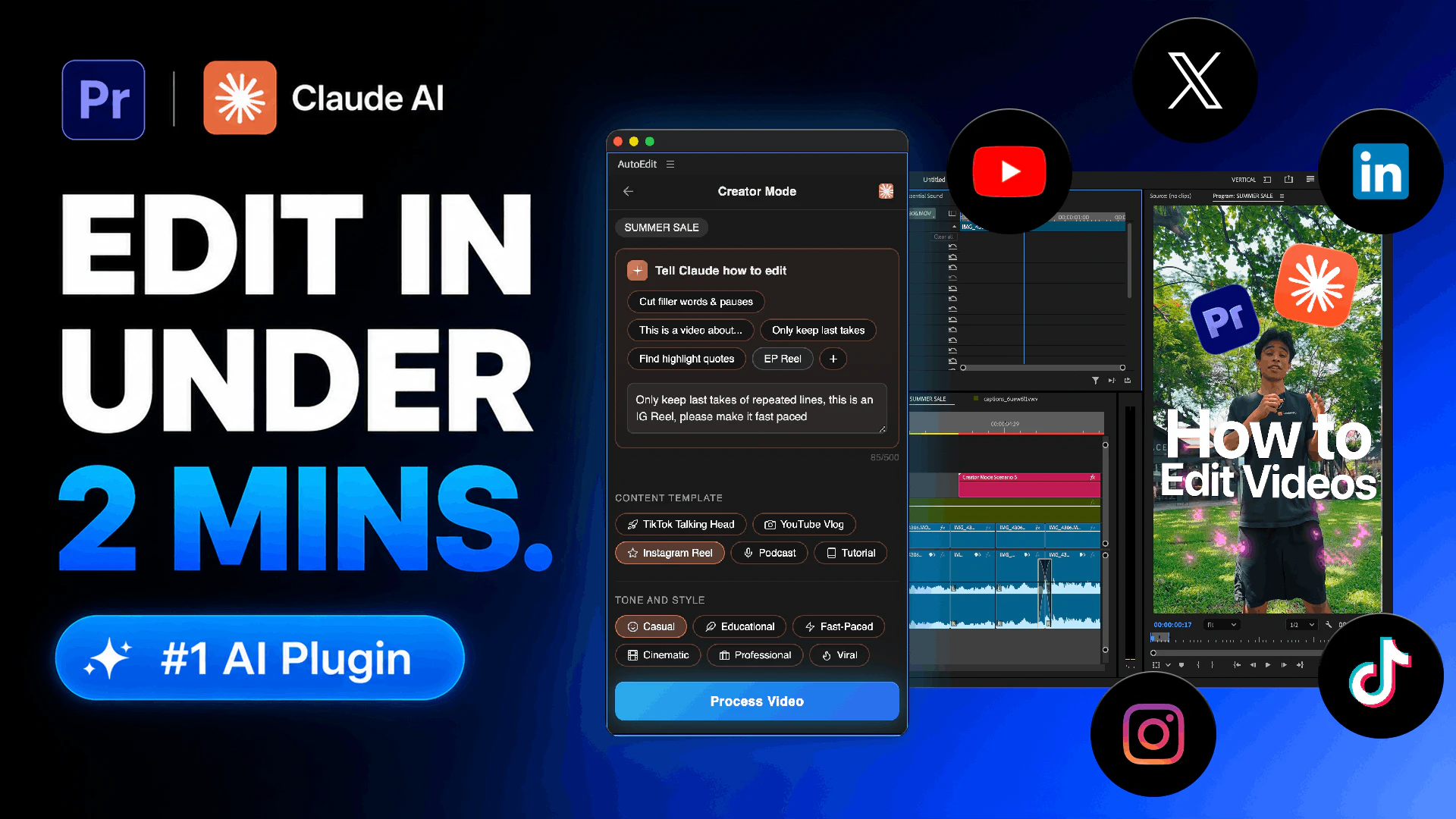
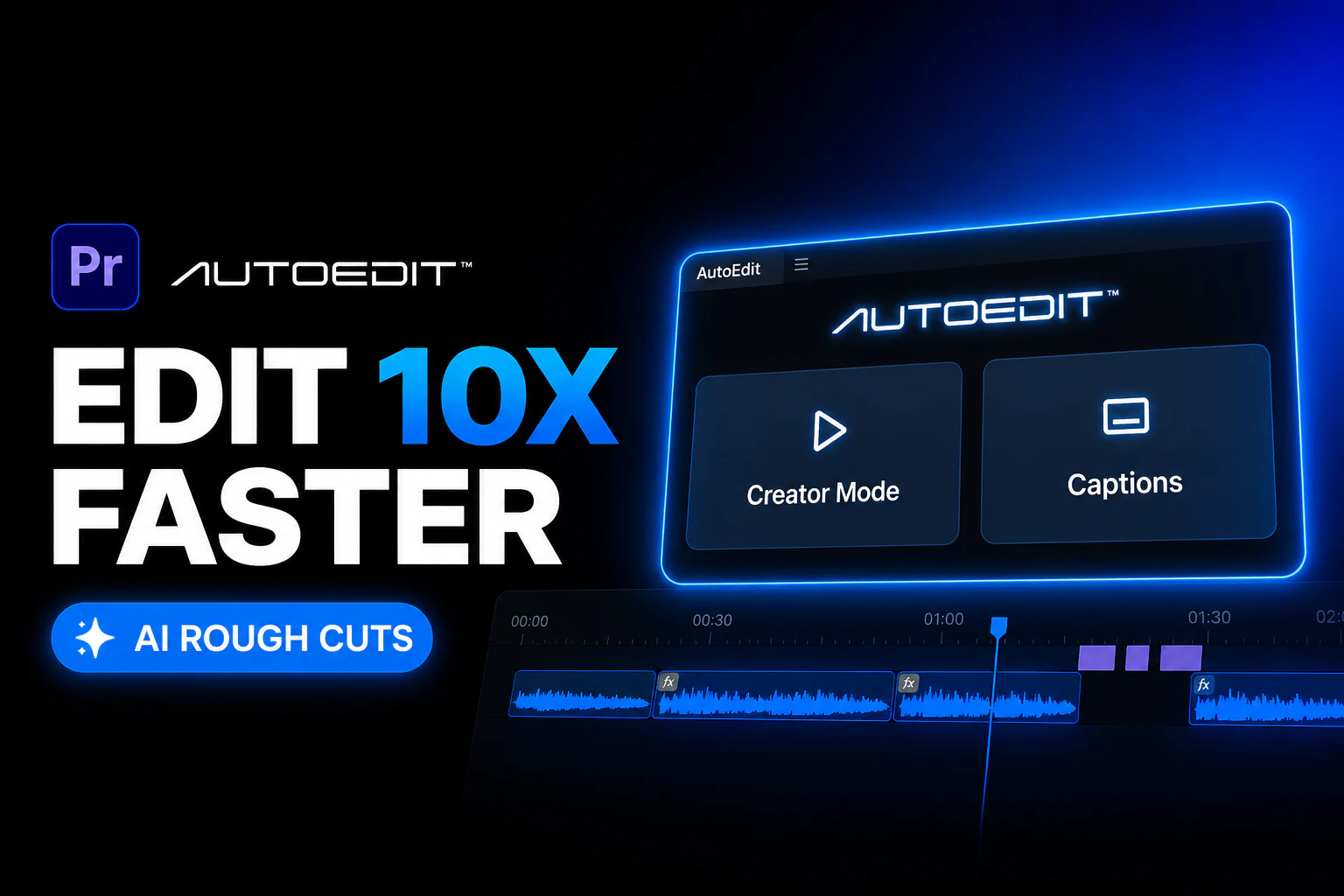
AutoEdit Content Creator Mode is an innovative AI-powered tool designed to streamline the video editing process within Adobe Premiere Pro. Tailored for content creators, marketers, and social media professionals, it automates time-consuming editing tasks such as building rough cuts, removing bad takes and repeated lines, and adding captions seamlessly. By integrating directly into Premiere Pro, AutoEdit enhances workflow efficiency, enabling users to produce polished videos faster without sacrificing quality. Its AI-driven features are especially beneficial for those managing high volumes of content or working on tight deadlines, making professional editing accessible even to non-experts. What sets AutoEdit apart is its ability to intelligently analyze footage and suggest edits, reducing manual effort while maintaining creative control. This tool is ideal for creators looking to accelerate their editing process and focus more on content strategy and creativity.
Screenshots
Pros
- ✓Automates time-consuming editing tasks within Premiere Pro
- ✓Integrates seamlessly into existing workflows
- ✓Uses AI to improve editing efficiency and accuracy
- ✓Adds captions automatically, saving time on subtitle creation
- ✓Helps produce polished videos faster
Cons
- ✗Features may be limited for advanced editing needs
- ✗Reliance on AI accuracy; may require manual adjustments
- ✗Pricing details are not explicitly clear
Use Cases
Pricing
Likely follows a subscription-based model, potentially offering a freemium tier with basic features and paid plans starting around $15-$30/month, depending on feature access and usage limits. Exact pricing details are not publicly specified.
Quick Info
Topics
Alternatives
Similar Tools in AI Assistants




Embed Badge
Add this badge to your website to show that AutoEdit Content Creator Mode is featured on Visalytica.
<a href="https://www.visalytica.com/tool/autoedit-content-creator-mode" target="_blank" rel="noopener noreferrer" style="display:inline-flex;align-items:center;gap:6px;padding:6px 14px;background:#7c3aed;color:#fff;border-radius:8px;font-family:-apple-system,system-ui,sans-serif;font-size:13px;font-weight:600;text-decoration:none;transition:background .2s" onmouseover="this.style.background='#6d28d9'" onmouseout="this.style.background='#7c3aed'"><svg width="14" height="14" viewBox="0 0 24 24" fill="none" stroke="currentColor" stroke-width="2.5" stroke-linecap="round" stroke-linejoin="round"><path d="M12 20V10"/><path d="M18 20V4"/><path d="M6 20v-4"/></svg>Featured on Visalytica</a>