
AutoEdit
Your Claude AI Video Editor for Premiere Pro
About AutoEdit
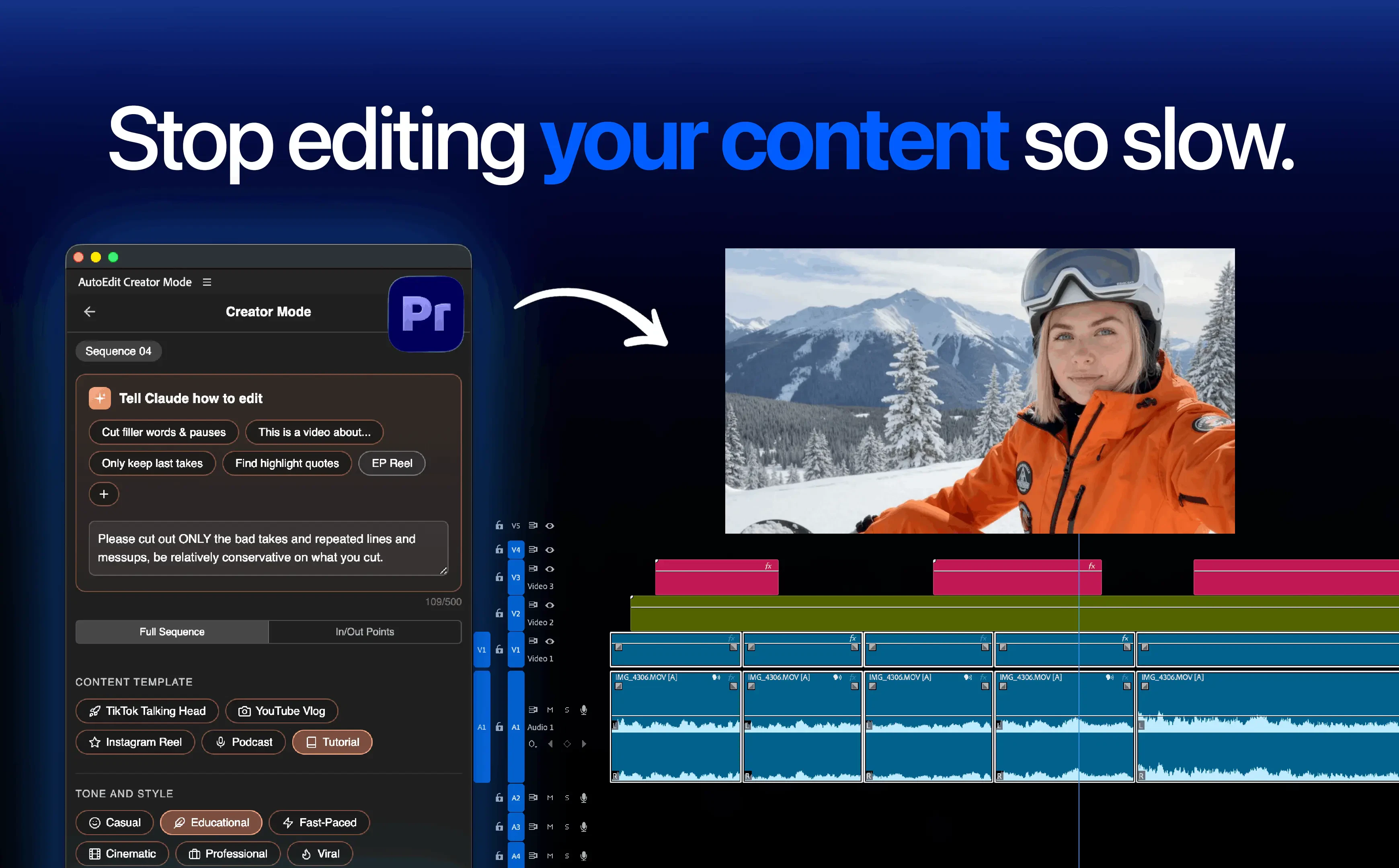
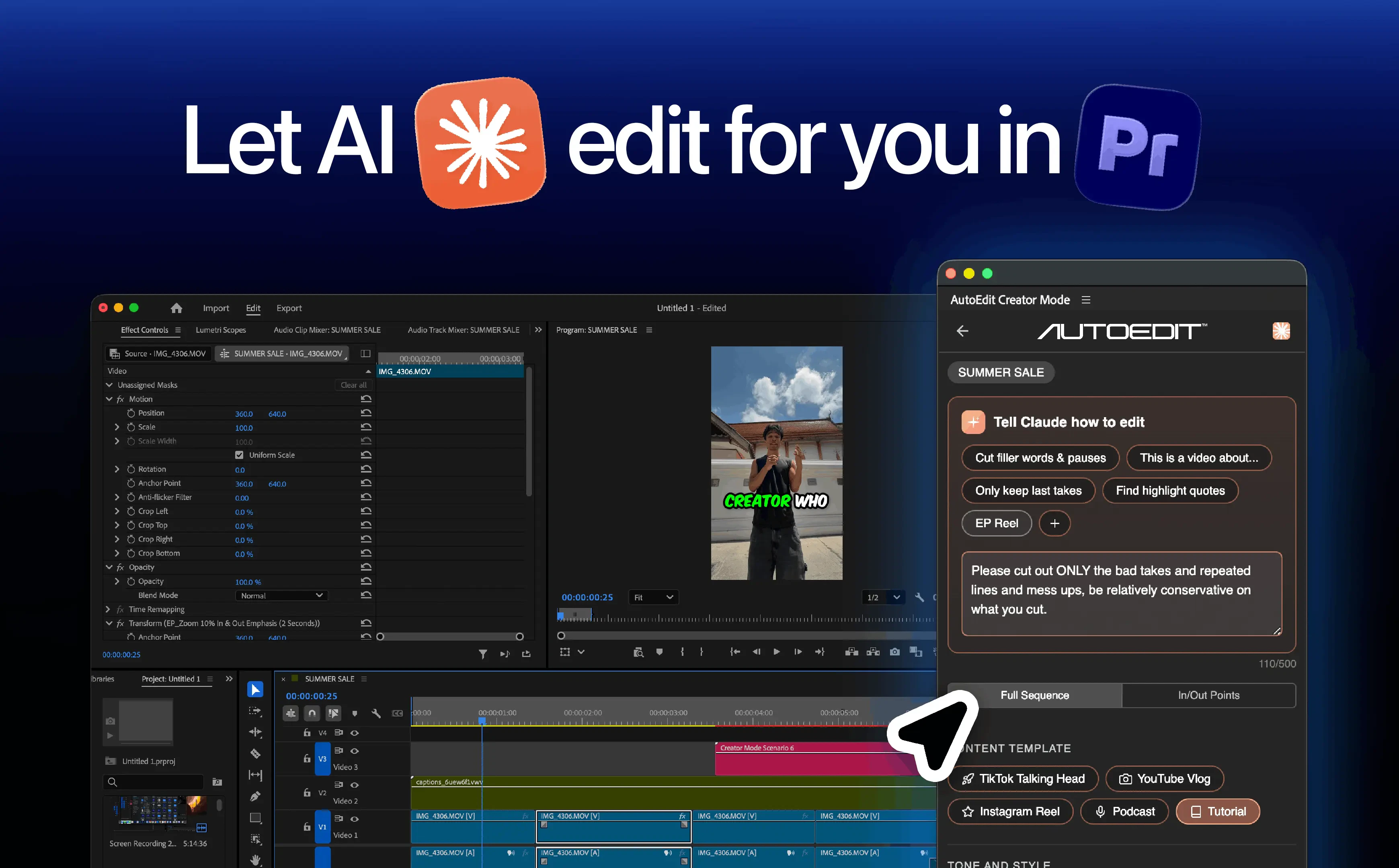
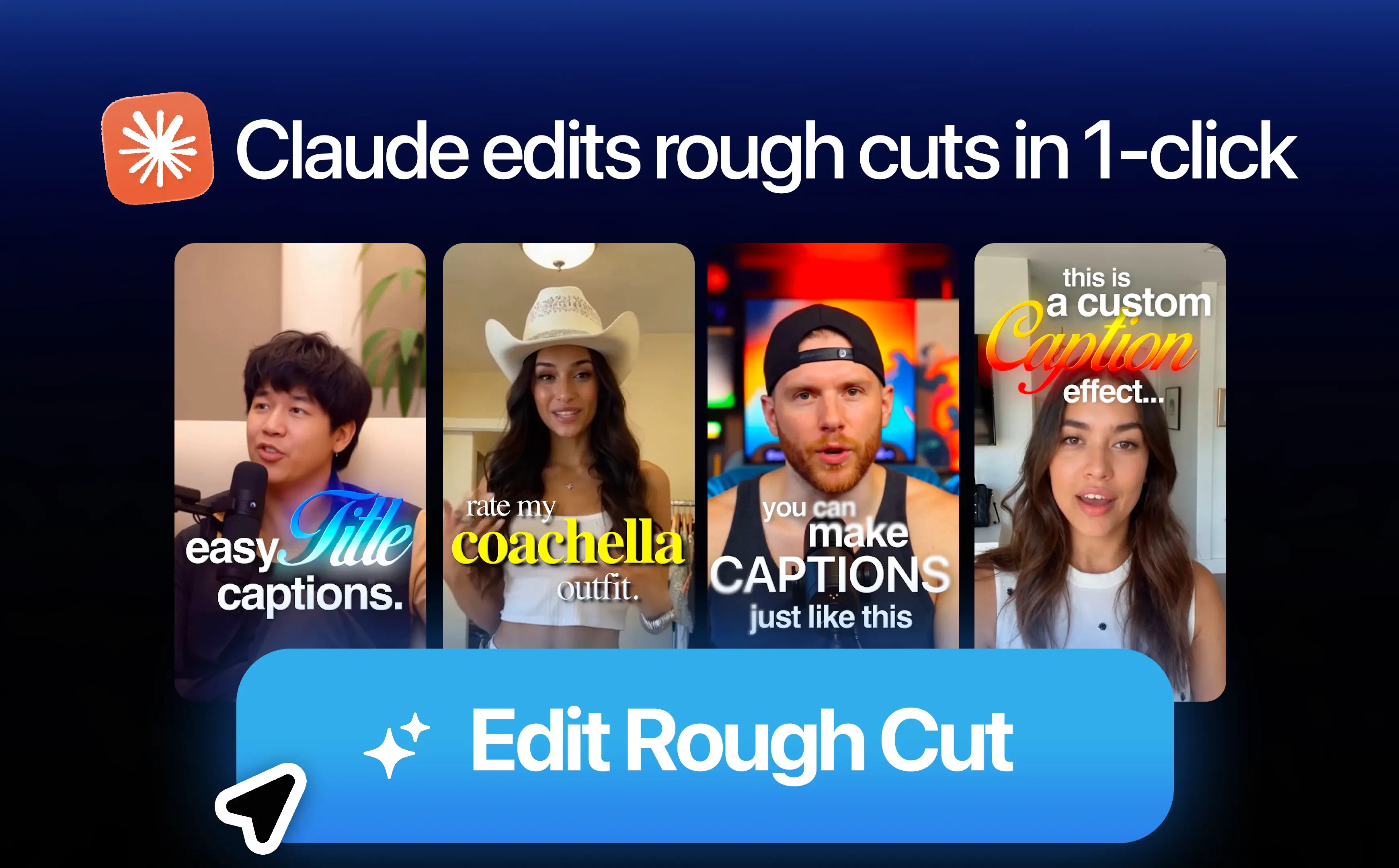
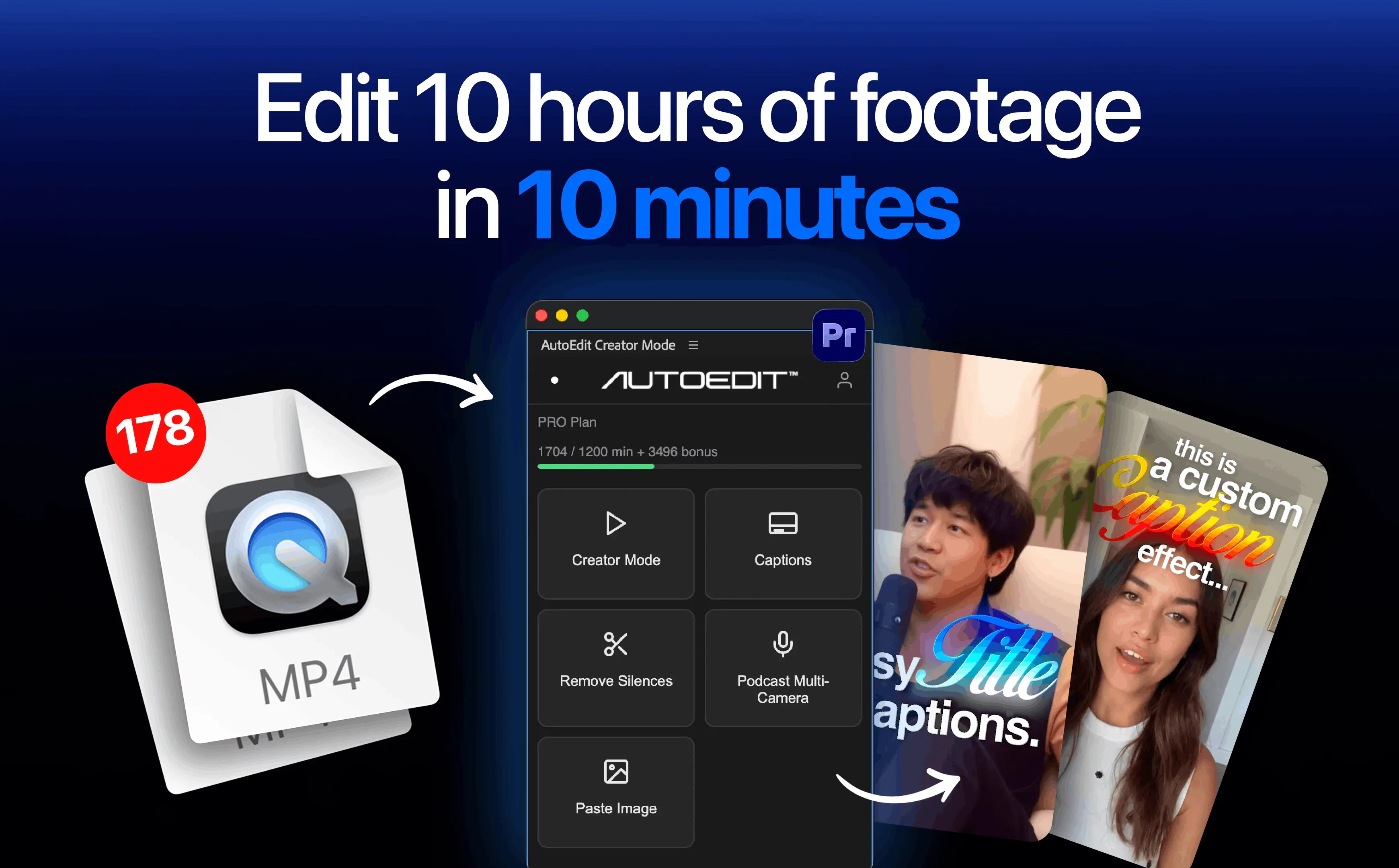
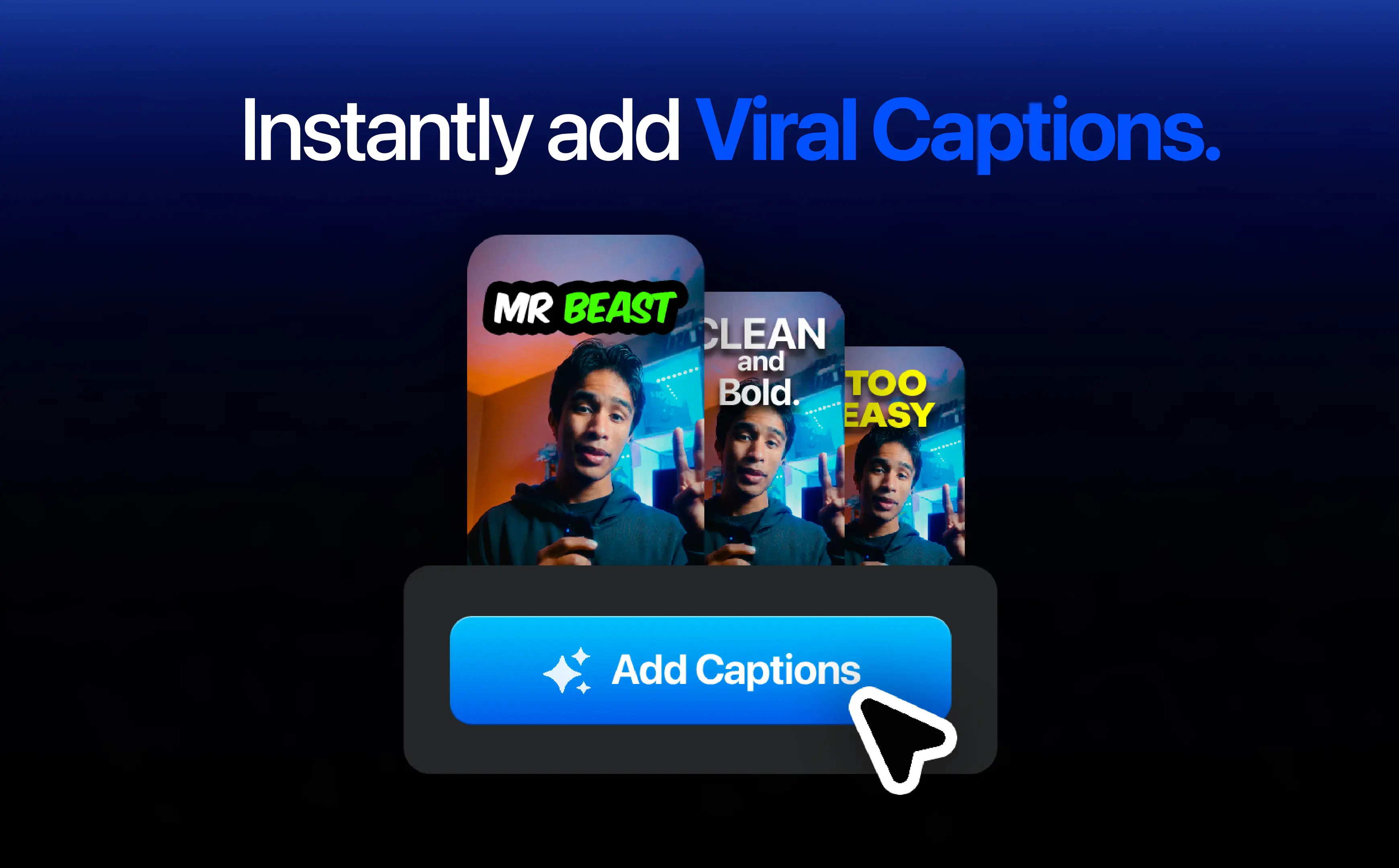
AutoEdit is an innovative AI-powered plugin designed specifically for Adobe Premiere Pro, streamlining the video editing process for content creators. By integrating directly into Premiere Pro, AutoEdit leverages Claude AI to analyze raw footage and produce a clean, rough cut in minutes. It intelligently detects and removes silences, filler words, bad takes, restarts, and repeated sections, significantly reducing editing time. Additionally, AutoEdit automatically generates captions and structures timelines, empowering editors to focus on the creative aspects while automating repetitive tasks. This tool is especially valuable for YouTubers, marketers, and video producers seeking to accelerate their workflow without sacrificing control over the final product.
Screenshots
Pros
- ✓Speeds up the editing process by transforming raw footage into a rough cut within minutes
- ✓Automatically removes unnecessary parts like silences and filler words for cleaner content
- ✓Integrates seamlessly inside Adobe Premiere Pro as a plugin, maintaining familiar workflow
- ✓Generates captions and structures timelines automatically, saving time on manual editing
- ✓Empowers editors to retain control over creative decisions while automating repetitive tasks
Cons
- ✗Dependent on Adobe Premiere Pro, limiting usability to users of that platform
- ✗AI accuracy may vary with complex or poorly shot footage
- ✗Pricing details are not explicitly stated, which could impact affordability for some users
Use Cases
Pricing
While specific pricing details are not provided, AutoEdit is likely offered as a paid plugin with a subscription or one-time purchase model, considering its integration with Premiere Pro and AI capabilities. A free trial or demo may be available to test its features.
Quick Info
Topics
Makers

Mateo Jimenez
Alternatives
Similar Tools in AI Image & Design




Embed Badge
Add this badge to your website to show that AutoEdit is featured on Visalytica.
<a href="https://www.visalytica.com/tool/autoedit" target="_blank" rel="noopener noreferrer" style="display:inline-flex;align-items:center;gap:6px;padding:6px 14px;background:#7c3aed;color:#fff;border-radius:8px;font-family:-apple-system,system-ui,sans-serif;font-size:13px;font-weight:600;text-decoration:none;transition:background .2s" onmouseover="this.style.background='#6d28d9'" onmouseout="this.style.background='#7c3aed'"><svg width="14" height="14" viewBox="0 0 24 24" fill="none" stroke="currentColor" stroke-width="2.5" stroke-linecap="round" stroke-linejoin="round"><path d="M12 20V10"/><path d="M18 20V4"/><path d="M6 20v-4"/></svg>Featured on Visalytica</a>